Tool · Animate photos · AI photo animation · Independent
Animate Photos with AI
Animate photos with the small motions that make a still feel alive: drifting clouds, hair in the wind, a slow blink, rising steam, a gentle push-in. Upload a JPG, PNG or WebP, pick a motion preset or write your own, and the Studio tier (Kling 3.0) makes the picture move in a 5-second clip that keeps your photo’s look.
- 18 motion presets
- 65 credits per clip
Negative prompt
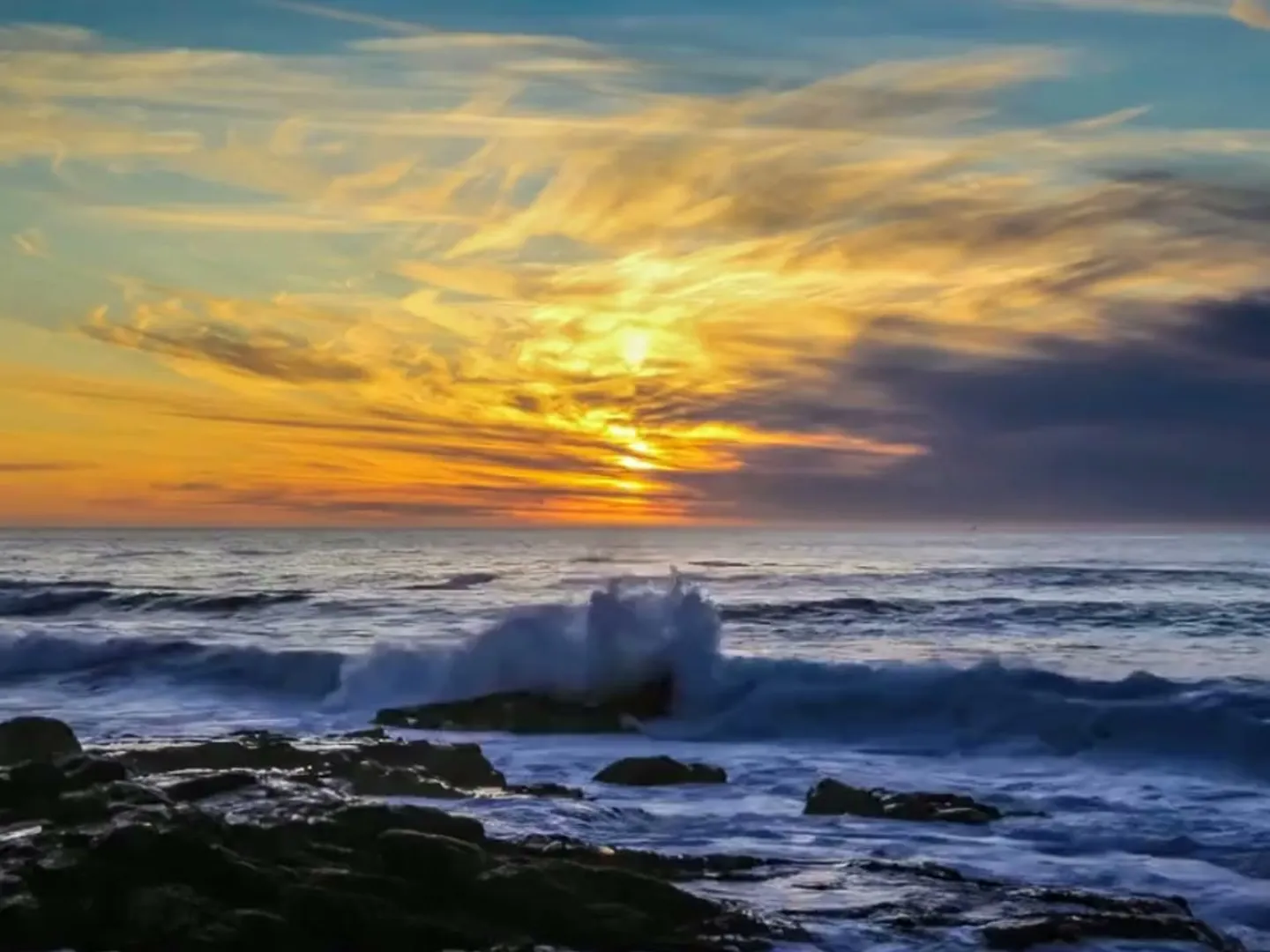
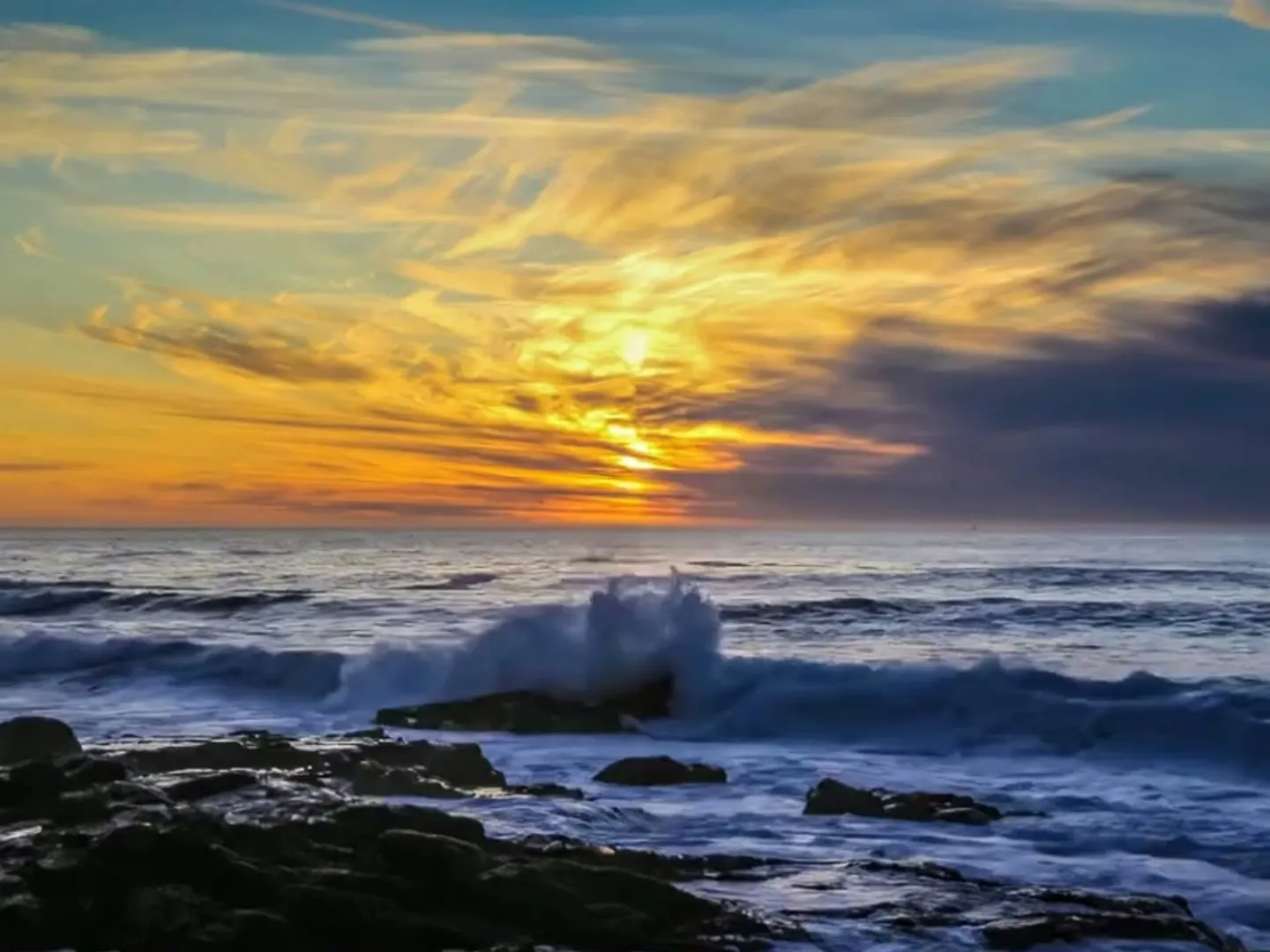
Motion presets to animate photos
Pick up to two motions
Prompt preview
Clouds drift slowly across the sky, everything else in the frame stays still, static camera, very subtle, natural motion, keep the original colors, light and framing
Negative prompt
morphing, warping, new objects, fast motion, camera shake, flicker, color shift
Output is an MP4, not a GIF, and loops aren’t guaranteed to be seamless; repeat the clip in your editor.
Animate pictures: before and after
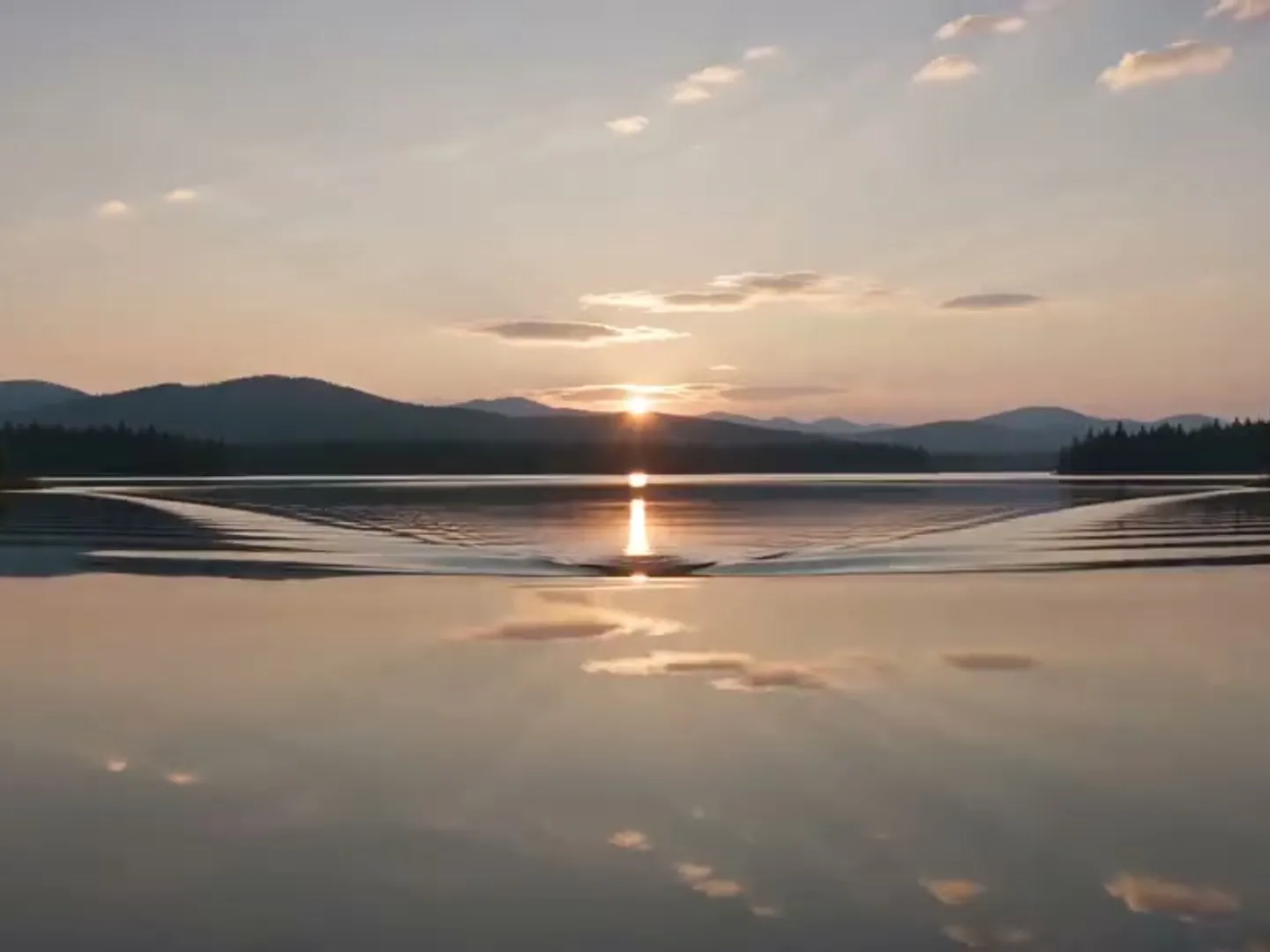
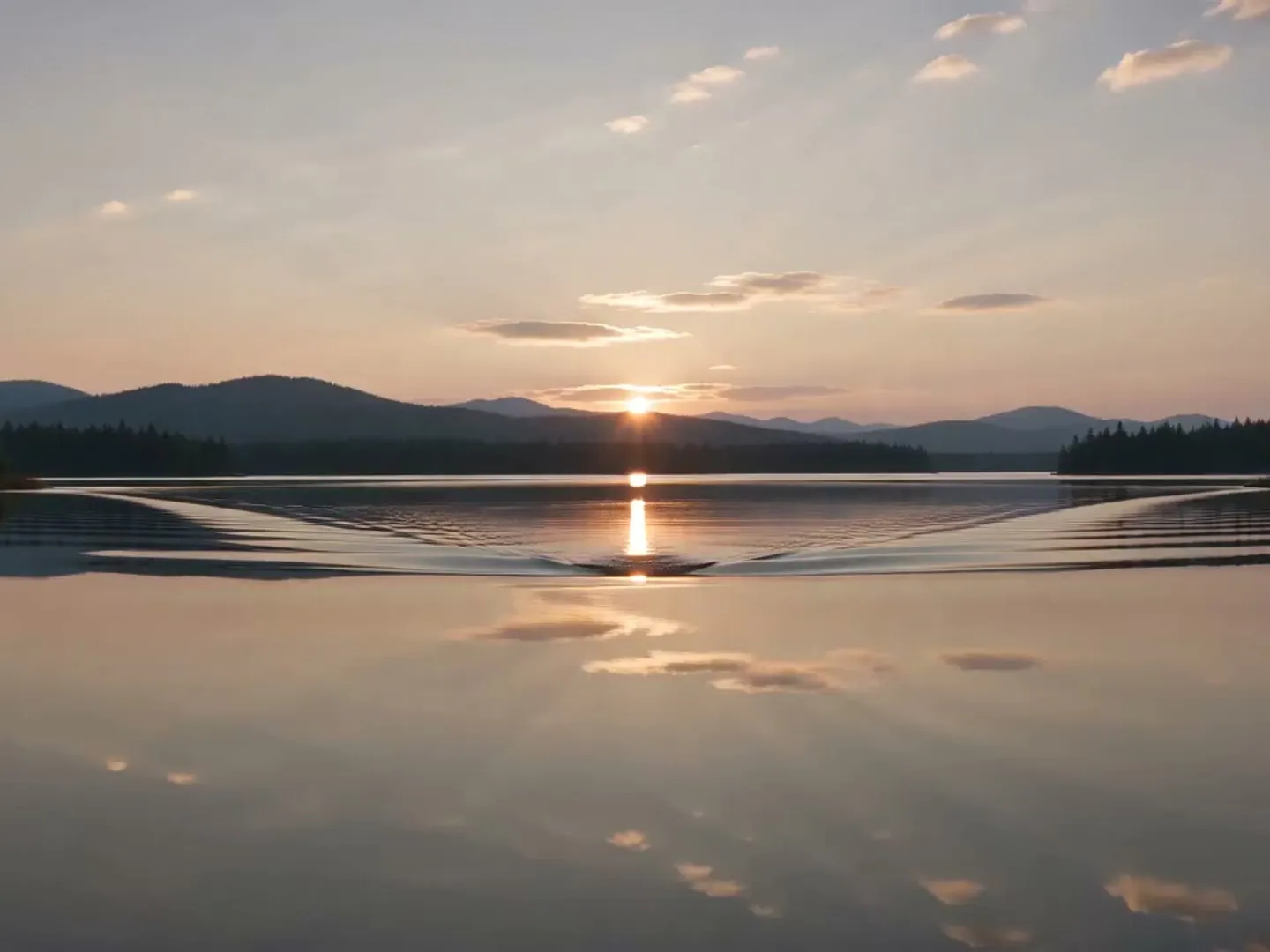
Mountain lake · mist and ripples
“Mist drifts over the lake and soft ripples spread, the peaks stay still, static camera”
Recipe · Kling 3.0
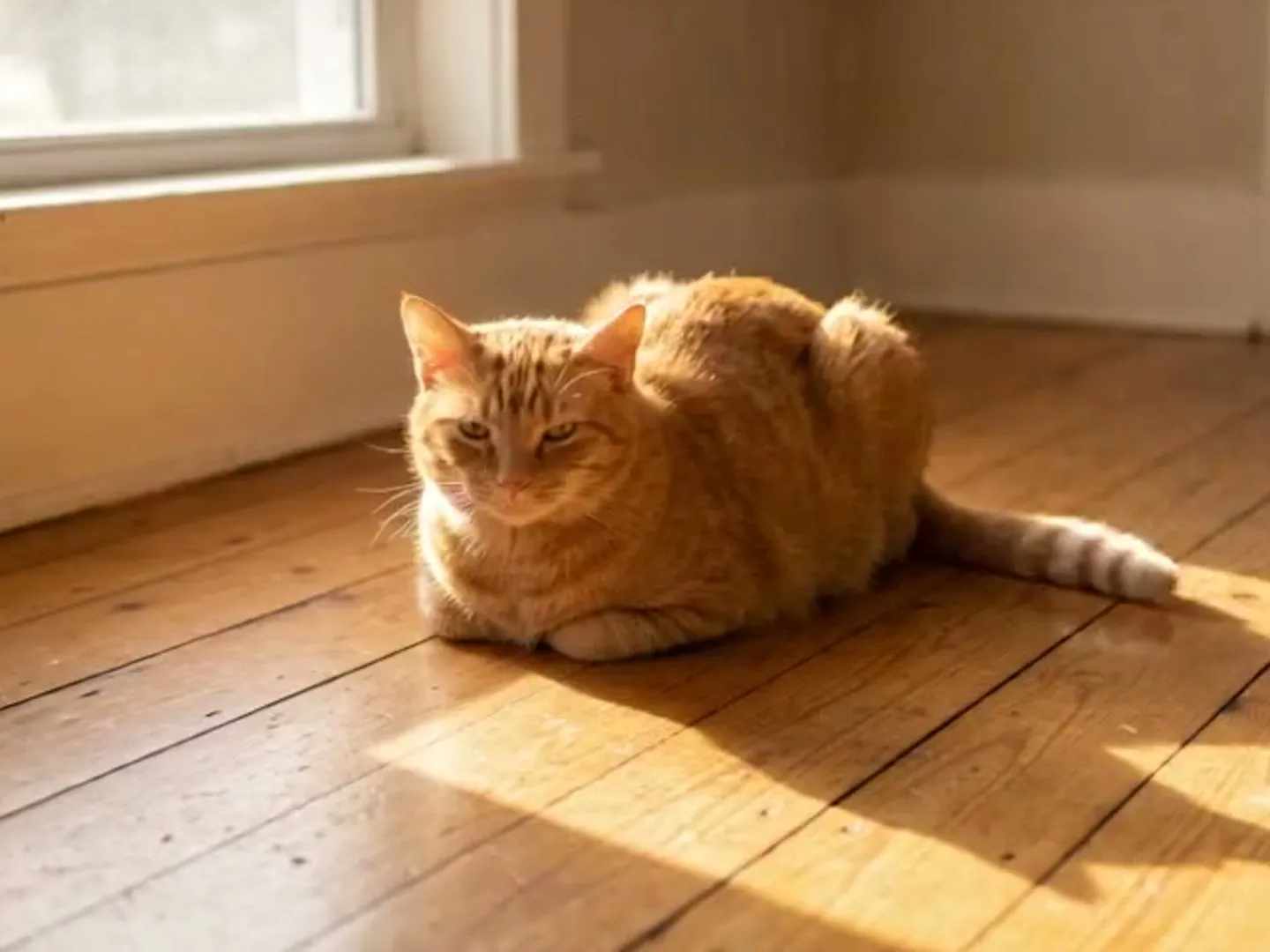
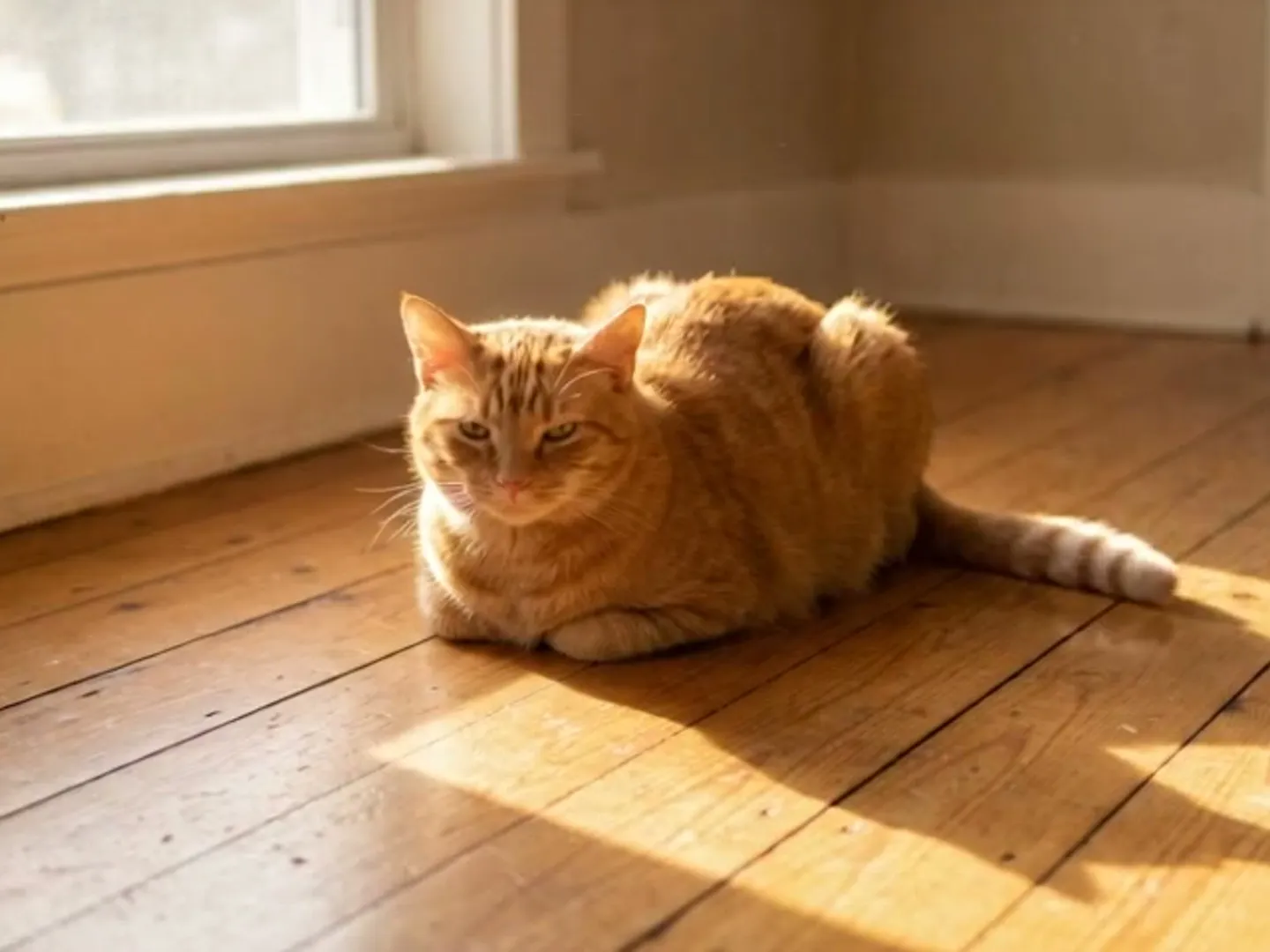
Window cat · slow blink
“The cat blinks slowly once and its ears twitch, everything else stays still”
Recipe · Kling 3.0


Café table · rising steam
“Thin steam curls up from the coffee and fades, very slow push-in”
Recipe · Kling 3.0
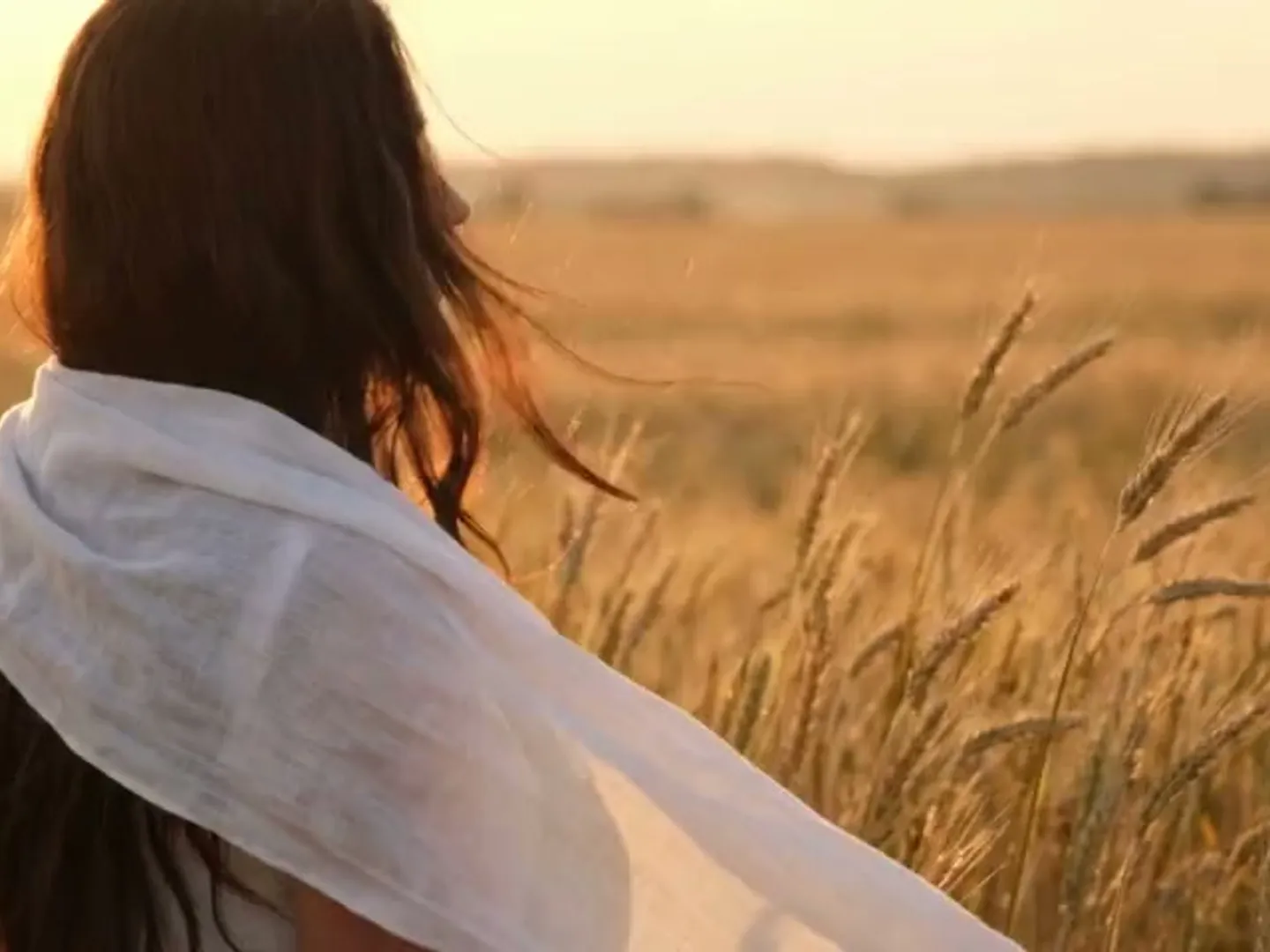
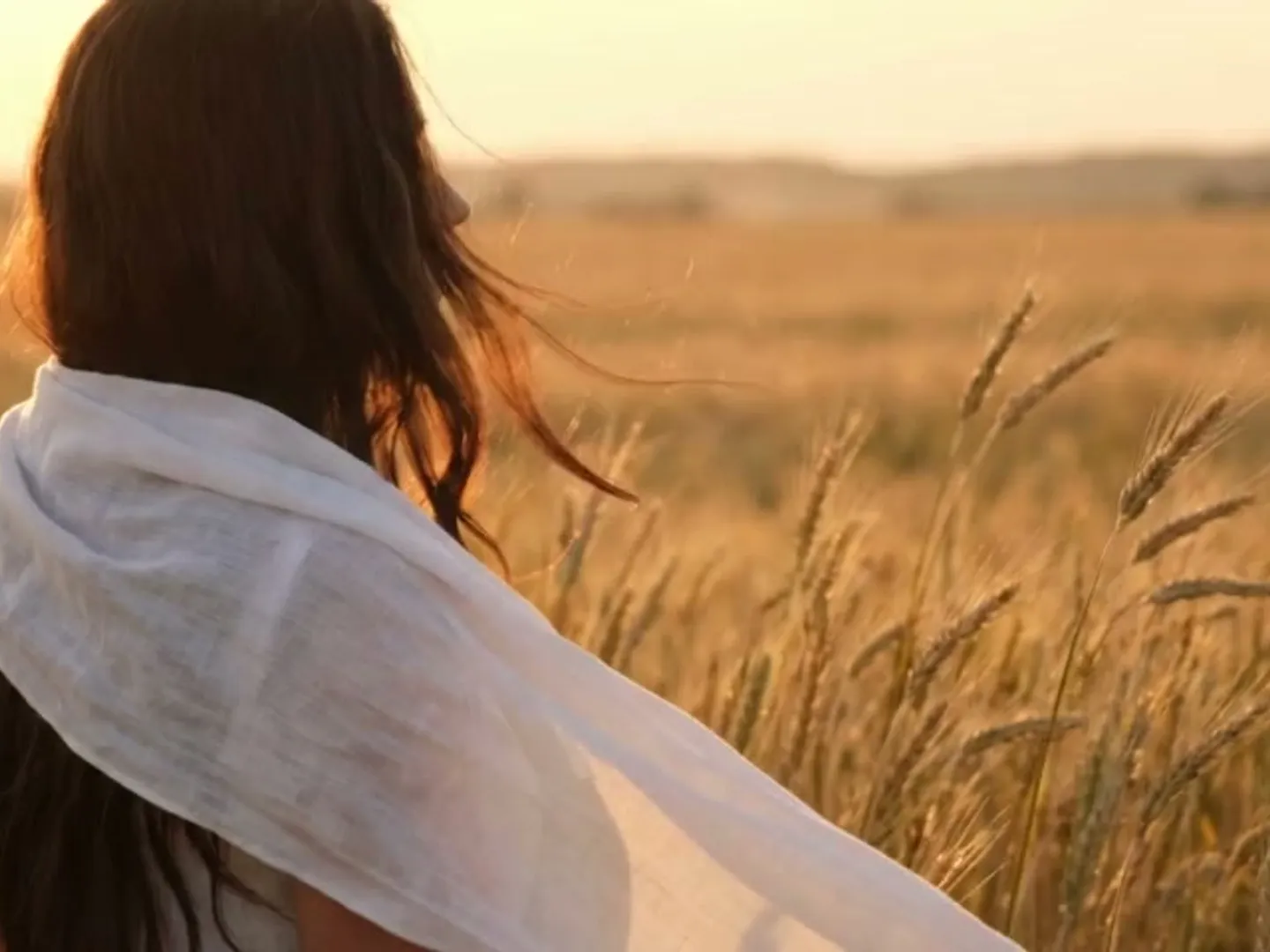
Sea cliff · hair in the wind
“Her hair and dress move softly in the sea breeze, she stays in place, static camera”
Recipe · Kling 3.0
How to animate photos in three steps
- 01Step 1/3
A koi fish swims through an ink painting that comes alive
+ Push in+ Orbit+ TrackingUpload the image
Animate image files up to 10 MB: JPG, PNG or WebP. Sharp photos with one clear subject move most cleanly.
- 02Step 2/3Studio8s1080p16:9Sound on192 cr
Choose the motion
Pick a preset or describe one or two small movements. To animate photos well, keep the camera still or slow.
- 03Step 3/3Ready · 00:08Download MP4
Render and share
A minute or two later you get a 5-second MP4. If something warps, try Subtle strength or a shorter clip.
What animates well, and what doesn’t
Animates well
- Skies and water. Clouds, waves, rivers and mist are motion the model knows well.
- Wind-blown details. Hair, grass and loose fabric give a breeze something to catch.
- Steam and flames. Coffee, hot food and candles add life without changing the subject.
- One clear subject. When you animate photos of a pet, product or face, a sharp subject keeps its shape.
Struggles
- Big actions. Running or dancing means inventing a body the photo never showed.
- Text and logos. Signs, labels and screens blur or warp once things move.
- Crowds and hands. Many small faces or fingers drift more than one big subject.
- Blurry or tiny files. The model can’t restore lost detail; start from your sharpest shot.
Need a different kind of motion?
Make a picture move for posts, products and pets
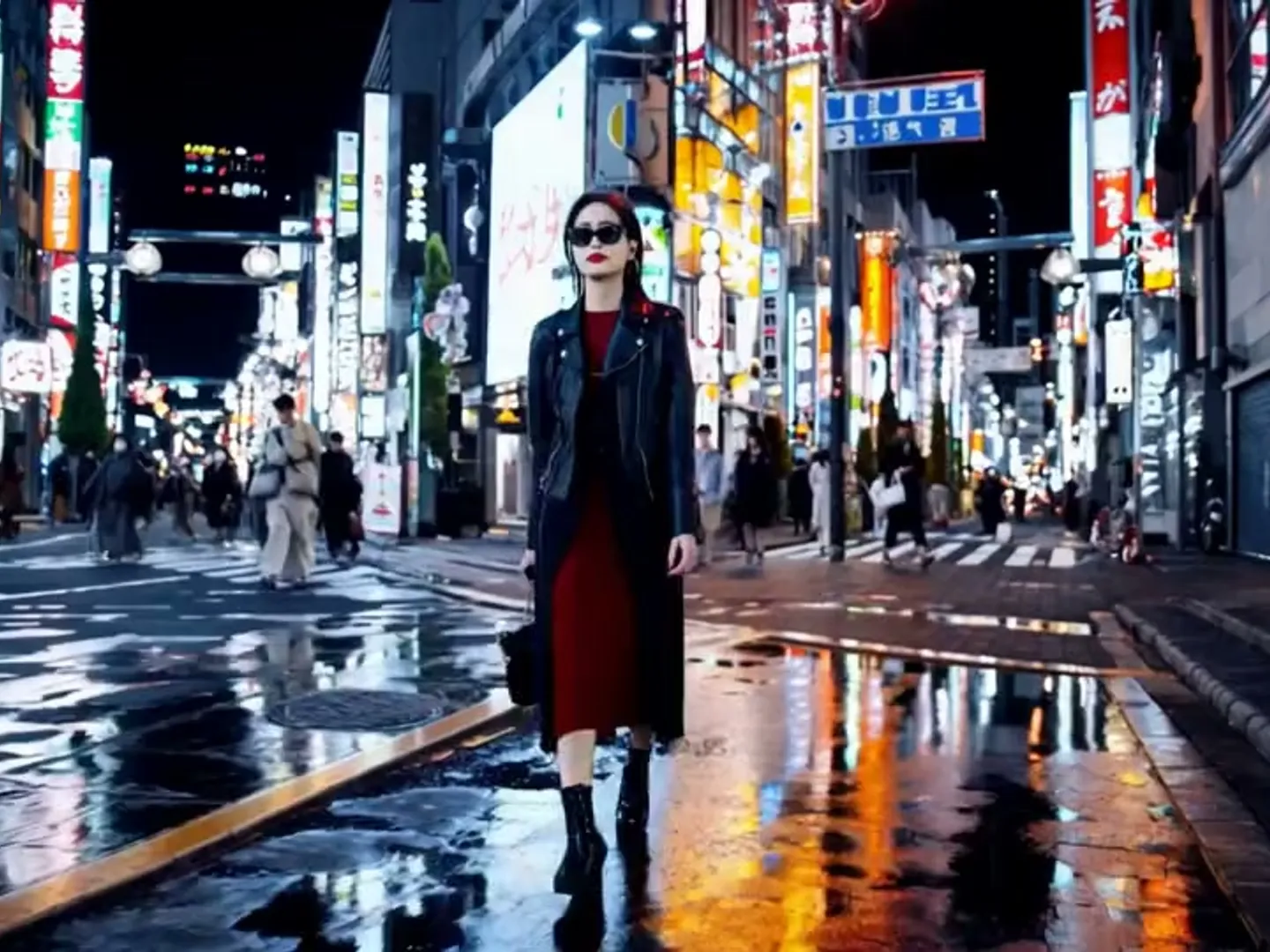
Social posts
A still that moves stops the scroll: drifting clouds or twinkling lights turn a shot into a clip.
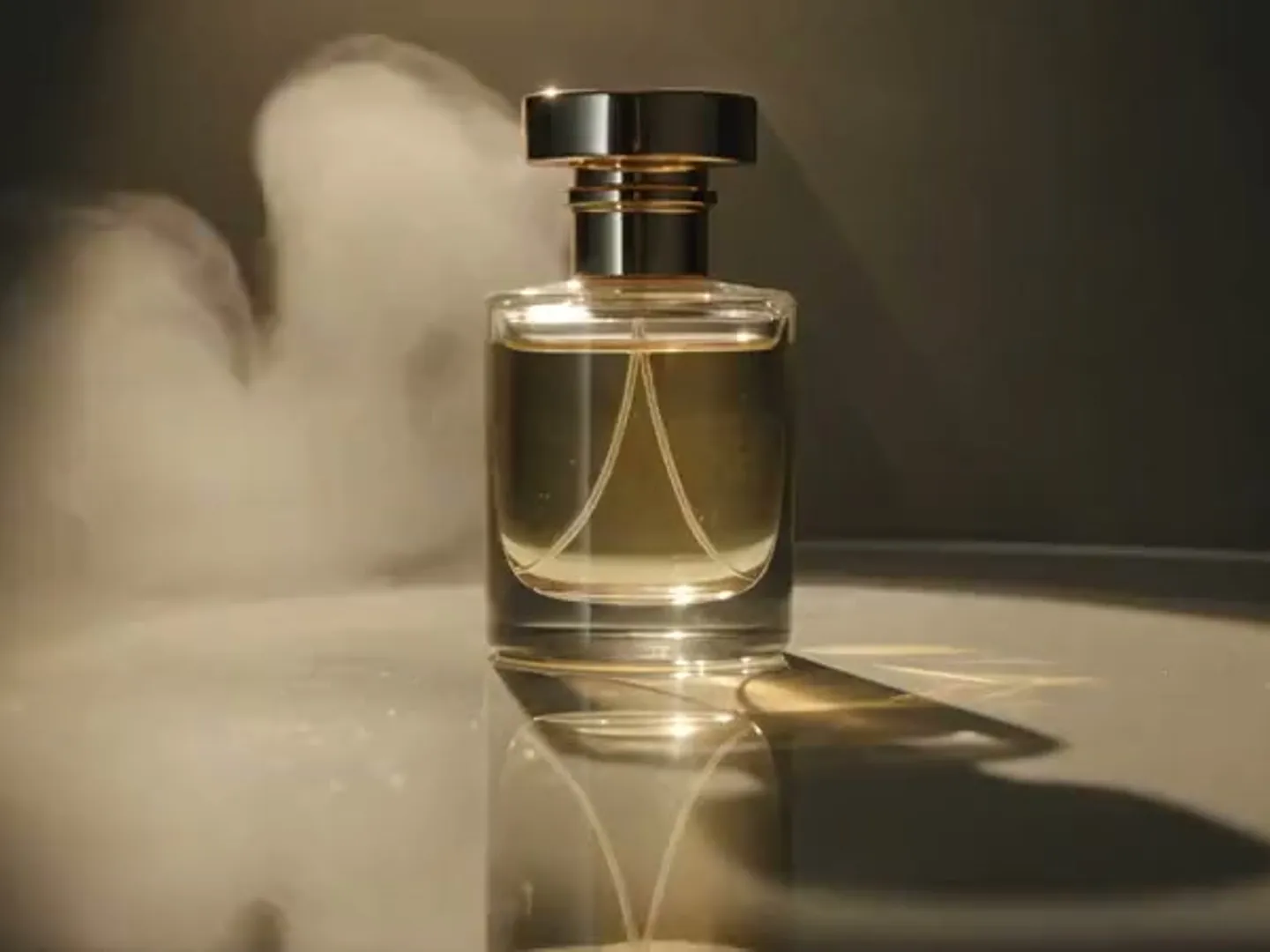
Product shots
Ripples, a sweep of light or a slow orbit add polish; the product keeps its shape.
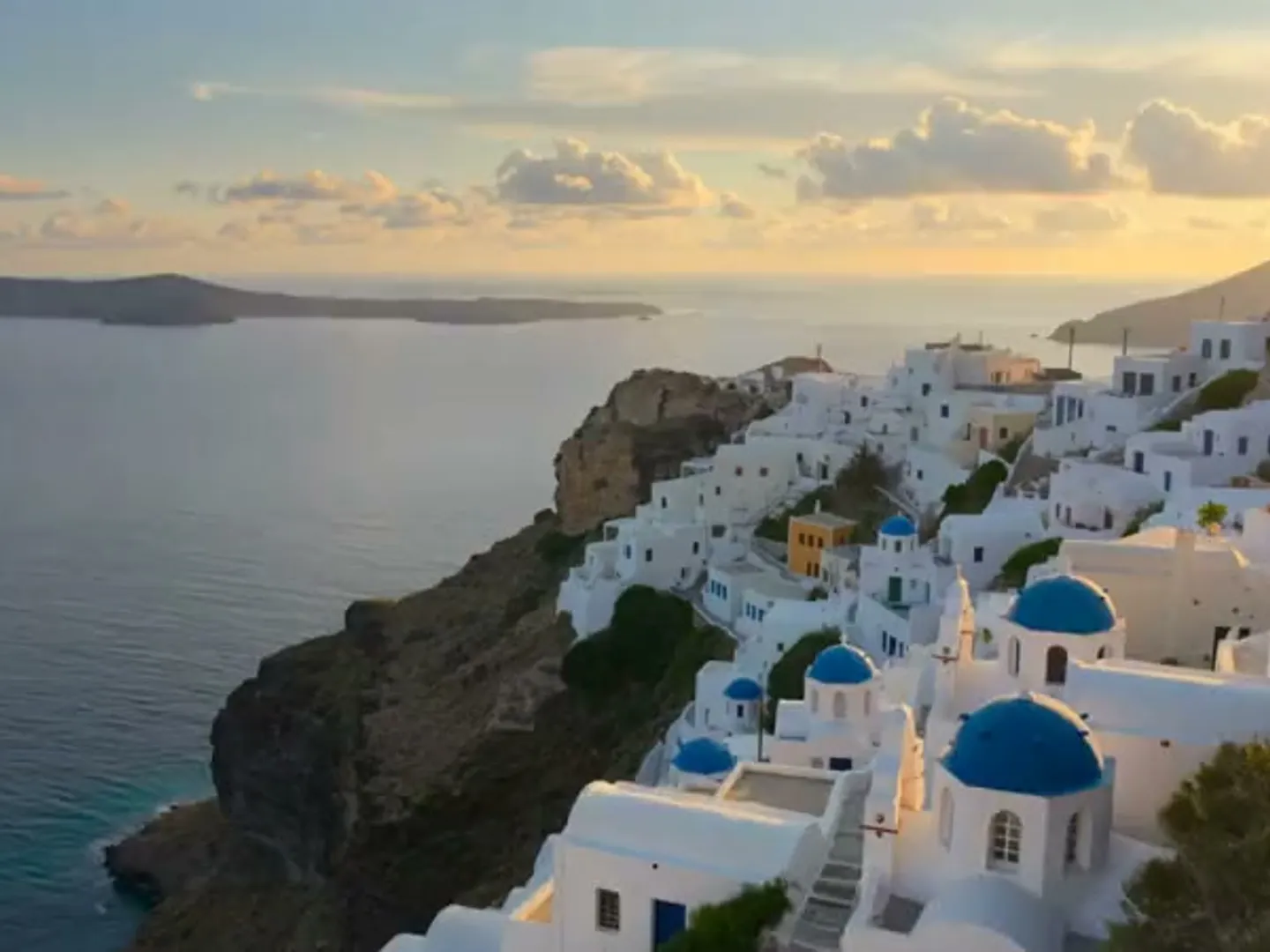
Travel photos
Waves in the harbor and clouds over the hills bring a trip back to life.
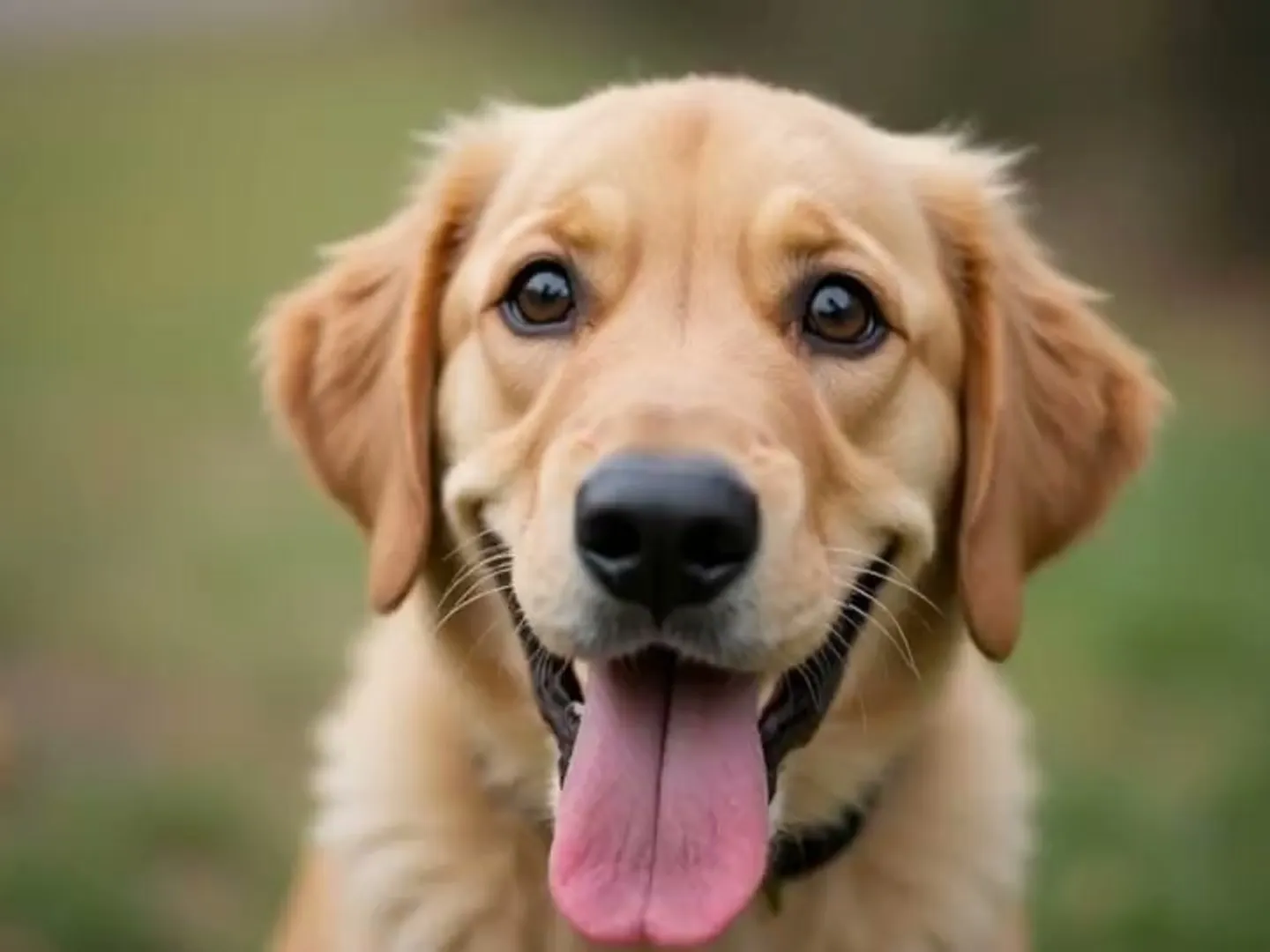
Pet photos
A slow blink, twitching ears or fur in the breeze reads as personality.
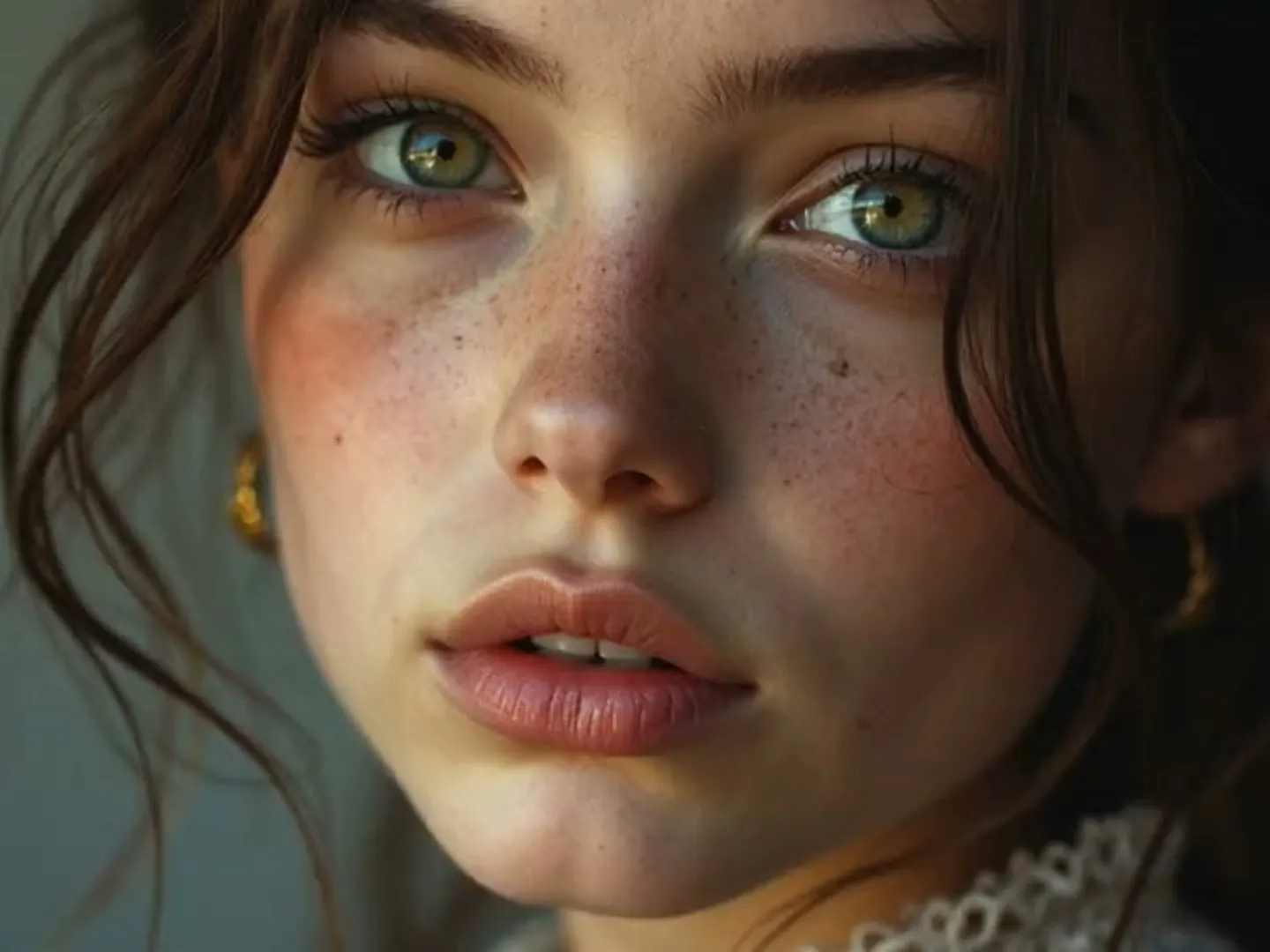
Portraits
When you animate photos of people, keep to a blink, a soft smile or a glance up, with their consent.
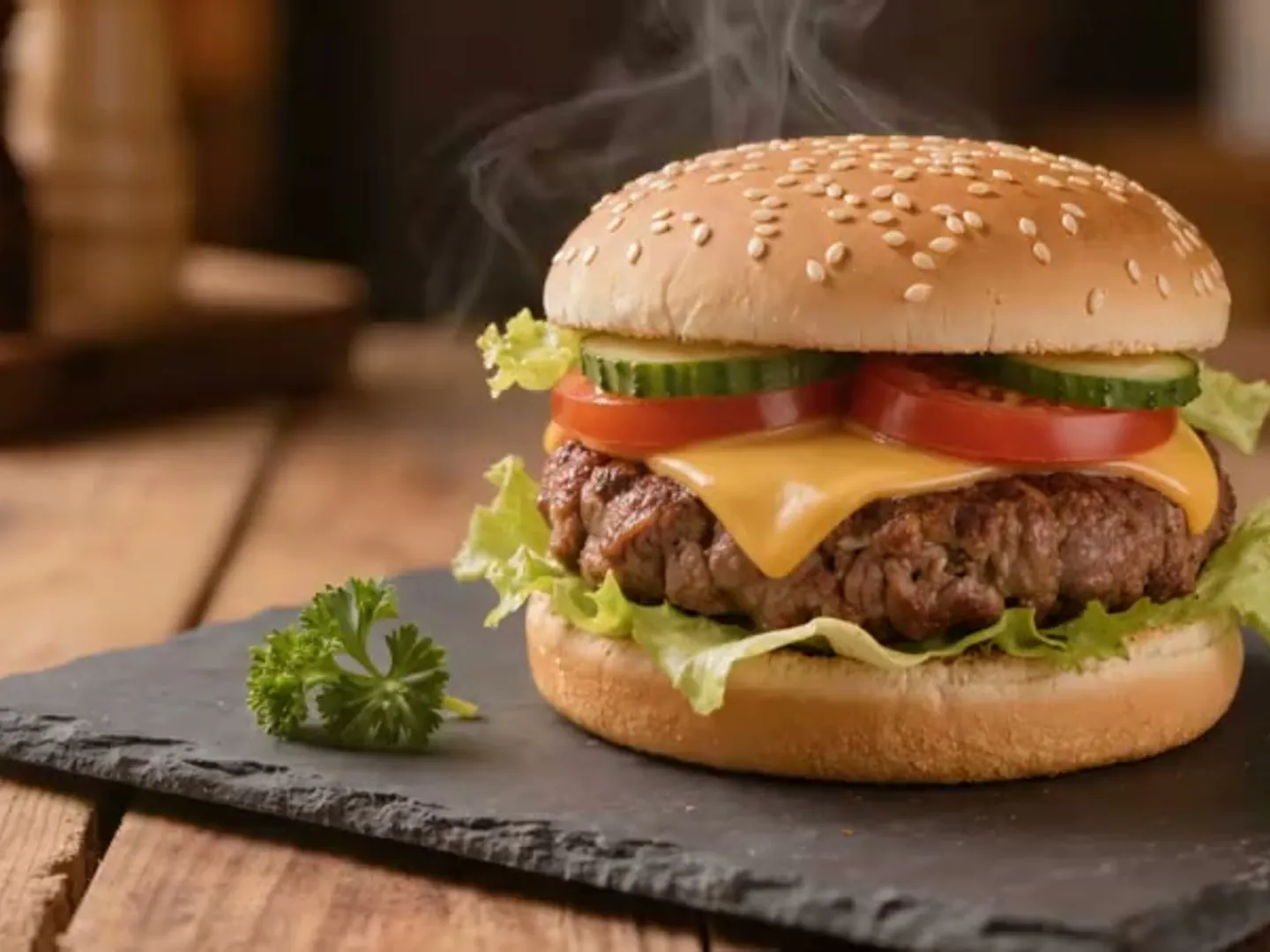
Food and drink
Steam over ramen or a flickering candle makes a menu photo look freshly served.
AI image animator tiers and credits
Faces, fur and fine texture. Our default.
65 cr · 5s 720p ≈ $0.93
Cheap first takes to test a preset.
40 cr · 5s 1080p ≈ $0.57
Landscapes and skies, or a second take.
55 cr · 5s 720p ≈ $0.78
No free tier: the $2.99 starter pack holds 130 credits; dollar figures use the Pro plan rate. Failed renders are refunded automatically. See all plans and packs.
Animate photos FAQ
Still curious? Email support@picturetovideo.org — a human replies within a day.
01What kind of motion works when you animate photos?
02Can I animate photos of people?
03Will the animated picture still look like my photo?
04Can I export a GIF or a seamless loop?
05How much does it cost to animate photos?
06How long can an animated photo be?
07Is this the same as turning a picture into a video?
08Do I need an app to animate photos?
Related tools & models
Pick a photo and let it breathe
Animate photos in three steps: upload a picture, choose one or two small motions and render a short clip.