AI trend video · 8 templates · New trends within days
AI Effects: viral AI trend video templates
AI effects are ready-made AI trend video templates for the formats people are recreating right now: pick a trend, add your photos, and the template handles the scene, the camera and the motion. This page lists every AI video effect on PictureToVideo — the hotel lobby rap, the rain dance, the gas station dance and more — with what each one needs. When a new AI video trend takes off and passes our rules, it usually gets its own template page within 2–3 days.
- 8 effects · all live
- 10 dance templates
- Consent and rights checks built in
Every AI trend video template, one grid
 TrendingLiveIllustrationTwo people
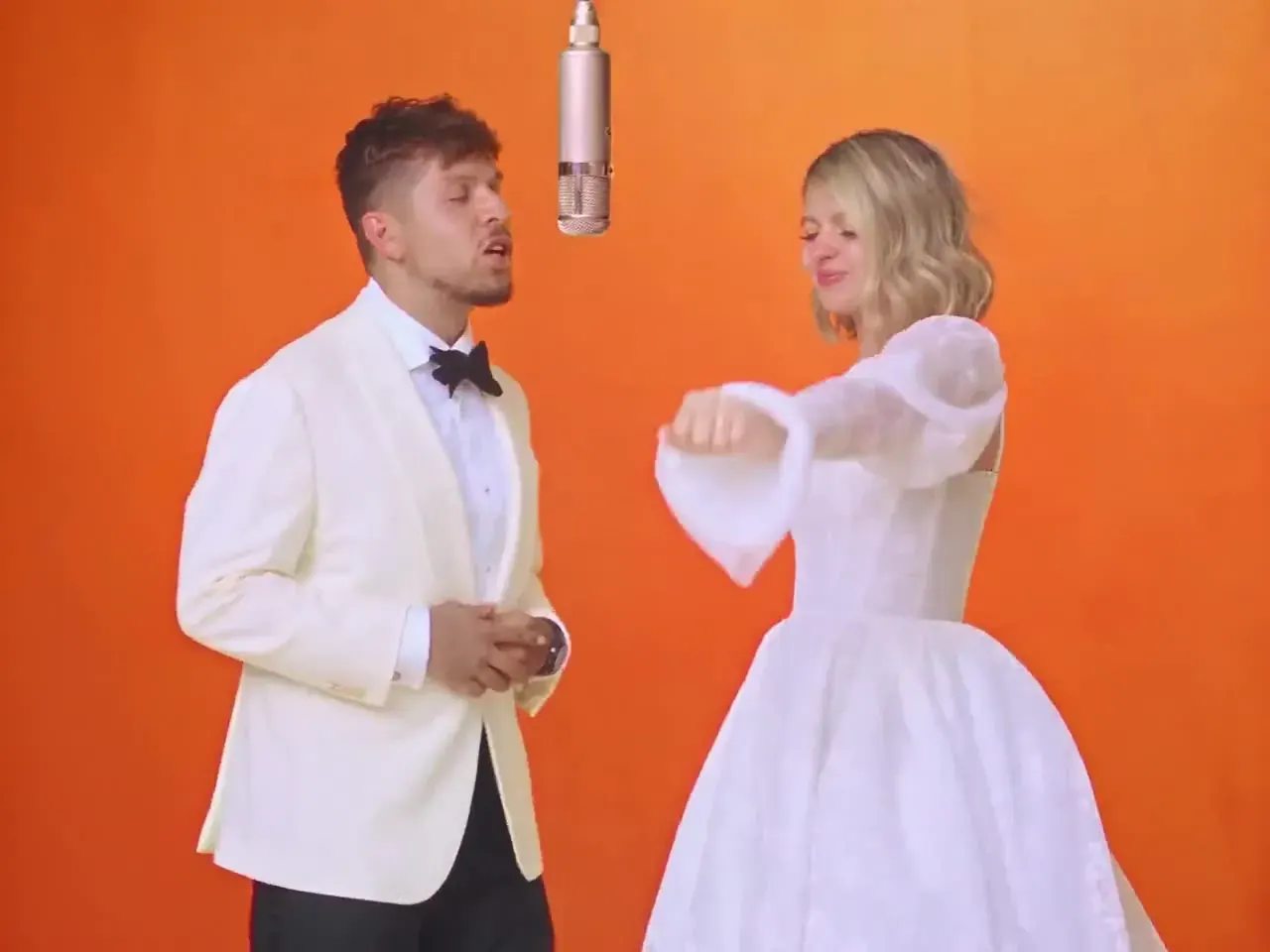
Hotel Lobby AI Video
You and a friend rapping on orange booth seating in a retro hotel lobby — the AI rap duo trend, with a model-made beat instead of the original song.
You bring · 2 photosOpen- LiveIllustrationDance
AI Dance Video
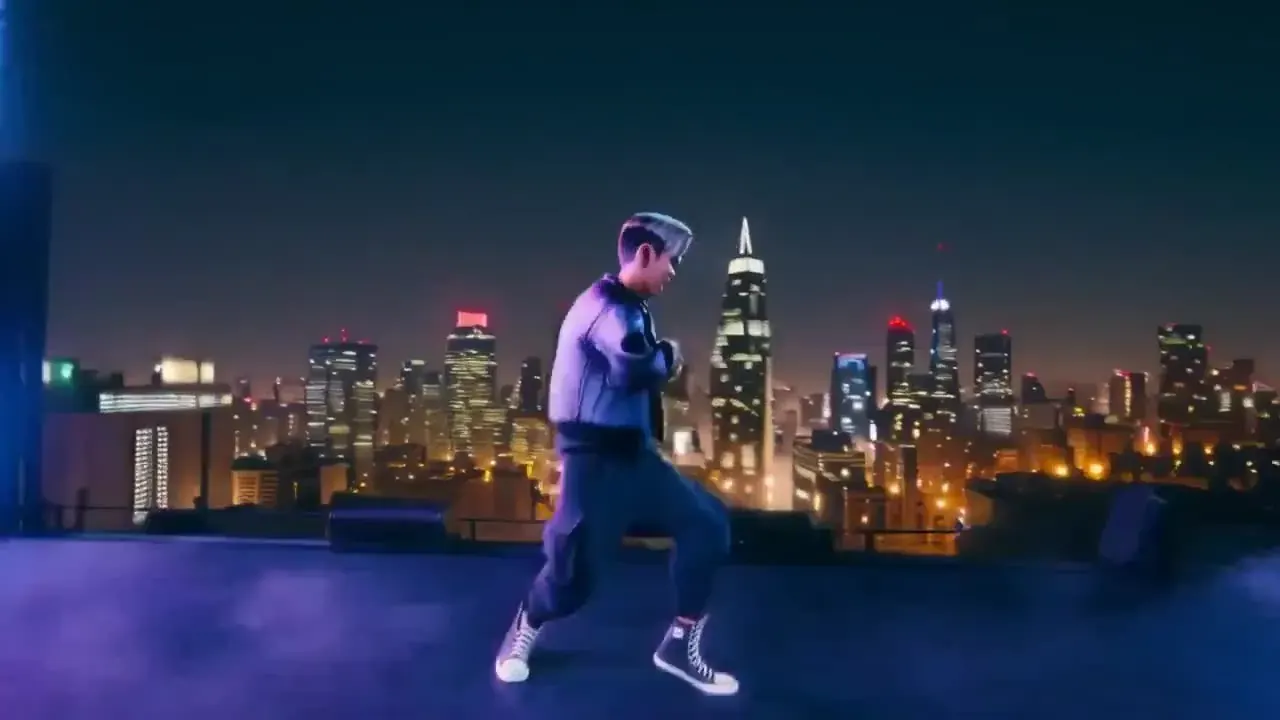
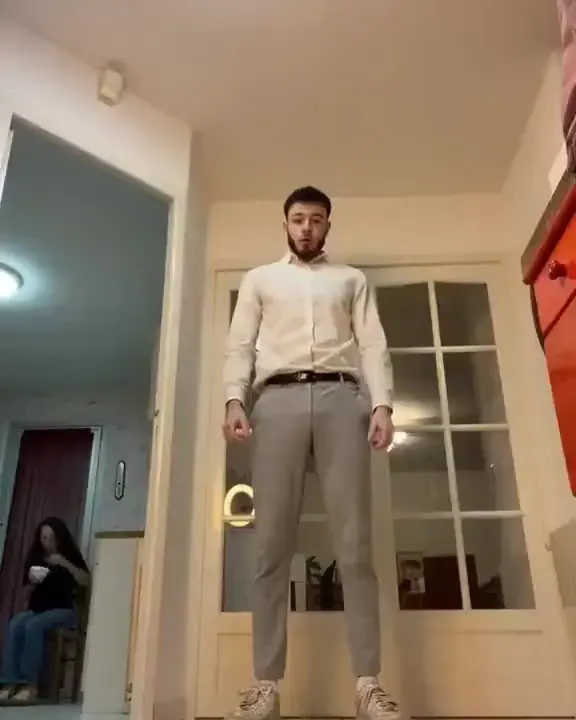
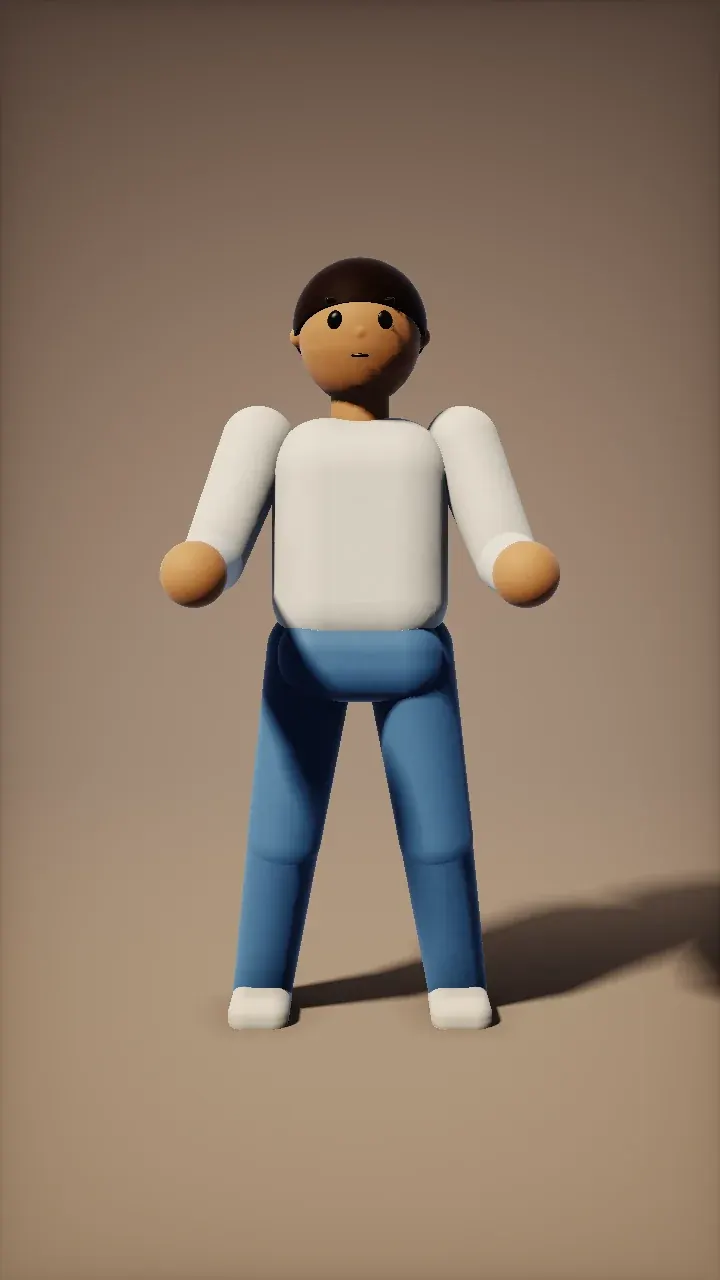
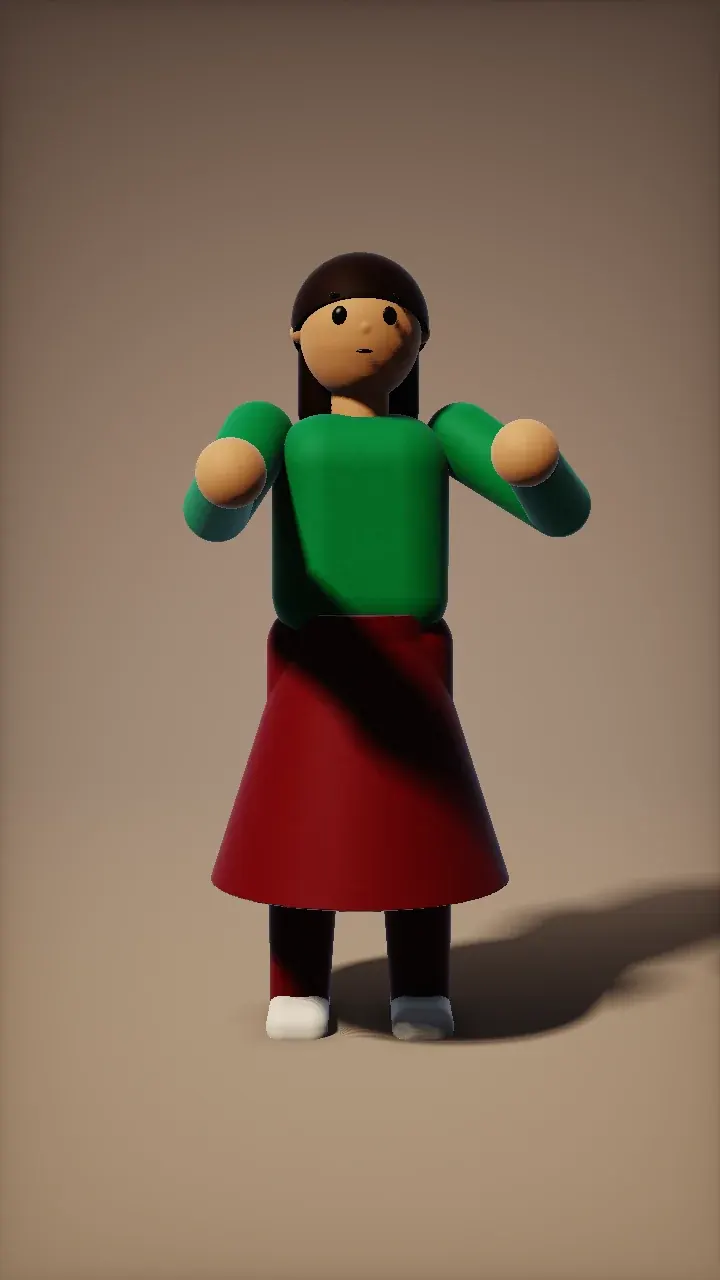
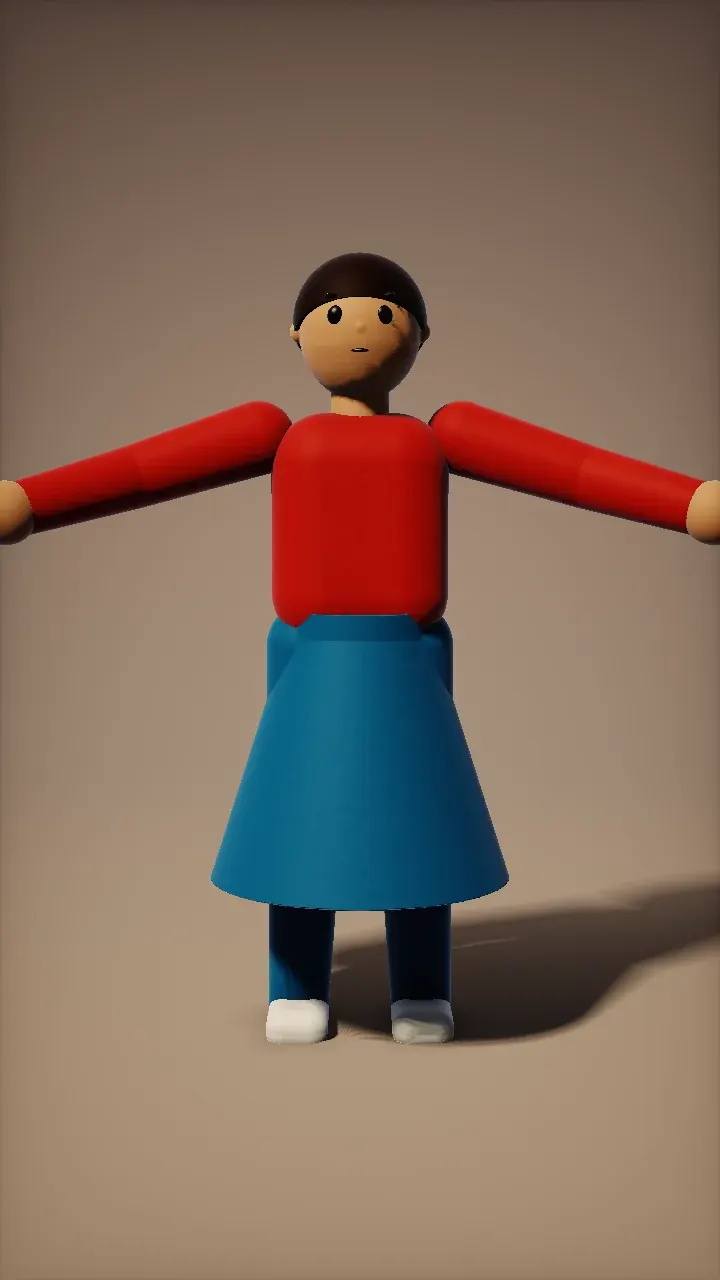
Make any photo dance with 10 original, family-friendly routines on Kling Motion Control.
You bring · 1 full-body photoOpen 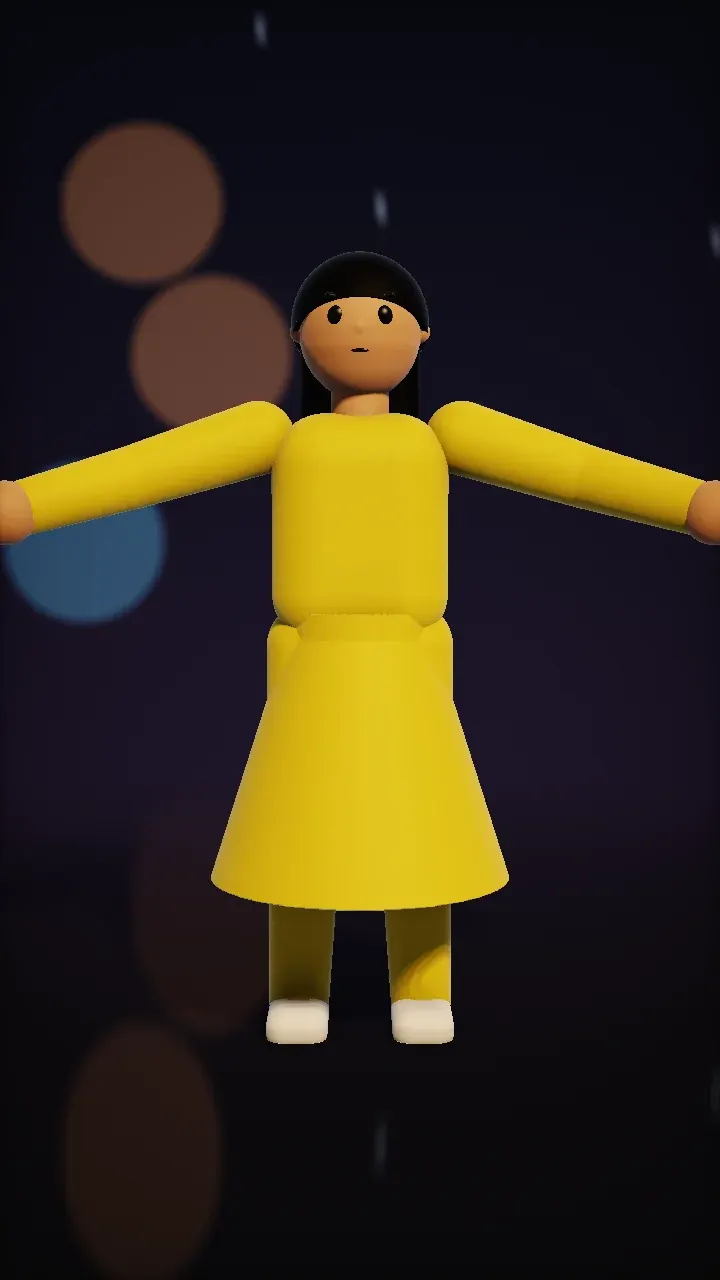 NewLiveIllustrationDance
Rain dance template
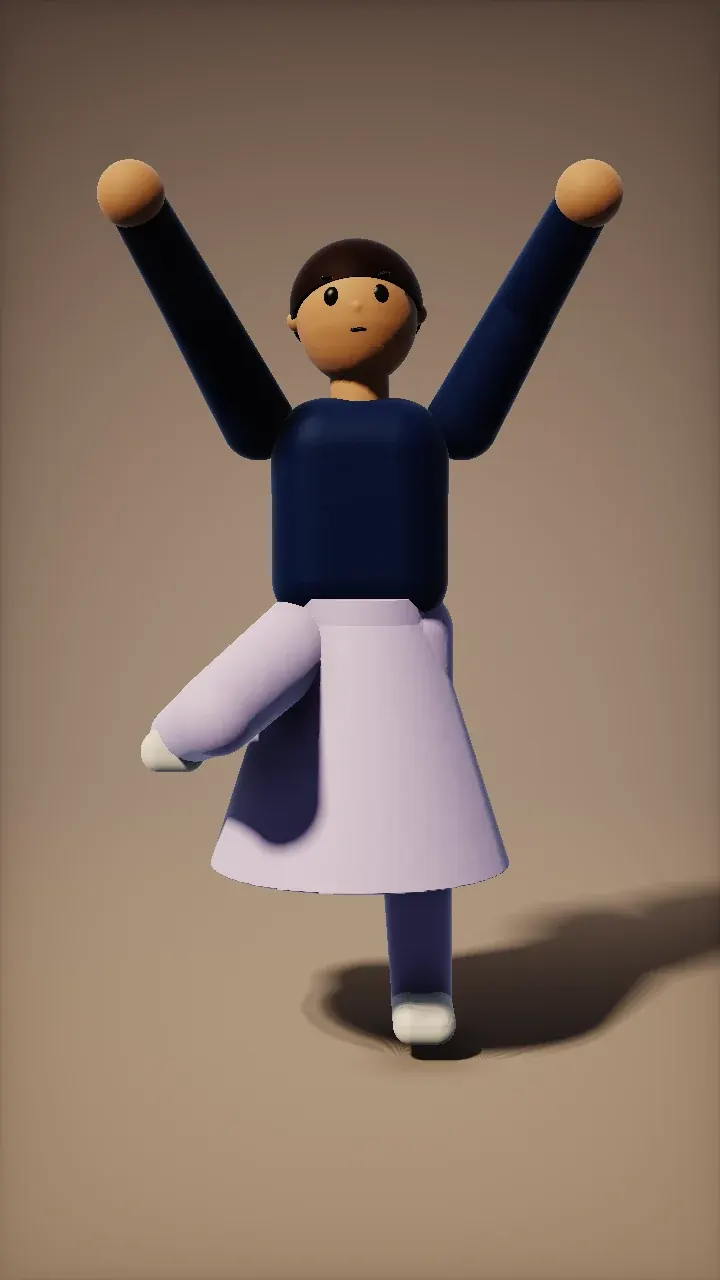
The raindance AI trend as an original routine: open arms and slow twirls in the rain at night. One full-body photo, no song attached.
You bring · 1 full-body photoOpen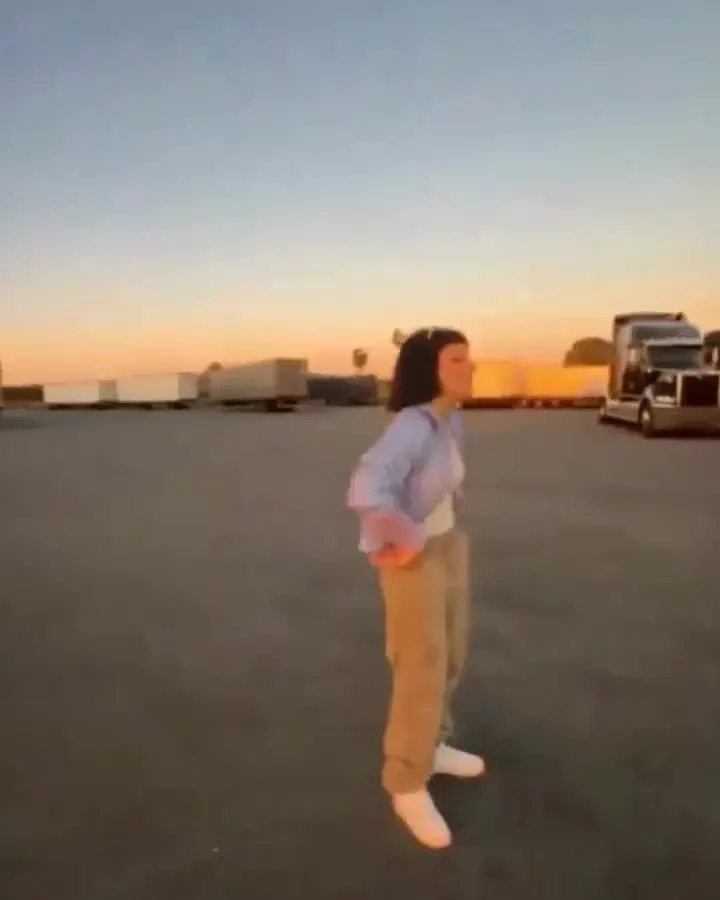 LiveIllustrationDance
Gas station dance template
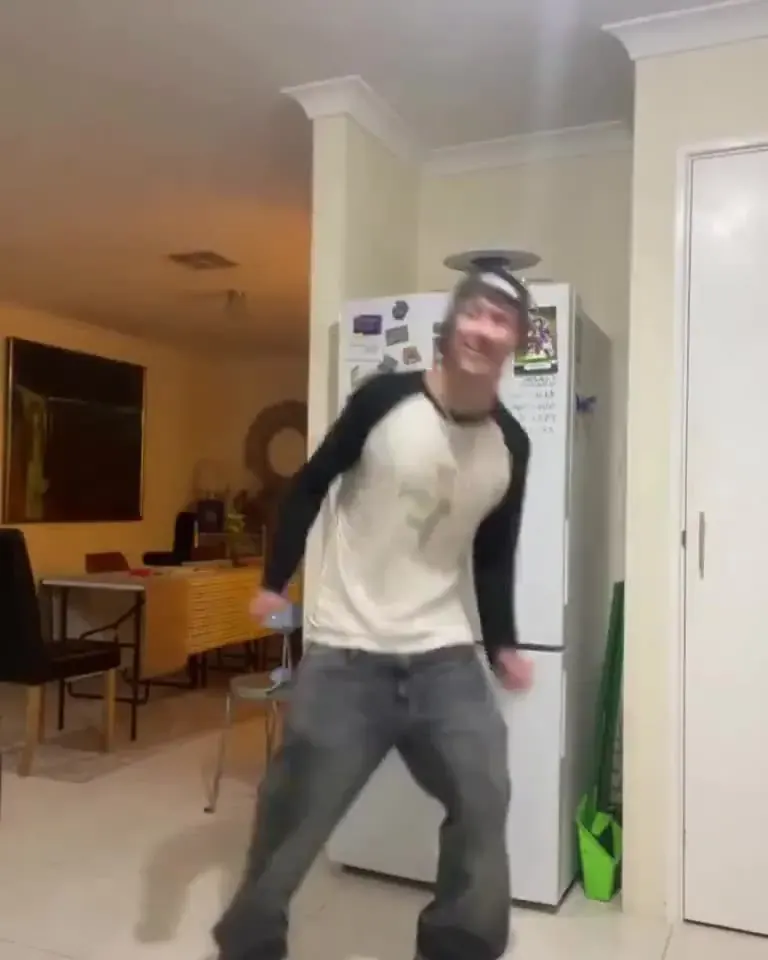
Made for the gas station dance trend: side steps, a hip pop and big arm loops. An original routine — no copied choreography, no music.
You bring · 1 full-body photoOpen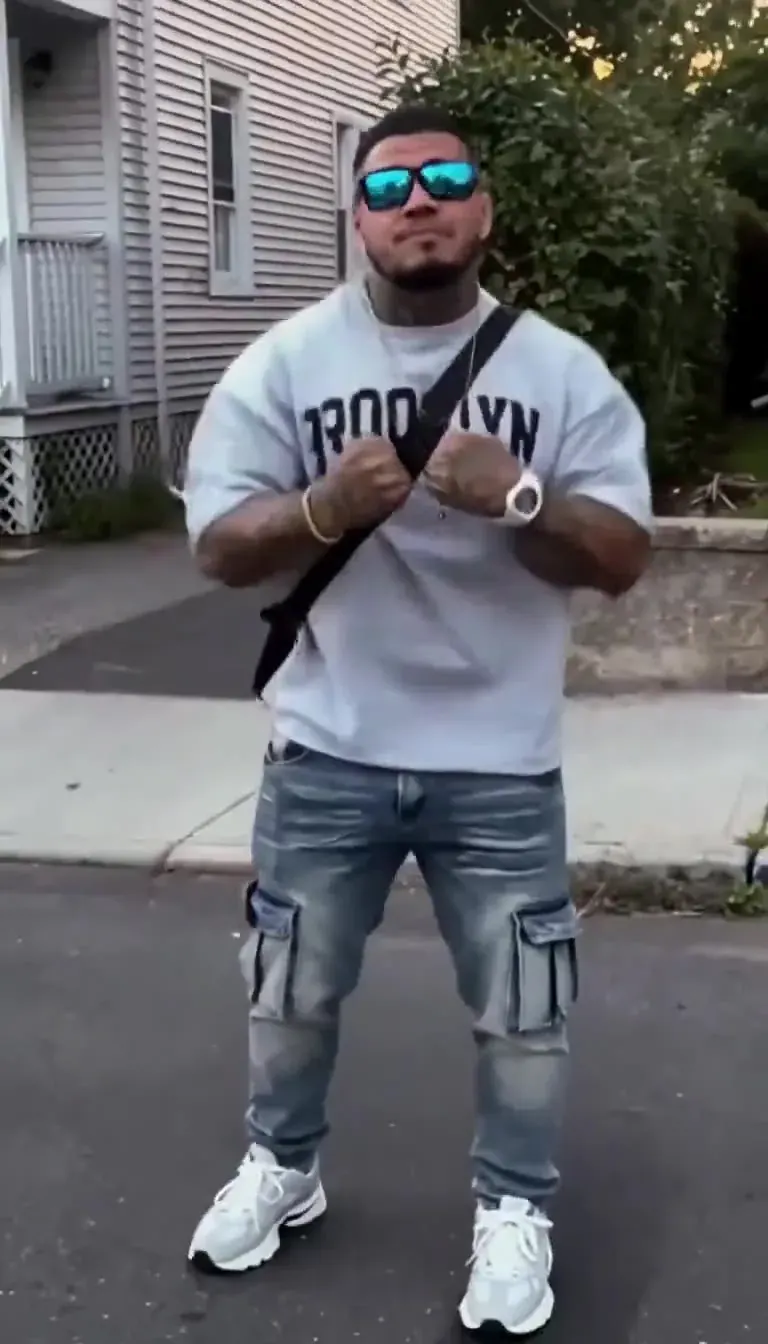 LiveIllustrationDance
AI Motion Control
Make a photo copy the moves of a reference clip — the engine behind every dance template.
You bring · 1 photo + templateOpen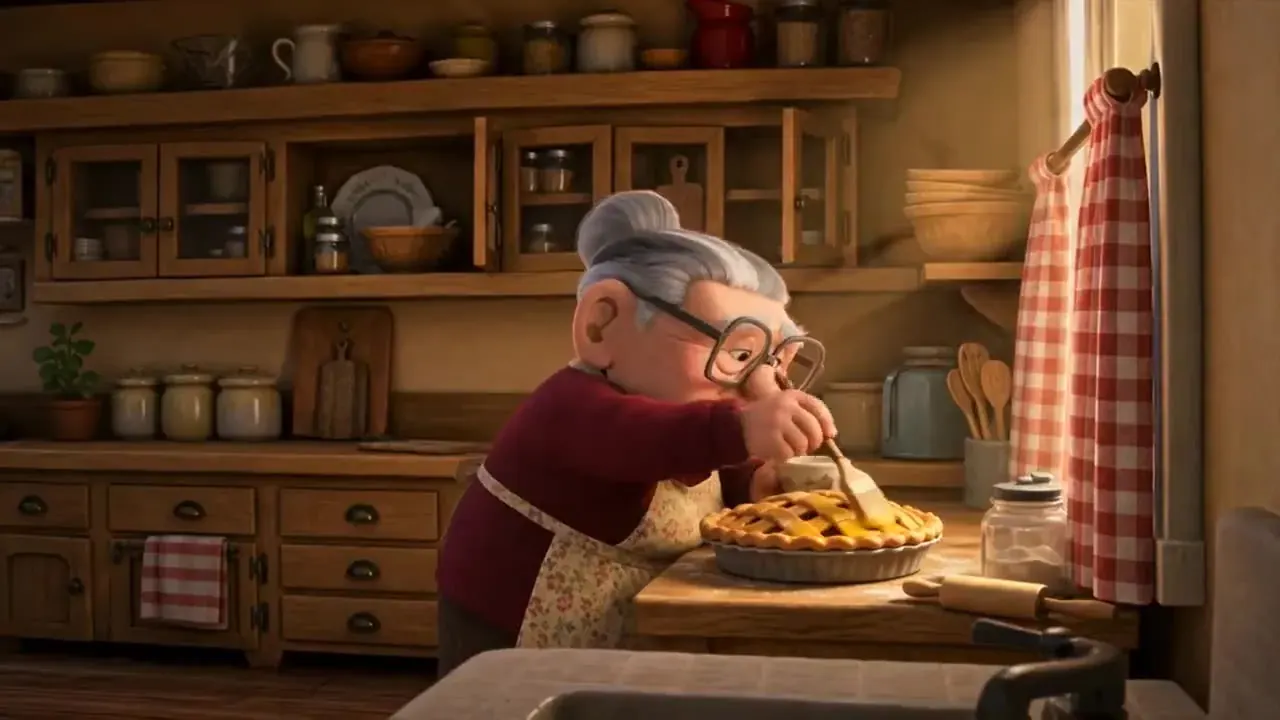 LiveIllustrationOne photo
AI Animation Generator
Turn a drawing, a character or a prompt into an anime, cartoon, 3D or clay-style clip.
You bring · 1 picture or a promptOpen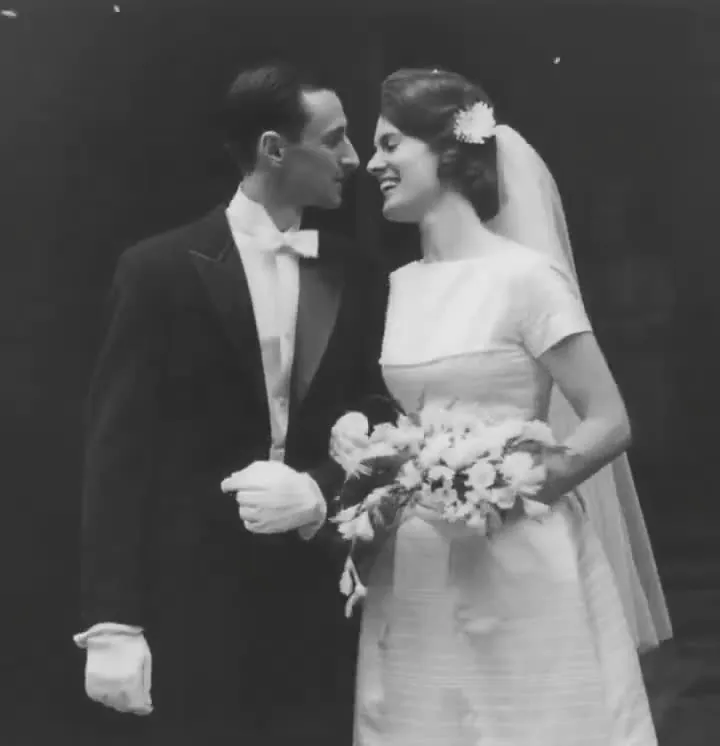 LiveIllustrationOne photo
Animate Old Photos
Gentle, respectful motion for family photos — a blink, a smile, a slow camera push.
You bring · 1 photoOpen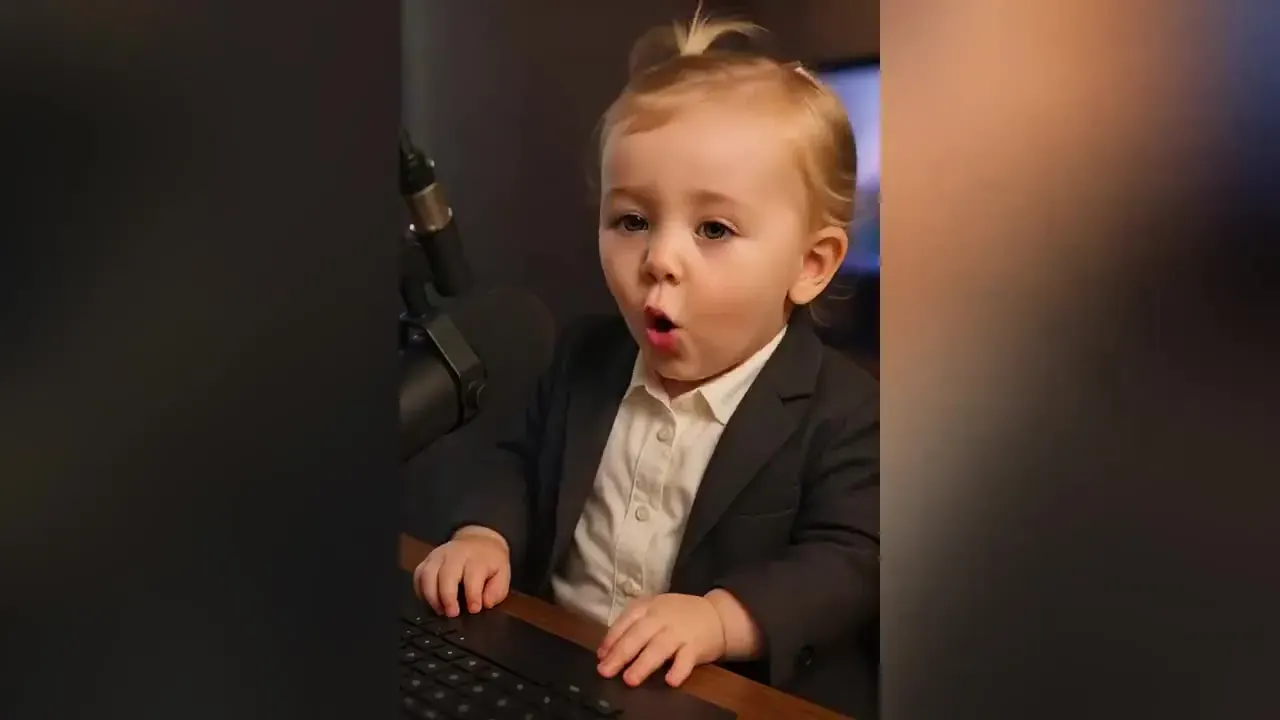 LiveIllustrationFamily
AI Baby Video
Laughing, babbling baby clips from a single photo, for family chats and baby announcements.
You bring · 1 photoOpen
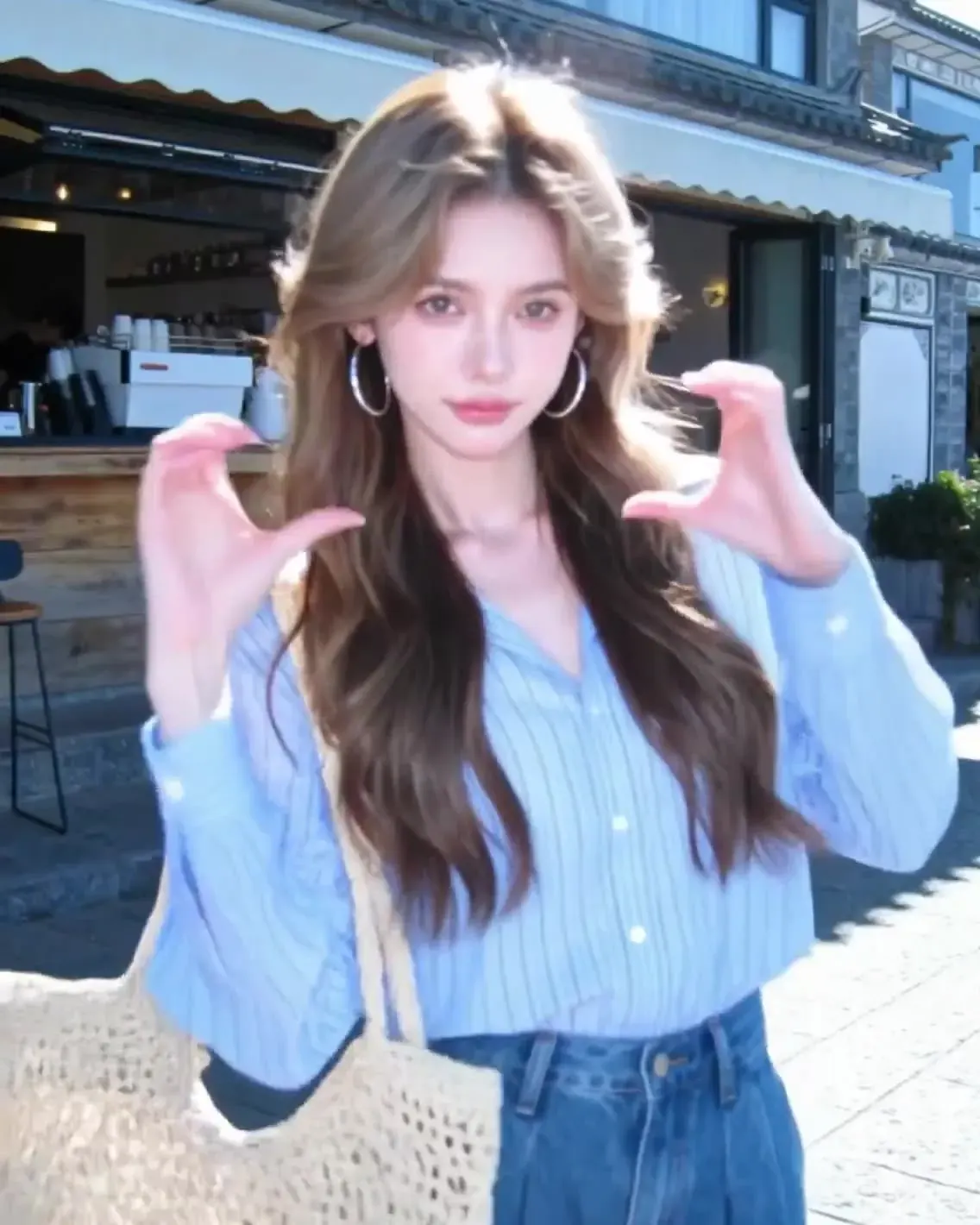
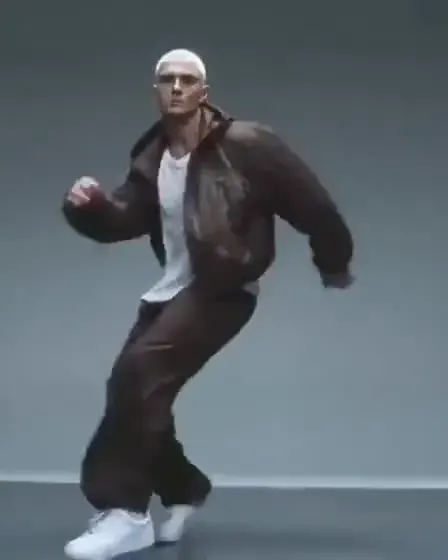
AI trend video dance templates
New AI trend to template, usually in 2–3 days
- 01Step 1/4
A koi fish swims through an ink painting that comes alive
+ Push in+ Orbit+ TrackingSpot
We check search and social trend data every week, and more often around holidays, for new AI video formats people want to recreate.
- 02Step 2/4Studio8s1080p16:9Sound on152 cr
Check the rules
Trends built on celebrity faces, an artist’s song, sexual content or scaring real people are dropped here, however popular they are.
- 03Step 3/4Ready · 00:08Download MP4
Test
We run the idea on the models we offer — two-photo effects on Kling 3.0 Omni reference-to-video, dances on Motion Control — and check faces, consent and sound.
- 04Step 4/4Ready · 00:08Download MP4
Launch
The trend gets its own AI trend video page with a studio, the rules for that effect and its price, usually 2–3 days after it takes off.
AI video effects vs filters
Effects render, filters paint
A camera filter changes the picture you are filming. An AI video effect renders a new clip from your photos, so it can put two people from two pictures in the same room, or make a still photo dance.
Templates do the prompting
AI video templates store the scene, camera move, length and model settings that make the clip look right. You add photos and pick a few options instead of writing a long prompt — or borrow the prompt from our free AI video prompt generator.
Seasonal effects
Some trends follow the calendar. Seasonal templates, such as Halloween or Christmas, join the grid only once the searches are really there — we check before we build.
Priced by the second
Effects use the same credits as every other tool on PictureToVideo. Each page shows the exact estimate from our credit table before you render, and the server recalculates every job.
Fun trends, fair rules
- Upload only your own photos, or photos of people who agreed to be in the clip.
- No celebrities, artists, influencers or politicians, and no look-alikes.
- No original songs from a trend. Templates use model-made or royalty-free audio, or audio you own.
- No romantic or sexual framing on two-person effects.
- PG-13 at most: no blood, gore or weapons.
- Children only if you are their parent or legal guardian.
- Label every AI trend video as AI-made when you share it, and disclose AI ads as ads.
AI trend video FAQ
Still curious? Email support@picturetovideo.org — a human replies within a day.
01What are AI effects?
02What is an AI trend video?
03How fast do you add a new AI trend?
04Which AI effects work today?
05Are AI video effects free?
06Does an AI trend video use the original song?
07Can I request an AI effect?
Related tools & models
Pick a trend, add your photos
Browse every AI effect, add your photos and render an AI trend video today — the price shows before you start.