Kling 3 via API · Independent · Not affiliated with Kuaishou
Kling 3.0 AI Video Generator
Kling 3.0 is Kling AI’s flagship video model, released on February 5, 2026: 3–15 second clips, up to six shots in one prompt, native audio in five languages and native 4K since April 2026. Use it online here, through the API, without a Kling subscription, and pay only for the seconds you render.
- Released Feb 5, 2026
- 3–15s
- Up to 6 shots
- 720p · 1080p · 4K
- Native audio
Negative prompt
- cr/s from
- 10
- max length
- 15s
- shots / clip
- 6
Kling 3.0 specs
- Max clip length
- 15s
- Shots per prompt
- 6
- Native resolution
- 4K
- Dialogue languages
- 5
Release
- Family
- 3.0 · 3.0 Turbo · 3.0 Omni[4]
- Turbo, the faster tier with built-in sound, arrived in June 2026.
Video
- Resolution
- 720p · 1080p · 4K[2]
- Aspect ratio
- 16:9 · 9:16 · 1:1
- Image to video follows the shape of your image.
Direction
Audio
- Dialogue
- Chinese · English · Japanese · Korean · Spanish[1]
Price
- On PictureToVideo
- 10–47 credits / second
- 720p 10 (14 with audio) · 1080p 13 (19) · 4K 47. Turbo from 13.
Kling 3.0, 3.0 Turbo or 3.0 Omni?
| Standard 3.0 | 3.0 Turbo | 3.0 Omni (O3) | |
|---|---|---|---|
| Best for | Hero shots, multi-shot scenes, 4K | Quick drafts that need sound | Reference images, video input, edits |
| Audio | Optional toggle | Always on | Optional toggle |
| Resolution | 720p · 1080p · 4K | 720p · 1080p | 720p · 1080p · 4K |
| Length | 3–15 s | 3–15 s | 3–15 s |
| Multi-shot | Up to 6 shots | Supported | Supported |
| On PictureToVideo | From 10 cr/s | From 13 cr/s | In our effect templates · 13 cr/s with sound |
Multi-shot prompts: direct up to 6 shots
- 0100:00 – 00:04103/3504s
- 0200:04 – 00:08119/3504s
- 0300:08 – 00:1191/3503s
Same prompt, every Kling version
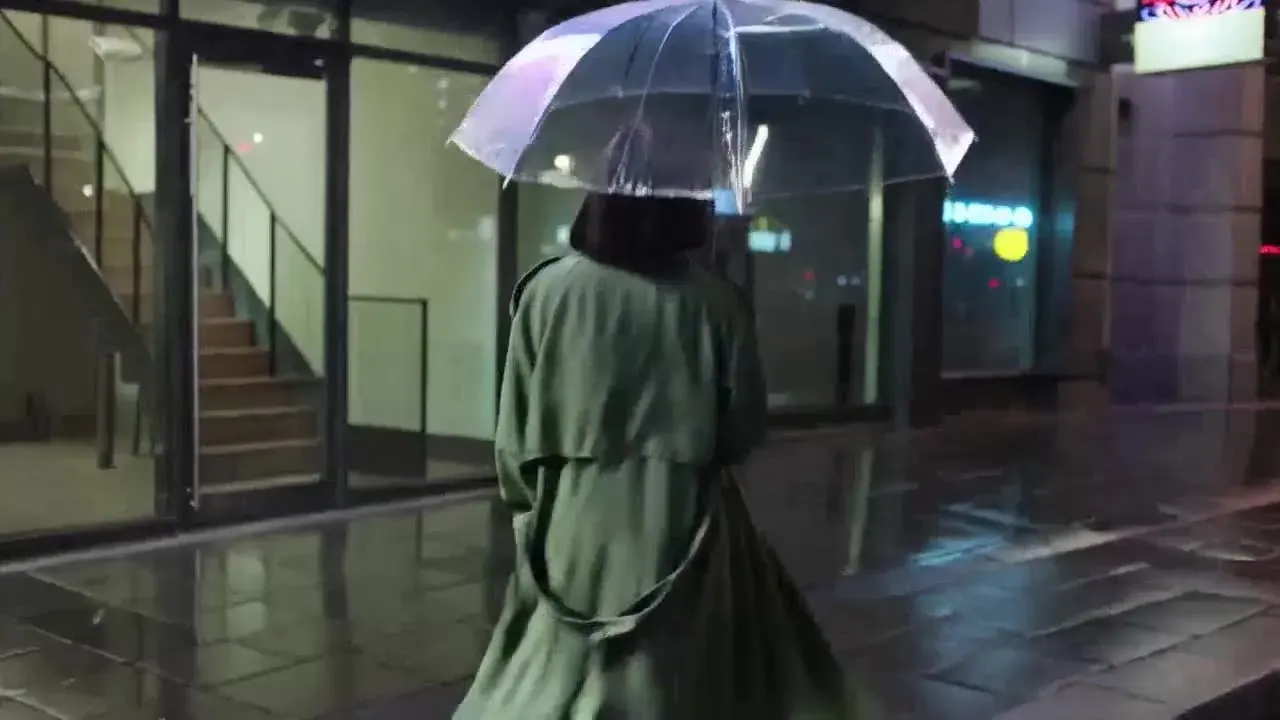
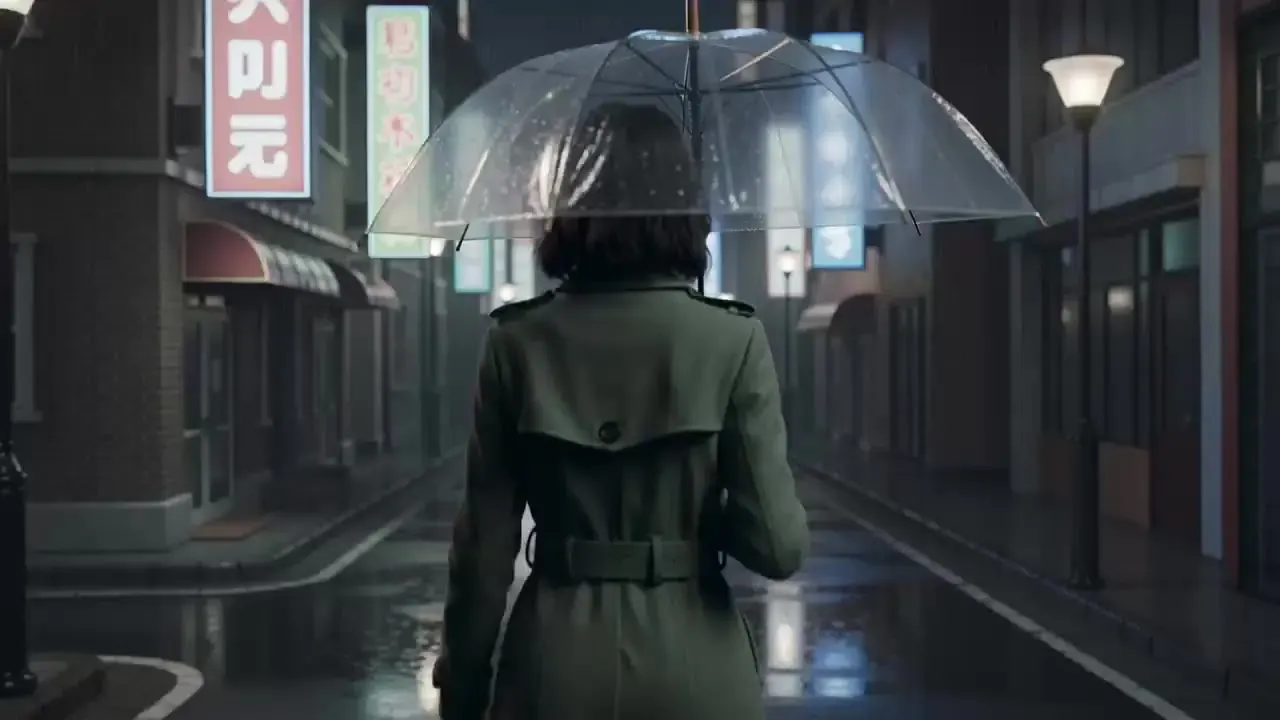
“The woman walks down the rainy street under her clear umbrella, slows, then turns her face up to the falling rain as the camera circles round to her”
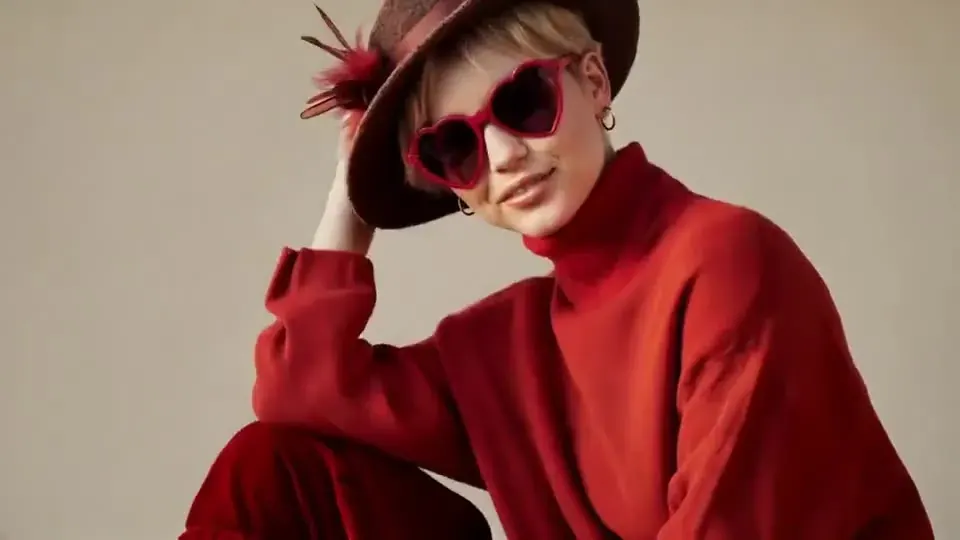
One start frame and one prompt on four Kling models: 5 seconds at 1080p with audio off wherever it is optional, so the prices are like for like (3.0 Turbo always includes sound). Pick a version below to wipe it against this page’s model.
The model frames are illustrations of each version’s typical look, not renders. Prices are live; run the setup yourself to see real output.
Kling 3.0 price per second
| Model | Resolution | Credits / sec | With audio | Typical clip |
|---|---|---|---|---|
| Kling 3.0 | 720p | 10 | 14 | 5s · 50 cr ≈ $0.68 |
| Kling 3.0 | 1080p | 13 | 19 | 5s · 65 cr ≈ $0.88 |
| Kling 3.0 | 4K | 47 | — | 5s · 235 cr ≈ $3.19 |
| Kling 3.0 Turbo | 720p | — | 13 | 5s · 65 cr ≈ $0.88 |
| Kling 3.0 Turbo | 1080p | — | 16 | 5s · 80 cr ≈ $1.09 |
Example: a 10-second clip at 1080p with native audio costs 190 credits (≈ $2.58 on the Pro plan). The same clip at 720p without audio costs 100 credits.
What Kling 3.0 is best (and worst) at
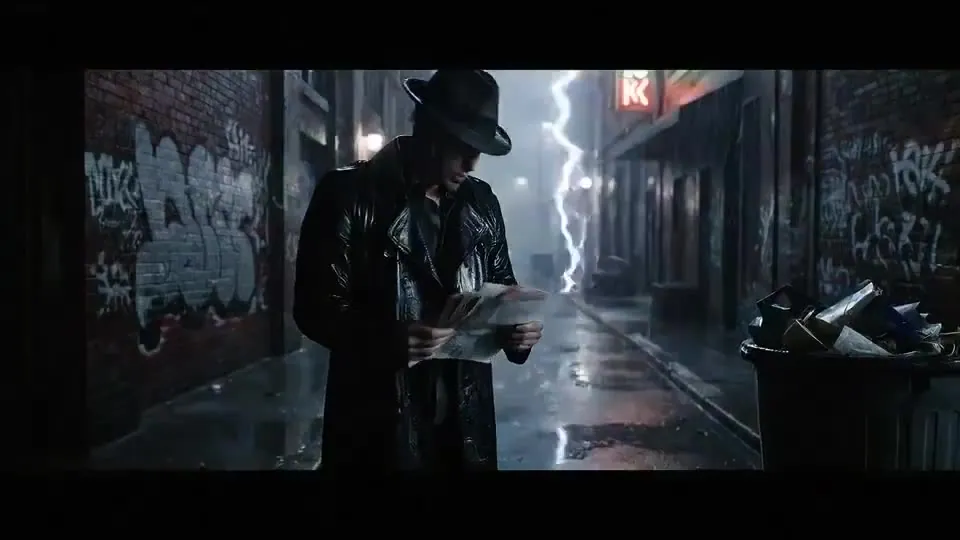
Scenes with a story
Multi-shot prompts let one generation cut from a wide establishing shot to a close-up reaction, with the same characters throughout.
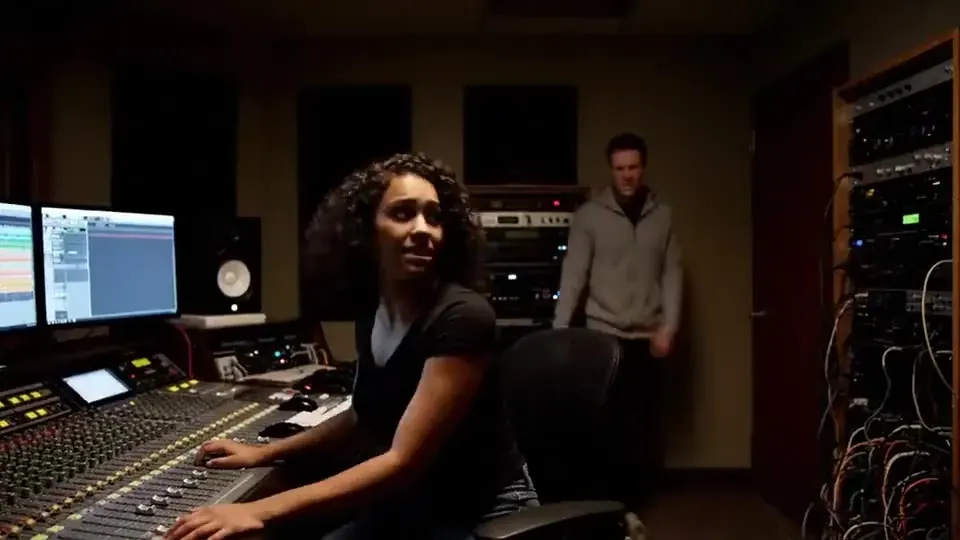
Dialogue with sound
Native audio renders voices, effects and room tone with the picture, with dialogue in Chinese, English, Japanese, Korean or Spanish.
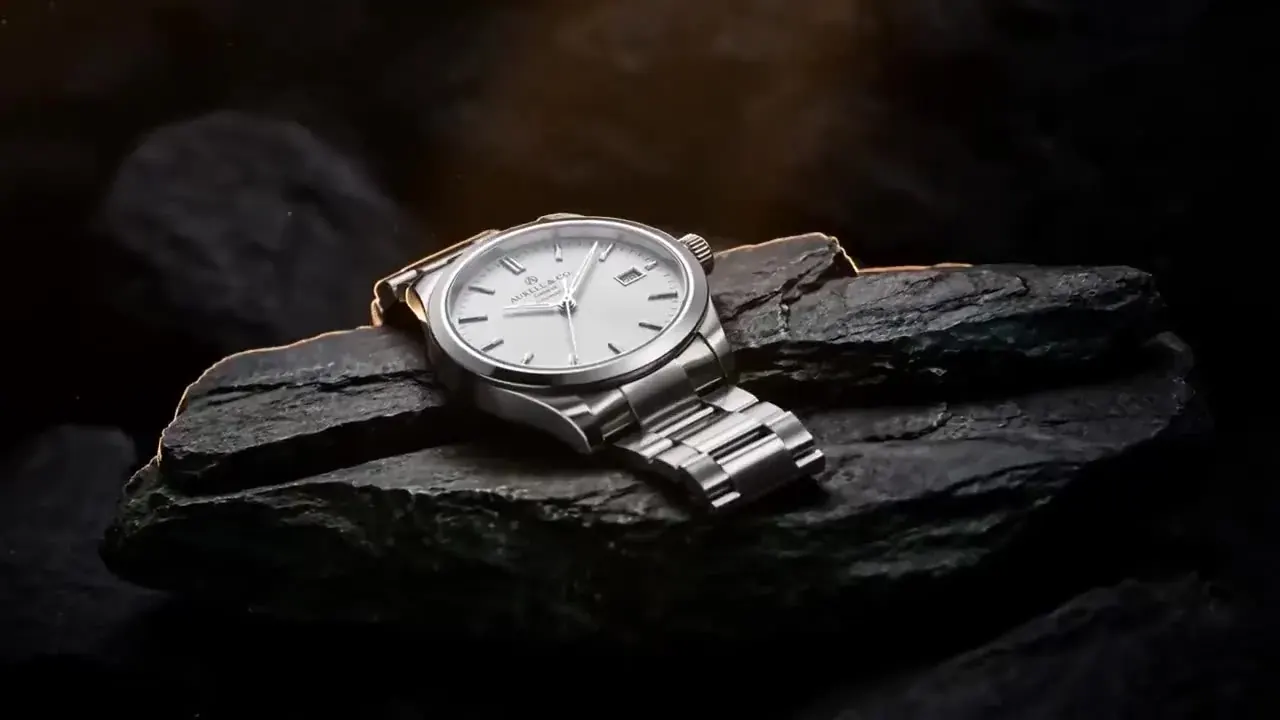
Final-delivery 4K
Native 4K for product films and hero shots, at a flat 47 credits per second whether audio is on or off.
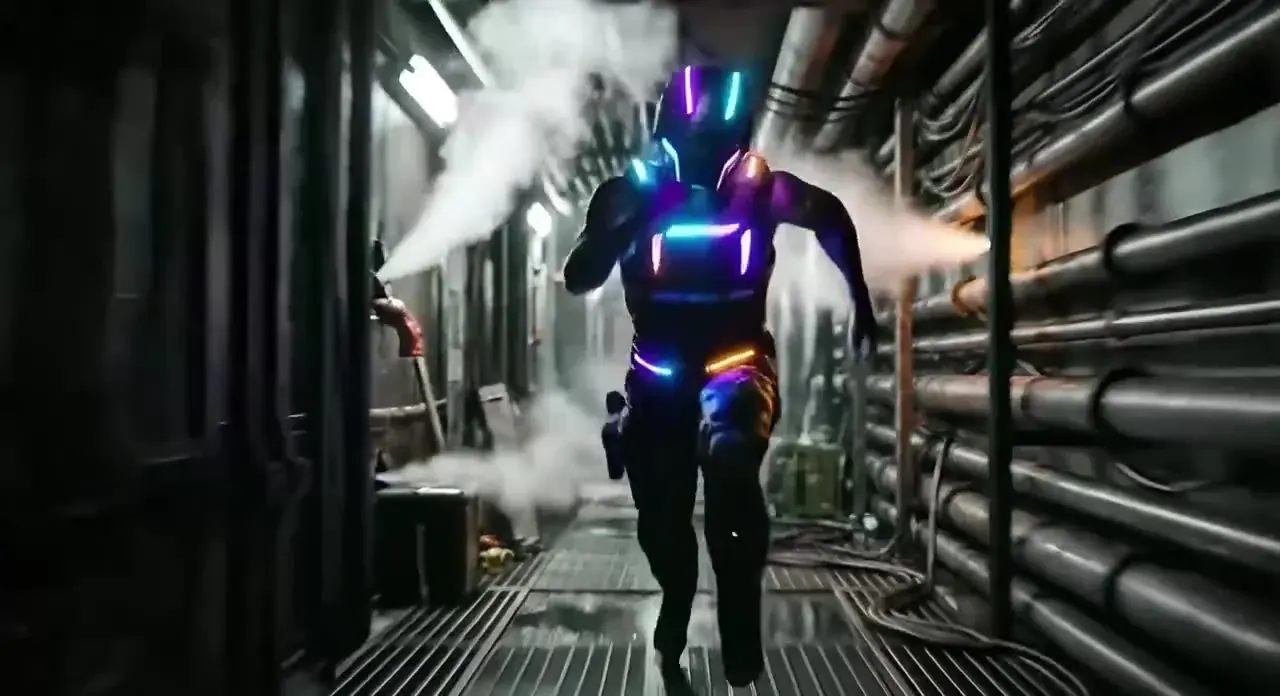
Cheap iteration
At 10 credits per second it costs 1.7× as much as Kling 2.5 Turbo (6). Draft the idea there, then re-render the winner on 3.0.

Kling 3.0 prompt tips
Write shots, not paragraphs
In a multi-shot prompt, give each shot one subject, one action and one camera move. A short, concrete line per shot is easier for Kling to follow than one dense paragraph that tries to cover the whole scene.
Name the framing
Start each shot with its size: wide, medium, close-up or insert. Changing the framing from shot to shot is what makes a sequence read as edited rather than as one long take.
Put dialogue in quotes
With audio on, write spoken lines in quotation marks and say who speaks and how: the old man whispers, “We’re late.” Name the language when it isn’t English.
Budget your seconds
Give establishing shots three or four seconds and reactions two or three. One-second shots are allowed but rarely land, because motion needs a moment to settle.
Describe the sound you want
Native audio follows the prompt too. Mention rain on glass, a distant train or a murmuring crowd and it shows up in the mix; leave it out and Kling chooses its own ambience.
Draft cheap, finish on 3.0
Test composition and motion at 720p with audio off, then switch to 1080p or 4K with sound for the final render. The prompt carries over unchanged.
Use Kling 3 responsibly
- No sexual, suggestive or violent content. Prompts are screened before rendering, the video model applies its own safety filters, and uploads must follow our content policy.
- Don’t generate real people, or imitate their voices, without permission. Public figures are blocked.
- Renders come without a watermark and can be used commercially within our content policy.
- PictureToVideo is an independent site that runs Kling 3.0 via API. It is not affiliated with Kuaishou or Kling AI. Results are labelled with their quality tier — this model is the Studio tier.
Kling 3.0 AI Video Generator FAQ
Still curious? Email support@picturetovideo.org — a human replies within a day.
01When was Kling 3.0 released?
02How long can a Kling 3.0 video be?
03Does Kling 3 generate audio?
04What is the difference between Kling 3.0, 3.0 Turbo and 3.0 Omni?
05What is the Kling 3.0 price per second?
06Can I use Kling 3.0 for free?
07Should I wait for Kling 4.0?
08Is Kling 3.0 HDR?
09Do I need a Kling account to use the model here?
Related tools & models
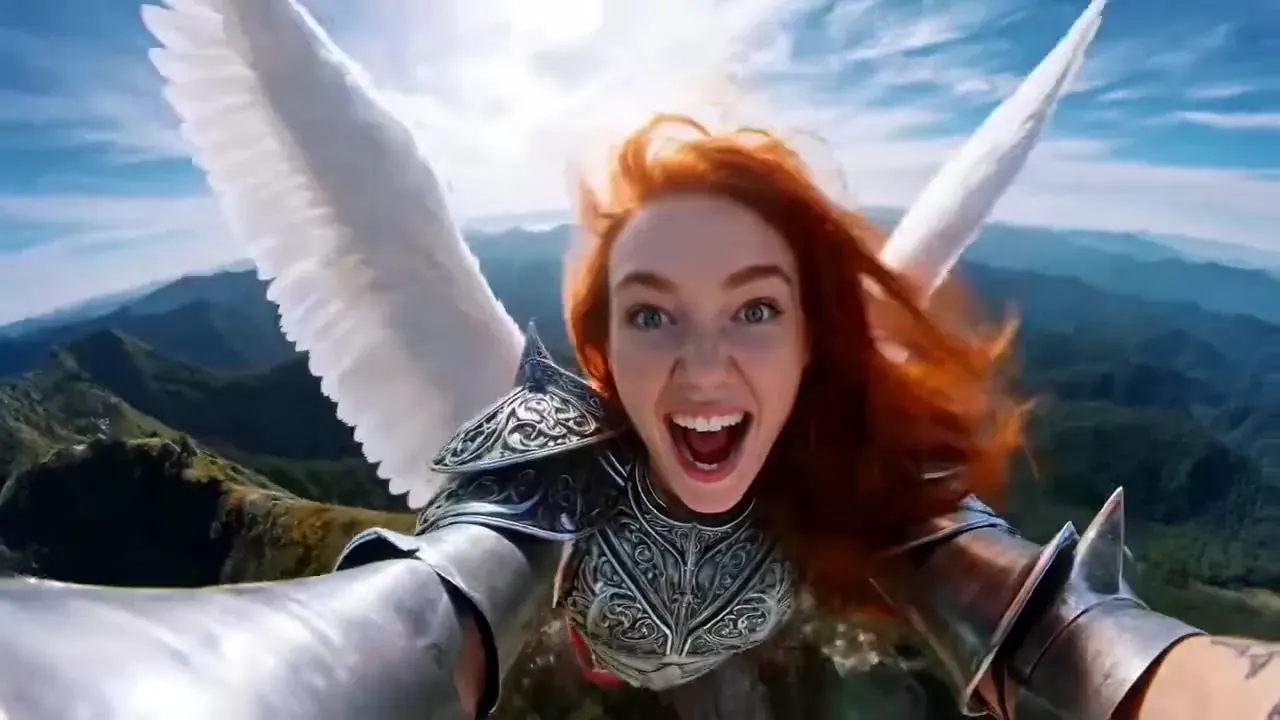
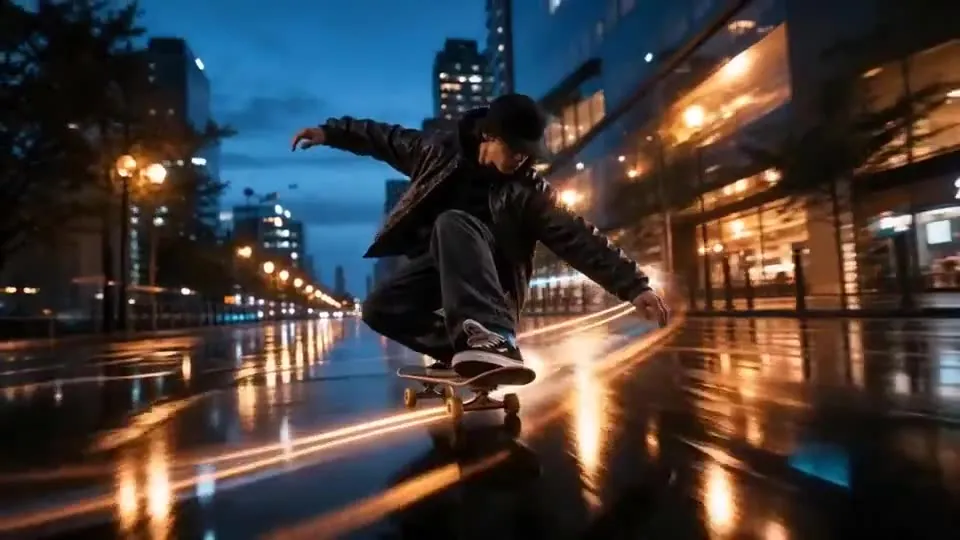
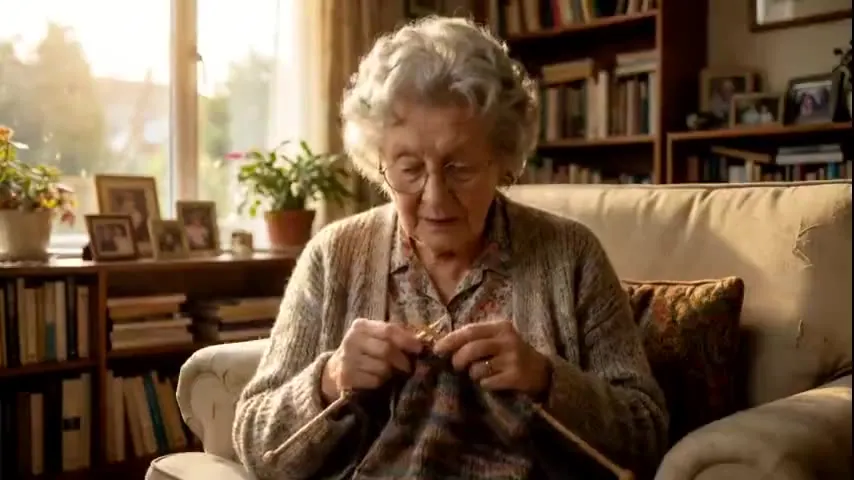
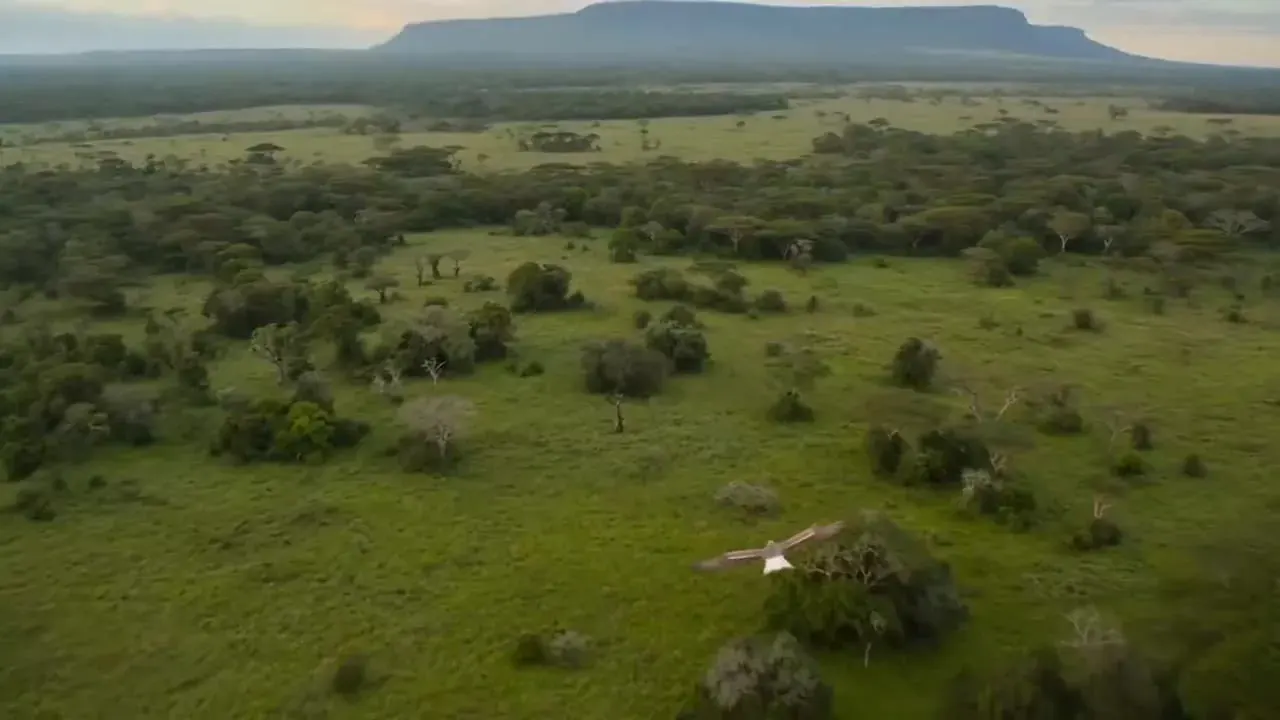
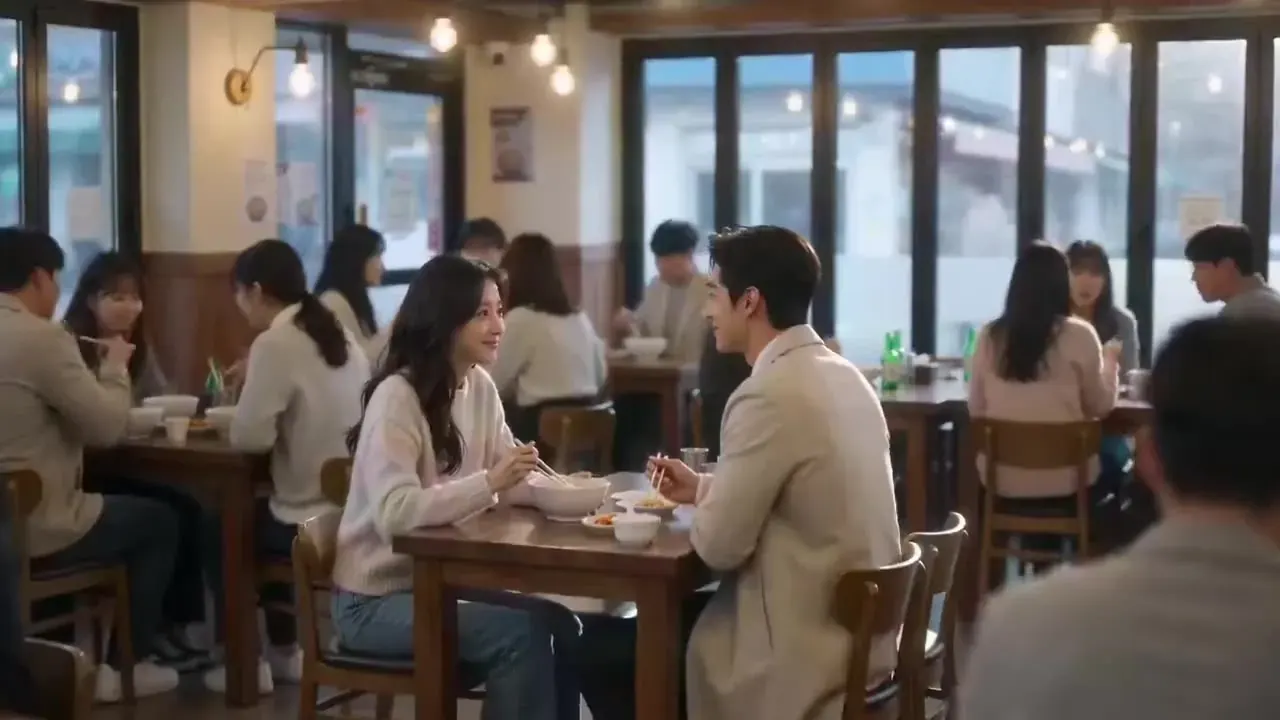
Direct your first multi-shot scene
Lay out up to six shots, press render and get a sequence of up to 15 seconds back in minutes. Starter pack from $2.99, no subscription.