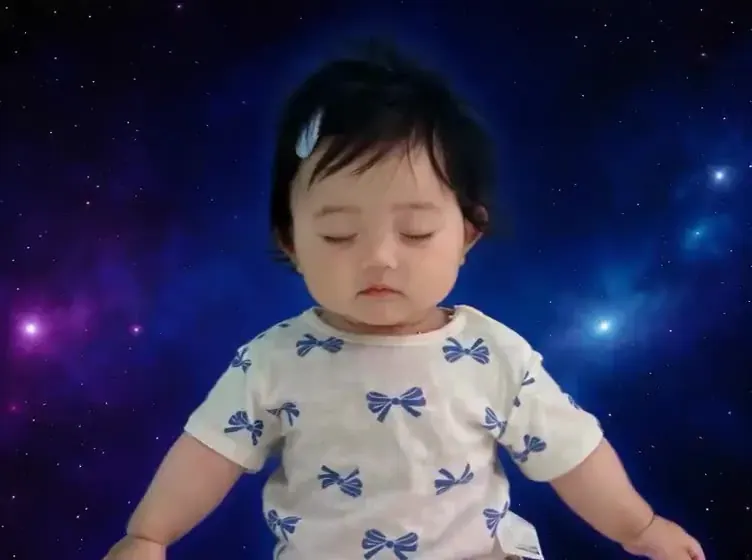
AI baby dance · For parents · Kling Motion Control via API · Independent

AI Baby Dance Generator

This AI baby dance generator turns one photo into a short, gentle dance clip — of a 3D cartoon baby, or of your own child if you are their parent or legal guardian. We keep only 3 gentle templates, rank them for how your little one is posed, and ask you to confirm a short guardian checklist before an AI baby dance is loaded.

  • 3 gentle dances
  • 8–10s
  • Guardian uploads only
  • From 64 credits
0/2500
Negative prompt
8 cr/s × 9s≈ $0.98Starter pack from $2.99
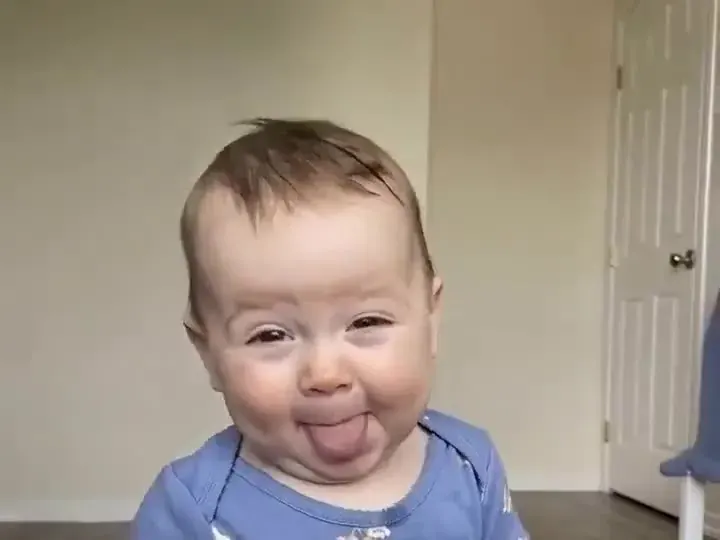
AI baby dance example: a smiling baby in a blue floral top bobbing happily toward the camera in a bright, plain room
Illustration
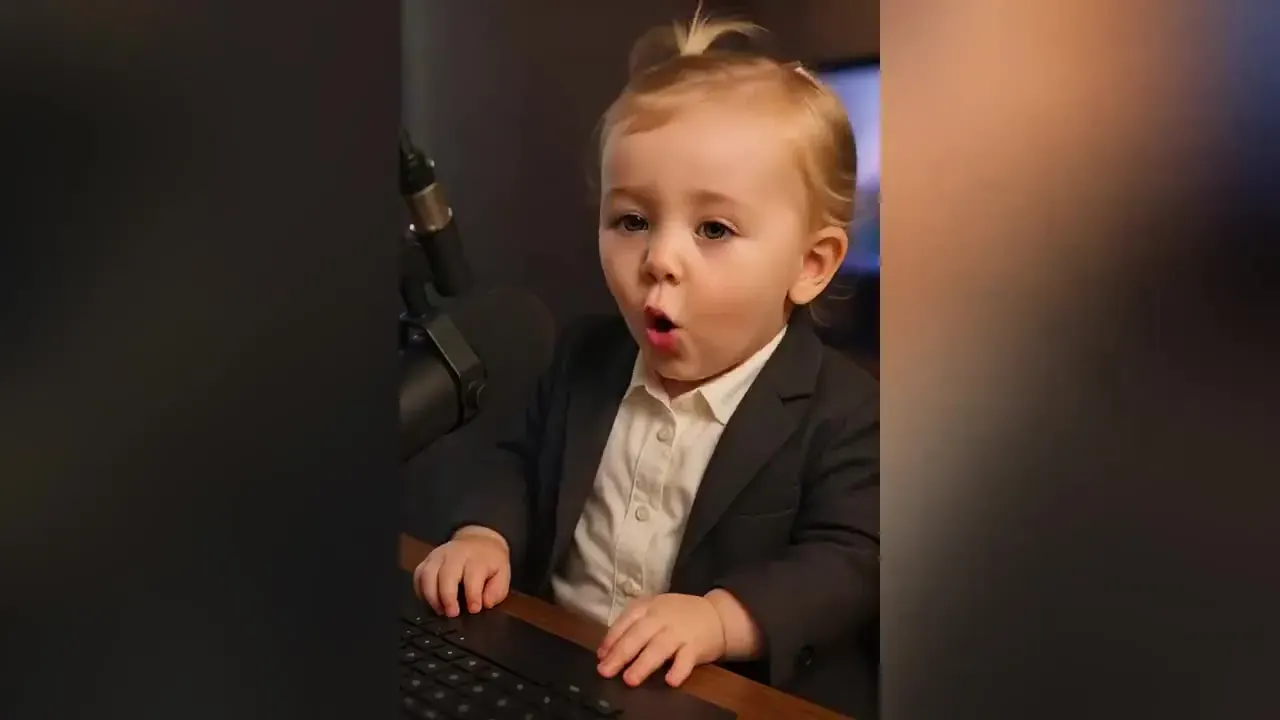
Parents and legal guardians only. Upload a child’s photo only if you are their parent or guardian — or use a 3D cartoon baby. Every example on this page is a sample illustration, never a customer’s child.
01Gentle dances

Gentle baby dance AI templates, ranked for your photo

Tell us how the photo looks and the gentle dances re-rank. Tick the guardian checklist and “Use this dance” loads the AI baby dance into the generator above. Nothing is uploaded until you press Generate.

How is your little one posed in the photo?

Who is in the photo?

  • Wave & clap — AI baby dance template
    Best match

    Wave & clap

    9s

    Both hands wave, then clap at chest height — the classic baby move, and it only needs the upper body.

    Pace
    Slow
    Moves
    Small
    Motion 2.6
    72 cr
  • Ballet turn — AI baby dance template
    Good fit

    Ballet turn

    8s

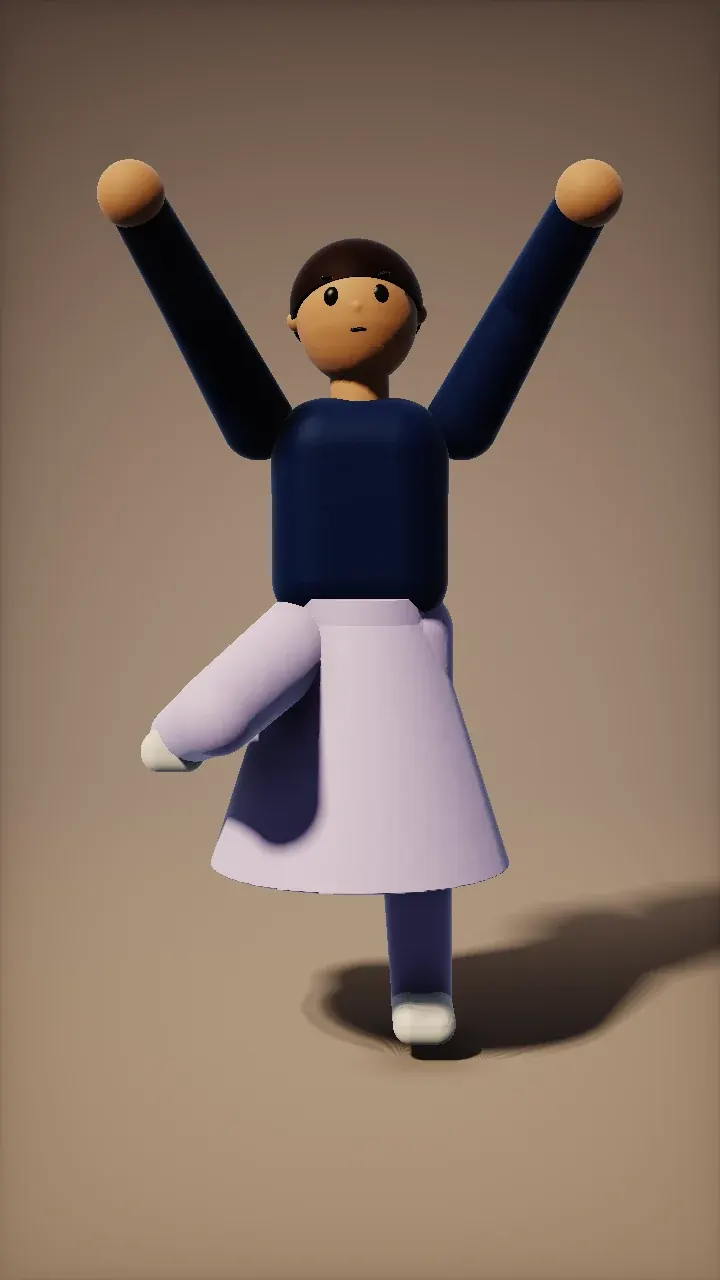
    One slow turn with the arms lifted, which reads as a wobbly little twirl on a standing toddler.

    Pace
    Slow
    Moves
    Medium
    Motion 2.6
    64 cr
  • Hip-hop groove — AI baby dance template
    Not ideal

    Hip-hop groove

    10s

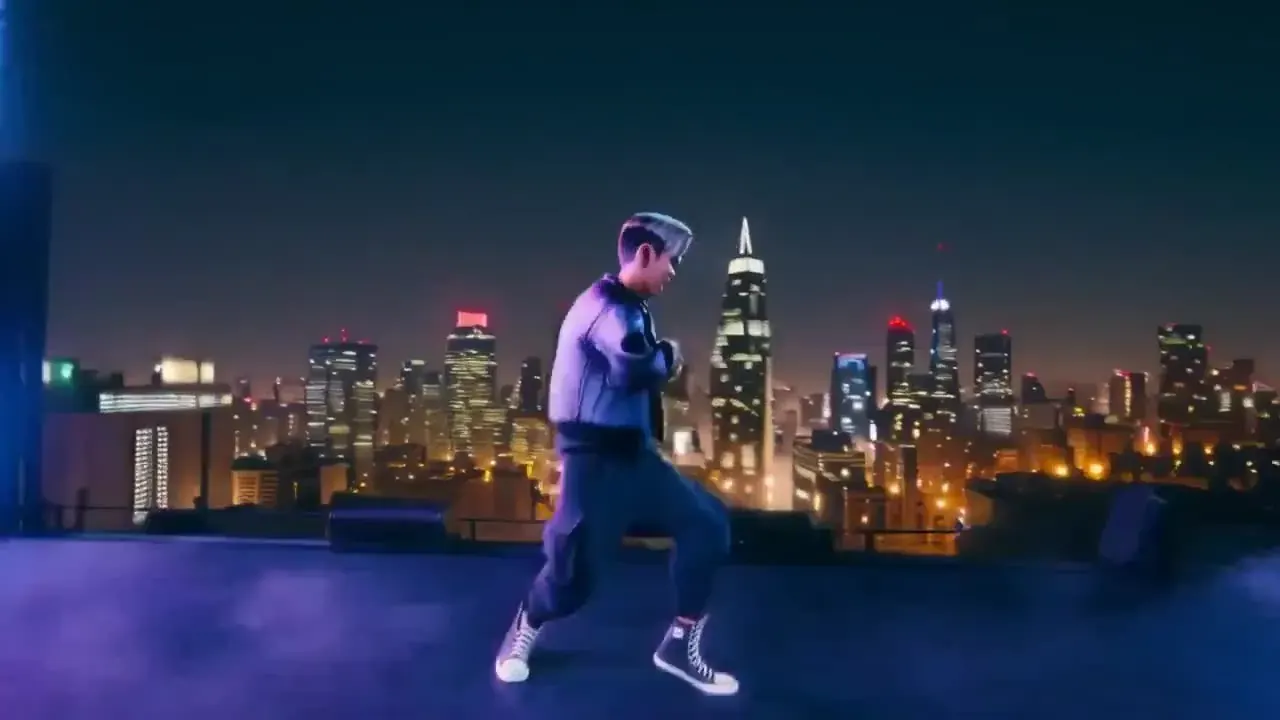
    Soft knee bounces with loose arms — the happy up-and-down bounce toddlers do when music starts.

    Pace
    Medium
    Moves
    Medium
    Motion 2.6
    80 cr
02Safety first

Six rules for every AI baby dance

These rules apply to every AI baby dance upload, whether or not you use the checklist. Prompts are screened, the video model applies its own safety filters, and every upload must follow our content policy.
  • Upload only a child you are the parent or legal guardian of — never a niece, a pupil or a stranger’s baby unless their guardian makes the clip.
  • No newborn or lying-down photos. Motion transfer needs an upright body and would bend a lying baby unnaturally.
  • Everyday clothes only. No bath-time, beach or nappy-only photos.
  • Don’t share videos of other people’s children in public — not even a crop from a group photo.
  • Only gentle, wholesome dances. No twerking, no “sexy” trends and no grown-up effects — now or later.
  • Every example on this page is a sample illustration — never a customer’s child.
03Illustrated examples

What a gentle AI baby dance looks like
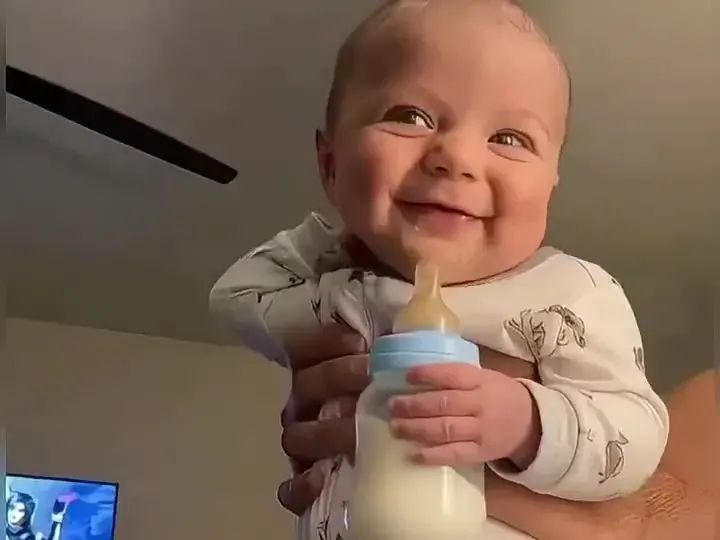
Sample illustrations of the three gentle AI baby dance templates — never a customer’s child. Lengths: Hip-hop groove 10 s, Ballet turn 8 s, Wave & clap 9 s.
Sitting · Wave & clap
Illustration

Sitting · Wave & clap

A young baby, held upright with a bottle, smiles and looks around. Only the arms and head move, so it works before they can stand.
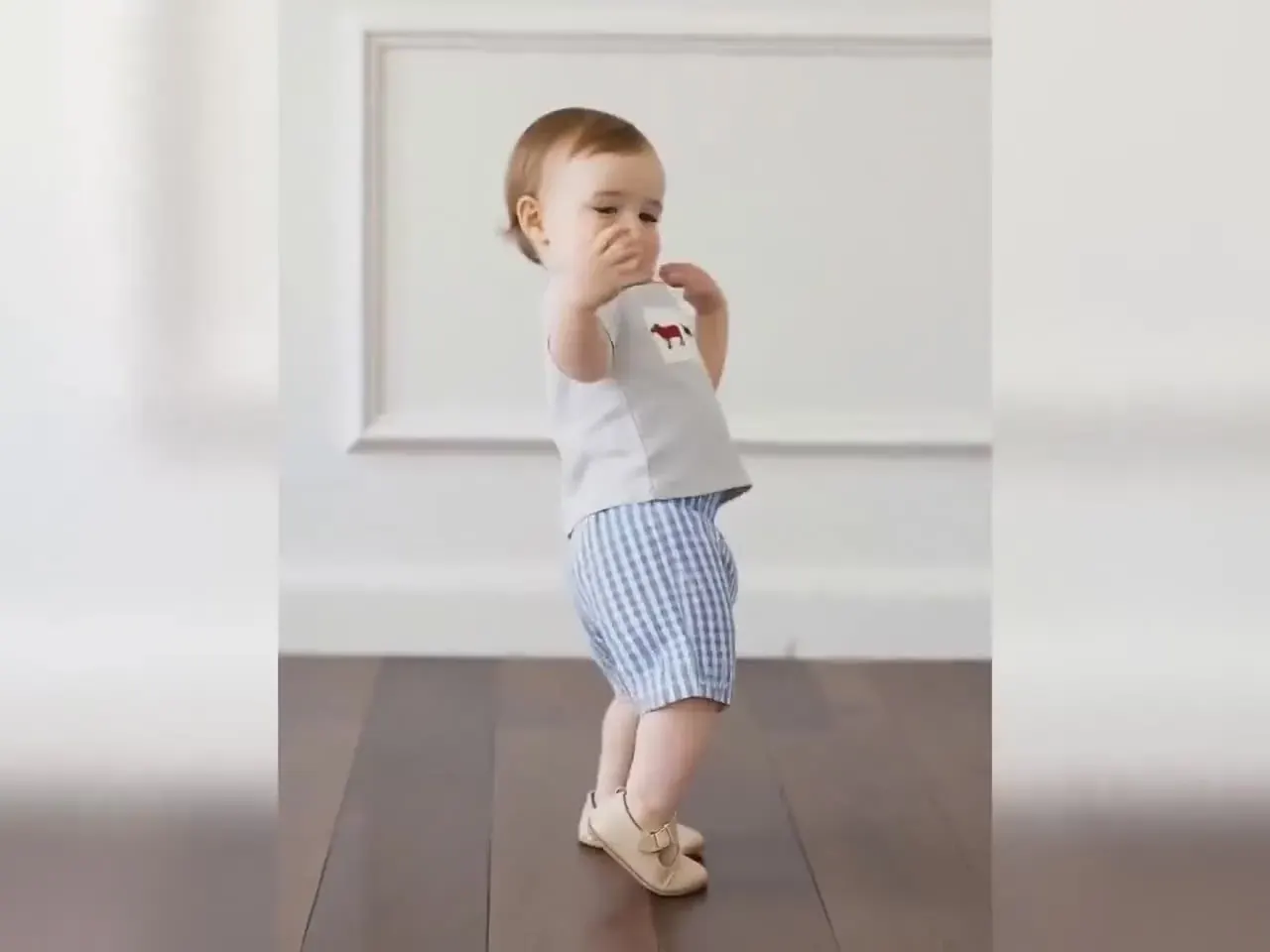
Standing · Gentle bounce
Illustration

Standing · Gentle bounce

A standing toddler in gingham shorts steps wide and swings loose, happy arms — the Hip-hop groove template, slowed by small legs.
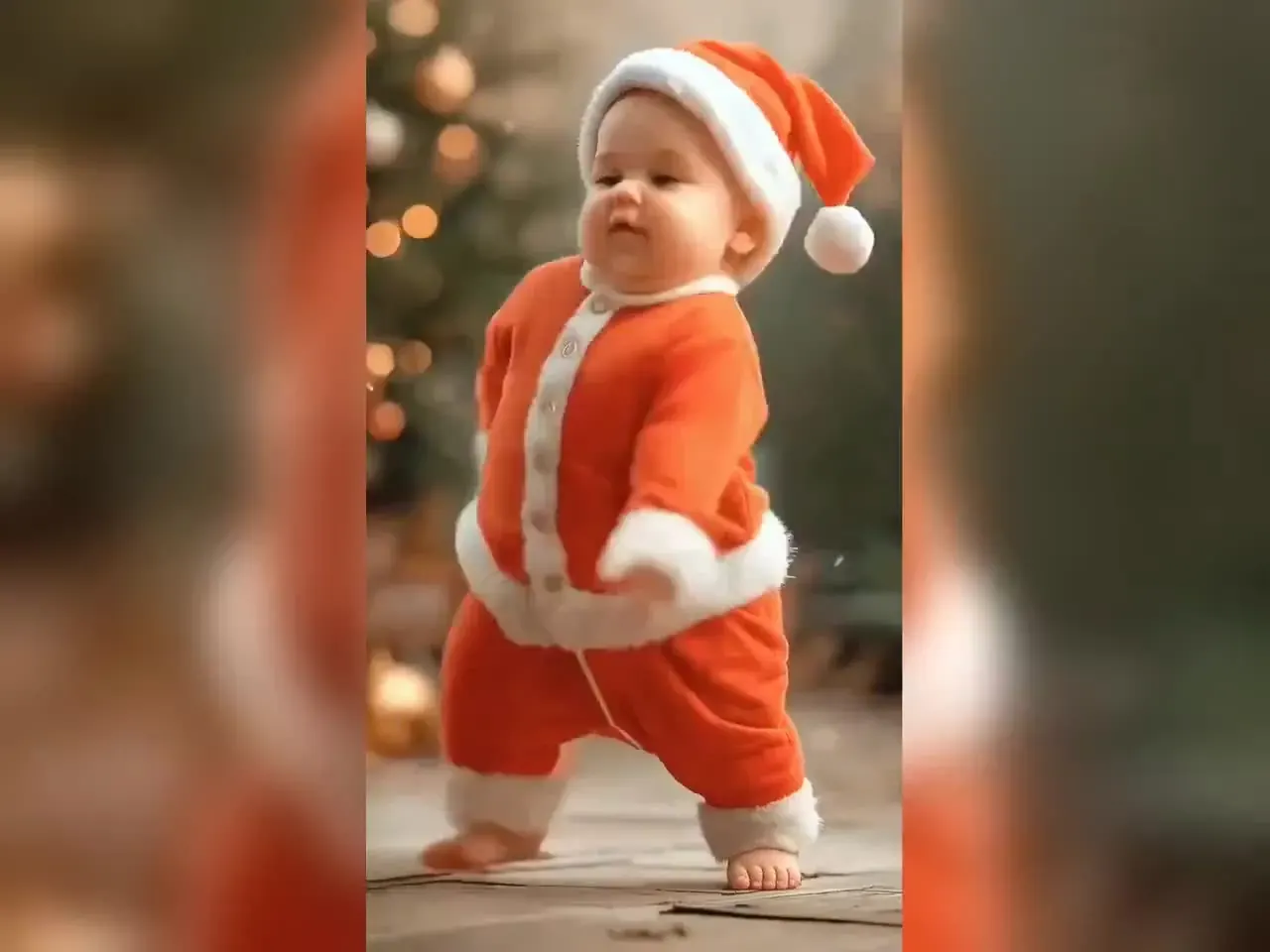
Standing · Little twirl
Illustration

Standing · Little twirl

A toddler in a Santa suit wobbles through a slow turn by the Christmas tree, which is half the charm — keep the face well lit for the turn.

04Photo tips

How to take a baby photo that dances well

A dancing baby AI clip is only as good as the photo behind it. These four habits do the most to make an AI baby dance look natural.

Get down to their level

Shoot from the child’s eye height, not from above. A top-down phone shot shrinks the legs and makes a toddler look like a big head on tiny feet — and the model then has no legs to bounce.

Catch a calm moment

A sharp, still frame beats an action shot. Mid-wriggle photos smear hands into one shape, and that smear becomes melted fingers in motion. Use burst mode and keep the clearest frame.

One child, plain background

A plain wall or floor with no siblings, pets or grown-up hands in view. Anything touching the child gets animated too, so crop toys and helpers out where you can.

Soft light, no flash

Window light from the side keeps a small face readable through a turn. Flash flattens features, startles little ones and often closes their eyes — the opposite of the happy, open look you want.

05Sharing

Sharing an AI baby dance video safely

Family chat beats public feed

Clips of real children are best kept in private family groups. Public posts can be downloaded, re-uploaded and stripped of context in minutes — a cartoon baby is the version to post publicly.

Check the background

House numbers, school logos, a street sign through the window: crop them before you upload. The dance keeps your background, so anything visible in the photo stays visible in the video.

Label it as AI

A short “made with AI” note avoids confused relatives and keeps you within platform rules. Most apps also have a built-in AI label — switch it on whenever a real child appears.

Ask them later

Today’s toddler is tomorrow’s teenager. Keep the originals private, and when your child is old enough, let them decide which clips of them stay online.

06Cost

What an AI baby dance costs

Each AI baby dance has a fixed length, so the price is fixed before you render. The last column shows how many of that dance a $9.90 pack of 680 credits covers on Motion Control 2.6. Dances run on Kling Motion Control via API; PictureToVideo is independent and not affiliated with Kuaishou.
DanceLengthMotion 2.6 · 720pMotion 3.0 · 720pPer $9.90 pack
Hip-hop groove10s80 cr ≈ $1.09140 cr ≈ $1.908 dances
Ballet turn8s64 cr ≈ $0.87112 cr ≈ $1.5210 dances
Wave & clap9s72 cr ≈ $0.98126 cr ≈ $1.719 dances
FAQ

AI Baby Dance Generator FAQ

Still curious? Email support@picturetovideo.org — a human replies within a day.

01What is an AI baby dance video?
A short clip in which a photo of a baby or toddler appears to dance. Here, Kling Motion Control copies a filmed template — a wave and clap, a slow twirl or a gentle bounce — onto the child or cartoon character in your photo. No real baby performs anything; all of the motion comes from the template.
02Can I use a photo of my grandchild or niece?
Only if their parent or legal guardian makes the clip. Our rule is simple: the person uploading a real child’s photo must be that child’s parent or legal guardian. If you are unsure, use a 3D cartoon baby instead — an AI baby dance works exactly the same way.
03Why can’t I use a newborn or lying-down photo?
Motion transfer maps a standing dancer’s skeleton onto your photo. A baby lying on a blanket has no upright posture to map, so the model would twist the body into poses it cannot make. That looks wrong and can be upsetting to watch. Wait for a sitting or standing photo, or use a cartoon baby.
04Which baby dance AI template should I start with?
Wave & clap. At 9 seconds it costs 72 credits on Motion Control 2.6. It moves mostly the arms and works even when the child is sitting. Confident standers can also try the slow Ballet turn or the bouncy Hip-hop groove. The matcher above re-ranks all three as soon as you describe your photo.
05Is my AI baby dance video public?
No. Renders appear only in your own account and task tray; nothing is posted to a public gallery, and we never use customer clips in our examples. Whether a clip ever goes public is entirely your choice — for real children we suggest family chats over public feeds, and a cartoon baby for anything you post openly.
06Will my child’s face stay the same?
Mostly, especially on Motion Control 3.0. Toddler faces are small in a full-body photo, so identity can drift during a turn. Use a sharp, well-lit photo, keep to the shorter dances, and re-render on 3.0 at 14 credits per second if 2.6 softens the features. Cartoon babies hold their look best of all.
07Can I make an AI-generated baby dance?
Yes. A picture from an AI baby generator shows no real child, so pick “An AI-generated baby” above and the dances work as they do for cartoon babies. If the picture was made from two people’s photos, make sure both are happy for it to be animated. For a giggle instead of a dance, try the AI baby laughing tool.
08Can I add a lullaby or nursery rhyme?
Yes, after rendering. The templates are silent, so you choose the music in your phone’s editor. Traditional rhymes such as Twinkle Twinkle Little Star are public domain, though a particular recording of one may not be — sing it yourself or use a track the app licenses, and line the clap up with the beat.
Keep exploring

Related tools & models

A gentle dance for your little one

Describe the photo, tick the checklist, pick an AI baby dance. Short, gentle and private by default on PictureToVideo.