Kling 3.0 today · Kling 4.0 at launch · Independent
Kling AI Image to Video
Kling AI image to video turns a single photo into a moving shot with Kuaishou’s Kling models, run through the API — Kling 3.0 today, Kling 4.0 at launch. Add a Kling camera move, pin a start and an end frame, and render 3–15s clips at up to 4K. Independent site, not affiliated with Kuaishou.
- 4 Kling models
- 3–15s
- Up to 4K
- Start + end frame
- Kling 4.0 at launch
Negative prompt
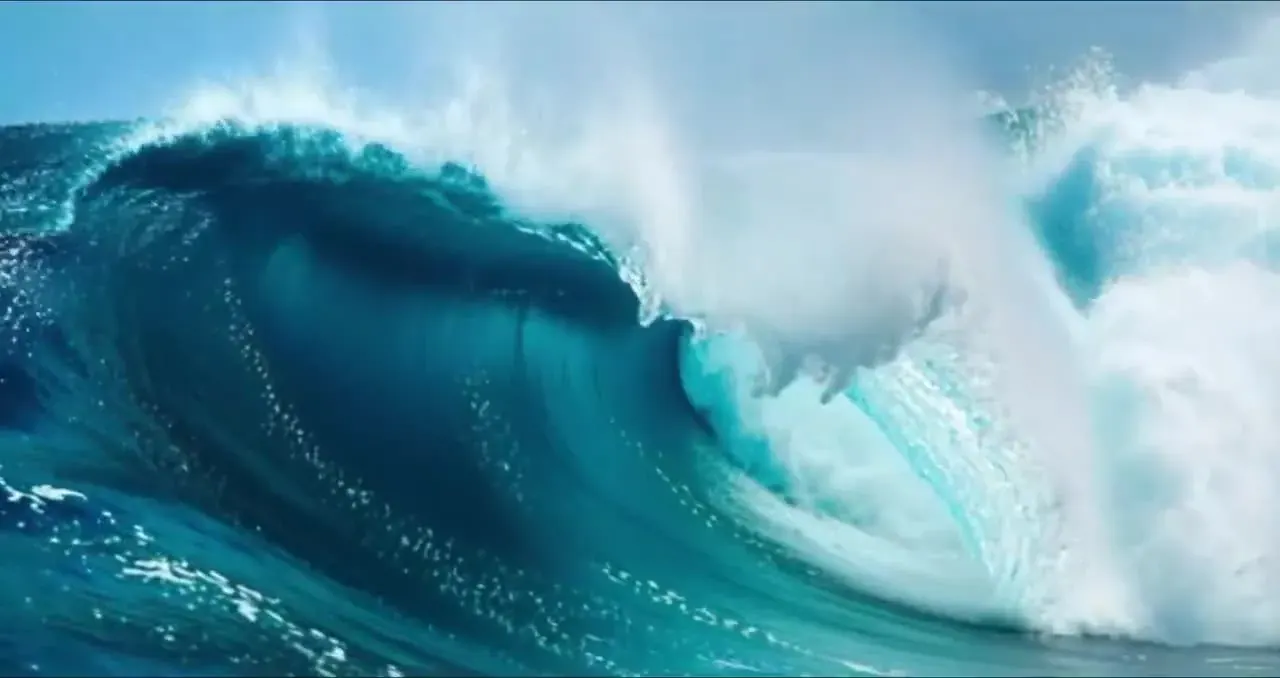
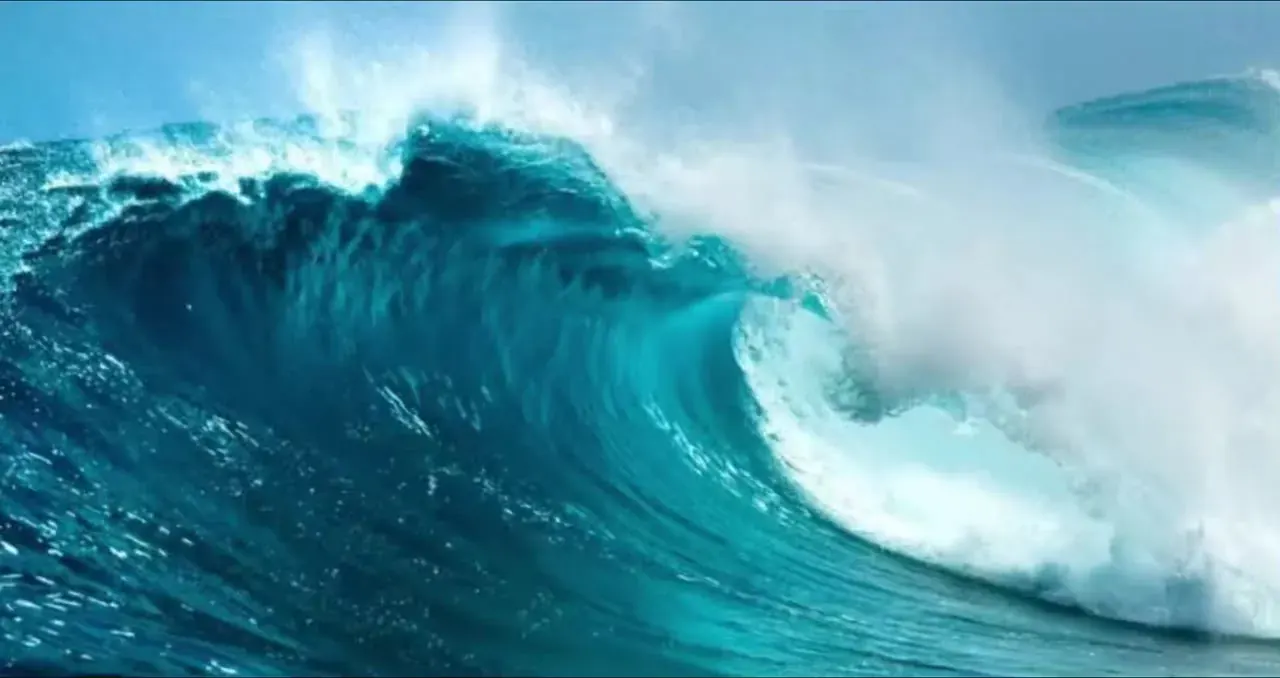
The generator runs Kling 3.0 (from 10 credits/s) until the Kling 4.0 API opens.
Which model for Kling AI image to video?
| Model | Kling 3.0Feb 2026 | Kling 3.0 TurboJun 2026 | Kling 2.6Dec 2025 | Kling 2.5 TurboSep 2025 | Kling 4.0Oct 2026 |
|---|---|---|---|---|---|
| Status | Live | Live | Live | Live | At launch |
| Best for | Hero shots, 4K, long takes | Fast renders with sound | 1080p workhorse, optional audio | Cheap drafts | 30s shots, 10 keyframes |
| Length | 3–15s | 3–15s | 5 or 10s | 5 or 10s | 3–30s |
| Resolution | 720p · 1080p · 4K | 720p · 1080p | 1080p | 720p · 1080p | 720p · 1080p · 4K |
| End frame | 720p · 1080p only | — | — | Yes | Yes (announced) |
| Native audio | Optional | Always on | Optional | — | Optional |
| From | 10 cr/s | 13 cr/s | 8 cr/s | 6 cr/s | 18 cr/s* |
| ~5s clip | 50 cr · ≈ $0.68 | 65 cr · ≈ $0.88 | 40 cr · ≈ $0.54 | 30 cr · ≈ $0.41 | 90 cr · ≈ $1.22 |
* Provisional launch price, confirmed when the API opens. Not set on Kling? Compare Veo 3.1, Wan 2.5 and Hailuo 02 on the same picture with our photo to video AI.
Photo in, Kling video out
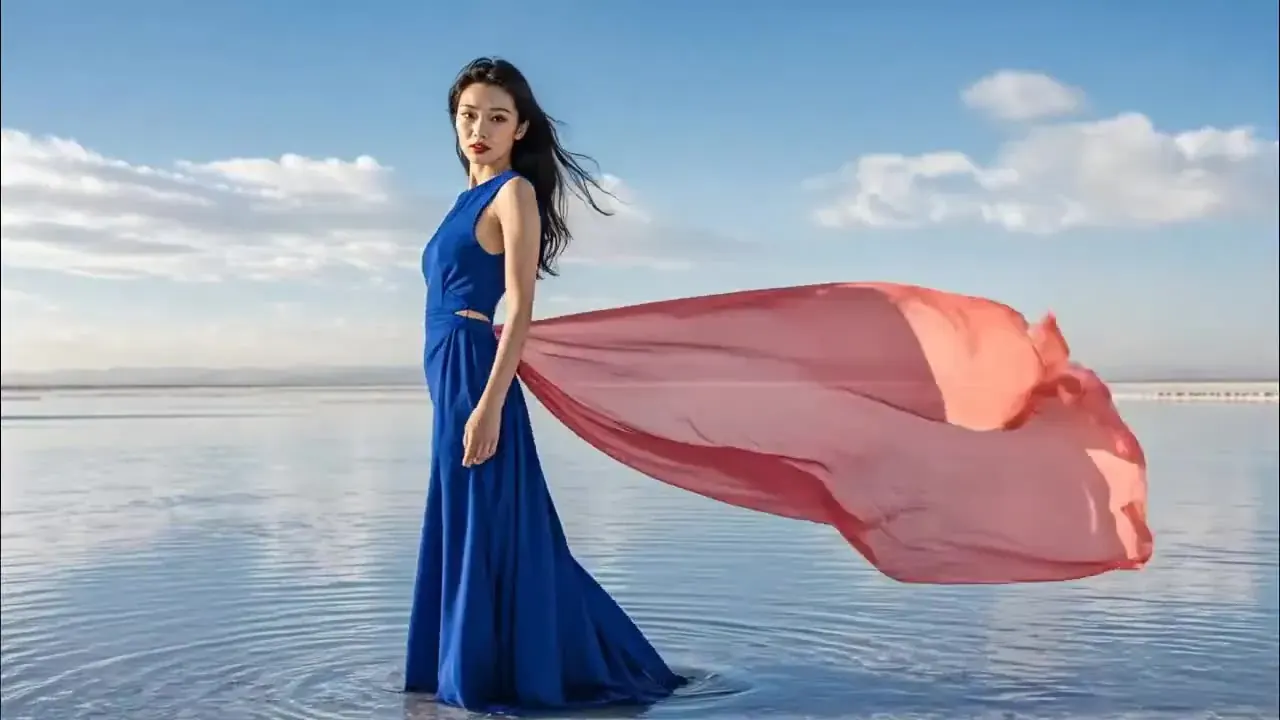
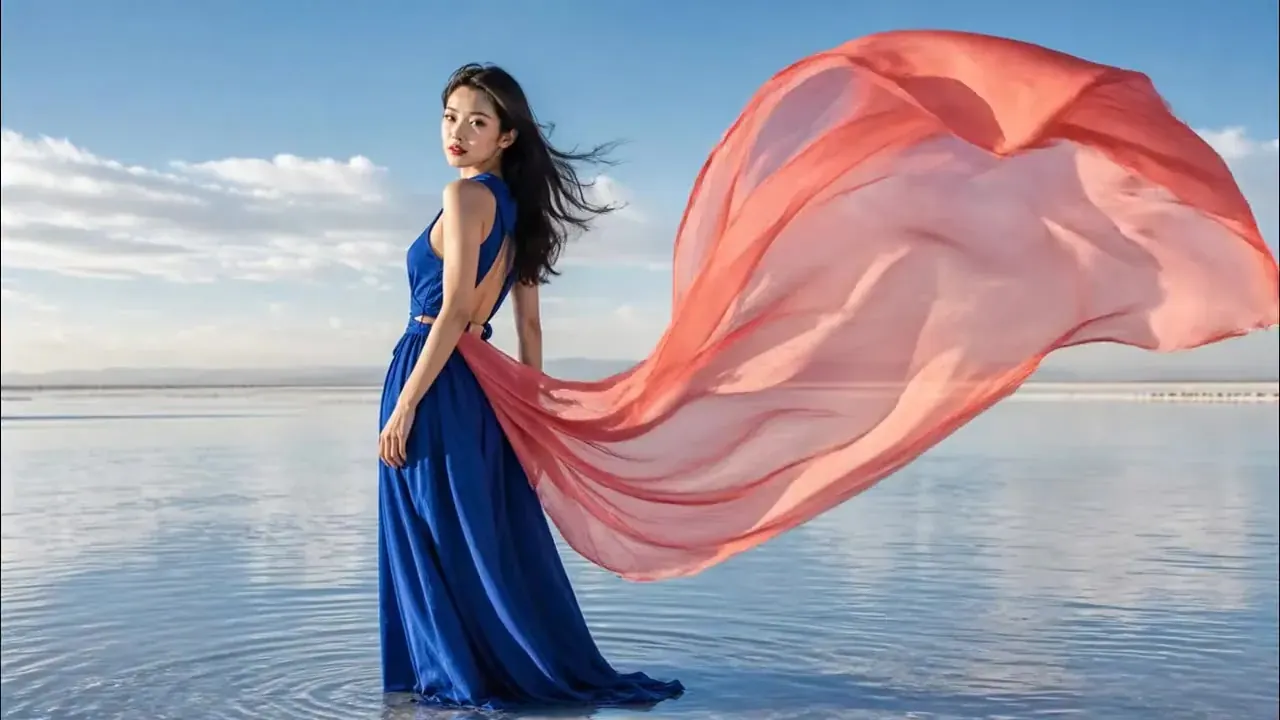
Portrait · subtle turn
“She slowly turns to face the camera on the mirror-still salt flat, wind lifts her hair and long coral silk scarf”
Recipe · Kling 3.0
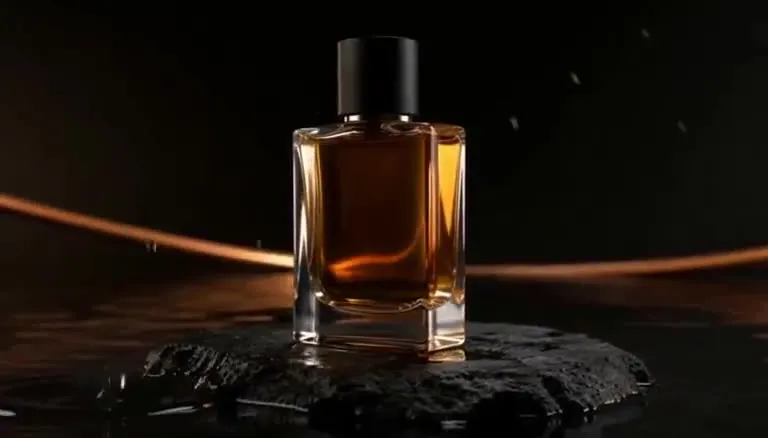
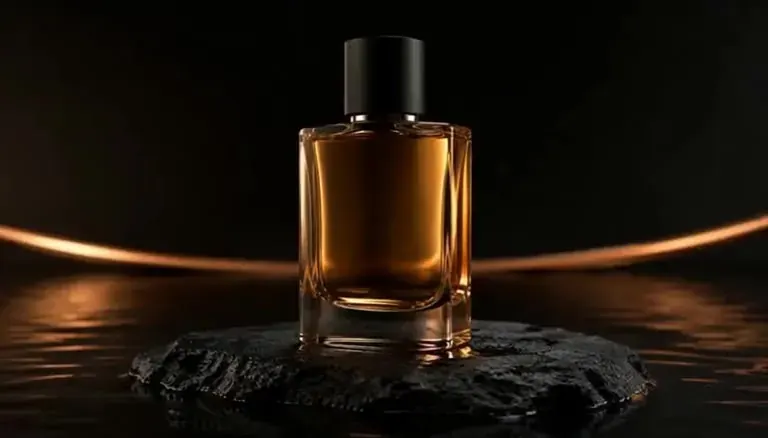
Product · light sweep
“A warm light sweeps across the bottle, gentle 20° orbit, reflections glide on the glass”
Recipe · Kling 3.0
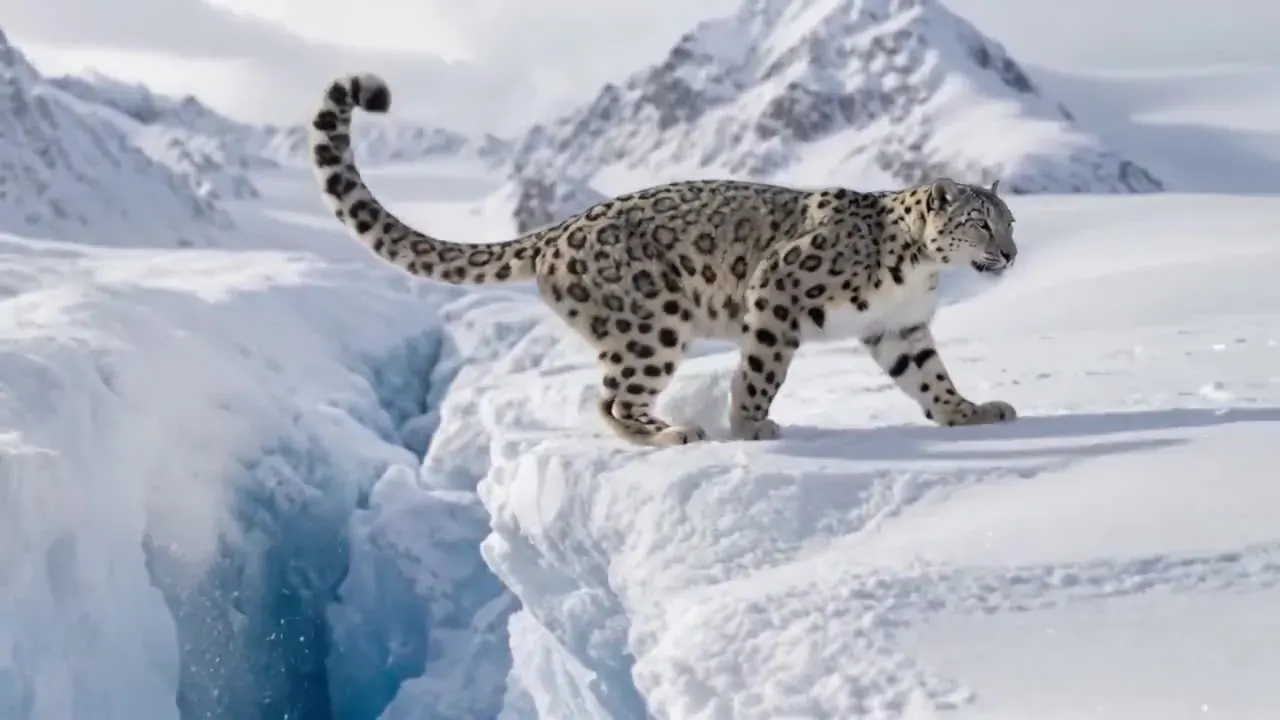
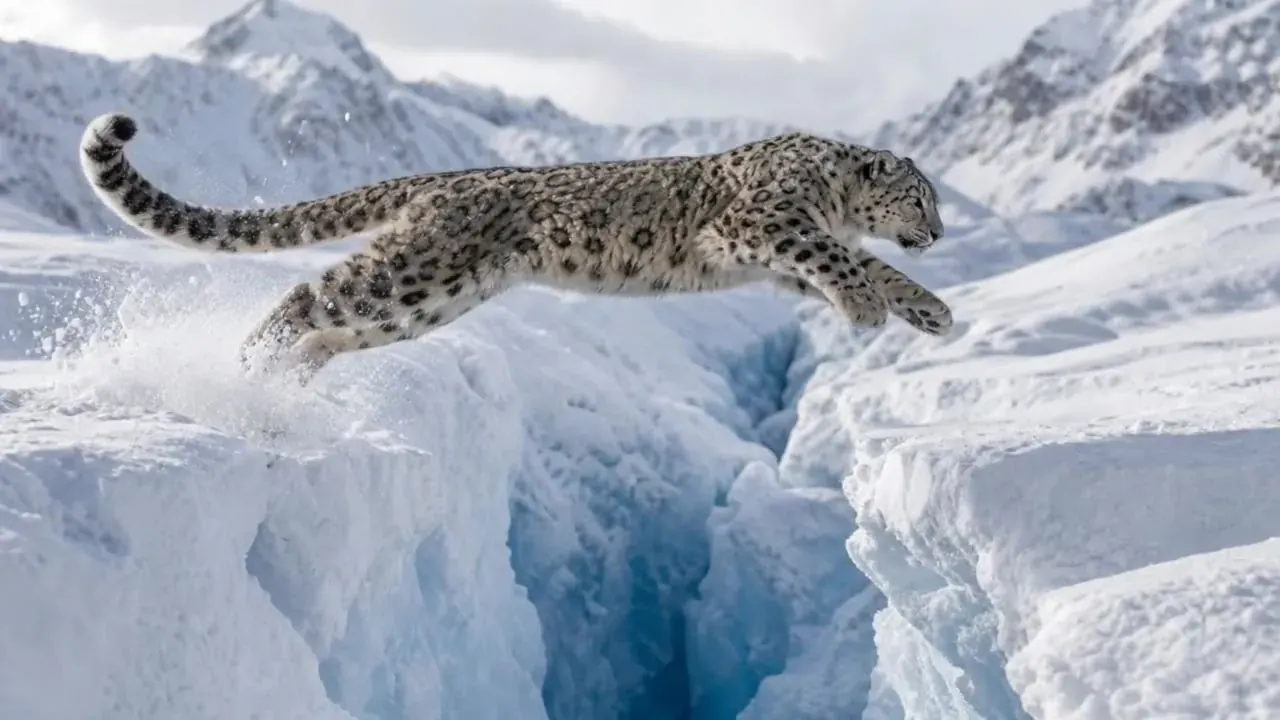
Wildlife · glacier leap
“The snow leopard clears the crevasse, lands in a burst of snow and pads on along the edge, tracking shot”
Recipe · Kling 3.0


Pet · paperwork toss
“The cat waves a paw, glances at the laptop, then flings a stack of papers into the air, static camera”
Recipe · Kling 2.5 Turbo
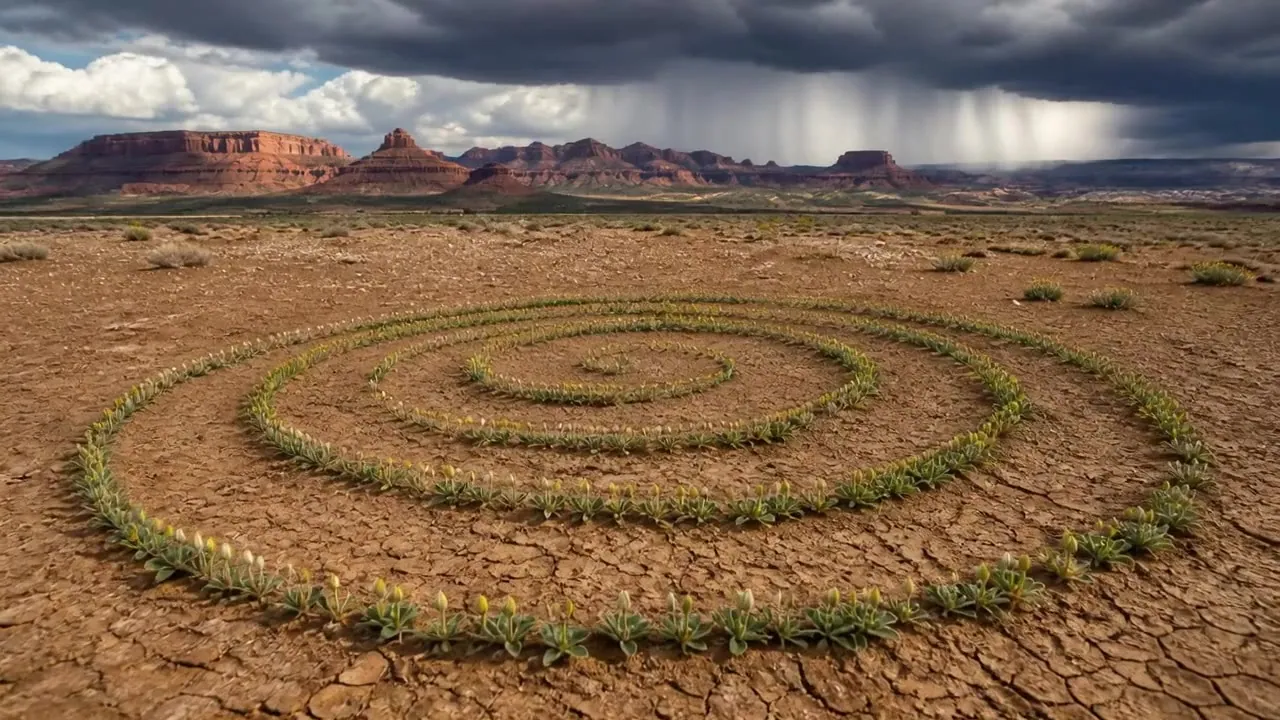
Direct the camera the way Kling reads it
Pin the first and last frame
- 01Step 1/3
A koi fish swims through an ink painting that comes alive
+ Push in+ Orbit+ TrackingUpload the start frame
The composition you want on screen first. JPG, PNG or WebP up to 10 MB, cropped to the final aspect ratio.
- 02Step 2/3Studio8s1080p16:9Sound on152 cr
Add the end frame
Same subject, same lighting, a different moment — the door open, the head turned, the sun lower. Big jumps look like morphs.
- 03Step 3/3Ready · 00:08Download MP4
Describe the in-between
Say what happens between the two: “she walks to the door and opens it”. Kling fills the motion; you approve the render.
Kling 3.0 today, Kling 4.0 at launch
- Longest single shot15s30s
- Frames you can pinFirst + last frameUp to 10 keyframes
- Reference imagesTwo photos (3.0 Omni effects)Up to 15 (Omni)
- Aspect ratios16:9 · 9:16 · 1:116:9 · 9:16 · 1:1 · 21:9
- SoundOptional native audioStereo audio + lip sync
- Image to video from10 cr/s18 cr/s (provisional)
- On PictureToVideoLive nowWaitlist
Kling 4.0 specs are from Kling’s announcement. We show no 4.0 footage until its API opens and we can render it ourselves; every example on this page is labelled with the model it was written for.
Kling AI image to video prompt tips
Lead with the action
The photo already shows what everything looks like, so spend your words on motion. Open with what the subject does — “she turns toward the window” — then the camera, then the light.
One action, one camera move
Stacking a pan, a zoom and an orbit makes Kling hedge between them and the shot wanders. Pick one subject action and one camera move per render.
Use the negative prompt
Open “Negative prompt” under the generator and list what you don’t want: morphing face, extra fingers, warped text, flicker. It is the quickest fix for recurring artefacts.
Draft cheap, finish on 3.0
Draft on Kling 2.5 Turbo at 6 credits per second, then re-render the keeper on Kling 3.0 at 10. Same photo, same prompt — you only pay hero prices for the shot you keep.
Subtle wins for faces
“Slight head turn, slow blink” holds a likeness far better than a big gesture. Save fast action for landscapes, vehicles and water, where small changes go unnoticed.
Match length to motion
A breeze needs five seconds; a walk across the frame needs ten. Kling 3.0 image to video renders any whole length from 3 to 15 seconds, so you pay only for the motion you need.
What Kling AI image to video costs
| Model | Resolution | Credits / sec | With audio | Typical clip |
|---|---|---|---|---|
| Kling 3.0 | 720p | 10 | 14 | 5s · 50 cr ≈ $0.68 |
| Kling 3.0 | 1080p | 13 | 19 | 5s · 65 cr ≈ $0.88 |
| Kling 3.0 | 4K | 47 | — | 5s · 235 cr ≈ $3.19 |
| Kling 3.0 Turbo | 720p | — | 13 | 5s · 65 cr ≈ $0.88 |
| Kling 3.0 Turbo | 1080p | — | 16 | 5s · 80 cr ≈ $1.09 |
| Kling 2.6 | 1080p | 8 | 16 | 5s · 40 cr ≈ $0.54 |
| Kling 2.5 Turbo | 720p | 6 | — | 5s · 30 cr ≈ $0.41 |
| Kling 2.5 Turbo | 1080p | 6 | — | 5s · 30 cr ≈ $0.41 |
Example: a 5-second Kling 3.0 clip at 720p costs 50 credits (≈ $0.68 on the Pro plan). Kling 2.5 Turbo renders every clip at 1080p, at the same price whichever resolution you pick.
Upload responsibly
- Only upload photos you took or have the right to use.
- Photos of other people need their permission; photos of children need a parent or guardian’s. No public figures.
- No sexual, suggestive or violent content. Prompts are screened, the video models apply their own safety filters, and uploads must follow our content policy.
- Renders are clean, with no watermark, and commercial-use ready within our content policy.
Kling AI image to video FAQ
Still curious? Email support@picturetovideo.org — a human replies within a day.
01How does Kling AI image to video work?
02Which Kling model is best for image to video?
03Can I use Kling 4.0 for image to video yet?
04Does Kling AI image to video support start and end frames?
05Will the video keep my photo’s aspect ratio?
06How do I stop Kling from changing a face?
07Is Kling AI image to video free to try?
08Is this the official Kling AI image to video tool?
Related tools & models
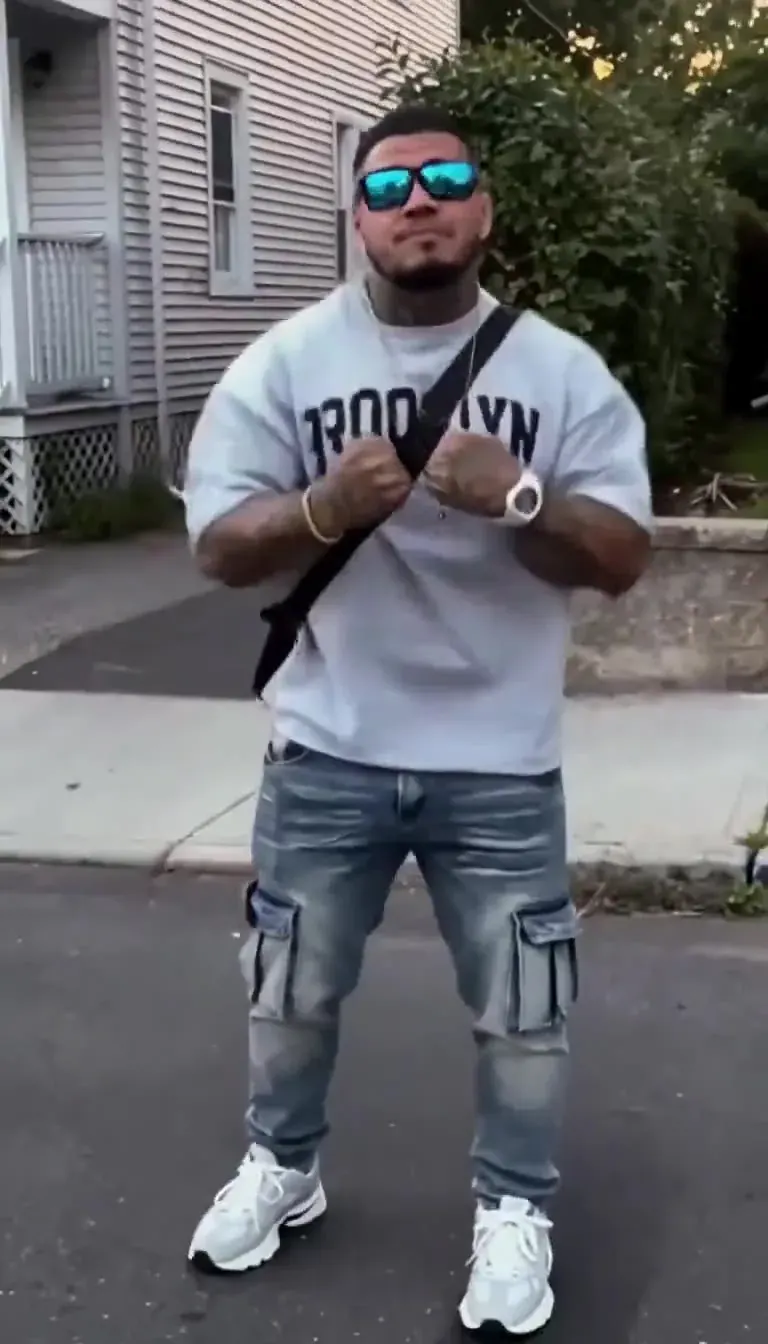
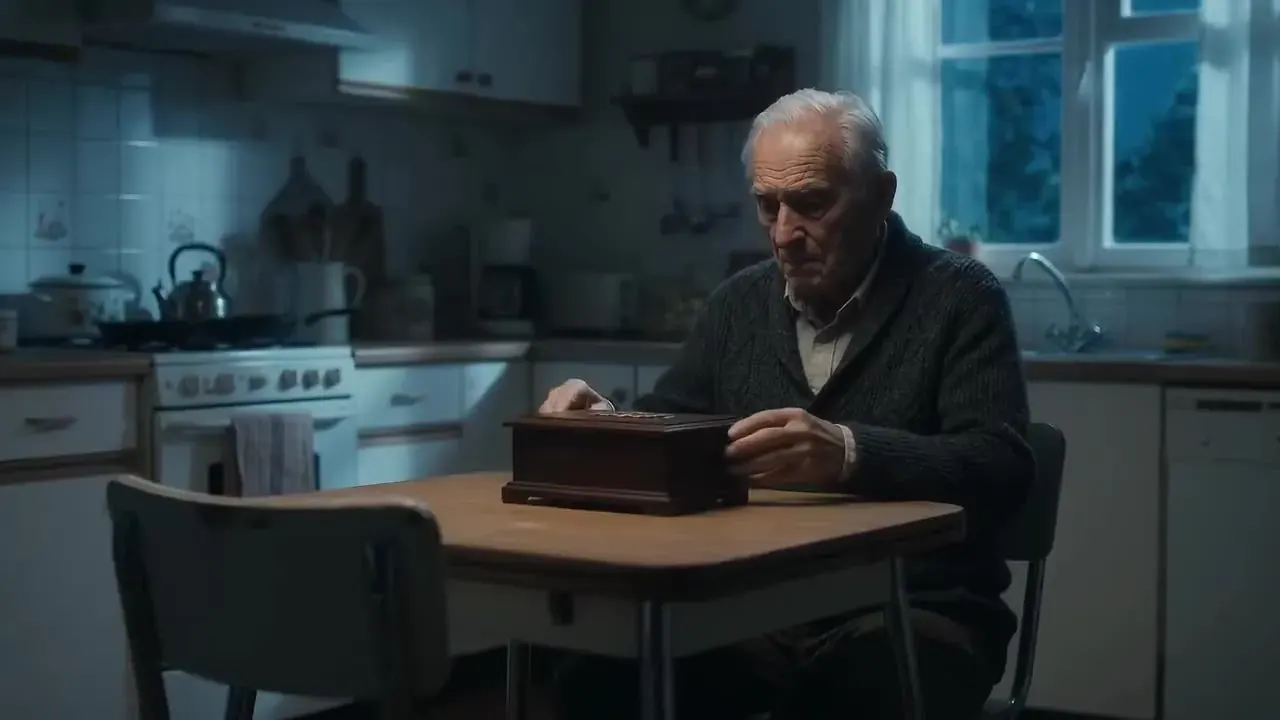
Animate it with Kling
Upload a still, pick a Kling model and render in minutes. Starter pack from $2.99, no subscription.