Kling motion control · via API · Independent
Kling Motion Control: Make Any Photo Copy a Video’s Moves
Kling motion control copies the movement in a reference video onto the character in your photo — dances, gestures, walks, even the camera’s path. It is AI motion control in the literal sense: upload one image, pick a ready-made motion template, and choose the Motion tier (Kling Motion Control 2.6) for lower cost or Motion Pro (3.0) for sharper faces and hands. Clips run 3–30s, and you see the price before you render.
- Motion Control 2.6 · 3.0
- 3–30s
- 720p · 1080p
- 10 original templates
Negative prompt
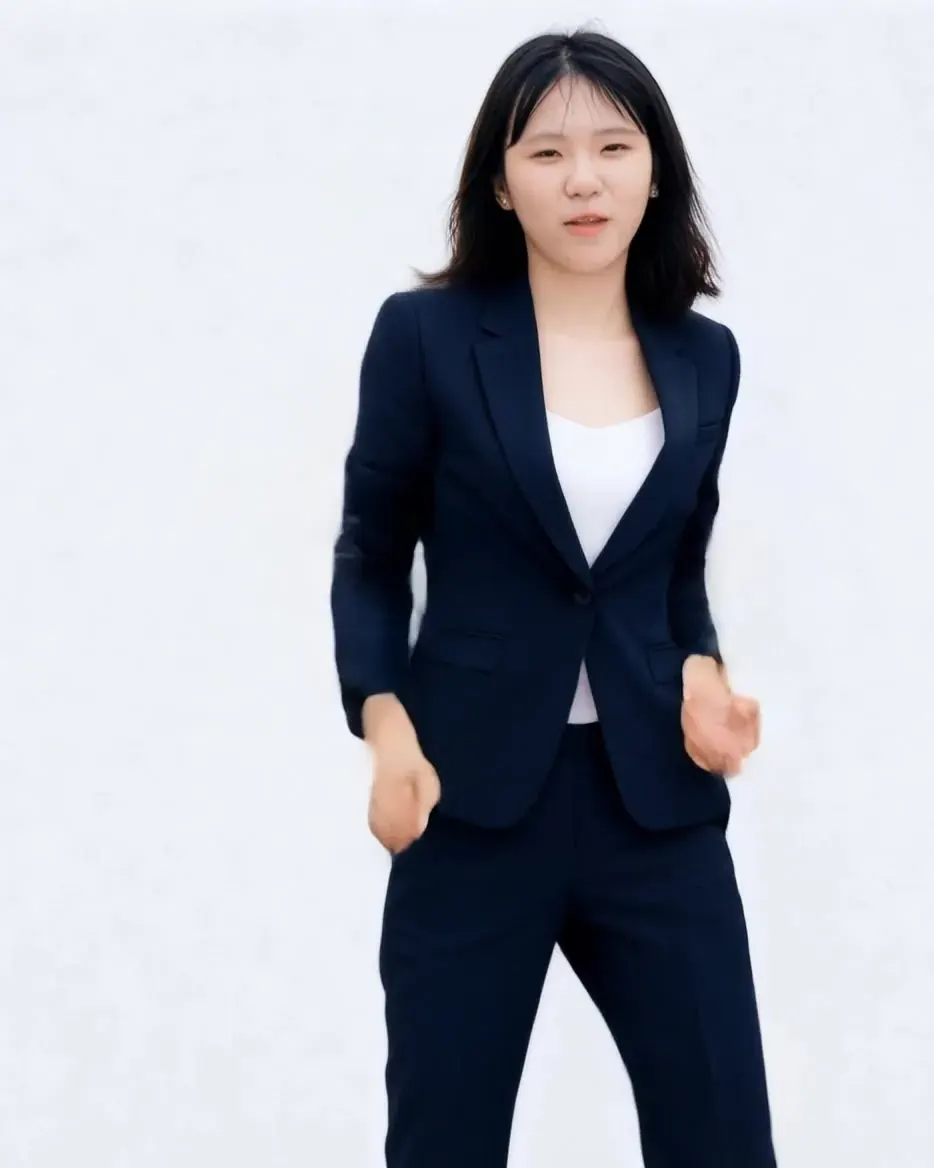
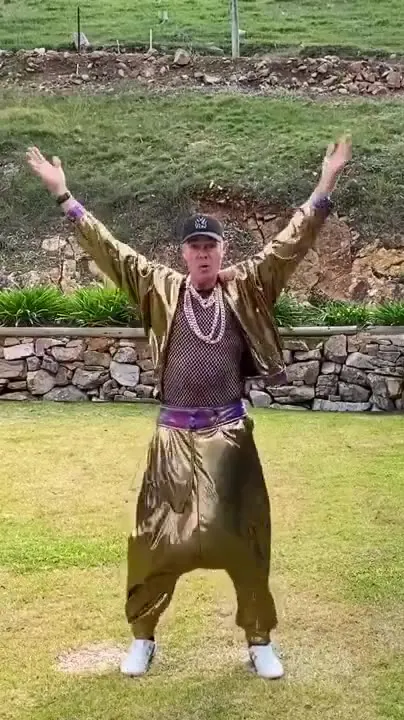
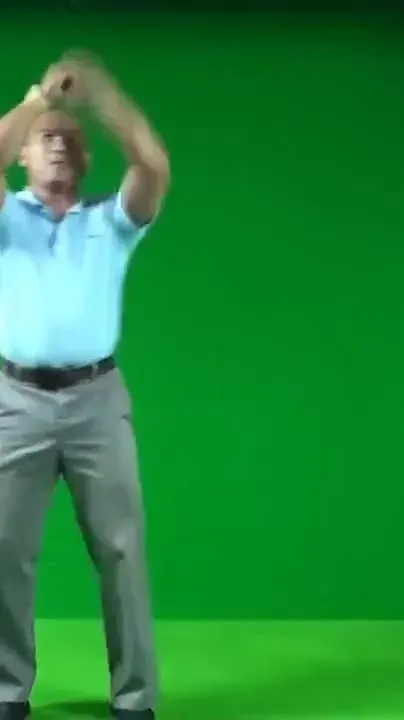
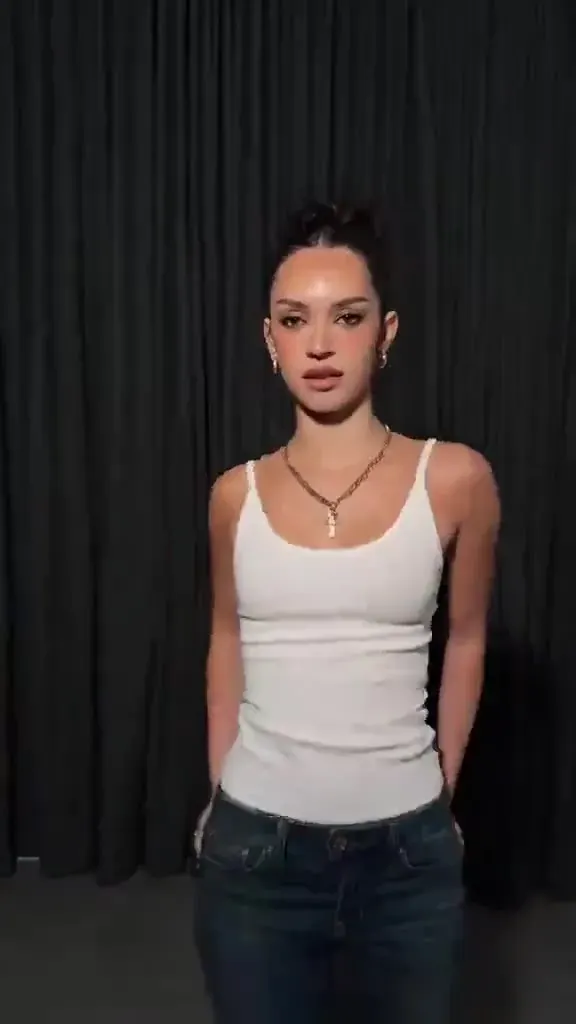
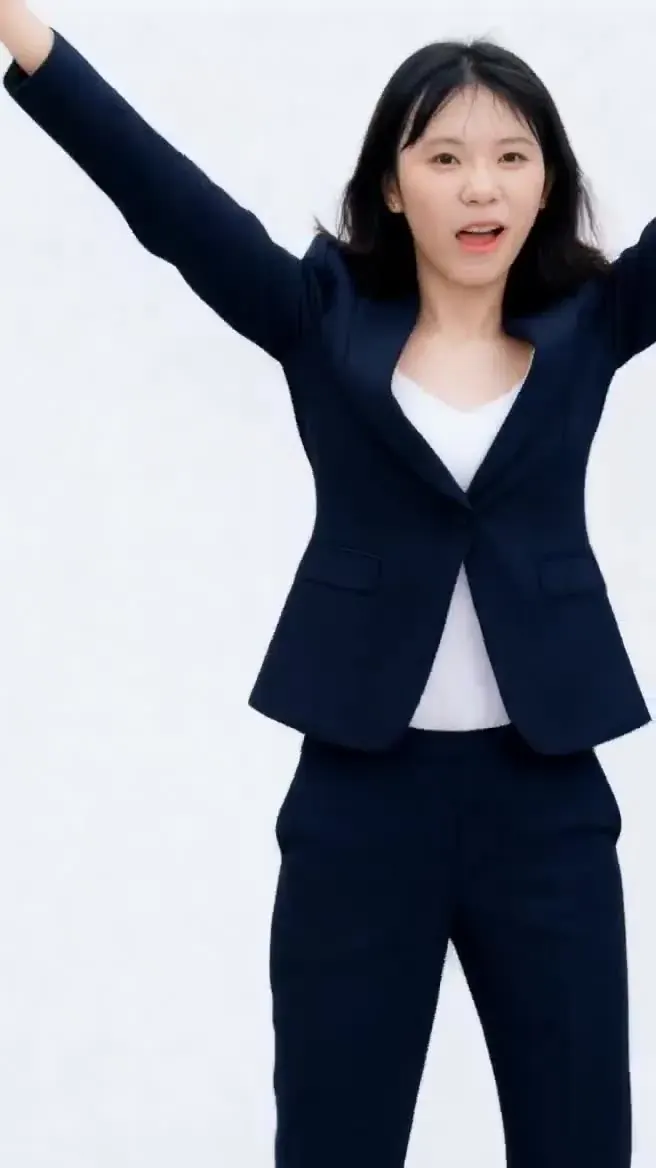
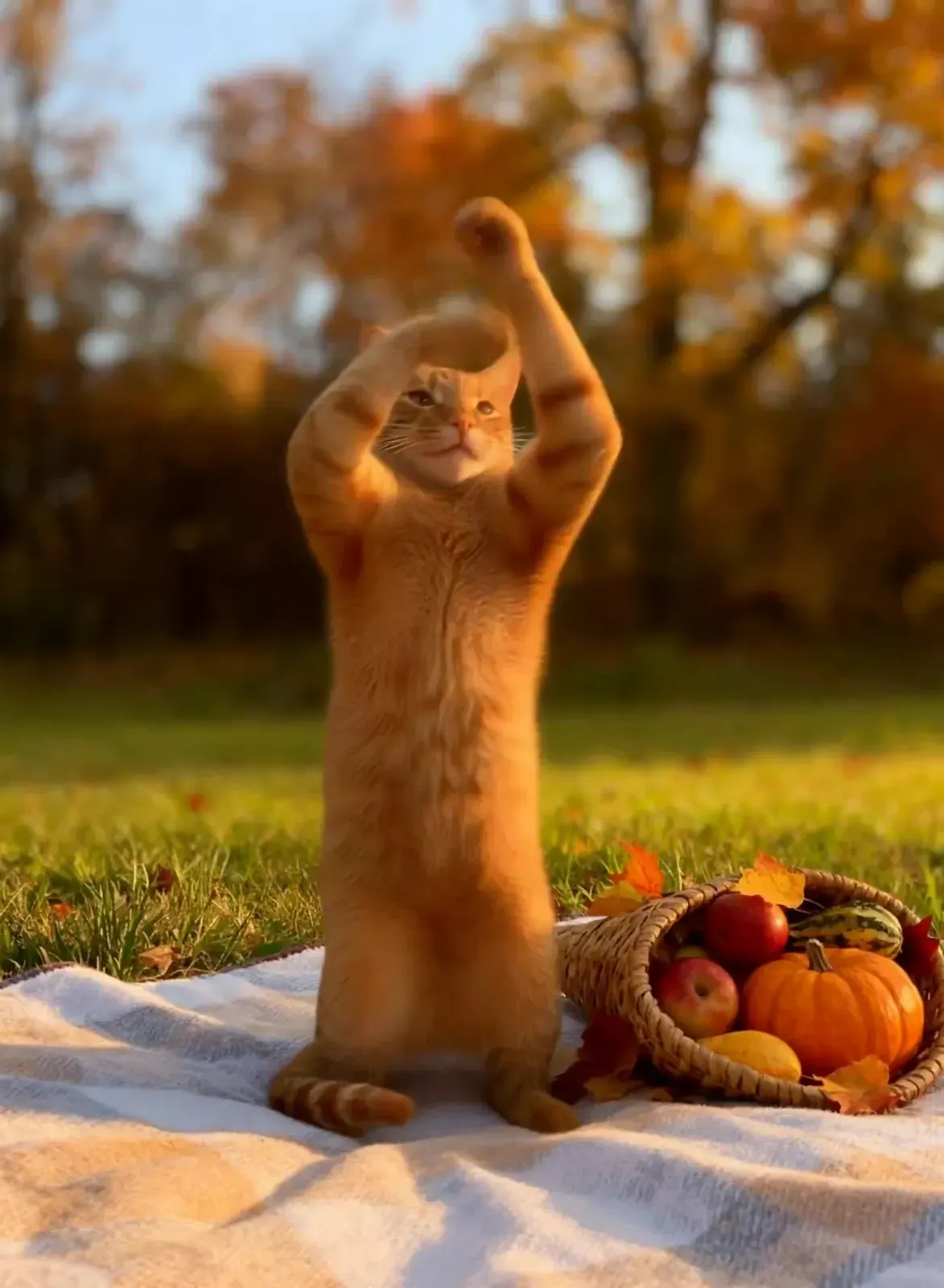
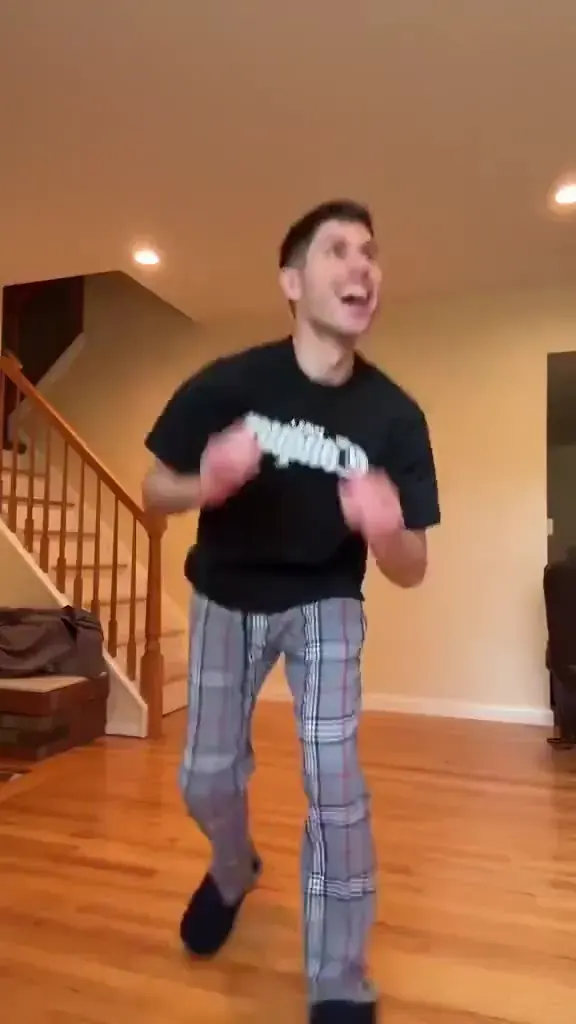
Illustrative keyframes · one timeline drives all three panels
How AI motion control works
- 01Step 1/3
A koi fish swims through an ink painting that comes alive
+ Push in+ Orbit+ TrackingAdd one clear photo
A full-body shot of one character works best: good light, arms and legs visible, framing similar to the motion clip. JPG, PNG or WebP.
- 02Step 2/3Studio8s1080p16:9Sound on152 cr
Choose the motion
Pick one of our original templates — hip-hop, ballet, salsa, robot pop and more — each performed by a fictional dancer in everyday clothes, with no music.
- 03Step 3/3Ready · 00:08Download MP4
Pick 2.6 or 3.0, then render
Motion (Kling Motion Control 2.6) is the budget choice; Motion Pro (3.0) holds faces and hands better. The clip is as long as the template, and credits are charged per second.
Kling motion control templates
10 original moves · no music · everyday clothes
Pick a move above — it loads straight into the generator.
Motion control AI: 2.6 vs 3.0
| Motion Control 2.6 | Motion Control 3.0 | |
|---|---|---|
| Best for | Dance trends, drafts, pets | Close-ups, faces, hero clips |
| 720p | 8 cr/s | 14 cr/s |
| 1080p | 13 cr/s | 19 cr/s |
| 10-second clip, 720p | 80 cr ≈ $1.09 | 140 cr ≈ $1.90 |
| Reference length | 3–30s | 3–30s |
| Faces & hands | Good at full-body distance | Sharper, steadier identity |
| Released | Dec 2025 | Mar 2026 |
Kling motion control or image to video?
| Kling Motion Control | Image to video (Kling · Veo · Wan · Hailuo) | |
|---|---|---|
| Where the movement comes from | A reference clip, step for step | Your words — the model invents the motion |
| Timing | Follows the clip beat by beat | Approximate; varies from render to render |
| Clip length | 3–30s | Up to 15s, depending on the model |
| Best for | Dances, choreographed gestures, walks | Camera moves, natural motion, scenery |
| From | 8 cr/s | 4 cr/s |
Photo and clip tips for a clean result
Show the whole body
If the reference dancer kicks, your character needs legs in frame. Crop from just above the head to just below the feet, and leave space on both sides for arm swings.
One character, plain background
The model maps one performer onto one character. Group photos and busy backgrounds make the model guess who should move — and what should stay still.
Match the framing
A full-body routine wants a full-body photo; a waist-up gesture wants a waist-up portrait. When the framing matches, Kling spends its effort on the motion instead of inventing missing limbs.
Don’t hide the joints
Long coats, crossed arms and hands in pockets hide the elbows, wrists and knees Kling tracks. Everyday clothes in a colour that contrasts with the background give the cleanest motion.
Light the face evenly
Soft, front-facing light keeps identity stable through turns. Hard shadows across the eyes are the most common reason a face drifts halfway through a dance.
Expect stylised physics
Cartoon characters and pets can follow human moves, but bodies with very different proportions are re-interpreted, not copied joint for joint. Keep their moves simple and short.
Image vs video orientation: 10s or 30s
Max reference length
30s
Fits 10 of 10 templates
- Who decides
- The reference clip sets the facing
- Your character turns, faces and travels the way the reference dancer does, and camera moves inside the clip carry over.
- Best for
- Full routines, spins, walks toward camera
- A max-length clip costs
- 240 cr on 2.6 (≈ $3.26) · 420 cr on 3.0 (≈ $5.71)
PictureToVideo templates run with video orientation, so every move in the library fits.
What people make with it
Dance clips
Put yourself, a friend who said yes, or a mascot into an upbeat routine — no rehearsal, no second take.
Mascot moments
Make a 2D or 3D brand character wave, cheer or celebrate a launch while staying faithful to the original artwork.
Character blocking
Rough out a performance for an illustrated character before committing to hand animation or motion capture.
Movement demos
Show a warm-up routine or a folk step on an illustrated instructor, so the lesson travels without filming anyone.
What Kling motion control costs
| Model | Resolution | Credits / sec | With audio | Typical clip |
|---|---|---|---|---|
| Motion Control 2.6 | 720p | 8 | — | 10s · 80 cr ≈ $1.09 |
| Motion Control 2.6 | 1080p | 13 | — | 10s · 130 cr ≈ $1.77 |
| Motion Control 3.0 | 720p | 14 | — | 10s · 140 cr ≈ $1.90 |
| Motion Control 3.0 | 1080p | 19 | — | 10s · 190 cr ≈ $2.58 |
Example: a 10-second Kling Motion Control 2.6 clip at 720p costs 80 credits (≈ $1.09 on the Pro plan). Failed renders are refunded automatically.
Rules for photos of real people
- Animate yourself, or people who have clearly agreed to it — consent first, every time.
- No public figures, celebrities or lookalikes. Uploads must follow our content policy, and the video models apply their own safety filters.
- Photos of children only if you are their parent or guardian, and only with wholesome, everyday moves.
- No sexual, suggestive or mocking motion. The template library is family-friendly by design.
- Label AI-generated clips when you post them, especially when a real person appears.
- Breaking the content policy closes the account without a refund.
Kling motion control FAQ
Still curious? Email support@picturetovideo.org — a human replies within a day.
01What is AI motion control, in plain words?
02Is AI motion transfer the same thing as Kling motion control?
03How long can a Kling motion control clip be?
04Should I choose Kling Motion Control 2.6 or 3.0?
05Is there a free motion control AI here?
06What kind of photo gives the cleanest result?
07Can I upload my own dance video as the reference?
08Will my Kling motion control video have sound?
09Can I animate a photo of someone else?
10Is this Kling motion control tool run by Kuaishou?
Related tools & models
Your photo, their moves
Pick a template, add one clear photo and render in minutes. Credits are charged per second and refunded if a render fails.