Photo to video AI · Five models · Independent
Photo to Video AI: AI photo to video from any picture
This photo to video AI turns any still picture into a short, moving clip — AI photo to video with no timeline and no editing skills. Upload a portrait, a product shot, a pet, a landscape or an old family print, describe the motion in one sentence — or leave it blank — and choose the photo to video AI model that suits the picture: Kling 3.0, Veo 3.1 Fast, Wan 2.5, Hailuo 02 and Kling 2.5 Turbo. There is no free tier: the $2.99 starter pack buys 200 credits, about 6 five-second Draft clips.
- 5 models
- Kling · Veo · Wan · Hailuo
- 3–15s
- Up to 4K
- Starter pack $2.99
Negative prompt
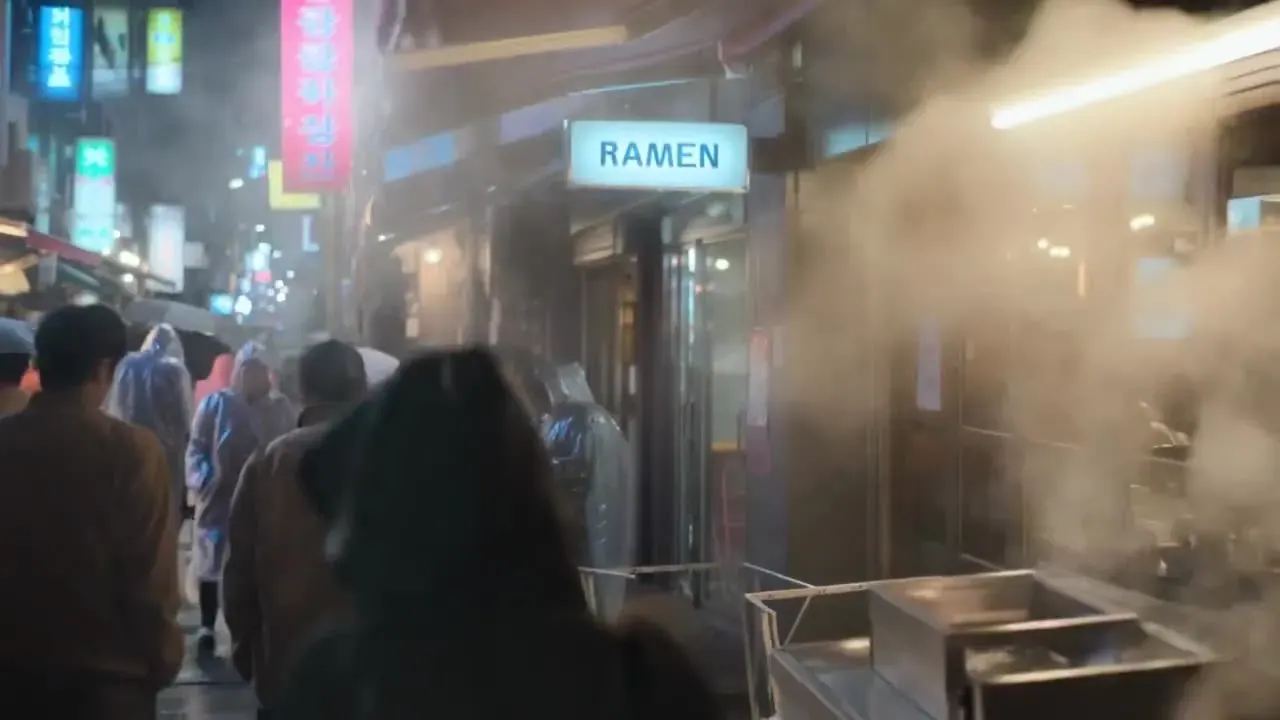
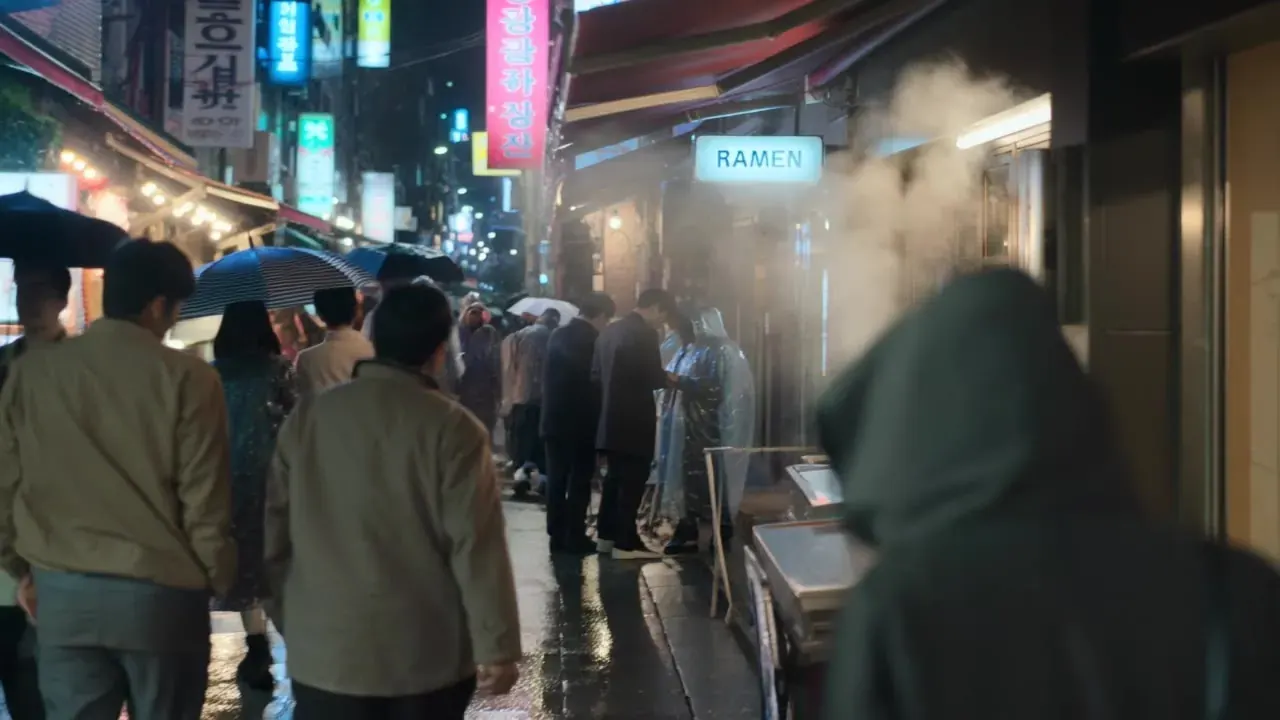
One photo, one sentence of motion. Drag to compare — then see how five photo to video AI models animate the same picture.
Five image to video AI models, one photo
Kling 3.0
KlingKling 3.0 is strong on faces, hands and physically believable motion, so people stay coherent while the crowd moves and the steam rolls. One shot can run up to 15 seconds, and native sound — rain, chatter, footsteps — is optional.
Shared prompt: “The crowd drifts down the rainy alley under umbrellas, steam billows from the food stall, neon signs glow on the wet pavement, slow push-in” · The frame above is an illustration; a real Kling 3.0 render of this photo replaces it once uploaded.
- Clip
- 5s · 720p
- Credits
- 50
- On Pro
- ≈ $0.68
- Sound
- Off
Choose a model to compare on the same photo
Tap a model to load it into the generator.
Model names belong to their owners — Kling (Kuaishou), Veo (Google), Wan (Alibaba) and Hailuo (MiniMax). PictureToVideo runs them via their APIs and is independent, not affiliated with any of them. Kling 4.0 isn’t in this test because its API hasn’t opened yet — follow its status on the Kling 4.0 page.
What to animate a photo of
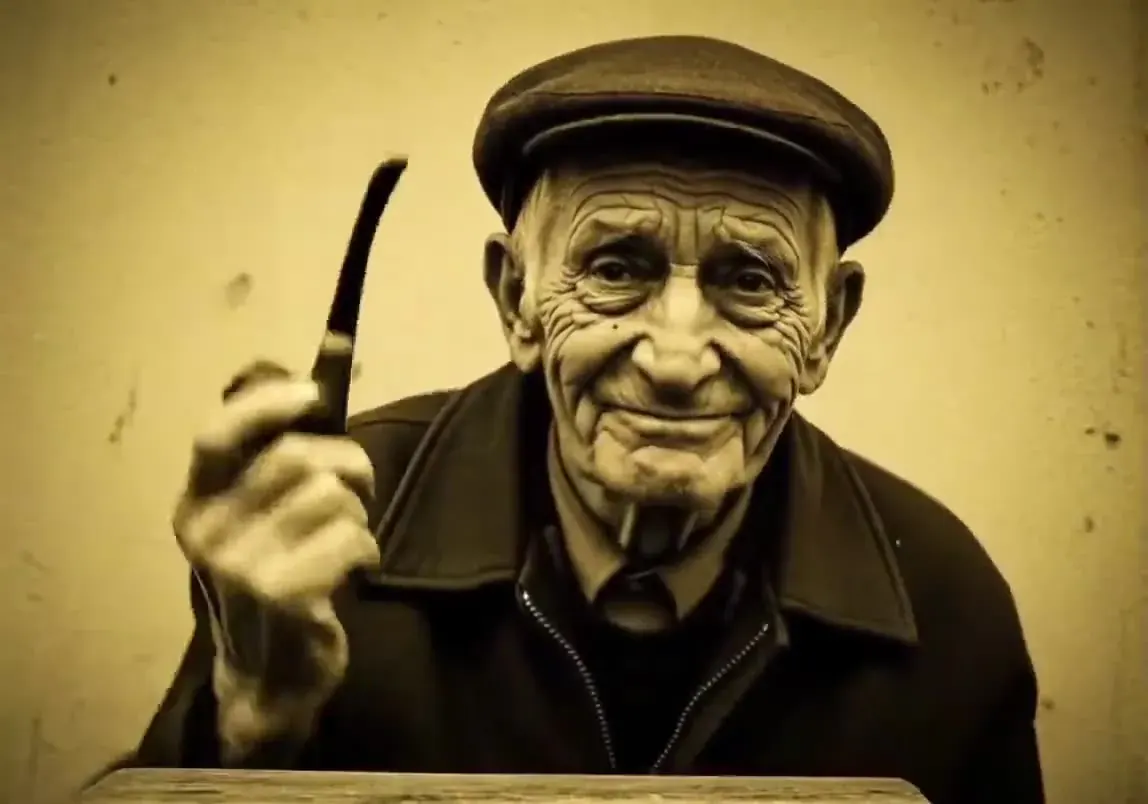
Portraits
A blink, a slow turn and a smile are enough. Subtle motion keeps a face looking like the person in the photo.
“He picks up his pipe from the table, looks into the lens and breaks into a wide, warm smile, sepia tones, soft light, static camera”
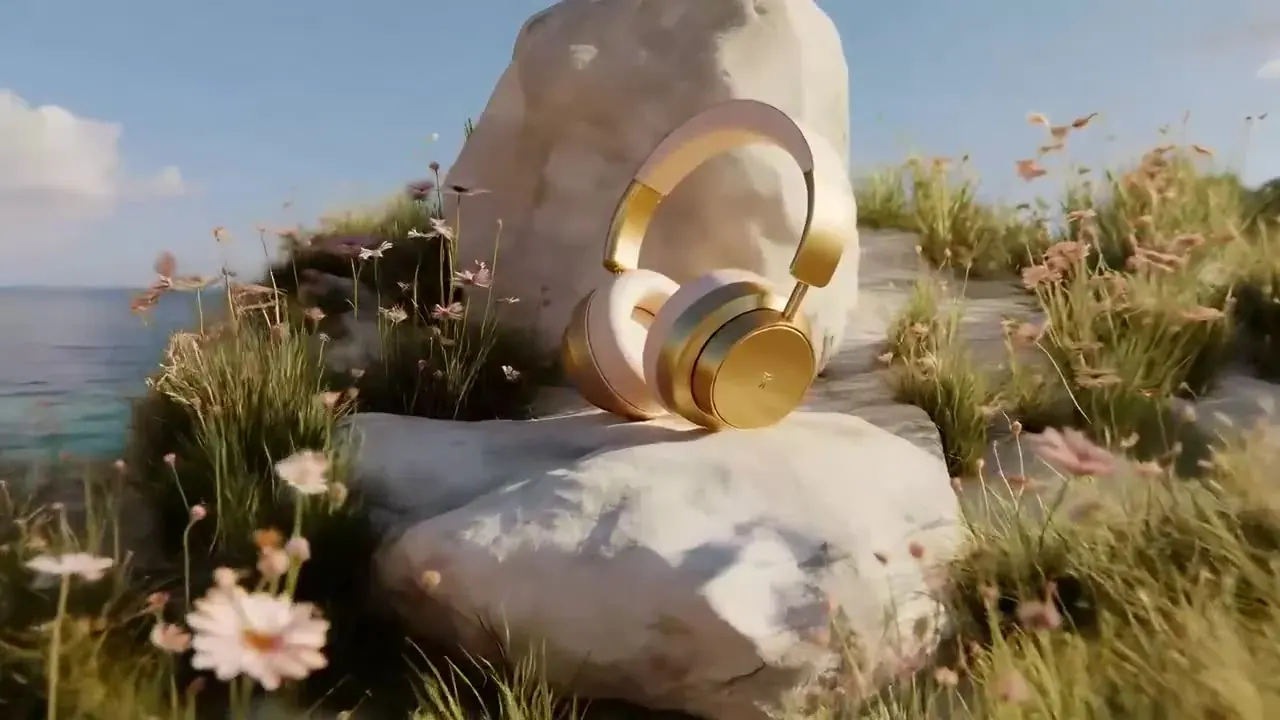
Product shots
Turn a packshot into an ad loop: a slow orbit, a sweep of light across the surface, a gentle float above the pedestal.
“Slow low push-in through swaying wildflowers toward the gold headphones resting on a white rock, the sea glitters behind, warm sunlight on the ear cups”
Landscapes
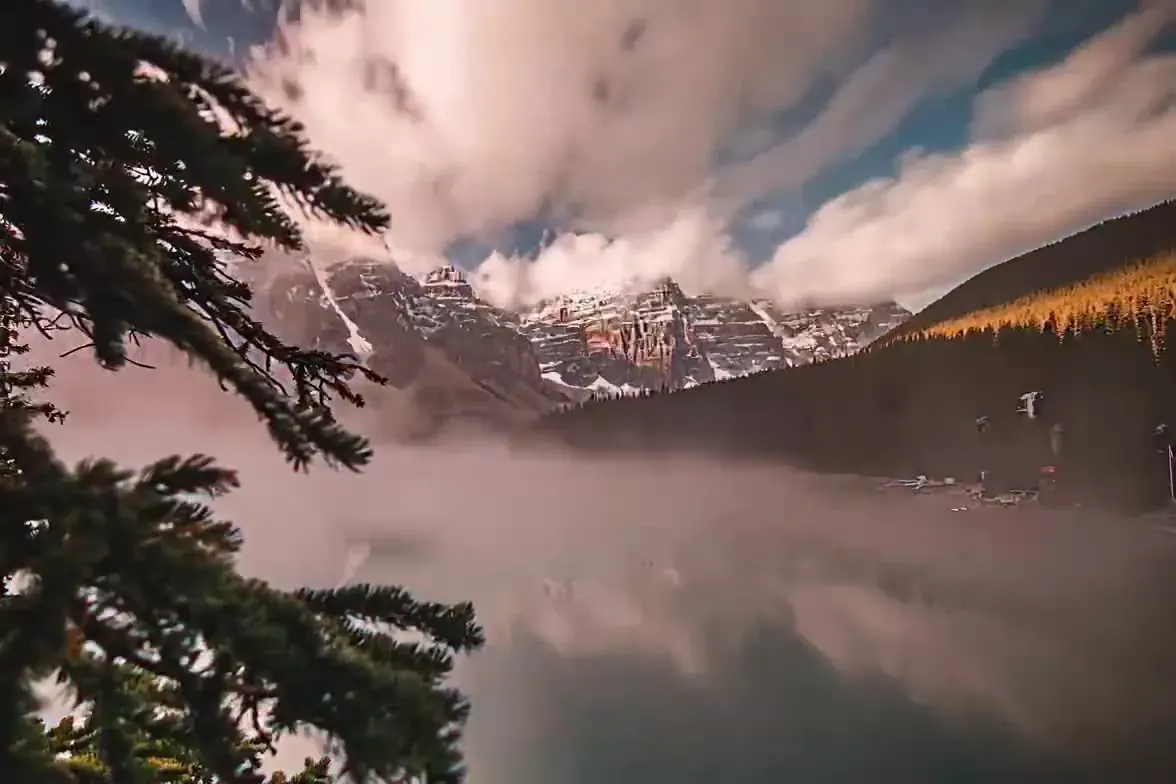
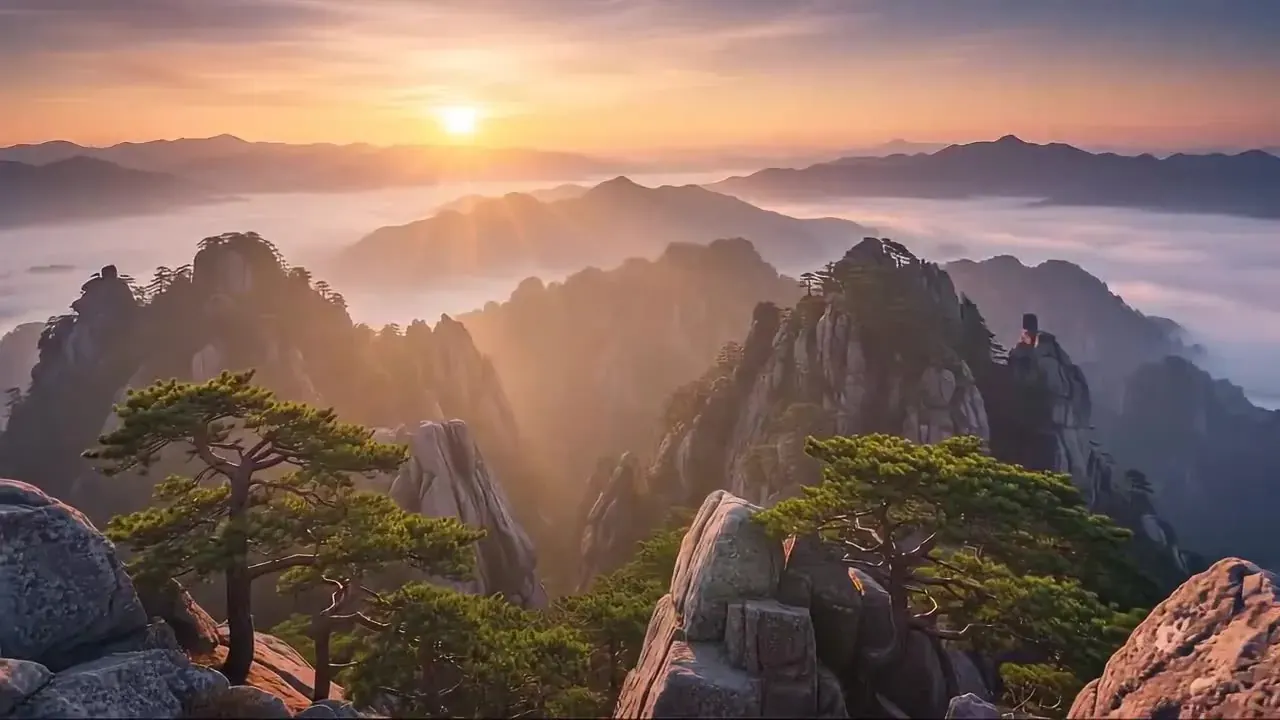
Drifting mist, moving water and a crane-up reveal turn a travel photo into one long, calm take.
“Time-lapse: clouds race over the jagged peaks and mist rolls across the turquoise lake, pine branches frame the shot, static camera, one continuous take”
Pets
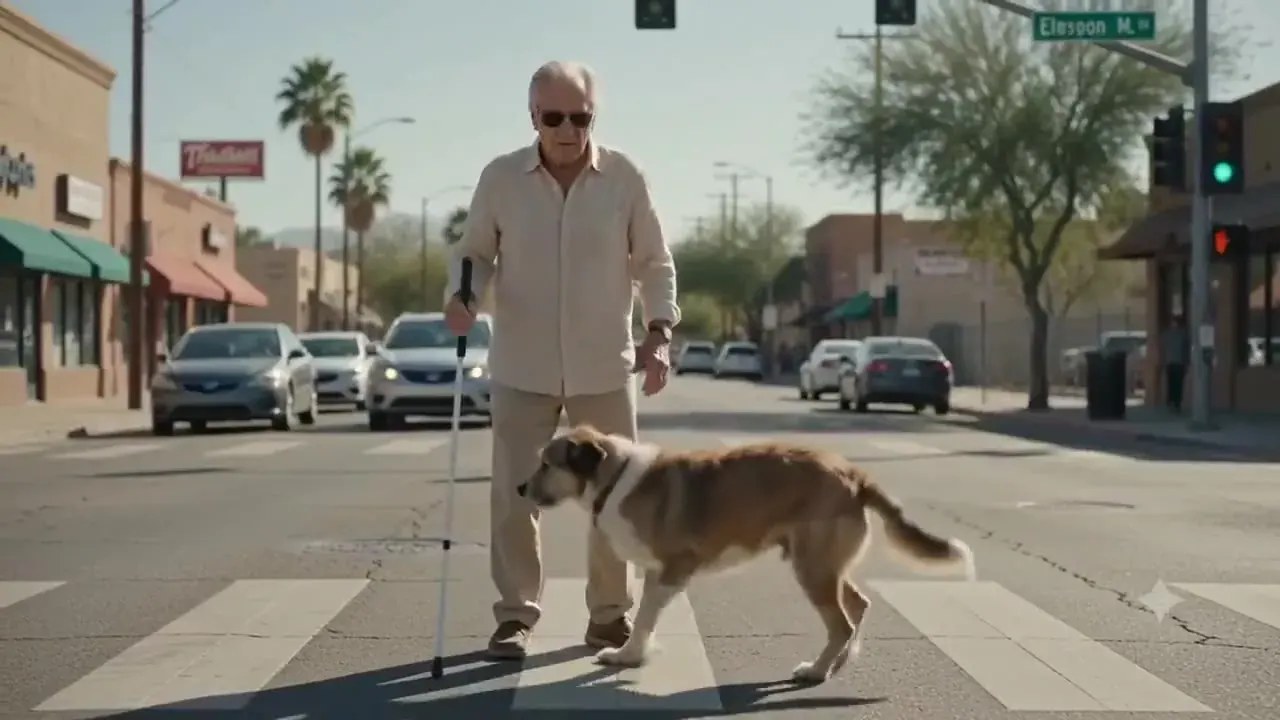
Pets bring fast, bouncy motion — ears, tails, flying leaves. Keep the action short and clear for the cleanest result.
“The shaggy dog trots across the crosswalk beside its owner, he kneels to stroke its head, close-up on its pale eyes, tracking shot”
Old family photos
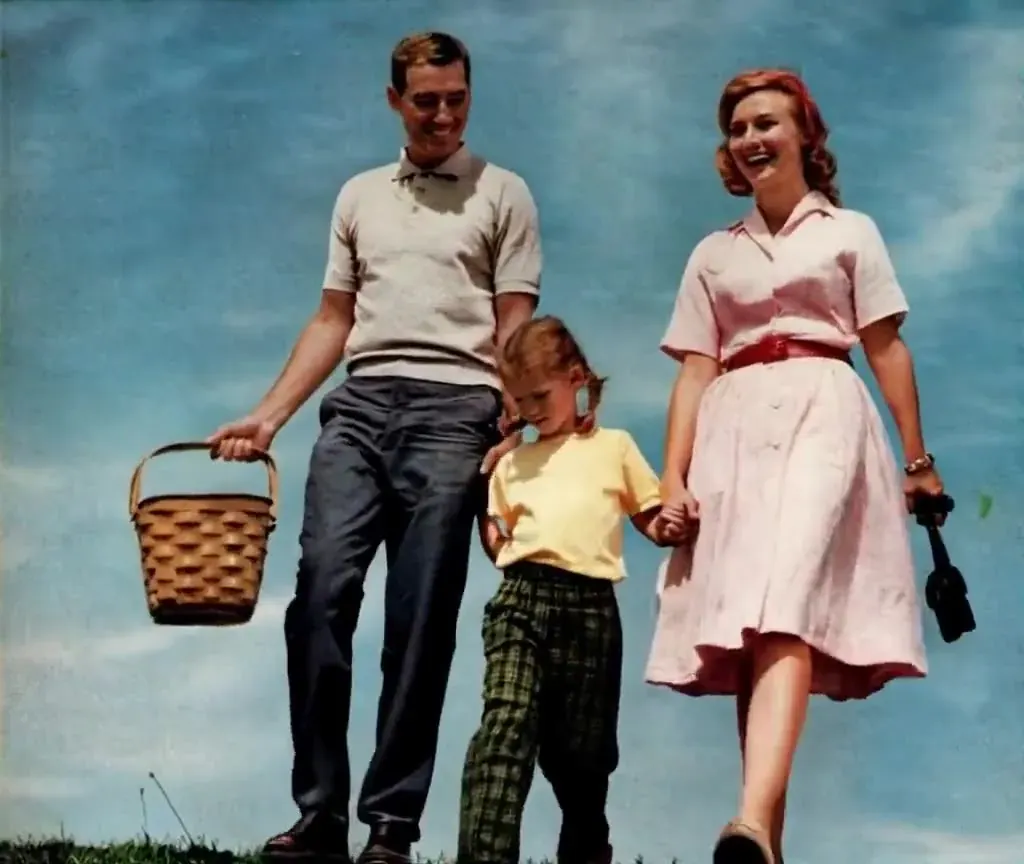
Gentle motion — a breeze, a glance, a wave — brings an archive print to life. The result is an AI interpretation, not a restoration.
“The family in the faded photograph comes alive: they stroll hand in hand across the hilltop, the mother laughs, the picnic basket swings, subtle film grain, static camera”
Paintings & illustrations
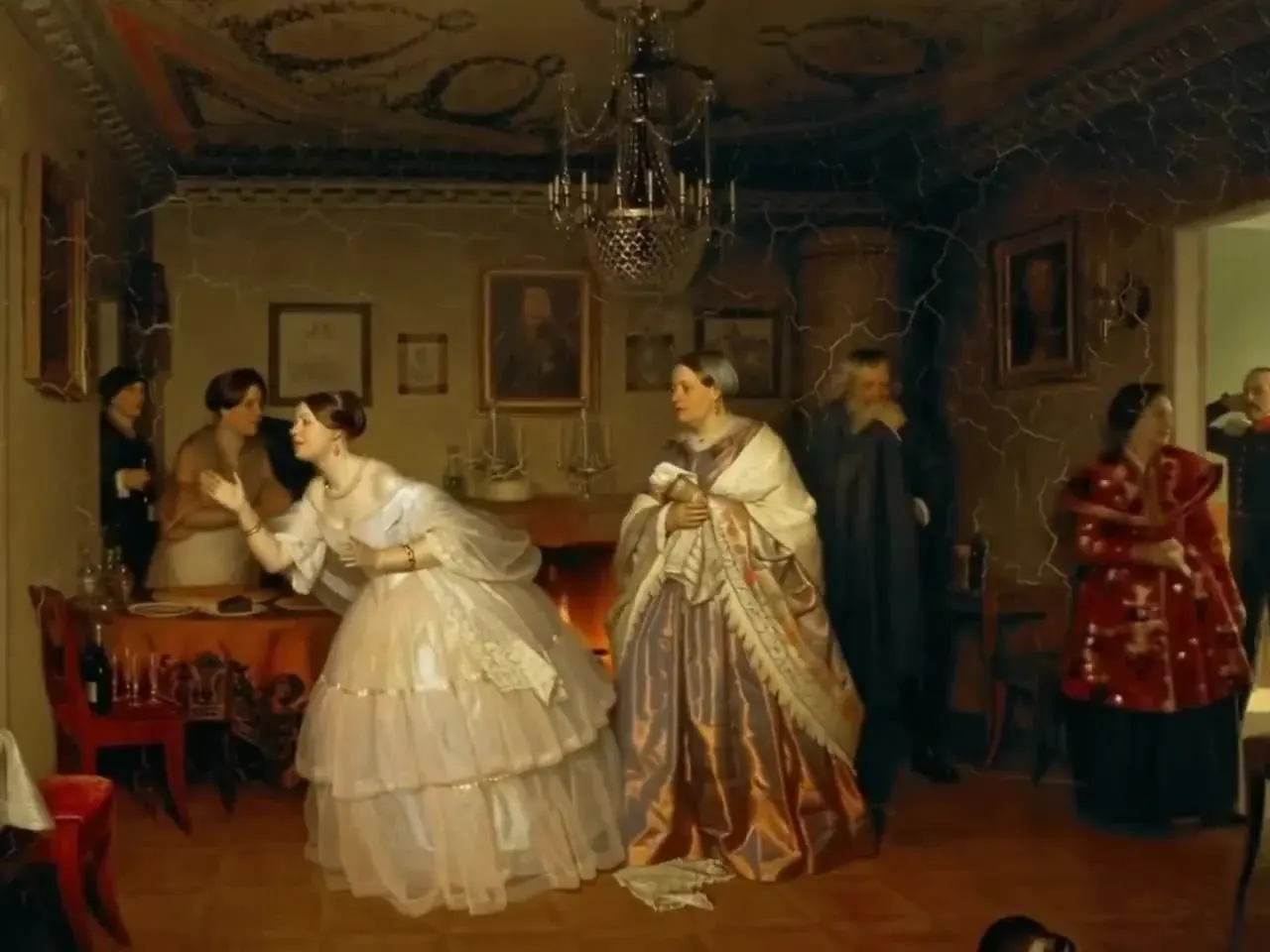
Brush strokes start to move while the style stays intact — figures turn, silk sways, the chandelier glints.
“The 19th-century parlour painting comes alive: the young woman in a white gown turns away, her mother steps forward, the guests whisper, the chandelier glints, slow push-in”
How to turn a photo into a video
- 01Step 1/4
A koi fish swims through an ink painting that comes alive
+ Push in+ Orbit+ TrackingUpload a photo
JPG, PNG or WebP up to 10 MB. Drag it in, click to browse or paste from the clipboard. Faces, products, pets, places and artwork all work.
- 02Step 2/4Studio8s1080p16:9Sound on152 cr
Describe the motion — or don’t
One subject action plus one camera move, like “she turns and smiles, slow push-in”. Leave it blank and the photo to video AI chooses natural motion.
- 03Step 3/4Ready · 00:08Download MP4
Choose a model and length
Kling 3.0, Veo 3.1 Fast, Wan 2.5, Hailuo 02 and Kling 2.5 Turbo. The credit cost updates live as you change length, resolution and sound.
- 04Step 4/4Ready · 00:08Download MP4
Render and download
Keep browsing while it renders, then download the MP4. A failed render refunds its credits automatically.
Photo to video AI cost: what you get
200credits for $2.99
Enough for 6 Draft clips at 30 credits each, with 20 credits to spare.
- Spend it on any tier, effect or tool
- Valid 365 days, no subscription
- Commercial use, no watermark
- No account with any model vendor
How many seconds 200 credits buy on each tier
- Studio · 720p20s · 10 cr/s
- Cinema Fast · 720p9s · 21 cr/s
- Budget · 720p22s · 9 cr/s
- Action · 768p50s · 4 cr/s
- Draft · 720p33s · 6 cr/s
Plans unlock every model: Basic is $12.90/month for 900 credits — about 18 five-second Kling 3.0 clips. See pricing or how Kling AI free options compare.
Picture to video AI, explained
What the model actually does
A photo to video AI model treats your picture as the first frame and predicts what happens next: how hair moves in the wind, how water flows, how a head turns. Every following frame is generated from that prediction, so the result is new motion inside the scene — not a pan and zoom over a flat still.
An AI photo animator vs. a slideshow
Slideshow apps fake movement with the Ken Burns effect: they crop and slide across a flat picture. AI photo animation creates depth, parallax and real movement, so a person can blink and a wave can break while the camera moves through the scene.
Why one photo looks different on each model
Each model learned motion from different footage and makes different trade-offs. Some favour faithful faces, some favour camera drama, some favour speed and price. That is why the same picture can look calm on one model and energetic on another — and why the comparison above is worth a minute.
When the video drifts from the photo
The further a clip runs from its first frame, the more the model has to invent. If faces or small text start to change, shorten the clip, ask for less motion, or switch to Start & End Frame so a second photo pins where the shot finishes.
Photos that work best for AI photo to video
One clear subject
A single person, animal or object in focus gives the photo to video AI an obvious thing to move. Busy group shots and cluttered backgrounds split its attention, and the motion turns mushy.
Room around the edges
If a head or a hand touches the frame edge, there is nowhere for it to go. A little space around the subject leaves room for a turn, a step or a camera move.
Resolution beats filters
Start from the largest, least-compressed version of the picture you have. Beauty filters, stickers and text overlays tend to smear or flicker once they start moving.
Crop for where it will play
Crop before you upload: 9:16 for Reels, Shorts and TikTok, 1:1 for feeds, 16:9 for YouTube. Check the model too — Hailuo 02 renders 16:9 only, while the Kling models also offer vertical and square.
Your photos, your rights
- Upload only photos you took yourself or have permission to use.
- Photos of children only if you are their parent or legal guardian, or have the guardian’s permission.
- No celebrities, politicians or other public figures, and nothing meant to deceive or impersonate.
- No sexual, suggestive, violent or hateful content — prompts are screened, and the video models apply their own safety filters.
Photo to video AI FAQ
Still curious? Email support@picturetovideo.org — a human replies within a day.
01Is this photo to video AI free to use?
02Which photo to video AI model is best for my picture?
03Do I have to write a prompt to animate a photo?
04Will the video still look like my original photo?
05How long can a photo to video AI clip be?
06Can I turn a photo into a video with sound?
07Can I upload photos of my children or my friends?
08Can I make one video from two photos?
09Who makes the photo to video AI models behind this tool?
Related tools & models
Your photo, in motion
$2.99 starter pack — 200 credits, about 6 Draft clips, no subscription. The same credits run Kling 3.0, Veo 3.1 Fast, Wan 2.5 and Hailuo 02.