AI animation generator · Anime · Cartoon · 3D · Clay · Independent
AI Animation Generator: one picture, any style
This AI animation generator turns one picture — or a single sentence — into a short animated clip in the style you pick: anime, cartoon, 3D, claymation, watercolour or paper cut-out. Each AI animation generator style is a tested prompt for the live video models (Kling 3.0, Kling 2.5 Turbo, Veo 3.1 Fast, Wan 2.5 and Hailuo 02); there is no secret anime model, and a picture keeps its own look. There is no free tier: the $2.99 starter pack buys 200 credits, about 6 five-second Draft clips.
- 6 animation styles
- From a picture or a prompt
- Kling · Veo · Wan · Hailuo
- Starter pack $2.99
Negative prompt
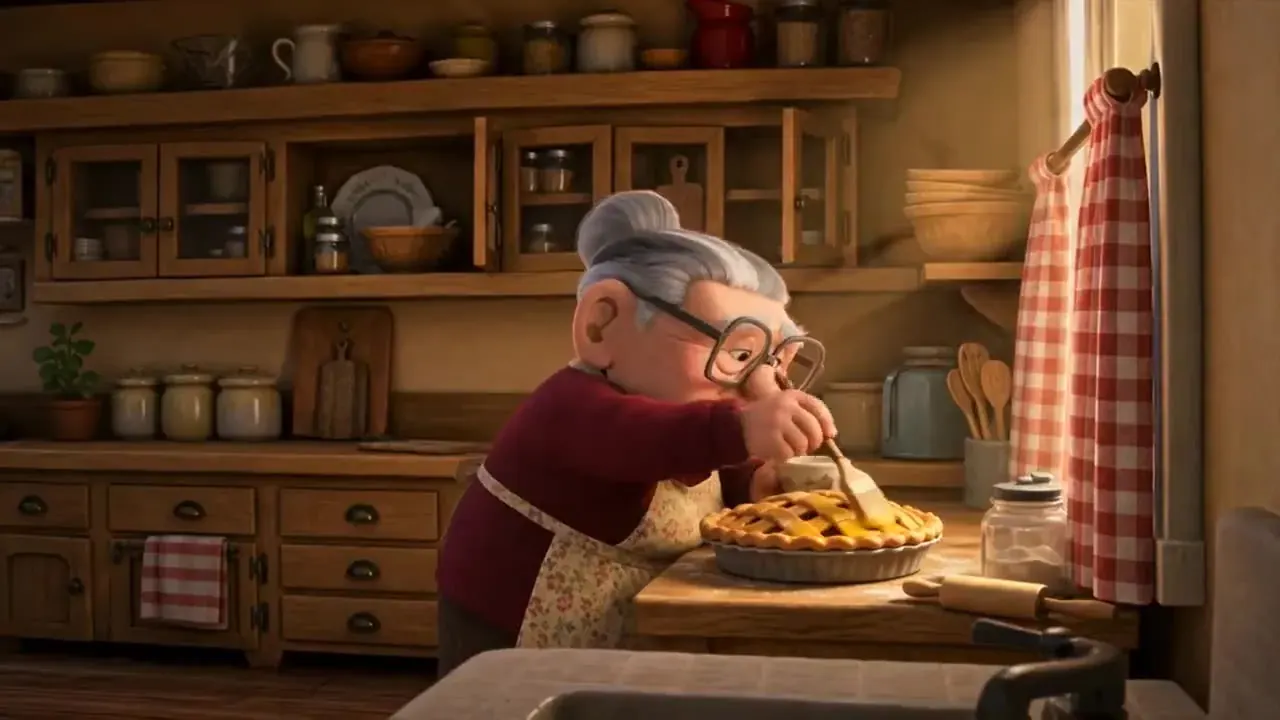
One-tap style · from text
In the AI animation generator, a style chip writes the prompt and picks a suggested model; you can change both before you render. See every style.
Pick an AI animation generator style
- Hand-drawn 2D
Anime
Clean line art, soft cel shading and painted skies. Best from an anime-style drawing, or from text.
“Hand-drawn 2D anime style, clean line art and soft cel shading: a young courier on a red bicycle rides along a seaside road at sunset, hair streaming in the wind, petals drifting past, painted sky with towering clouds, side tracking shot”
Suggested: Wan 2.5 · 5s
Wan 2.5 follows style words closely, and a 720p draft is a quick way to test a look before 1080p.
- Bold & flatIllustration
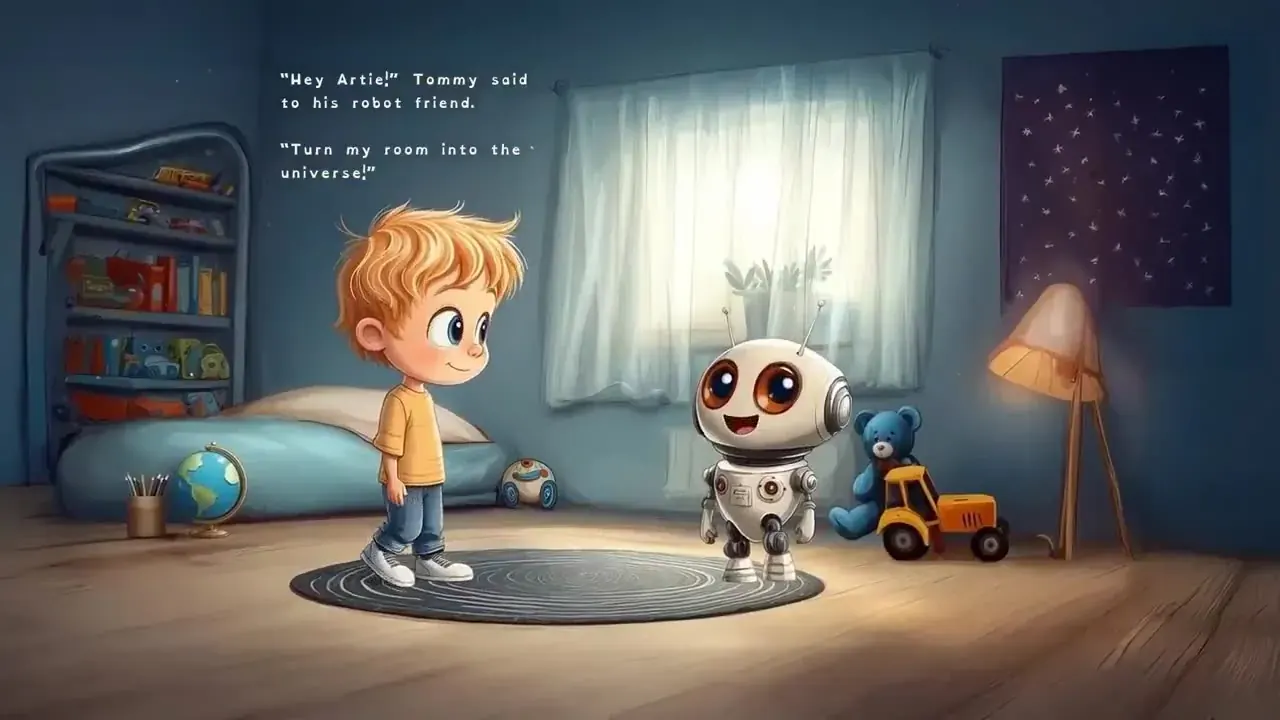
Cartoon
Bold outlines, bright flat colours and bouncy squash-and-stretch motion — the classic AI cartoon video look.
“Bright 2D cartoon style with soft outlines and warm colours: a blond boy in a yellow T-shirt meets his little white robot friend in a cosy bedroom, the robot blinks its big round eyes, static camera”
Suggested: Kling 2.5 Turbo · 5s
Kling 2.5 Turbo is the lowest-cost Kling — simple, flat motion doesn’t need more.
- Feature-film 3DIllustration
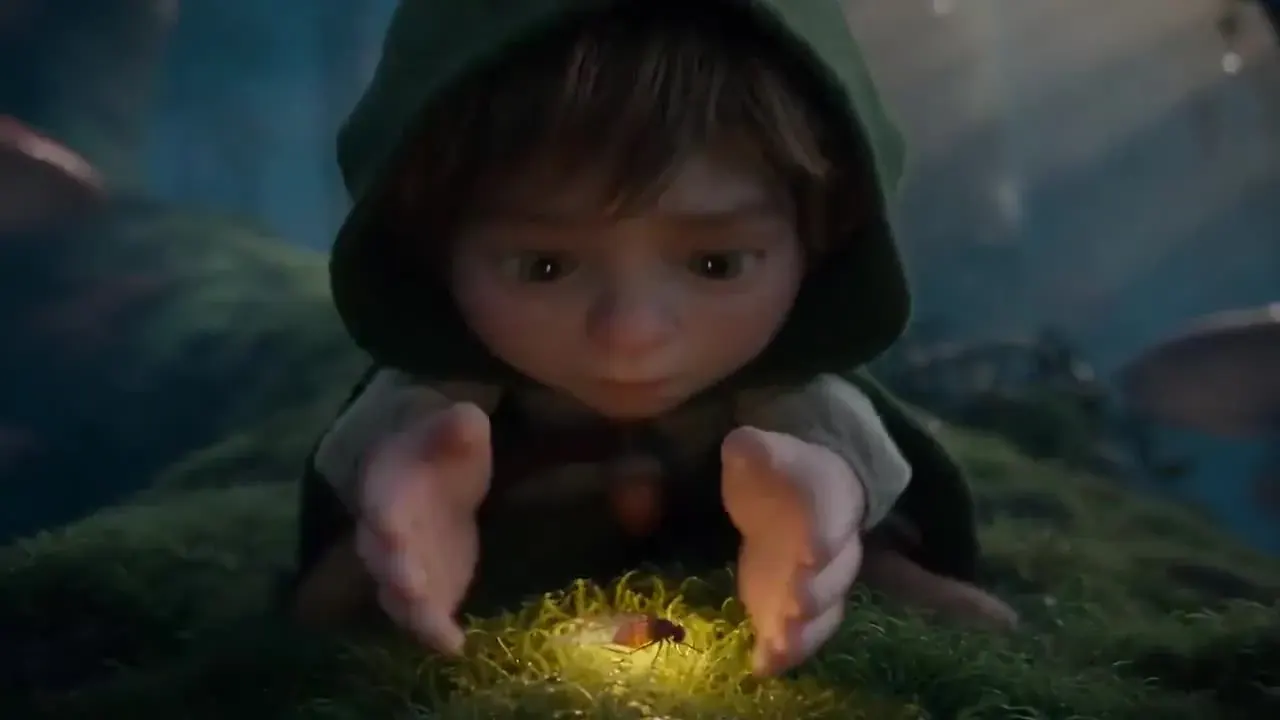
3D animated
Rounded characters, soft global light and shallow depth of field, like an animated feature.
“Polished 3D animated feature style: a small hooded child kneels on moss in a misty forest and cups a glowing firefly in both hands, soft global illumination, shallow depth of field, slow push-in”
Suggested: Kling 3.0 · 5s
Kling 3.0 is strong on faces, hands and physically believable motion.
- Stop-motionIllustration
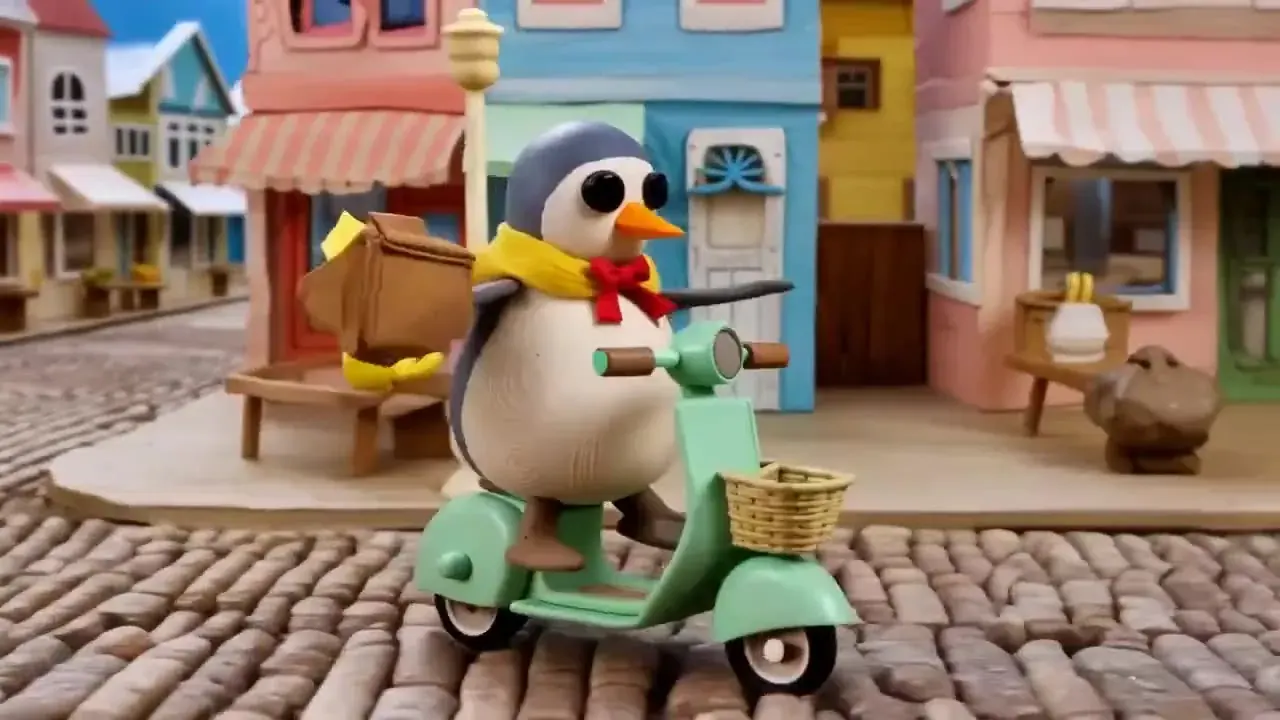
Claymation
Handmade plasticine with fingerprints and a slightly choppy stop-motion rhythm.
“Stop-motion claymation, handmade plasticine with visible fingerprints: a clay penguin in a yellow scarf rides a mint scooter down a cobbled street of pastel shops, slightly choppy stop-motion movement, bright daylight, side tracking shot”
Suggested: Kling 3.0 · 5s
Kling 3.0 keeps a character’s shape steady while it moves.
- PaintedIllustration
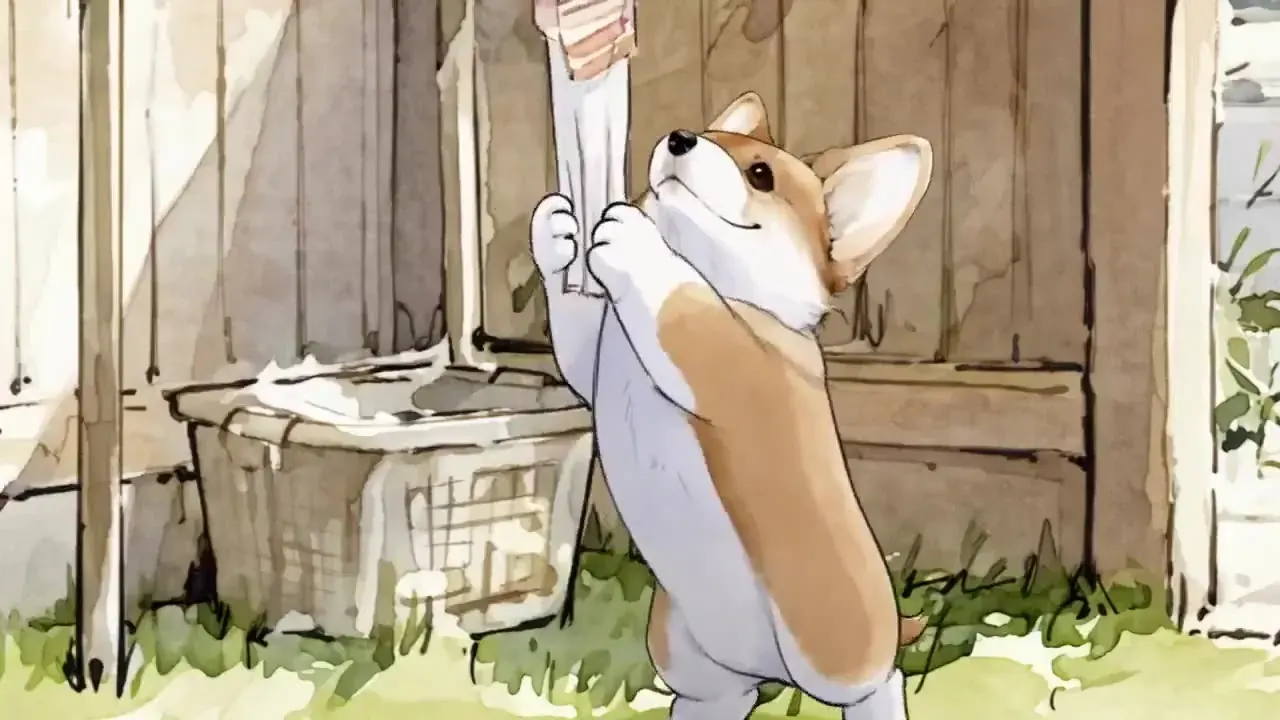
Watercolour
Soft bleeding colours on textured paper — calm scenes, slow camera, gentle motion.
“Loose watercolour illustration on textured paper: a corgi in a sunny backyard chases a white sheet blown off the washing line, colours bleeding softly at the edges, gentle breeze, camera follows the dog”
Suggested: Wan 2.5 · 5s
Wan 2.5 handles stylised, painterly looks well.
- Layered paper
Paper cut-out
Layered paper shapes that slide like a puppet show, with soft shadows between the layers.
“Layered paper cut-out animation: a paper whale swims through paper waves under a paper moon, layers sliding with soft shadows between them, slight stop-motion jitter, static camera”
Suggested: Kling 2.5 Turbo · 5s
Simple, flat layers animate fine on the lowest-cost Kling.
Want a different look? Build your own style prompt — subject, action, camera, light and style — with the free AI video prompt generator, then send it straight to this AI animation generator.
AI video prompt generator
How AI animation gets its style
No secret anime model
There is no separate anime or cartoon model behind this AI animation generator. The styles come from your picture and your prompt, rendered on the same live models as every other tool here: Kling 3.0, Kling 2.5 Turbo, Veo 3.1 Fast, Wan 2.5 and Hailuo 02.
From a picture, the picture wins
In image to video your picture is the first frame, so the clip keeps its look: a drawing stays a drawing, a clay figure stays clay. A real photo stays a photo — a style word in the prompt changes the motion and the mood, but it won’t reliably repaint the photo as anime.
From text, the prompt sets the look
With no picture, text to video builds every frame from your words. Put the style first — “hand-drawn 2D anime, soft cel shading” — then the subject, one action and one camera move. That order holds the look best.
Photo to anime, honestly
To turn a selfie into an anime clip, start from an anime-style picture of yourself — drawn by you or made with an image tool you have the rights to — and animate that here. We don’t offer a photo-to-anime filter, and we won’t pretend the prompt does it.
How to make an AI animation from an image
- 01Step 1/4
A koi fish swims through an ink painting that comes alive
+ Push in+ Orbit+ TrackingPick a picture — or skip it
Upload a drawing, a character, a 3D render or a clay figure (JPG, PNG or WebP up to 10 MB). No picture? Switch the AI animation generator to text and describe the scene.
- 02Step 2/4Studio8s1080p16:9Sound on152 cr
Choose an animation style
Tap Anime, Cartoon, 3D, Claymation, Watercolour or Paper cut-out. The style writes the prompt and suggests a model; edit either freely.
- 03Step 3/4Ready · 00:08Download MP4
Check length and credits
Pick 5 or 10 seconds and a resolution. The credit cost updates live, and a failed render refunds automatically.
- 04Step 4/4Ready · 00:08Download MP4
Render and download
Keep browsing while it renders, then download the MP4 — or extend it from the last frame for a longer AI animation video.
AI animation from image vs from text
| From a picture | From a prompt | |
|---|---|---|
| You bring | A drawing, character, render or clay figure | One or two sentences |
| The style comes from | The picture (first frame) | The style words in your prompt |
| Best for | Your own characters and artwork | New scenes, ideas and storyboards |
| Character consistency | High — the model starts from your design | Varies from clip to clip |
| Watch out for | A real photo stays photographic | Characters change between clips |
| Cost | From 4 credits a second | From 4 credits a second |
What to turn into an AI animation video
Drawings and sketches
Photograph a drawing flat on plain paper in even light. The AI animation generator keeps the line style while the character starts to move.
Mascots and logo characters
The tool can make a brand character wave, blink or bounce for a post or a site header. Keep logo text still — small text tends to wobble.
AI animation generator prompts that hold their look
Style first, then the story
Models weigh the start of a prompt heavily. Open with the look — “stop-motion claymation, handmade plasticine” — and only then say who does what.
Name the material
Words like cel shading, plasticine, watercolour on textured paper or layered paper describe what the frames are made of, which steers a model better than “cartoonish”.
Ask for animation-style motion
Squash and stretch, a choppy stop-motion frame rate, or a slow parallax pan make a clip read as animation rather than live action in costume.
Describe, don’t name
Describe the look instead of naming a studio, an artist or a famous character. You get a style you can actually use — and nothing that borrows someone else’s characters.
Your characters, your rights
- Upload only pictures you made or have the rights to use in the AI animation generator.
- No copyrighted characters from films, games, anime or comics, and no look-alikes.
- Real people only with their consent, and never in a way meant to mislead.
- No sexual or suggestive content, including in anime or cartoon styles.
- Prompts are screened before rendering, and the video models apply their own safety filters.
- Label AI animations as AI-made when you share them.
AI animation generator FAQ
Still curious? Email support@picturetovideo.org — a human replies within a day.
01Is this AI animation generator free?
02Can I turn a photo into an anime AI video?
03Which model is best in the AI animation generator for anime or cartoons?
04How do I make an AI animation from an image?
05How long can an AI animation be?
06Can the AI animation generator add sound?
07Can I animate famous cartoon or anime characters?
08Can I use my AI animations commercially?
09Are the AI animation generator examples real renders?
Related tools & models
Your picture, animated
$2.99 starter pack — 200 credits, about 6 Draft clips, no subscription. Pick a style in the AI animation generator and press Generate.