Kling O1 · Not available here yet · Independent
Kling O1: specs, status & alternatives
Kling O1 (often typed “Kling 01”) is Kling AI’s first unified multimodal video model, launched on December 1, 2025: give it reference images or an existing clip plus a text instruction, and it generates or edits the shot, without native audio. Kling O1 is not available on PictureToVideo yet. For a start and an end frame, use Studio (Kling 3.0) in the generator here; to keep the people from your photos consistent in a scene, use Reference Studio (Kling 3.0 Omni) in our effect templates.
- Not available here yet
- Launched Dec 1, 2025
- 3–10s
- Up to 7 references
- 720p · 1080p
- No audio
Negative prompt
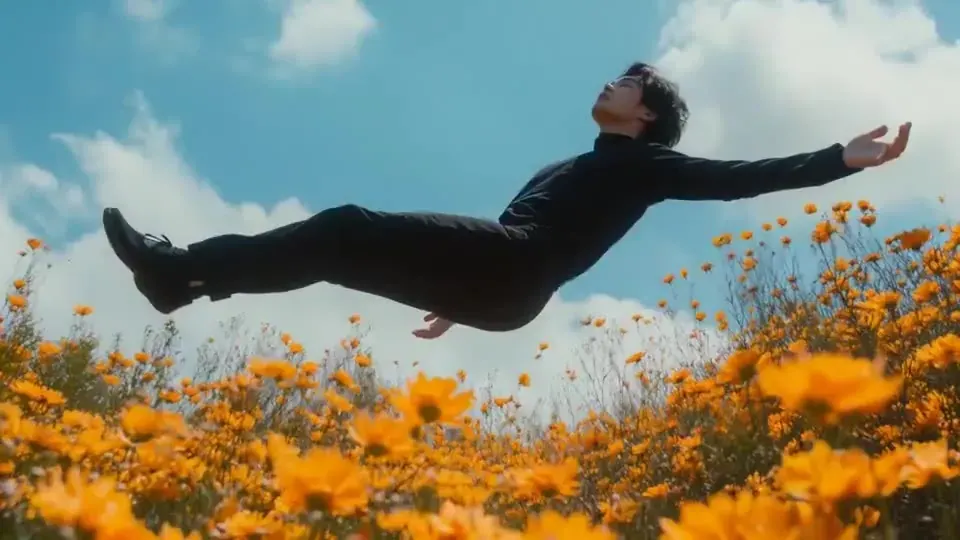
- references
- 7
- max length
- 10s
- top resolution
- 1080p
What to use instead, today
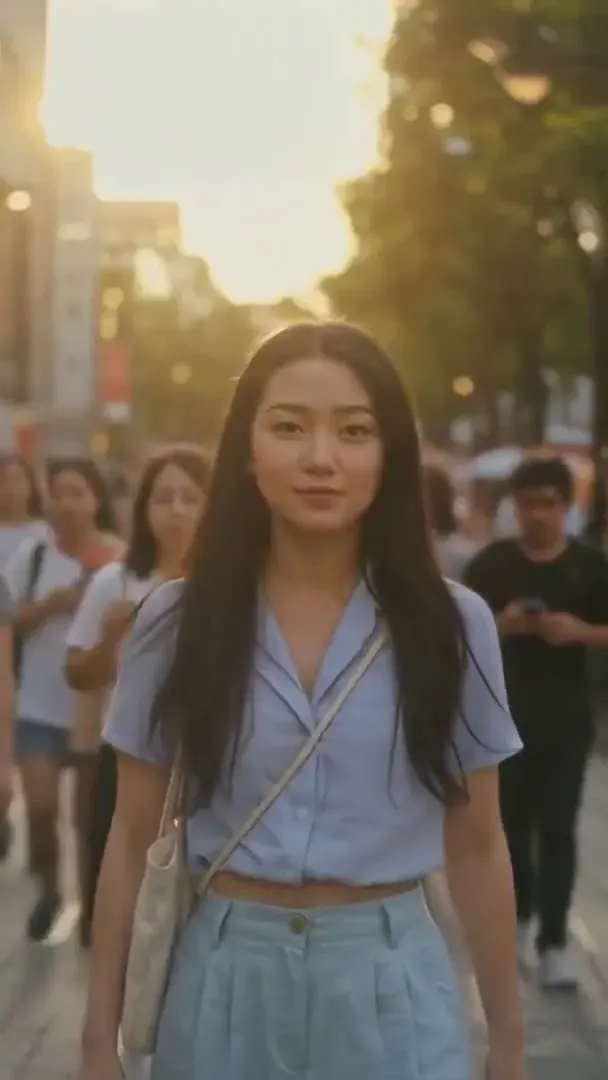
Kling O1 specs
- References per shot
- 7
- Max clip length
- 10s
- Top resolution
- 1080p
- No native audio
- Silent
Release
- Model type
- Unified multimodal video[1]
- One model for reference-based generation and instruction-based edits.
Video
References
- Prompt syntax
- @Image1 · @Element1
- Each reference is named in the prompt by its number.
Audio
Price
- Official API
- $0.084 / s 720p · $0.112 / s 1080p[5]
- With a video input (edits): $0.126–0.168 per second.
- On PictureToVideo
- Not available yet
- Provisional rate if it opens here: 12 credits / s at 720p, 16 at 1080p.
Sources · last checked 2026-10-03
- [1]Kuaishou investor relations: Kling O1 launches as a unified multimodal video model (Dec 2025)
- [2]Kling AI 3.0 launch announcement, including 3.0 Omni (Feb 5, 2026)
- [3]Kling AI API documentation: video capability map
- [4]Kling AI API documentation: Kling O1
- [5]Kling developer platform: video API pricing
Edit a shot with one sentence
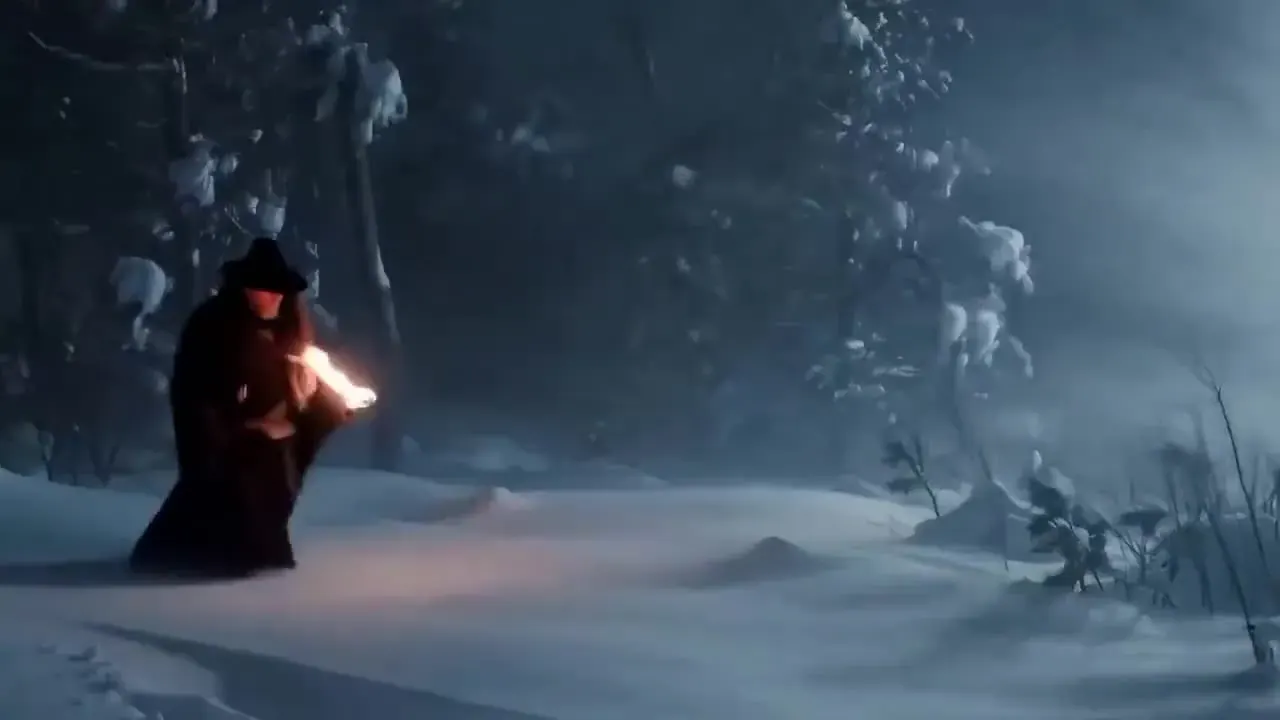
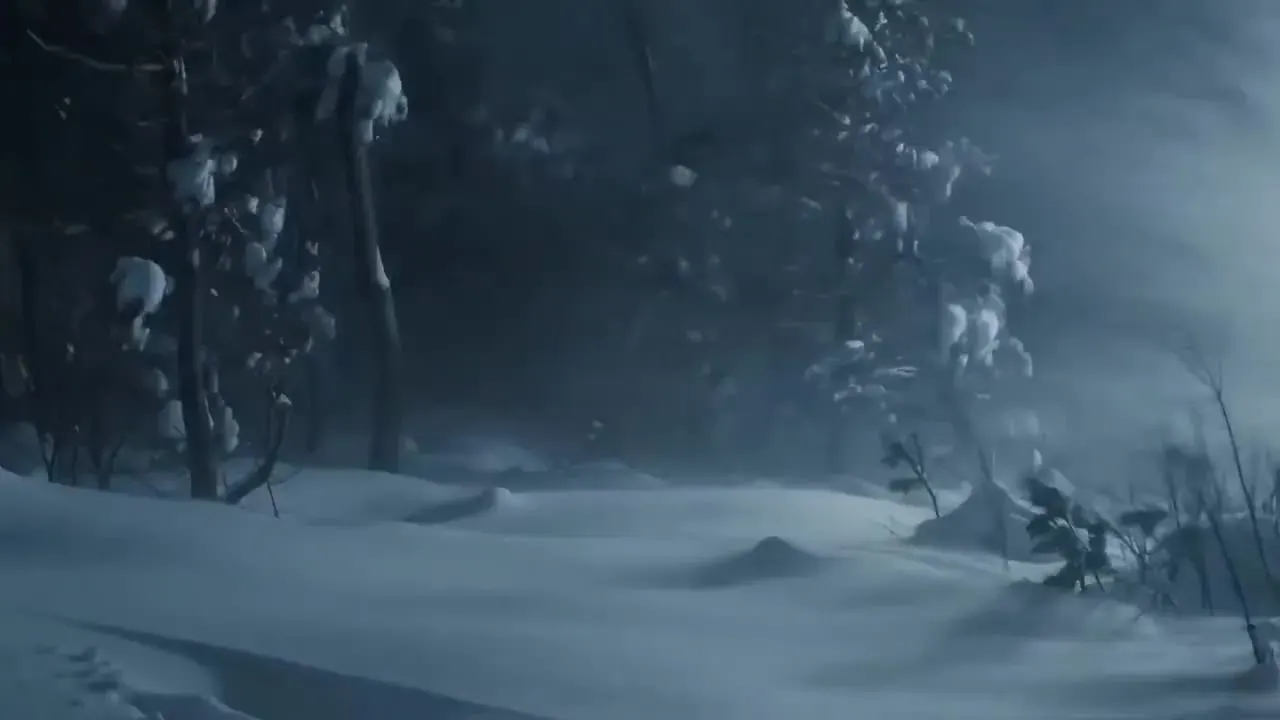
KeepsFraming, the snowy trees, the drifts and the moonlight.
Kling O1 edit · not on PictureToVideo yet- Weather and time of dayTurn day into night, add rain or snow, change the season — the layout of the scene stays where it was.
- Wardrobe and colourSwap a jacket, recolour a product or change a prop, described in a single line.
- Add or remove objectsClear a passer-by out of frame or put a coffee cup on the table.
- Background and styleReplace the location behind your subject, or restyle the whole shot as a painting or an animation.
Kling O1 vs 3.0 Omni
| Kling O1 | Kling 3.0 Omni (O3) | Kling 3.0 | |
|---|---|---|---|
| Released | Dec 1, 2025 | Feb 5, 2026 | Feb 5, 2026 |
| Length | 3–10 s | 3–15 s | 3–15 s |
| Resolution | 720p · 1080p | 720p · 1080p · 4K | 720p · 1080p · 4K |
| References | Up to 7 inputs | Up to 7 images or elements | Start and end frame |
| Native audio | No | Optional | Optional |
| Instruction edits | Yes | Yes | No |
| On PictureToVideo | Not available yet | Live in our effect templates | Live · from 10 cr/s |
Kling O1 cost, next to what runs today
| Model | Resolution | Credits / sec | With audio | Typical clip |
|---|---|---|---|---|
| Kling 3.0 | 720p | 10 | 14 | 5s · 50 cr ≈ $0.68 |
| Kling 3.0 | 1080p | 13 | 19 | 5s · 65 cr ≈ $0.88 |
| Kling 3.0 | 4K | 47 | — | 5s · 235 cr ≈ $3.19 |
| Kling 3.0 Omni | 720p | 10 | 13 | 10s · 100 cr ≈ $1.36 |
| Kling 3.0 Omni | 1080p | 13 | 16 | 10s · 130 cr ≈ $1.77 |
| Kling O1launch price | 720p | 12 | — | 5s · 60 cr ≈ $0.82 |
| Kling O1launch price | 1080p | 16 | — | 5s · 80 cr ≈ $1.09 |
Kling 3.0 runs the generator on this page and 3.0 Omni runs our effect templates. A 5-second 3.0 clip at 720p costs 50 credits (≈ $0.68 on the Pro plan).
What Kling 01 is built for
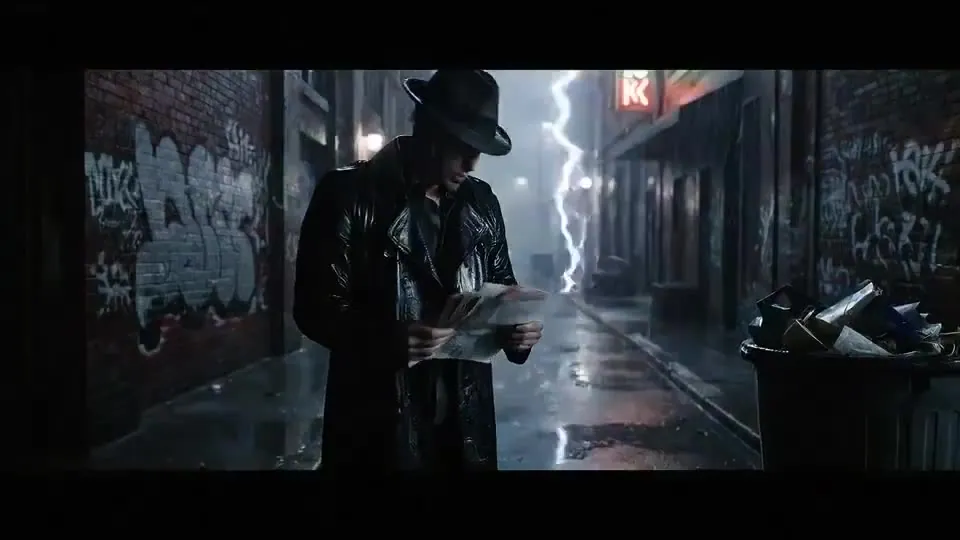
Recurring characters
Keep one character’s face and outfit across a run of shots for a short series, an explainer or a storyboard.
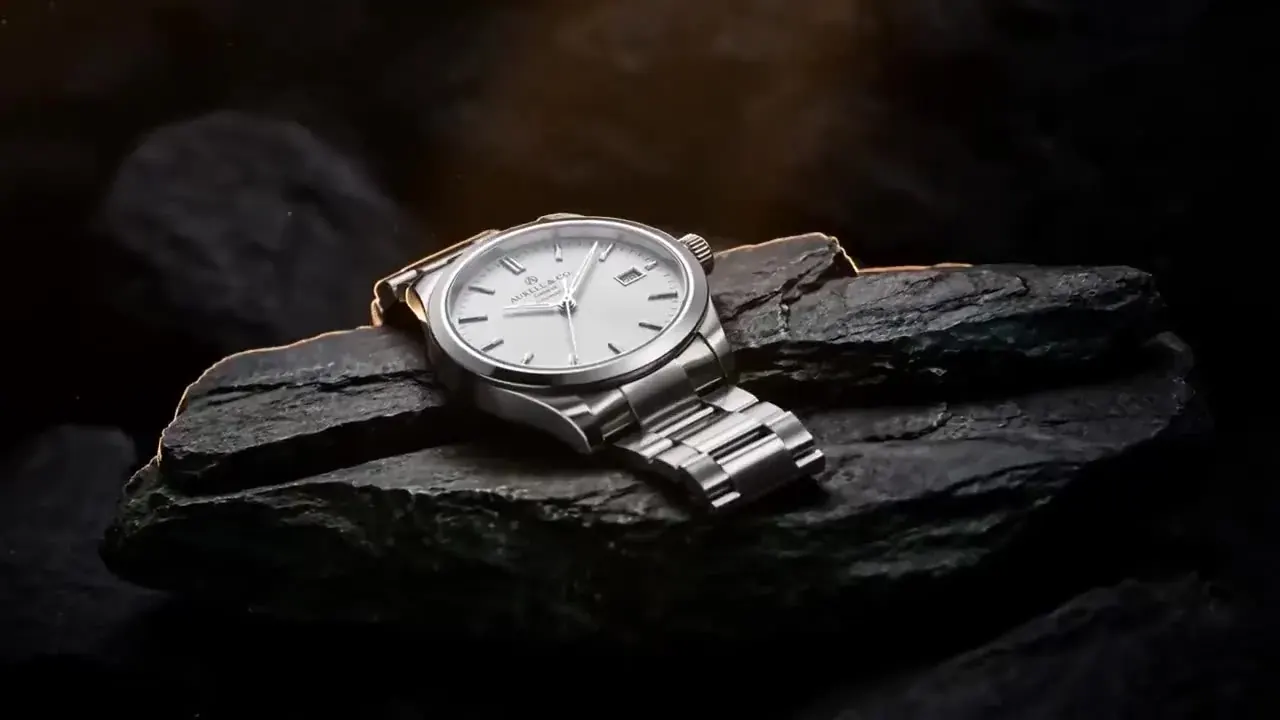
Product consistency
Feed packshots from several angles so the shape, colour and finish survive every camera move.
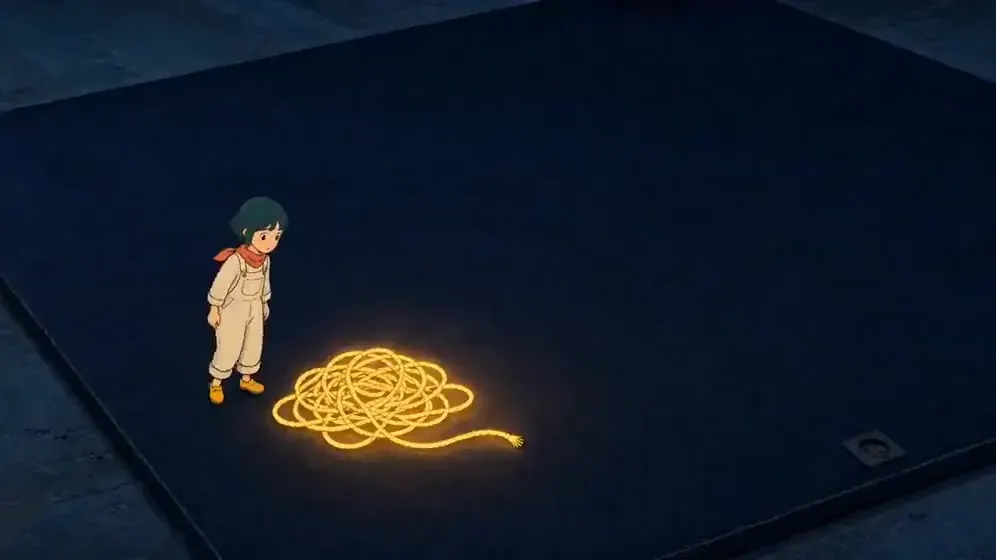
Storyboard to shot
Turn a sketch frame plus a location photo into a moving shot that matches your boards.
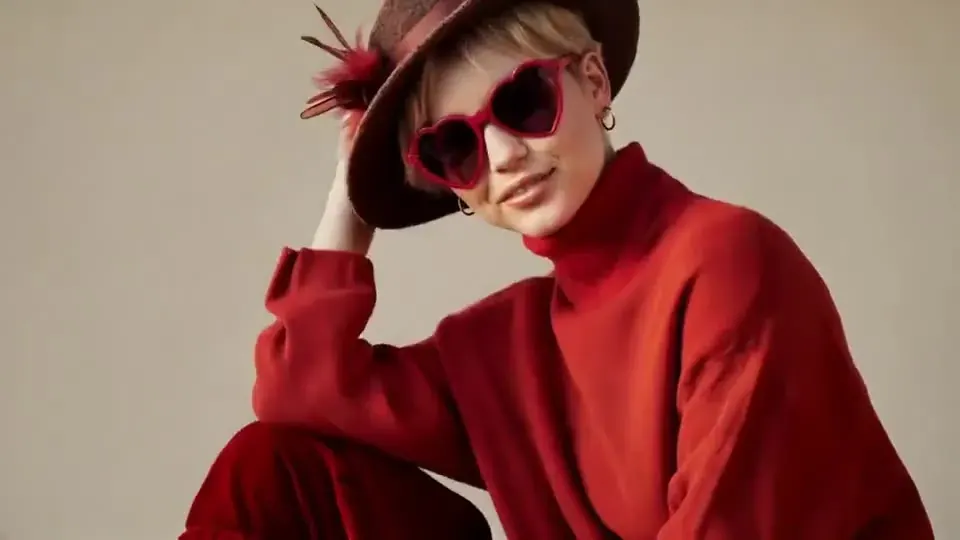
Fixes without a reshoot
Change the weather, a jacket or a background with one instruction instead of shooting again.
O1 prompt patterns that hold
Lead with the subject
Open with @Image1 does something. The first reference is also the start frame, so put your character there and the location or props after it.
One job per reference
Each image should answer one question: who, what they wear, or where they are. A photo that mixes a person, a product and a busy background gives O1 three things to match at once.
Keep the action simple
Reference matching is what O1 is for. A walk, a turn and a slow camera move suit it well; when the shot needs fast action or several cuts, Kling 3.0 is the better fit.
Plan the sound separately
O1 renders silent video. Add music and effects in your editor, or render on Kling 2.6 or 3.0 with native audio if the shot doesn’t depend on references.
01Is there a Kling O1 AI video generator on PictureToVideo?
02What is the difference between Kling O1 and Kling 3.0 Omni?
03Does Kling O1 make sound?
04How long can a Kling O1 video be?
05What can I edit with Kling O1?
06How much does Kling O1 cost?
07How many reference images can Kling O1 use?
08Is it Kling O1 or Kling 01?
09Is PictureToVideo part of Kuaishou or Kling AI?
Related tools & models

Keep your character in character
Kling O1 isn’t available here yet. Reference Studio (Kling 3.0 Omni) keeps the faces from your photos consistent in our effect templates, with native sound. Starter pack from $2.99, no subscription.