Tool · Drawing to animation AI · Kling 3.0 via API · Independent
Animate a Drawing with AI
Animate a drawing in a few minutes. Upload a photo or scan of a kid’s crayon picture, a pencil sketch or a doodle, describe one simple action, and Kling 3.0 turns it into a 5-second clip. The character moves; the prompt asks the model to keep the paper, strokes and colours. No free tier: the $2.99 starter pack covers 2 Studio clips.
- Kling 3.0 · 720p · 5s default
- Crayon · pencil · paint · chalk
- 65 credits per clip
- Failed renders refunded
Negative prompt
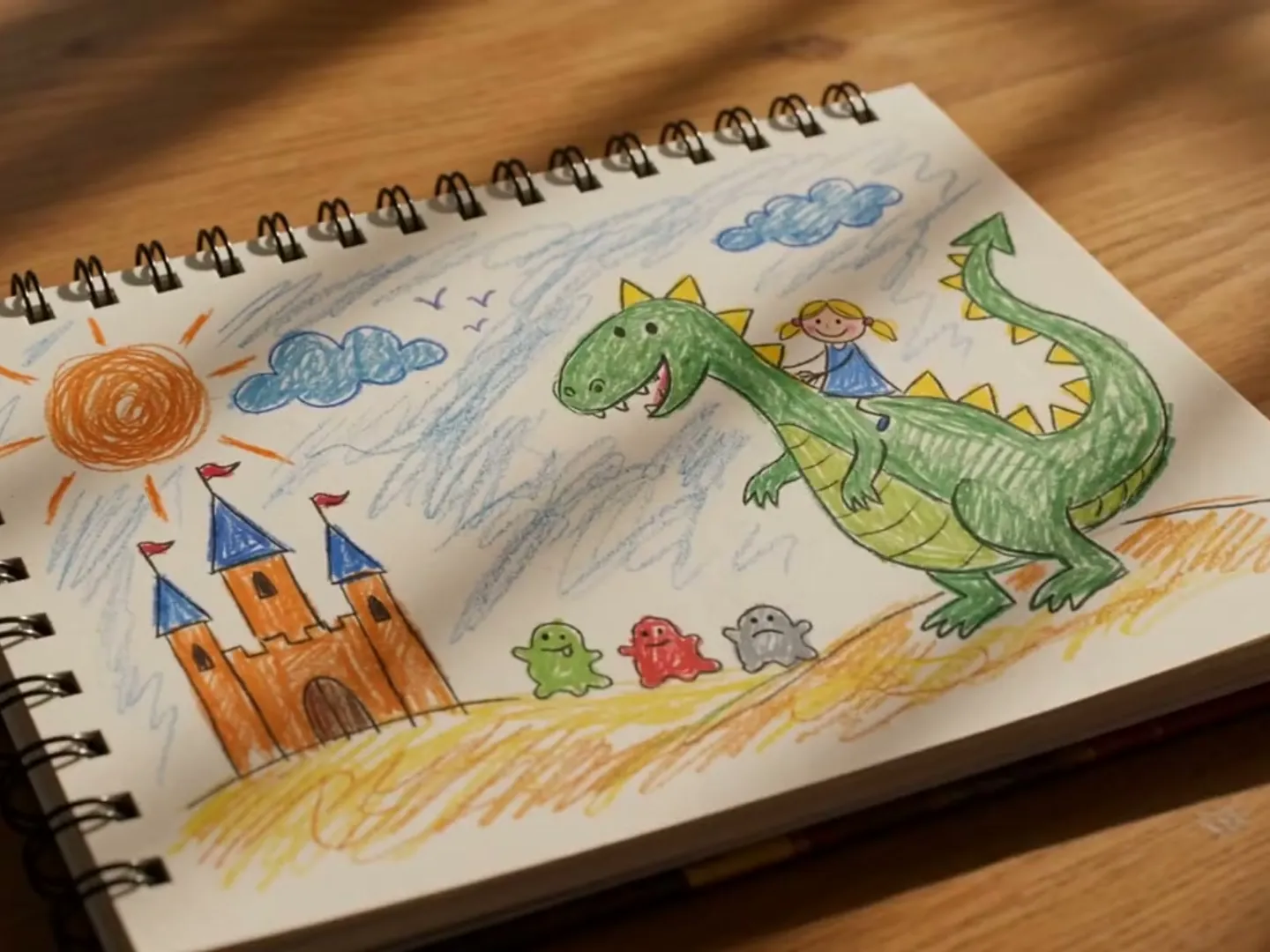
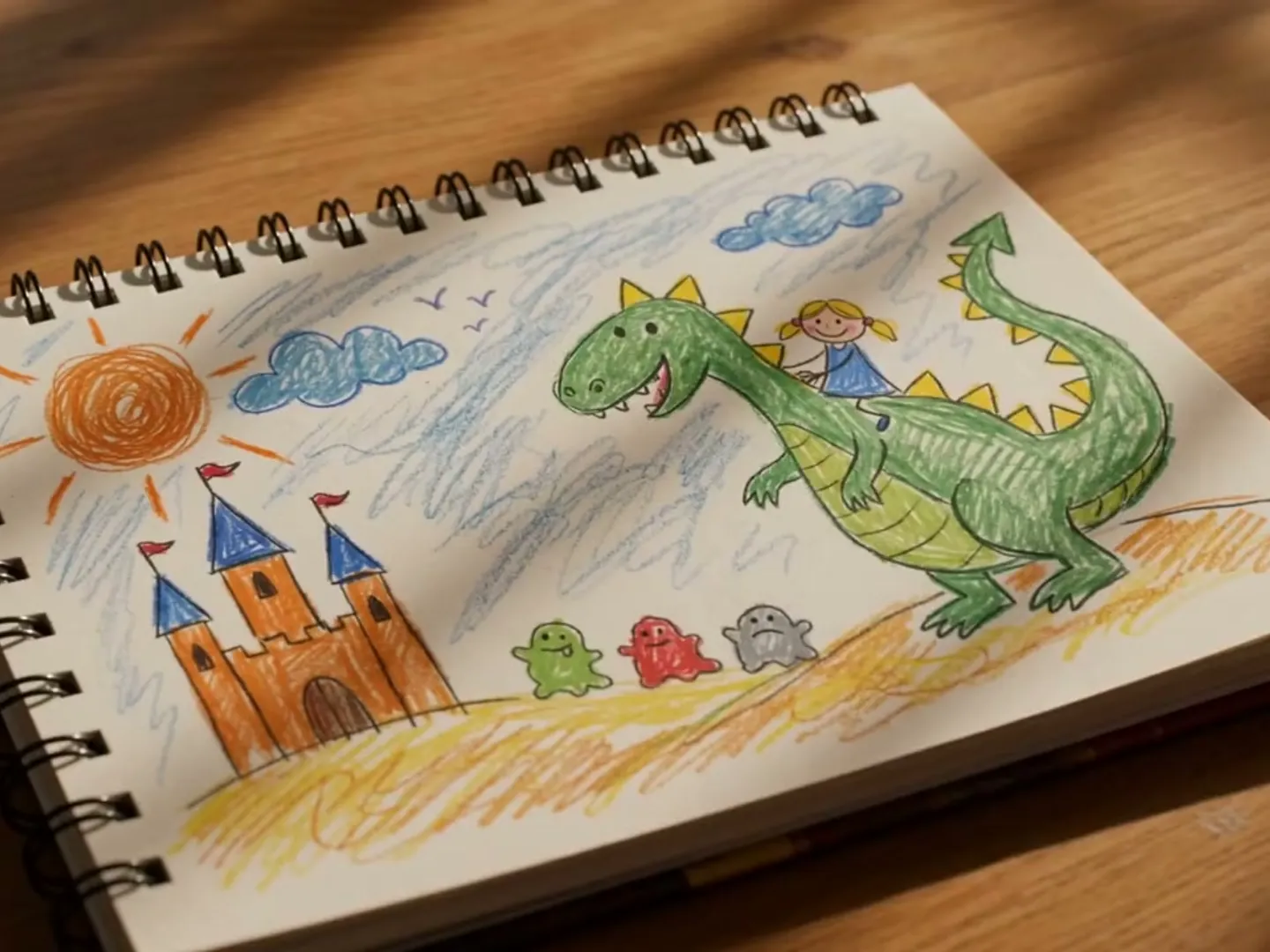
Will your drawing animate well?
Drawing pre-check
Read in your browser · nothing uploads here
- Not checked yet: JPG, PNG or WebP, 10 MB or smaller
- Not checked yet: Short side 720px or more
- Not checked yet: Lines stand out from the paper
- Not checked yet: Even light, no shadow on the page
- Not checked yet: Cropped to the page
Before you press Generate · 0/3 confirmed
Add a drawing to begin
The model starts from exactly this picture.
Animate a drawing in any style
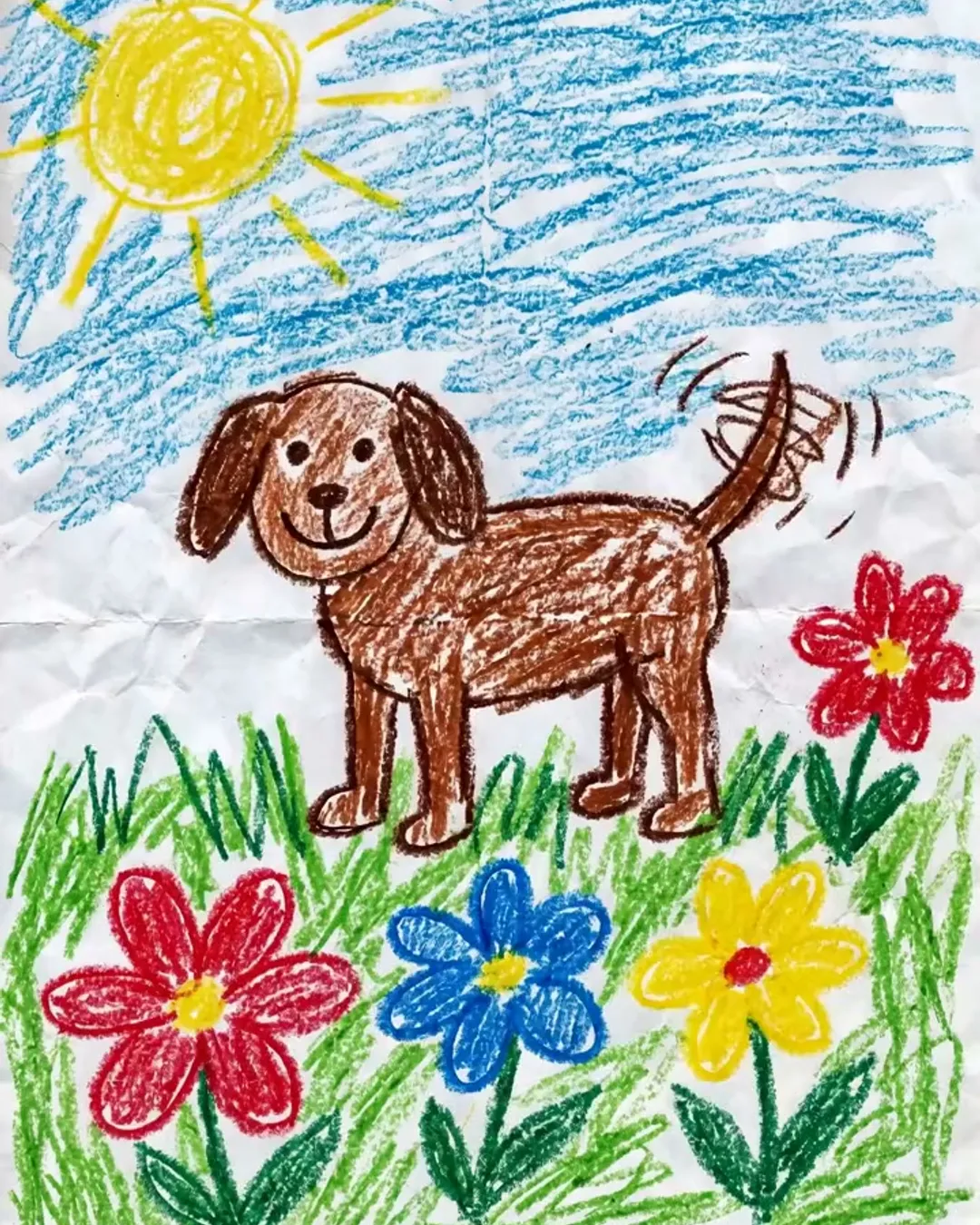
The dog wags its tail and hops, chimney smoke curls, keep the wax crayon strokes and white paper, static camera
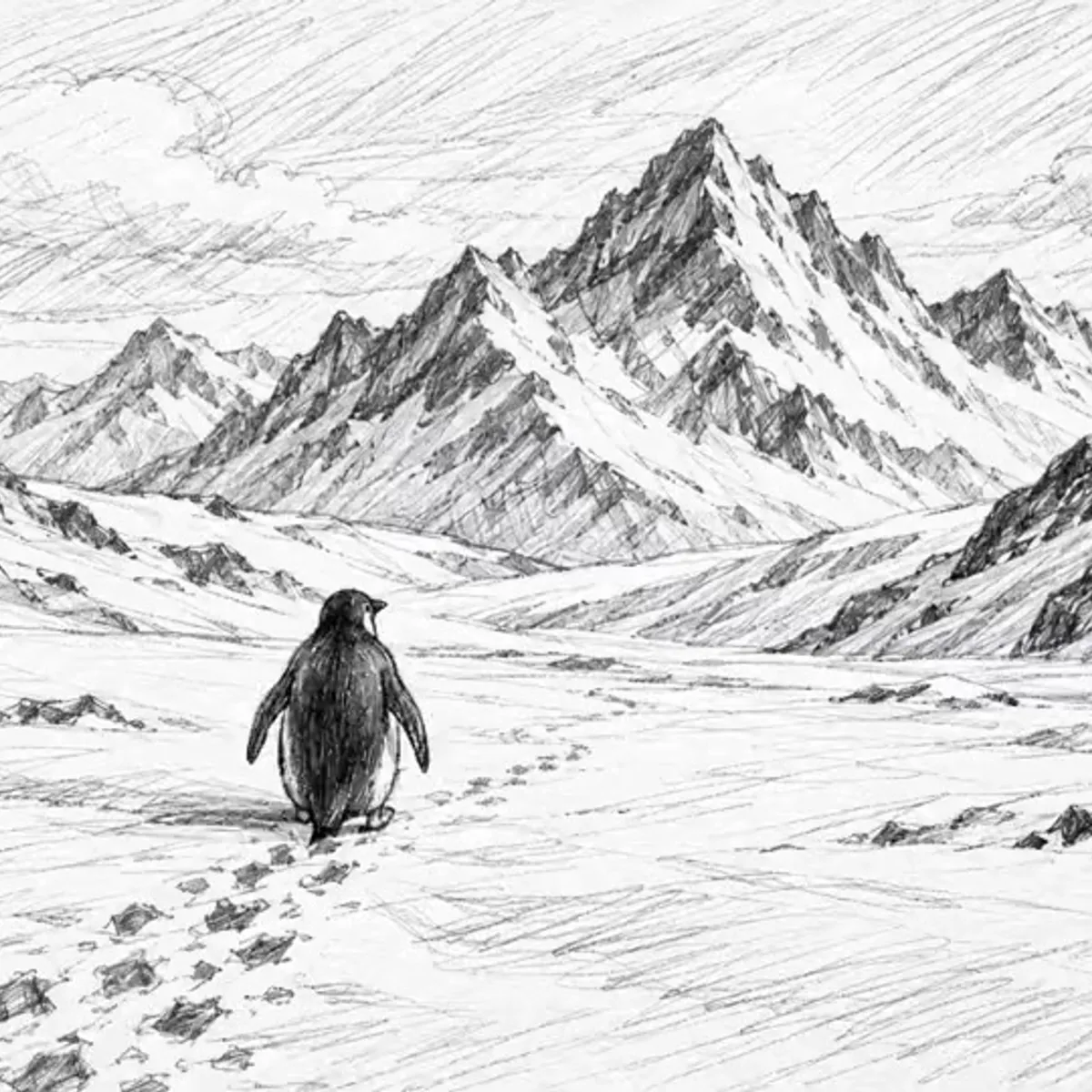
The fox lifts its head, blinks and swishes its tail, graphite lines stay hand-drawn, slow push-in
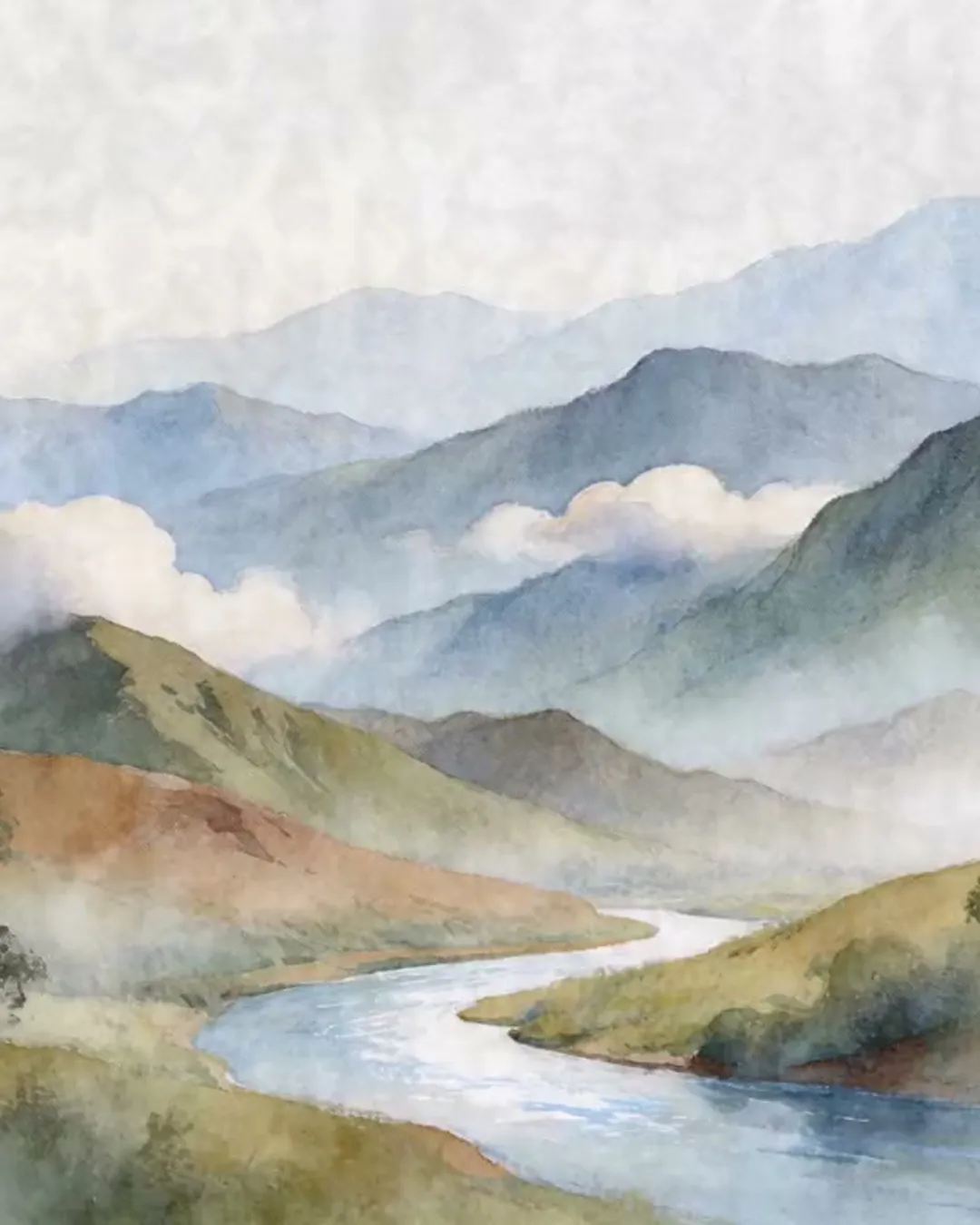
The whale rises and sprays water, the boat bobs, colours bleed softly, paper texture visible, slow pan right
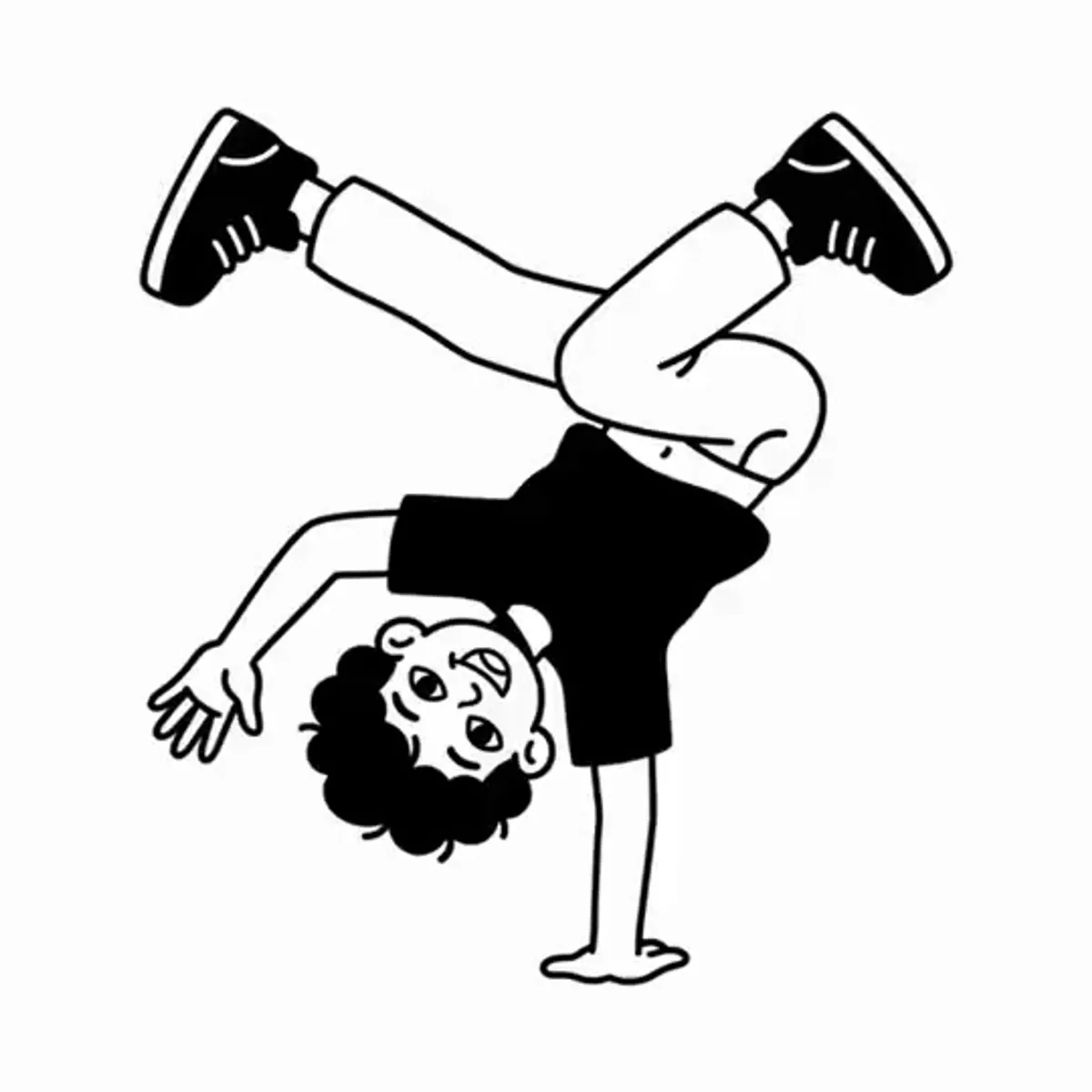
The robot hero raises a fist and the cape flutters, bold ink outlines, flat colours, panel border still
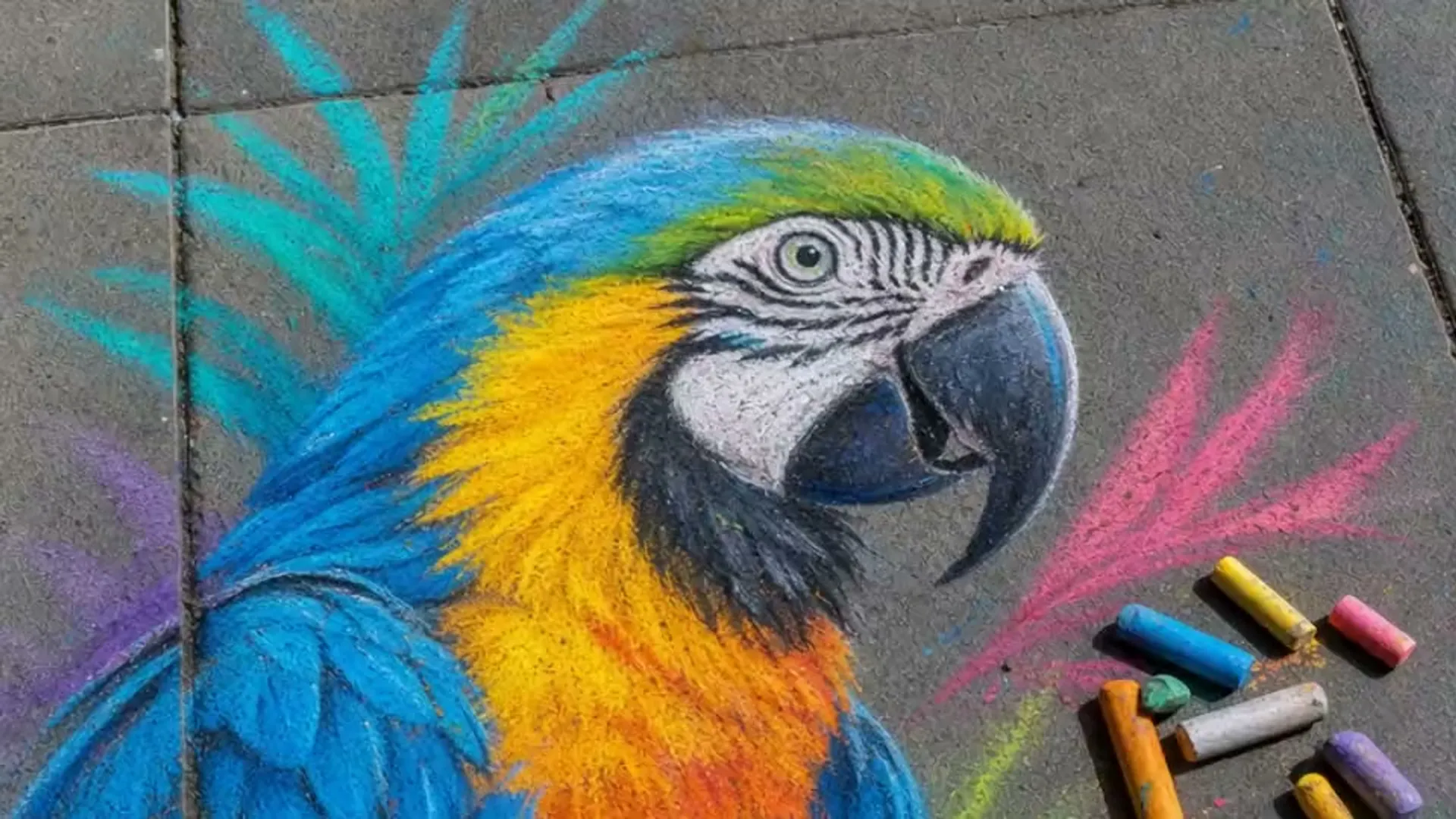
The chalk rocket lifts off in puffs of chalk dust, stars twinkle, keep the chalk texture and dark board
How to animate a drawing in three steps
- 01Step 1/3
A koi fish swims through an ink painting that comes alive
+ Push in+ Orbit+ TrackingPhotograph the page
Lay it flat by a window, hold the phone straight above and crop to the paper. A scan is even better.
- 02Step 2/3Studio8s1080p16:9Sound on192 cr
Describe one action
Tap a style example or write what moves: a wave, a hop, a flap of wings. Studio, 720p, 5 seconds is the default.
- 03Step 3/3Ready · 00:08Download MP4
Render and share
The cost shows before you press Generate; the MP4 is ready minutes later.
Bring drawings to life without losing them
Flat, even light
Daylight from a window beats a lamp. Switch off the flash and keep your shadow off the page.
Crop to the paper
Table edges, fingers and other pages confuse the model. Leave only the page and a small margin.
High-contrast lines
Faint pencil fades once it moves. Trace the outline with a darker pencil or felt-tip.
One action, short clip
One clear motion and a still camera read best. Add the next move in a second 5-second clip.
Kids’ drawing animation, and more
Fridge art that moves
Send grandparents a clip of the dragon your child drew.
Draw to animate in class
Animate a drawing from each pupil for a class show. The teacher uploads; children need no account.
Sketch to video tests
See how a character sketch moves before you ink it.
Greeting clips
A hand-drawn birthday card that waves back.
Comic panels
One panel at a time: a cape flutters, rain falls, a door swings open.
What it costs to animate a drawing
Studio · Kling 3.0
65 credits for 5 seconds at 720p, about $0.93 on Pro.
Draft · Kling 2.5 Turbo
40 credits for 5 seconds. Test a prompt before the Studio render.
Studio Next · Kling 4.0
26 credits a second, 3–30 seconds, stereo sound always on.
Kids’ art, handled with care
- Upload drawings you or your child made, or the artist agreed to. Accounts are for adults: a parent, guardian or teacher uploads.
- Crop out names and faces before you animate a drawing. No face swaps, and no real people placed into a scene.
- No copyrighted characters or look-alikes.
- Nothing sexual, violent or hateful. Prompts, pictures and finished videos are checked automatically.
- Uploads and videos stay in your account until you ask us to delete them or close your account. We never use them to train AI models.
Animate a drawing FAQ
Still curious? Email support@picturetovideo.org — a human replies within a day.
01Can AI animate a drawing without changing its style?
02What kind of drawing works best?
03How do I animate my drawing from a phone photo?
04How much does it cost to animate a drawing?
05Can I turn a whole storybook into one video?
06Is it safe to upload my child’s drawing?
07Do animated drawings have sound?
08Can I add a camera move when I animate a drawing?
Related tools & models
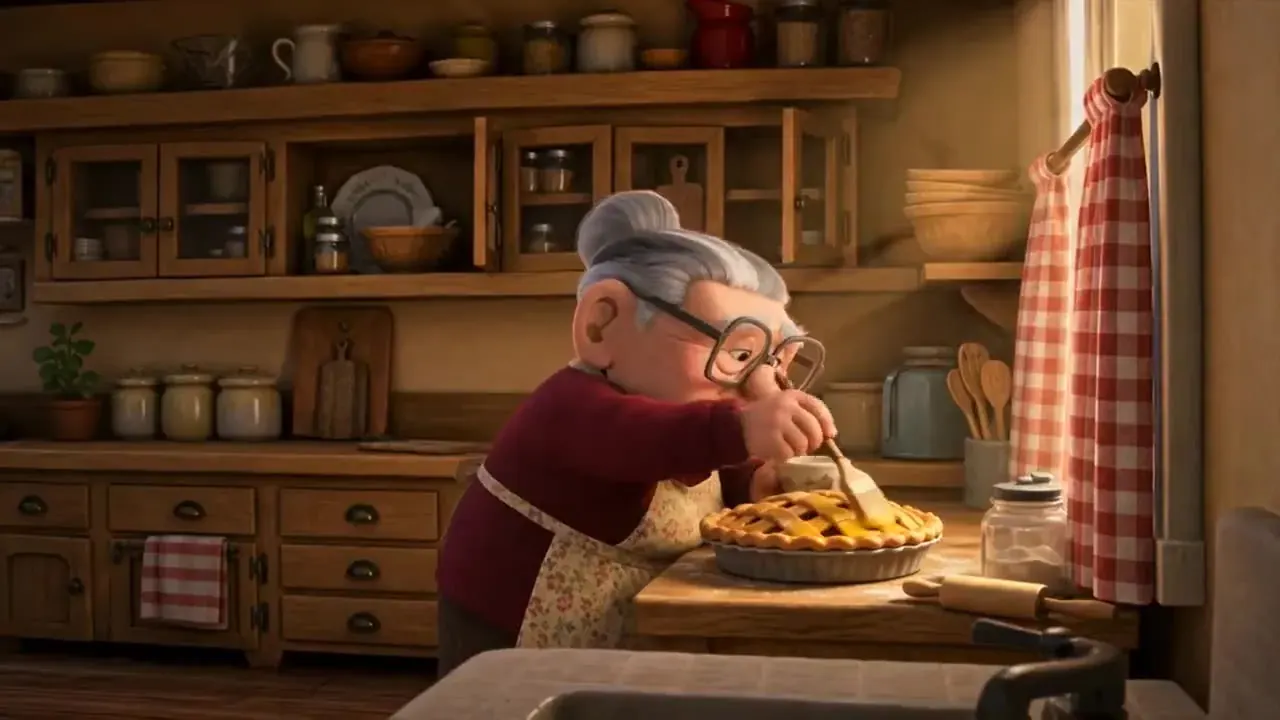

Give a drawing its first move
Animate a drawing in three steps: photograph the page, pick a style, render. Only drawings you have the right to use.