AI baby laughing · Kling 2.6 & 3.0 via API · Independent
AI Baby Laughing Video Generator
Make an AI baby laughing video from one photo: pick a gentle giggle, a big belly laugh or a surprised smile, and Kling 2.6 or Kling 3.0 turns it into a 5-second clip from 40 credits. Use a 3D cartoon baby, an AI-generated baby picture, or your own child if you are their parent or legal guardian. The presets make laughs, smiles and babbles — not scripted speech.
- Kling 2.6 · 3.0 via API
- 5s clips
- From 40 credits
- Guardian uploads only
- 4 laugh presets
Negative prompt
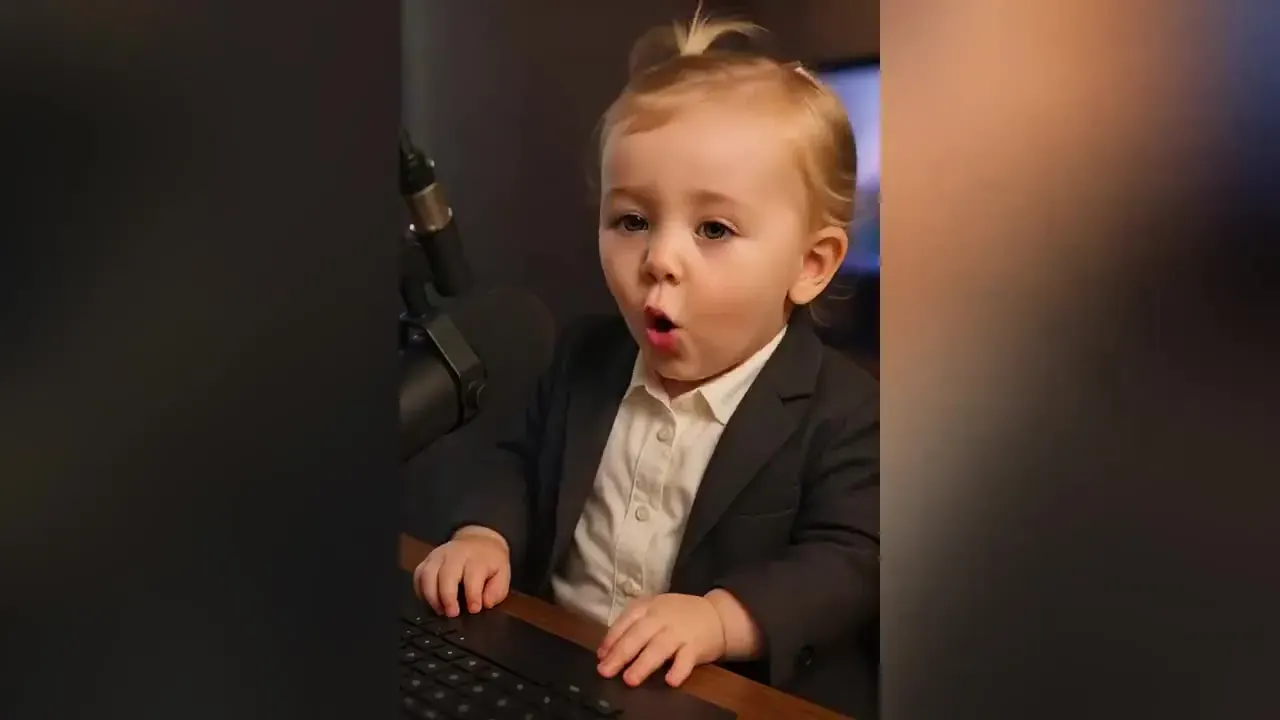
Pick an AI baby laughing preset
Who is in the photo?
Gentle giggle
5s · from 40 cr
Eyes crinkle, cheeks lift, a small happy head tilt. The safest pick for any photo and the most natural on small faces.
The baby giggles softly, eyes crinkling and cheeks lifting, a small happy tilt of the head, hands relaxed, static camera, soft natural light, gentle slow motion, keep the same face, outfit and background
Big belly laugh
5s · from 40 cr
Mouth wide open, eyes squeezed shut, shoulders bouncing, then a big smile. Needs a sharp, front-facing photo.
The baby bursts into a big belly laugh, mouth open wide and eyes squeezed shut with joy, shoulders bounce, then settles into a wide smile, static camera, keep the same face, outfit and background
Surprised smile
5s · from 40 cr
Eyes widen and brows lift, then a slow smile spreads. Lovely when the baby is already looking at the camera.
The baby’s eyes widen in happy surprise and the eyebrows lift, then a slow, big smile spreads across the face and one small hand waves, static camera, gentle natural motion, keep the same face and background
Happy babbling
5s · from 40 cr
Small mouth movements as if chatting, with nods and smiles between “words”. Turn sound on for generated baby sounds.
The baby babbles happily toward the camera, small mouth movements as if chatting, nods and smiles between sounds, static camera, soft daylight, keep the same face, outfit and background
What an AI baby video looks like
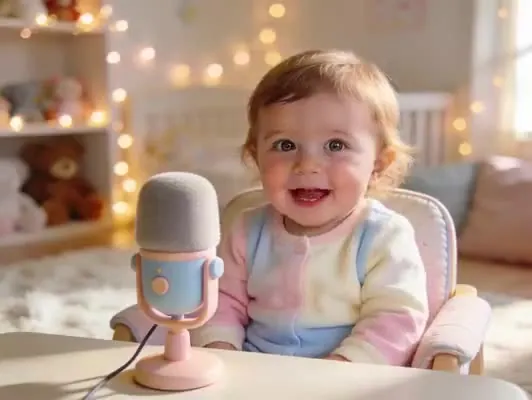
Gentle giggle
A baby in a pastel onesie smiles and giggles softly behind a toy microphone. Only the face and shoulders move, so it suits almost any photo.
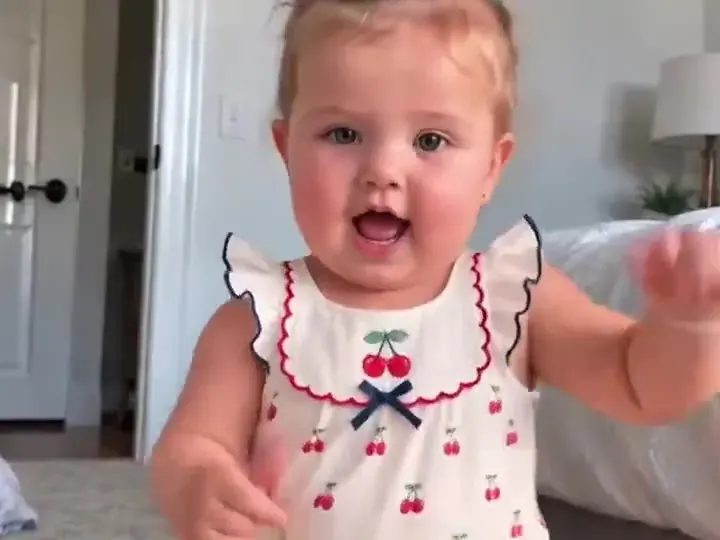
Big belly laugh
Leaning in close, grinning and chattering, mouth wide. The bigger the laugh, the sharper the photo needs to be, so start from a well-lit, front-facing shot.
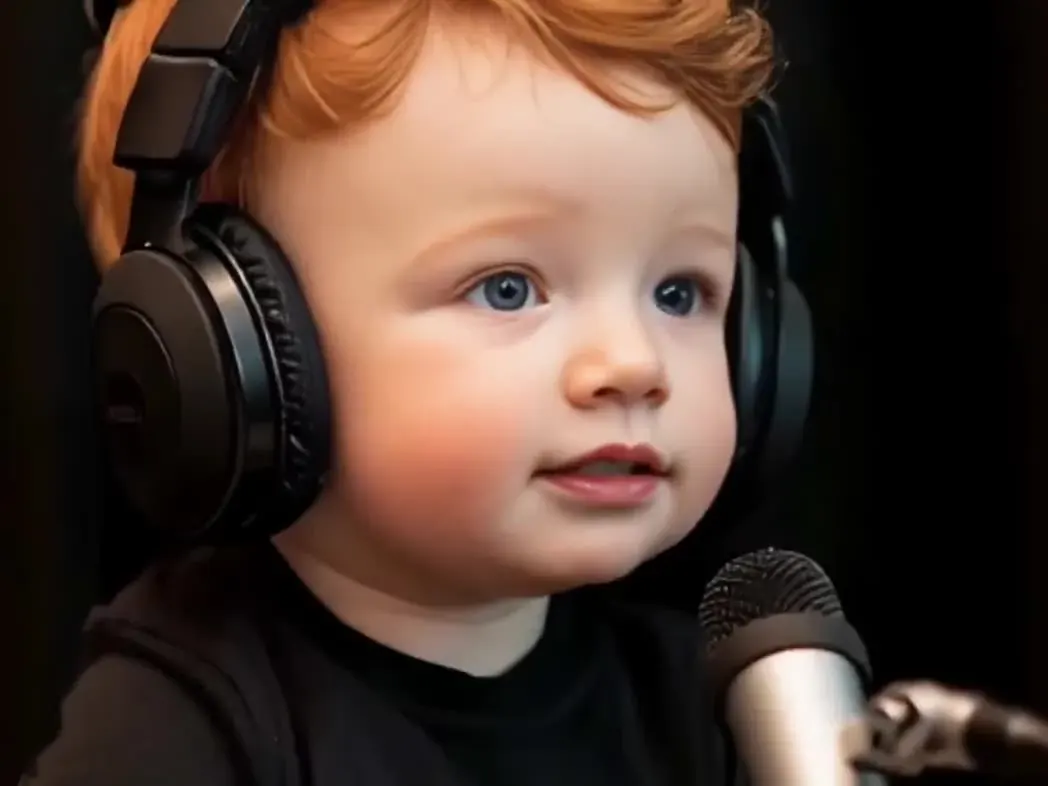
Happy babbling
A red-haired baby in big studio headphones babbles at a microphone. The mouth moves as if chatting — baby sounds, not real words.
Six rules for every AI baby laughing clip
- Upload a real child only if you are their parent or legal guardian. Never a niece, a pupil or a stranger’s baby unless their guardian makes the clip.
- Happy expressions only: giggles, laughs, smiles. No crying, fear, pain or “prank” reactions, and nothing that mocks a child.
- Everyday clothes only. No bath-time, beach or nappy-only photos.
- Keep clips of real children in family chats, not public feeds, and label anything you share as AI.
- Never pass a clip off as real footage of a real child.
- Every example on this page is a sample illustration — never a customer’s child.
A photo that laughs well
Start from a calm face
A neutral face or a small smile gives the model room to build up to a laugh. If the photo is already mid-laugh, there is nowhere left to go and the clip tends to freeze on one expression.
Eyes open, face the camera
Laughs live in the eyes and cheeks. A front-facing photo with both eyes visible animates far better than a profile, a sleepy face or a face half hidden by a dummy or a hand.
Close enough to see the face
Head-and-shoulders framing is ideal. In a full-body shot the face may be only a few dozen pixels wide, and small faces lose their identity first when they move.
Soft light, plain background
Window light, no flash, nothing busy behind. Toys, siblings or grown-up hands in the frame get animated too, so crop them out before you upload.
What an AI baby laughing clip costs
| Model & setting | 5s clip | ≈ Pro plan | Per $9.90 pack |
|---|---|---|---|
| Kling 2.6 · 1080p · silent | 40 cr | $0.54 | 17 clips |
| Kling 2.6 · 1080p · with sound | 80 cr | $1.09 | 8 clips |
| Kling 3.0 · 720p · silent | 50 cr | $0.68 | 13 clips |
| Kling 3.0 · 720p · with sound | 70 cr | $0.95 | 9 clips |
| Kling 3.0 · 1080p · silent | 65 cr | $0.88 | 10 clips |
AI Baby Laughing Video Generator FAQ
Still curious? Email support@picturetovideo.org — a human replies within a day.
01How do I make an AI baby laughing video?
02Can I use a photo of my own baby?
03Will an AI baby laughing video have sound?
04What is an AI baby podcast?
05Kling 2.6 or Kling 3.0 for AI baby laughing?
06Can I animate an AI-generated baby picture?
07Can an AI baby video generator make longer clips?
08Is my AI baby video public?
Related tools & models
One photo, one big giggle
Pick a laugh, add the photo, render 5 seconds of AI baby laughing from 40 credits. Private by default on PictureToVideo.