Via API · Independent · Not affiliated with Kuaishou
Kling 2.6 AI Video Generator
Kling 2.6, released on December 3, 2025, was the first Kling model to generate picture and sound together: voices, sound effects and ambience in a single pass. It also powers the popular Kling 2.6 Motion Control. Use it online here in 1080p, with or without audio, and pay per second.
- Released Dec 3, 2025
- 5 or 10s
- 1080p
- Native audio
- Start + end frame
Negative prompt
- cr/s silent
- 8
- cr/s + audio
- 16
- max length
- 10s
Kling 2.6 specs
- Kling with native audio
- 1st
- Max clip length
- 10s
- Output resolution
- 1080p
- Credits / second from
- 8
Release
- Headline feature
- Picture and sound in one pass[2]
- Voices, sound effects and ambience generated together with the video.
Video
- Duration here
- 5 or 10 seconds
- The two lengths our generator offers. Extend a clip to go longer.
- Aspect ratio
- 16:9 · 9:16 · 1:1
- Image to video follows the shape of your image.
- Inputs
- Text · start frame · start + end[3]
Audio
Motion Control
- Motion Control 2.6
- Photo + motion reference[5]
- Reference clips up to 30 s when the character follows the video’s orientation, 10 s when it follows the image.
- On PictureToVideo
- 8 cr/s 720p · 13 cr/s 1080p
Price
- On PictureToVideo
- 8 credits / s · 16 with audio
- A 5-second silent clip is 40 credits (≈ $0.54 on Pro).
Sources · last checked 2026-10-03
Native audio: what it adds
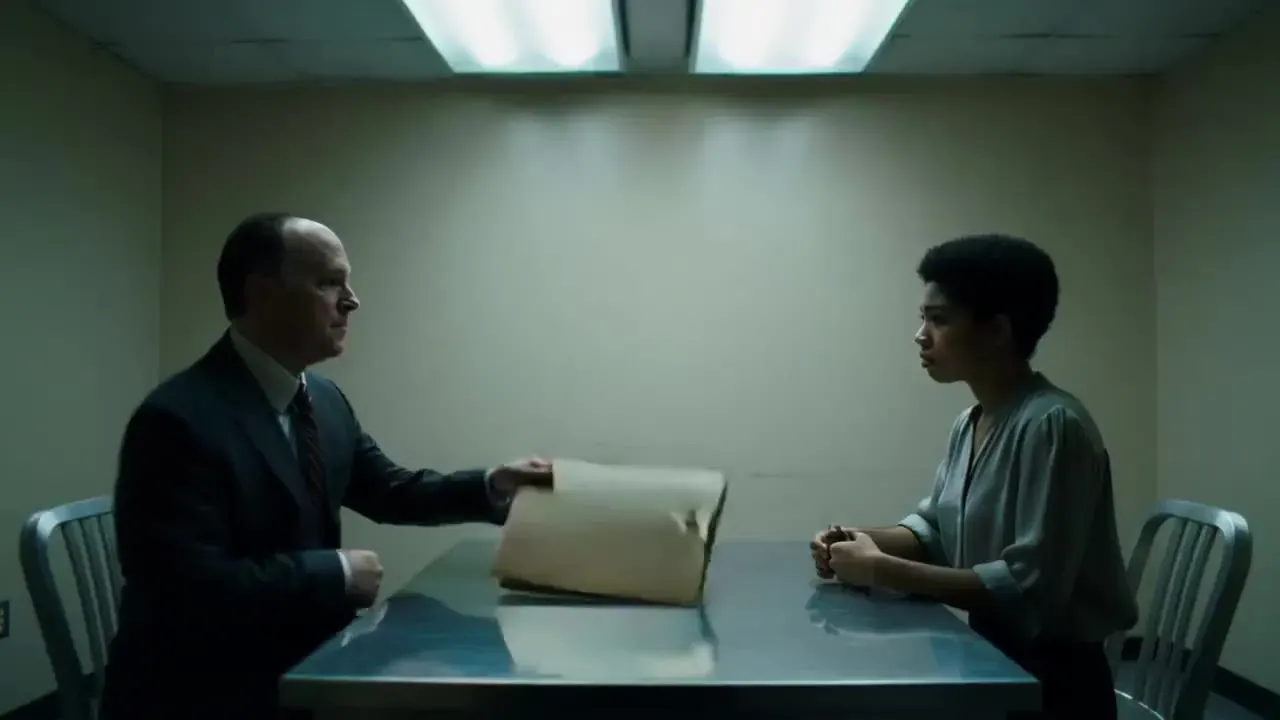
“You were there that night. Admit it.”
Two people, one table, one line
- VoiceLip-synced English dialogue for both characters.
- Sound effectsChair and paper foley timed to their movements.
- AmbienceThe buzz of the fluorescent lights in a quiet room.
“A detective in a dark suit faces a woman across a metal table in a bare interview room under harsh fluorescent tubes; he leans in and says, “You were there that night. Admit it.” Lights hum, a chair creaks”
Kling 2.6 Motion Control
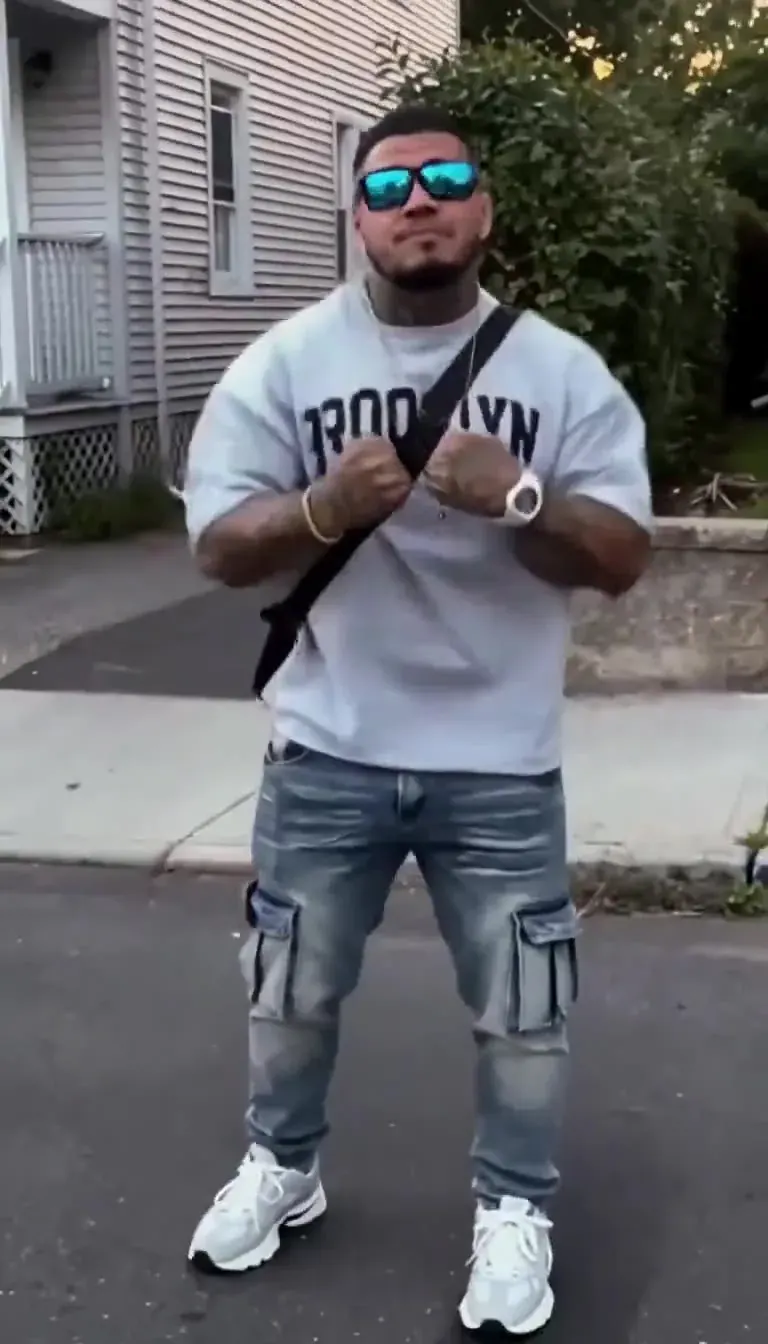
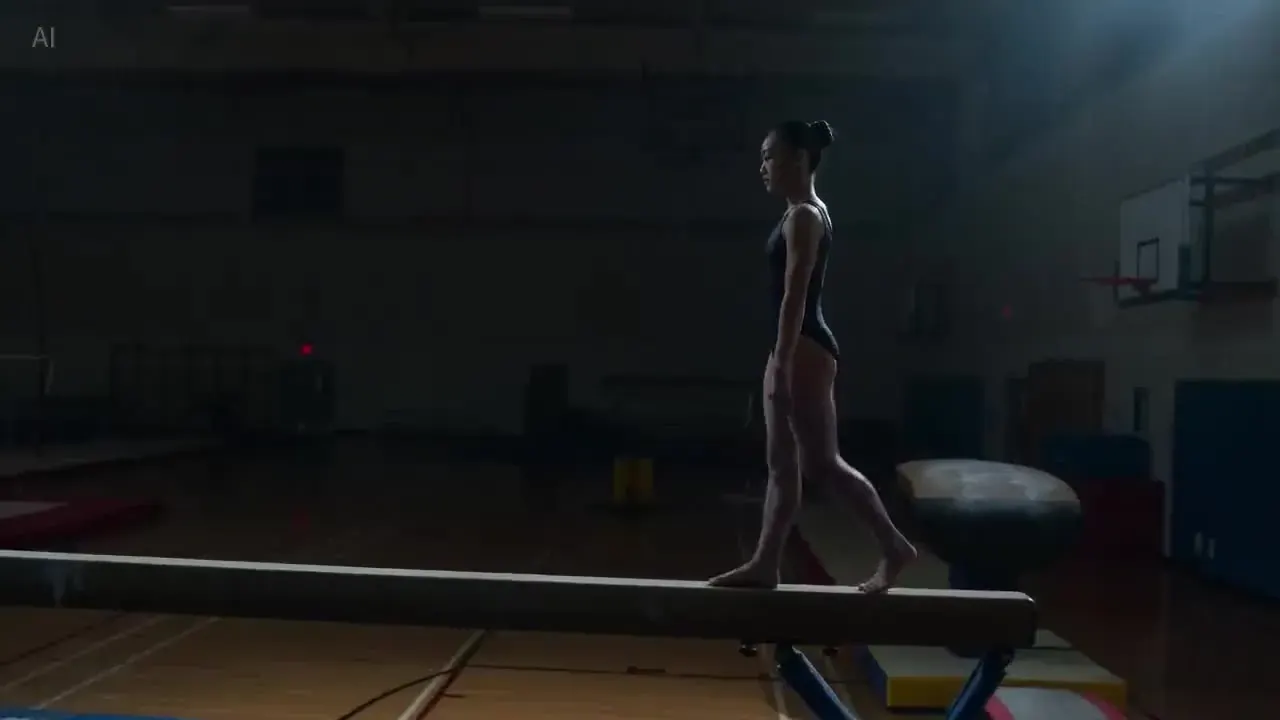
Priced per second
8 credits per second at 720p and 13 at 1080p, against 14 for Motion Control 3.0 at 720p — the budget route for dances and gestures.

When to step up to 3.0
Kling describes Motion Control 3.0 as better at keeping faces consistent. Start on 2.6 for simple dances and gestures, and move up if the face drifts.
Kling 2.6 vs 3.0
Version 2.6 renders 1080p only, in 5- or 10-second clips. Kling 3.0 4K costs the same with or without audio.
Kling 2.6 is 30 credits cheaper for this 10-second clip (≈ $0.41).
Price per second, with or without audio
| Model | Resolution | Credits / sec | With audio | Typical clip |
|---|---|---|---|---|
| Kling 2.6 | 1080p | 8 | 16 | 5s · 40 cr ≈ $0.54 |
| Motion Control 2.6 | 720p | 8 | — | 10s · 80 cr ≈ $1.09 |
| Motion Control 2.6 | 1080p | 13 | — | 10s · 130 cr ≈ $1.77 |
Example: a 10-second clip with native audio costs 160 credits (≈ $2.17 on the Pro plan); the silent version costs 80.
Best uses for the 2.6 model

Product loops with sound
A pour, a fizz, the click of a cap. Five-second product shots with matching foley are where the audio pass earns its cost.
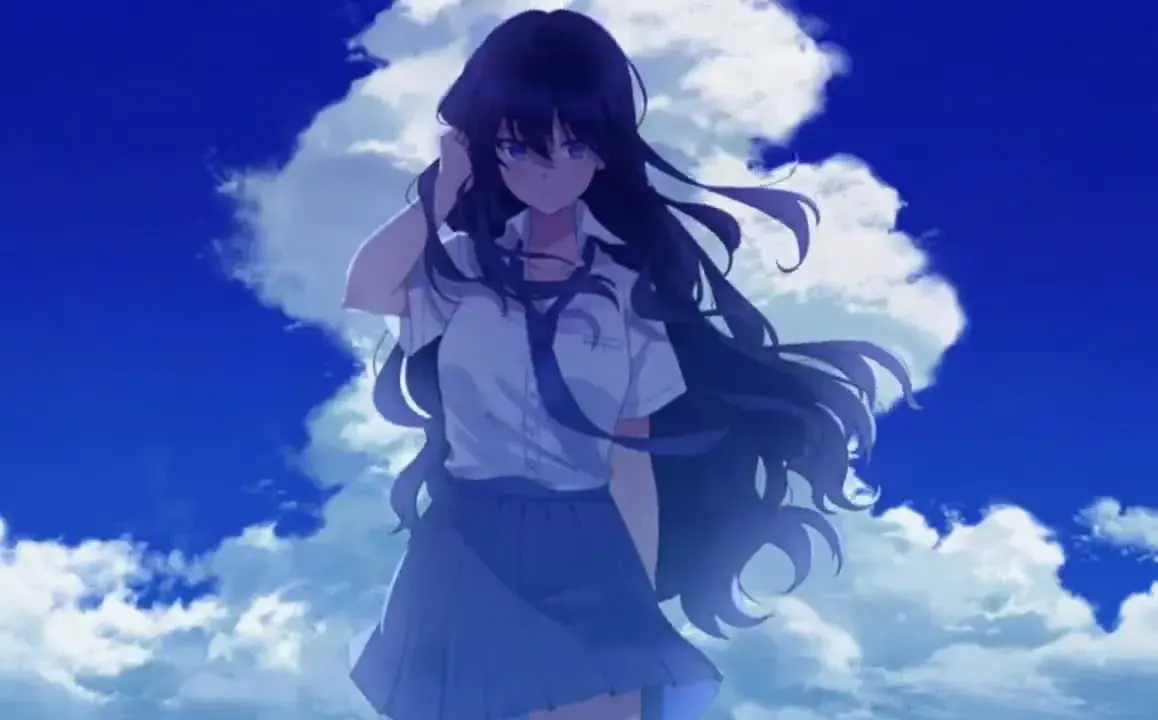
Stylised and anime shorts
Hand-painted and anime looks at 1080p, rendered silent for 8 credits per second and scored later in your editor.
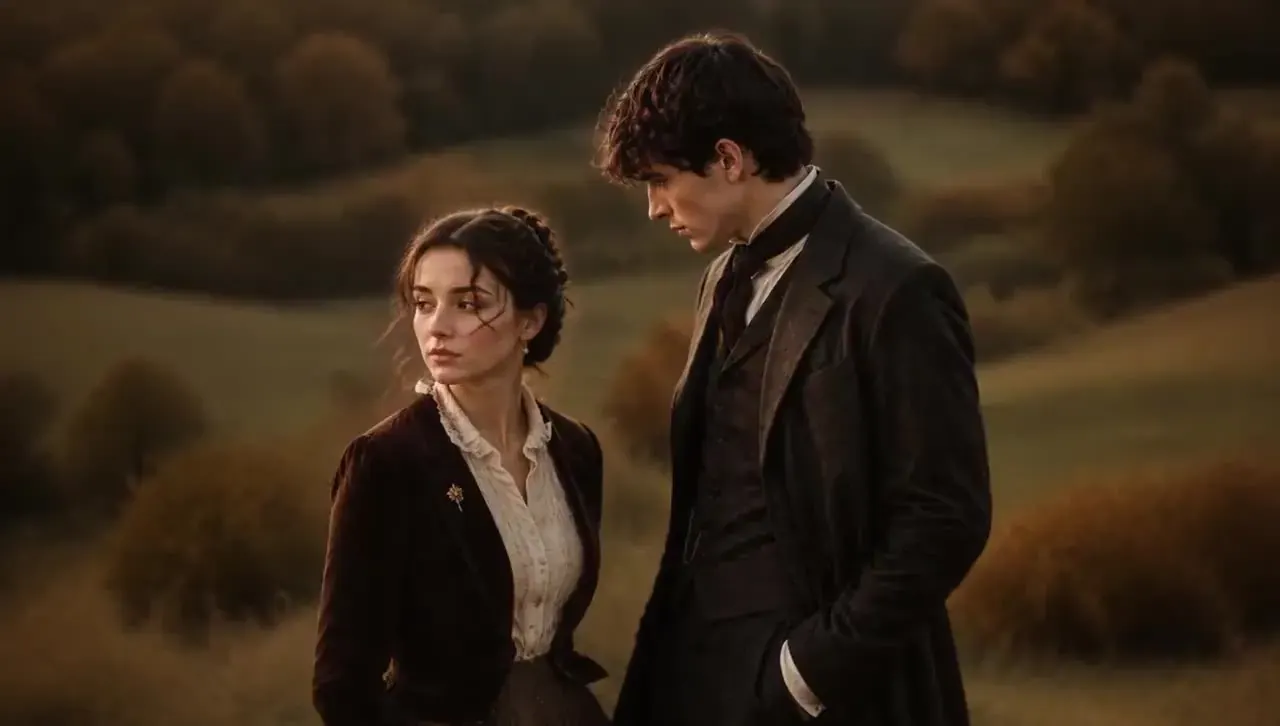
Short spoken moments
A single line, a whispered reaction, a laugh — rendered with lip-synced voice in the same pass as the picture.
Prompting for native audio
Quote the dialogue
Write spoken lines in quotation marks and attach them to a character: the woman leans in and says, “You kept the receipt?” Keep each clip to one or two short lines.
Name the sounds
List the effects you want in the order they happen — a door creak, footsteps, a kettle whistle — so the audio can follow the action Kling draws.
Set the room tone
One phrase of ambience, such as rain on glass, a busy café or wind in the pines, fills the background for the whole clip and makes the sound feel recorded rather than added.
Turn it off when you’ll score it
If music and effects will be added in the edit anyway, render silent for 8 credits per second instead of 16. Audio is a choice per clip, not a setting you are locked into.
Use sound and motion responsibly
- No sexual, suggestive or violent content in prompts, uploads or generated dialogue.
- Don’t recreate a real person’s face or voice without their permission; public figures are blocked.
- Motion Control references must be clips you filmed or have the right to use.
- Renders are clean, with no watermark, and cleared for commercial use within our content policy.
- PictureToVideo runs Kling 2.6 via API as an independent site — not affiliated with Kuaishou or Kling AI.
Kling 2.6 AI Video Generator FAQ
Still curious? Email support@picturetovideo.org — a human replies within a day.
01When was Kling 2.6 released?
02What is special about Kling 2.6 native audio?
03Kling 2.6 vs Kling 3.0: which should I use?
04How long can a 2.6 video be?
05What is Kling 2.6 Motion Control?
06How much does Kling 2.6 cost?
07Is Kling 2.6 still worth using in 2026?
08Who runs this generator?
Related tools & models
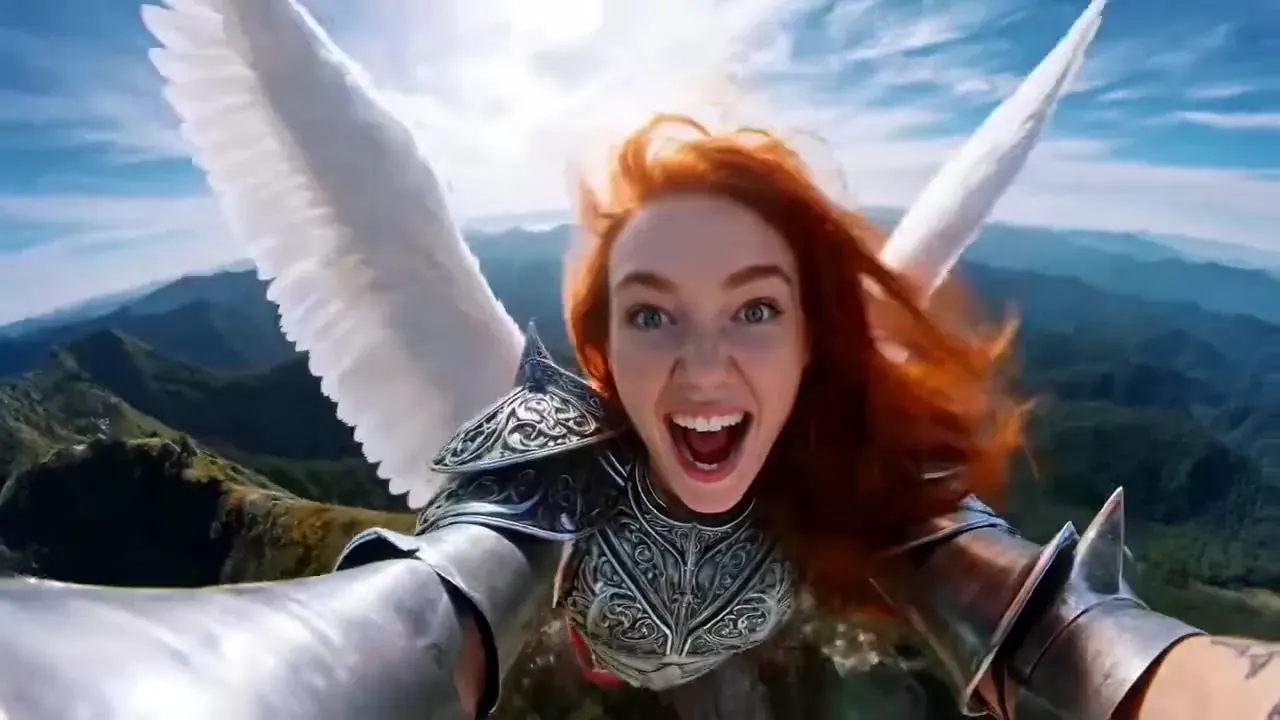
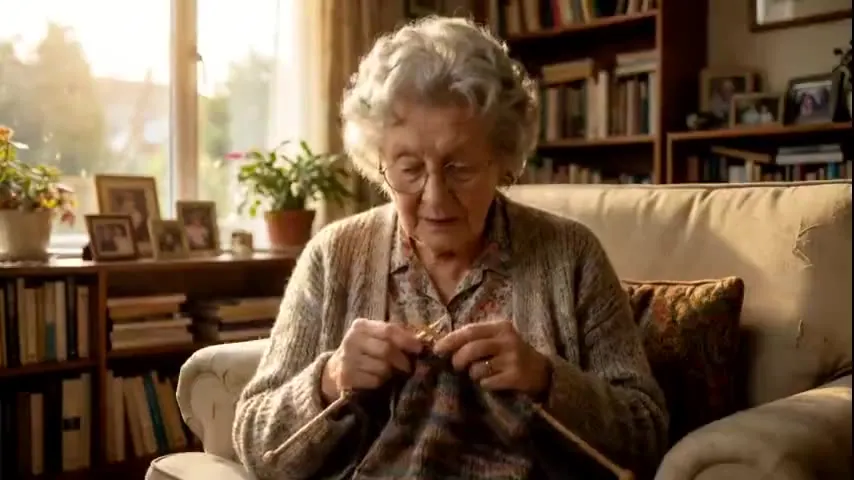
Hear your clip before the edit
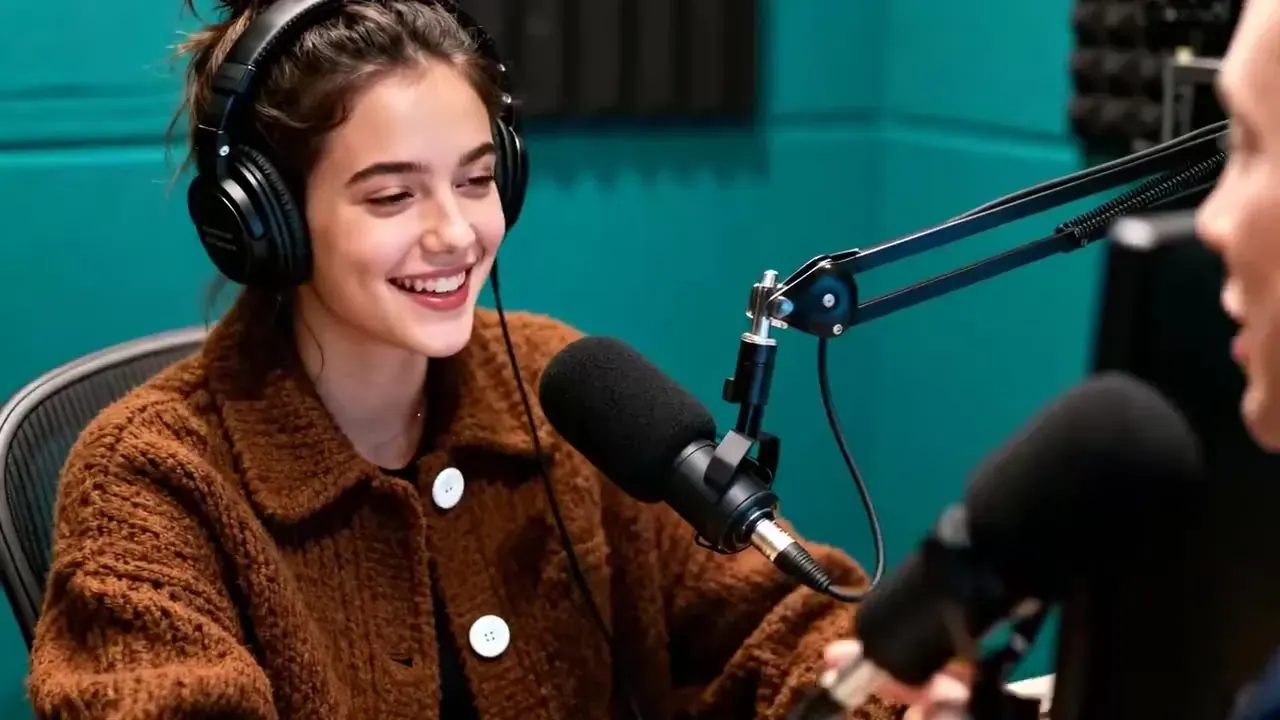
Render with native audio — voices, effects and ambience in one pass, from 16 credits per second. Starter pack from $2.99, no subscription.