AI dance video · Kling Motion Control via API · Independent
AI Dance Video Generator
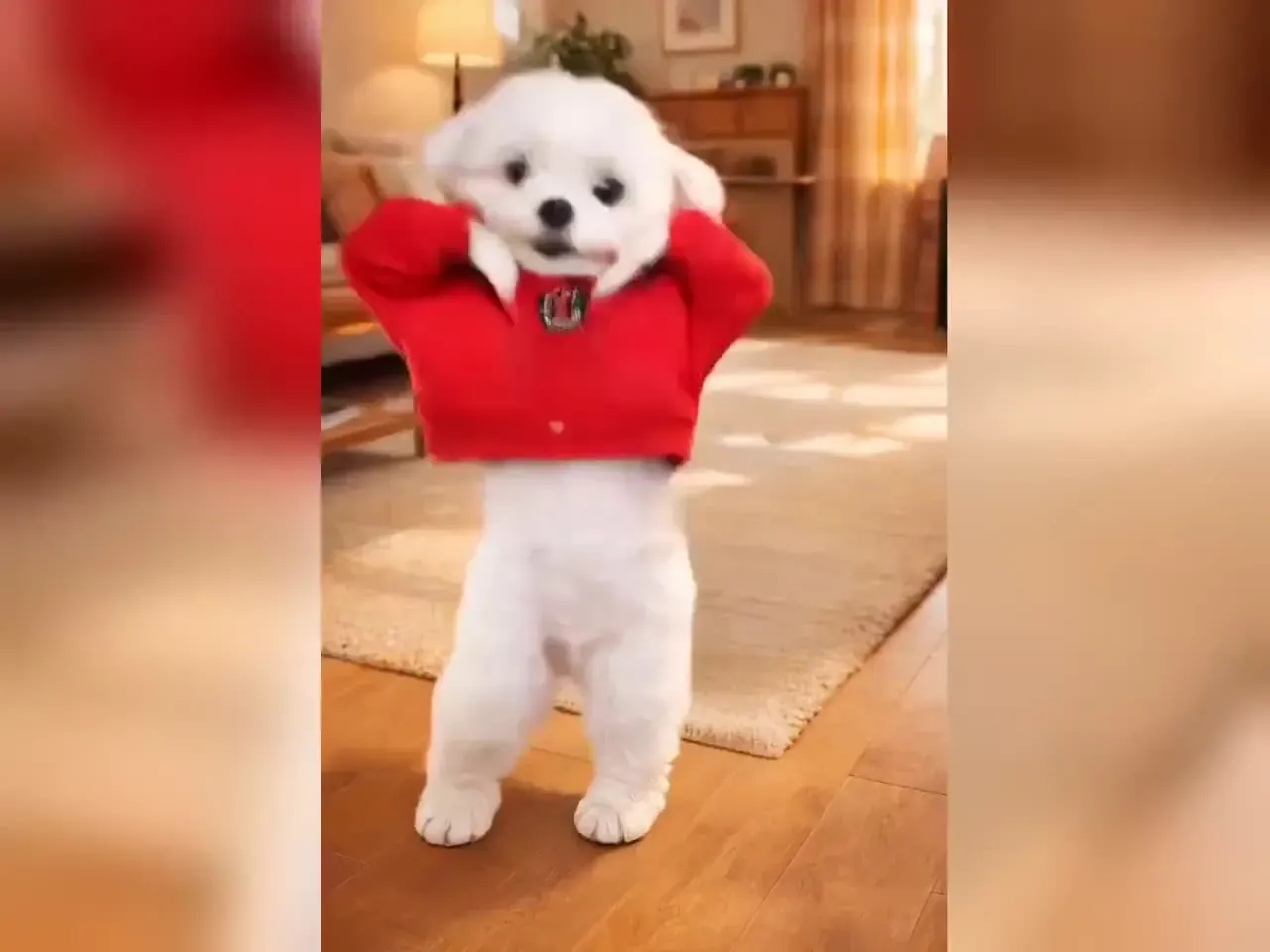
Make an AI dance video from one photo: pick one of 10 original routines — including the trending rain dance and gas station dance — add a full-body photo of yourself, a pet or a cartoon character, and Kling Motion Control copies every move onto it. This AI dance generator keeps every template family-friendly and silent — no celebrity choreography, no music rights — so you get a clean dance clip ready to score and share.
- People · pets · cartoons
- 10 original dances
- New: rain dance
- 8–10s
- From 64 credits
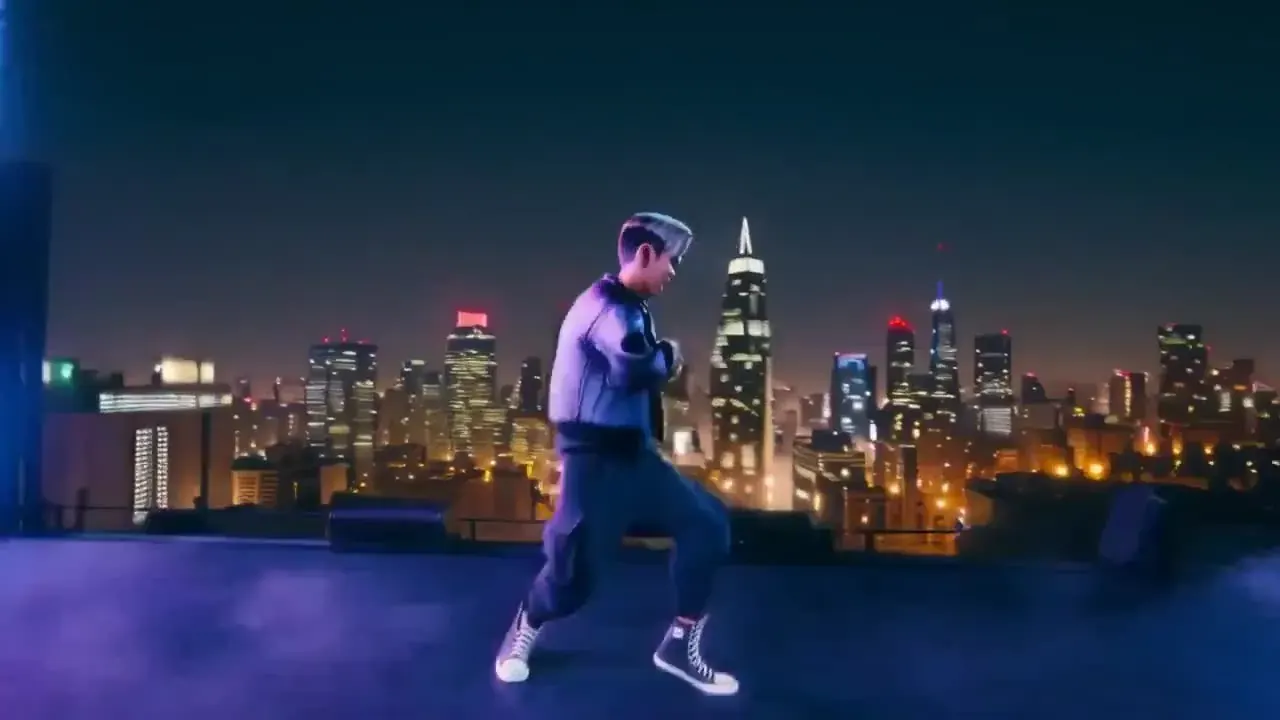
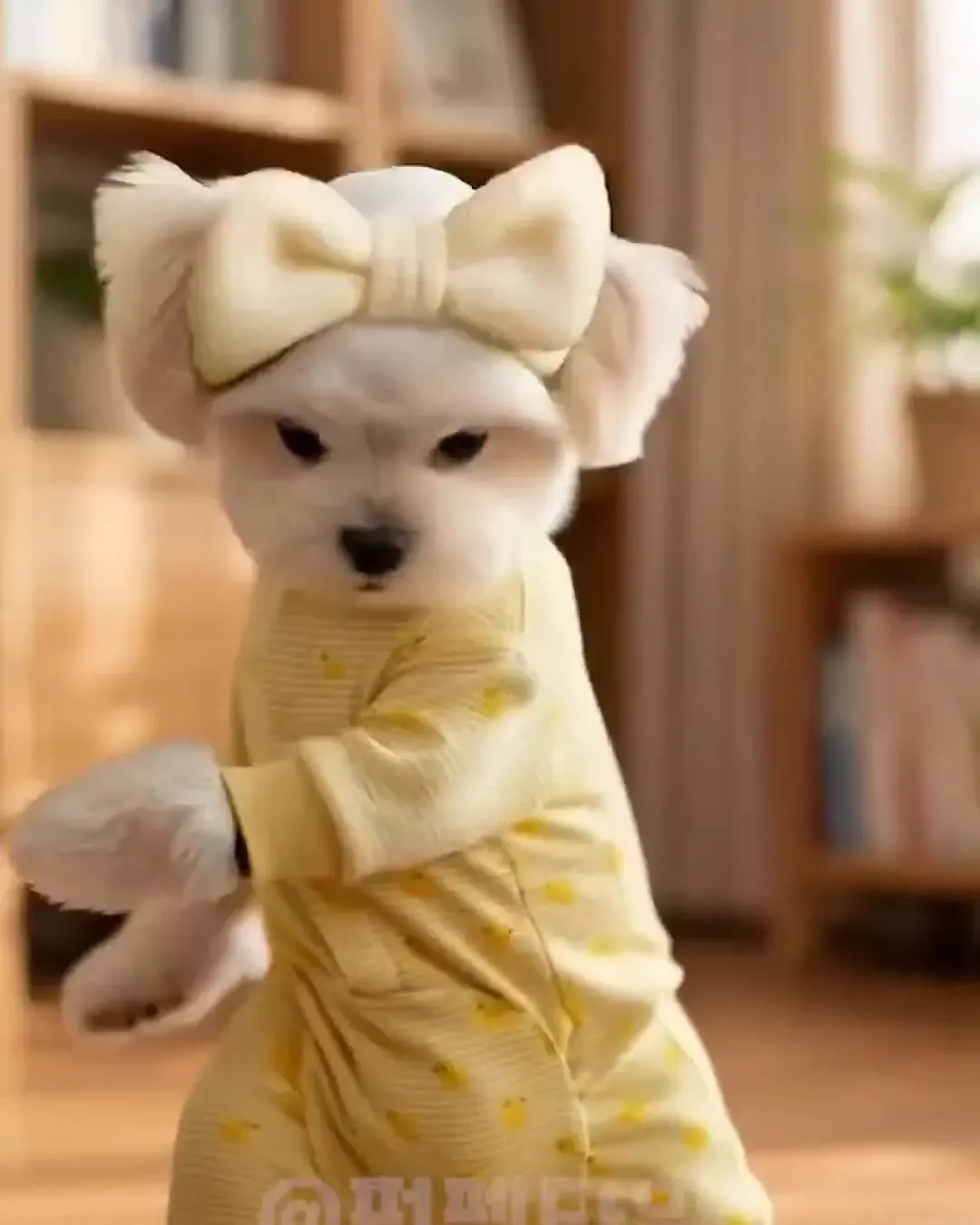
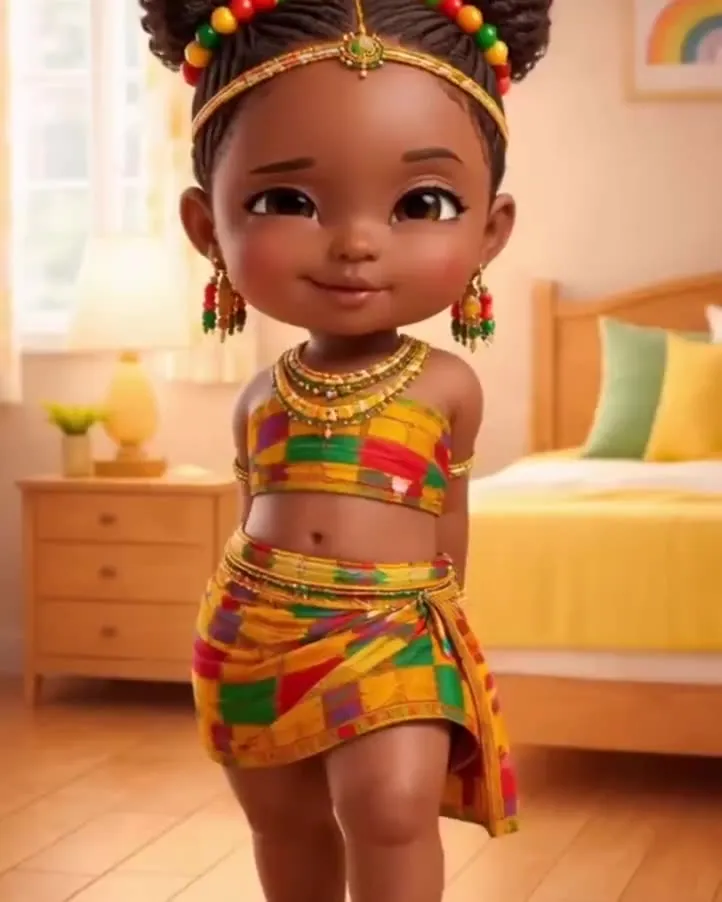
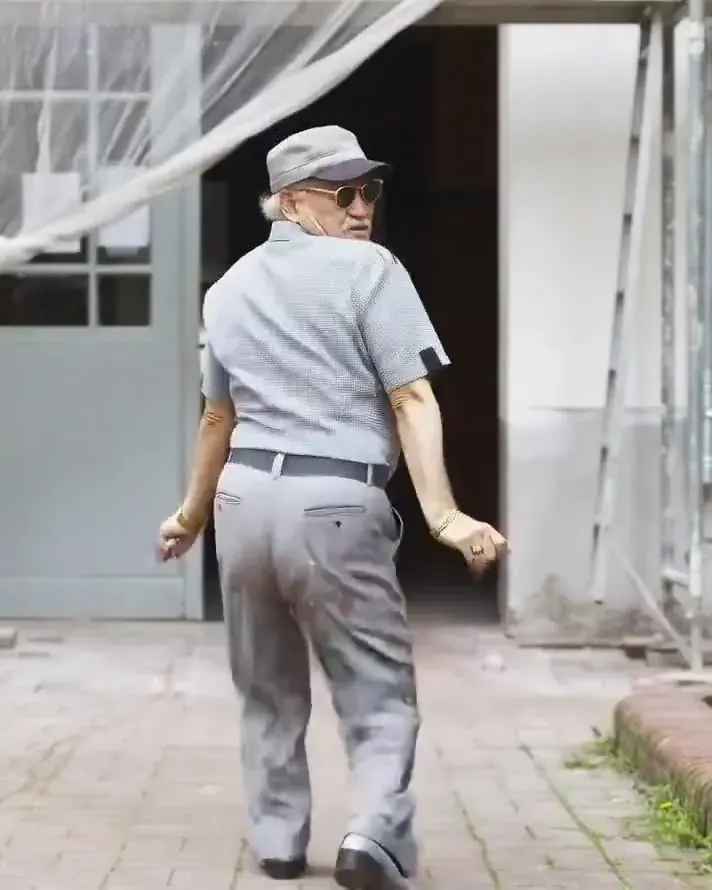
The collage shows illustrations, not finished renders. Every AI dance video runs on Kling Motion Control via API on PictureToVideo, an independent site.
Negative prompt
Rain dance and gas station dance as AI dance video templates
- Raindance AI trendIllustration
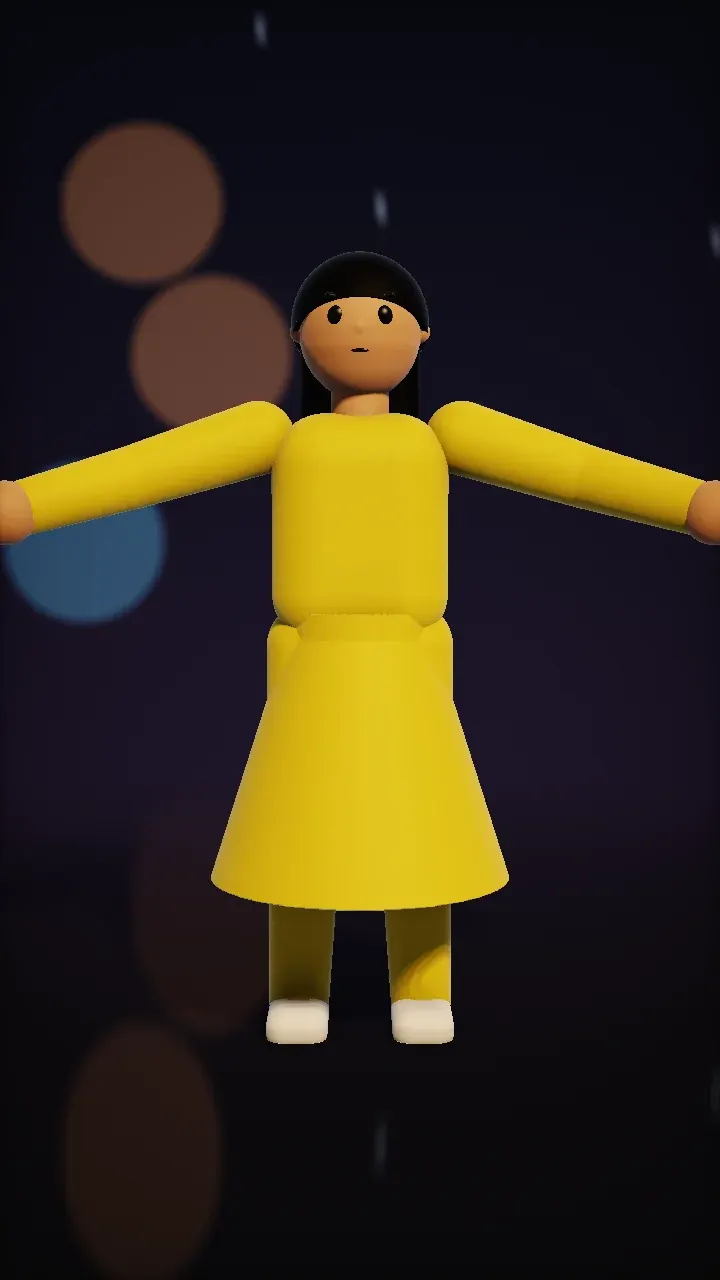
Rain dance
The rain dance trend: one photo becomes a slow, joyful dance in the rain at night — arms open, a twirl, city lights blurred behind. Our routine is original choreography, and the trend’s song is not included.
Photo tip: A full-body photo with loose clothing or a skirt shows off the twirl; avoid umbrellas and hands in pockets.
8s · 64 cr ≈ $0.87 · silent - Gas station dance trendIllustration
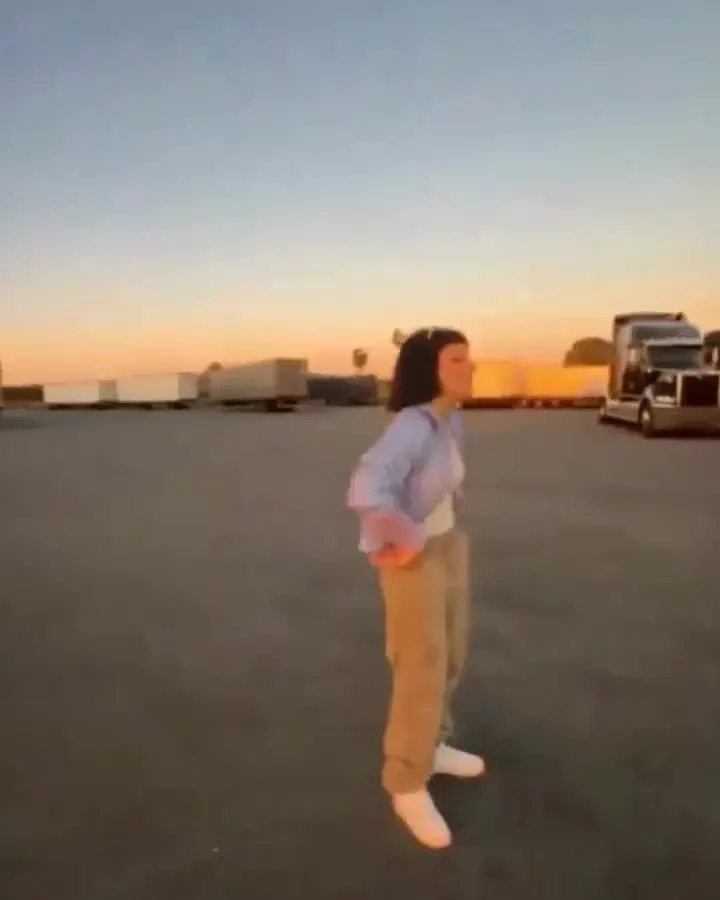
Gas station dance
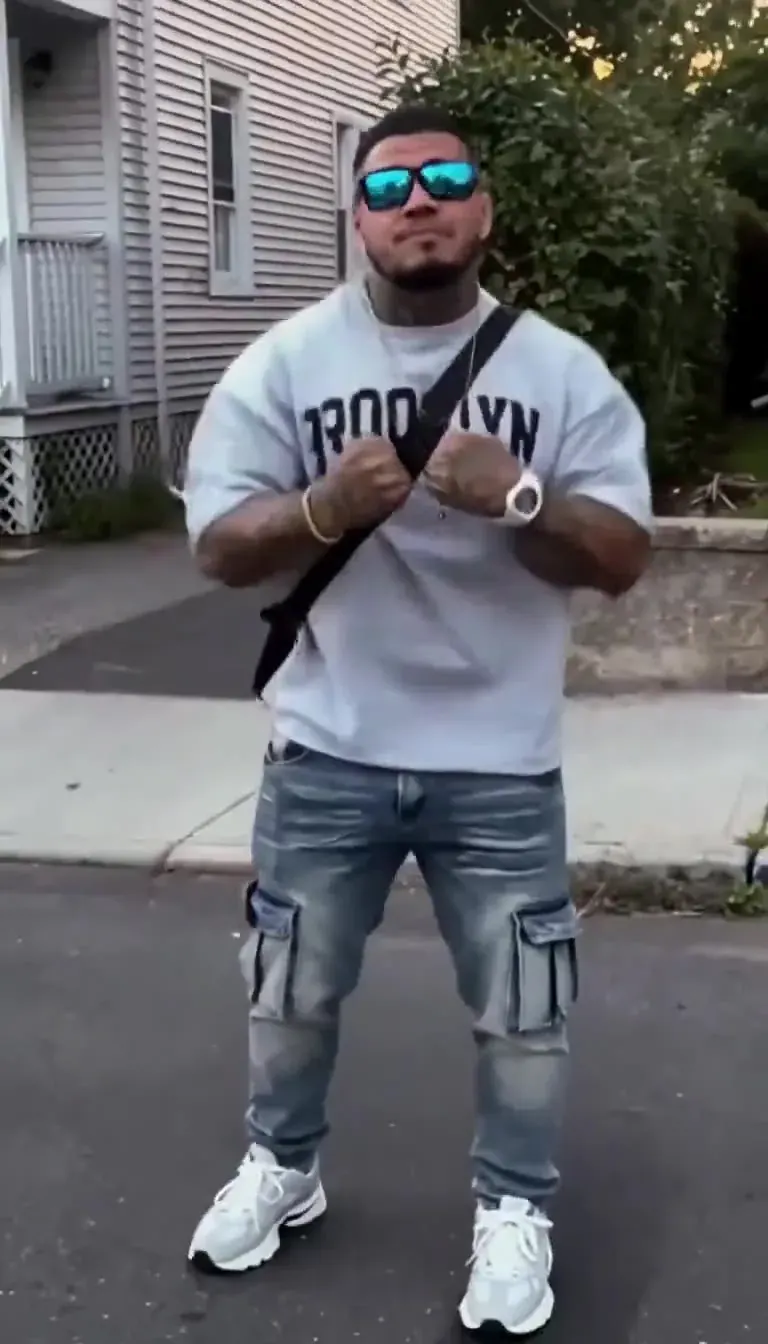
The gas station dance trend puts a confident little routine on a petrol forecourt: side steps, a hip pop and big arm loops. Ours is an original, family-friendly version with no music attached.
Photo tip: Stand with arms slightly away from your body and feet in frame; caps and jackets are fine.
10s · 80 cr ≈ $1.09 · silent
Make a photo dance in two steps
- 1Choose a dance
- 2Check your photo
- 3Generate
Step 1Pick a dance
10 of 10Step 2Check your photo
We read the size, shape and brightness of your photo right here in the browser. Nothing is uploaded until you press Generate.
No dance picked yet. · no photo yet
Photo tips for AI dancing that looks real
People
Stand facing the camera with your arms slightly away from your body and your feet in frame, against a plain wall. Everyday fitted clothes beat long coats and wide sleeves, which hide the elbows and knees a dance needs. Phone portrait shots are perfect — just switch off heavy beauty filters.
Pets
Animals dance best photographed standing or sitting upright with every paw visible. Cats and dogs need different photos and gentler dances, so each has its own guide: the cat and dog pages rank the templates for your pet’s pose, coat and build.
Cartoons, drawings and toys
Characters with a clear head, torso, two arms and two legs make the best AI dance video. Flat illustrations, 3D figures and plush toys are all fine — place them on a simple background so the model knows exactly where the body ends.
Light and background
Daylight from a window, or a soft lamp in front of the dancer, keeps the face stable through turns. Busy backgrounds with posters, mirrors or other people invite the model to move things that should stay still.
Why an AI dance video can look glitchy
Melting hands or feet
The limbs were cropped or hidden in the photo, so the model had to invent them mid-move. Re-shoot head to toe, or pick a template with less footwork.
The face changes in a spin
Turns are hard on identity. Use even front light and a sharp photo of at least 720 pixels on the short side, or re-render on Motion Control 3.0, which holds faces better.
The wrong thing moves
Two people, a mirror or a poster with a face can confuse which body to animate. Crop to one character before uploading.
Tiny, stiff motion
Landscape photos make the dancer small. Crop to portrait so the body fills most of the frame — the photo checker above flags this before you spend a single credit.
Babies, cats and dogs get their own dances
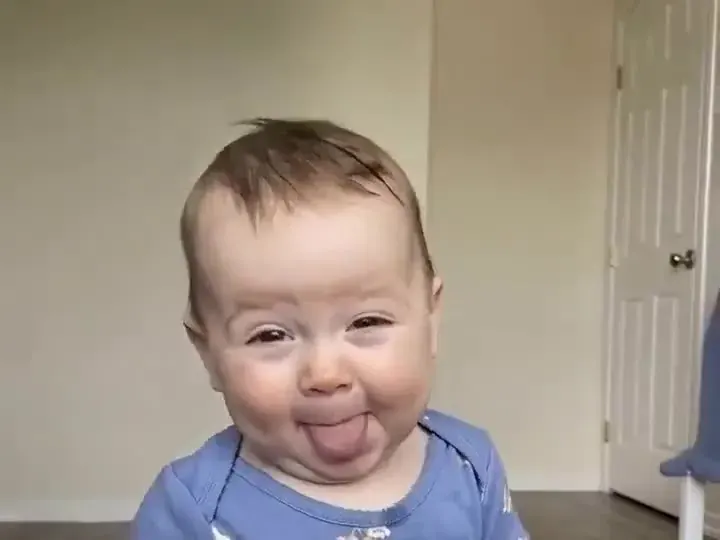
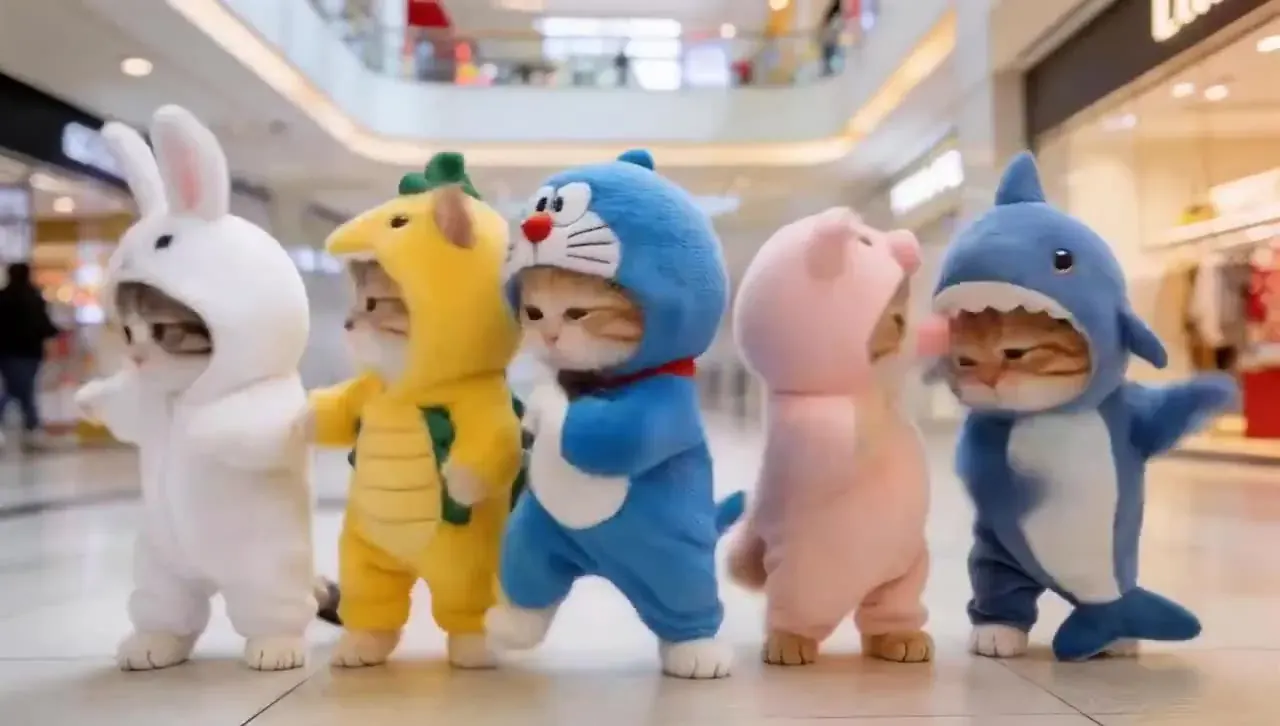
AI dance video pricing, per dance
| Dance | Length | Motion 2.6 · 720p | Motion 3.0 · 720p | Per $9.90 pack | Suits |
|---|---|---|---|---|---|
| Hip-hop groove | 10s | 80 cr ≈ $1.09 | 140 cr ≈ $1.90 | 8 dances | people, pets, cartoons |
| Ballet turn | 8s | 64 cr ≈ $0.87 | 112 cr ≈ $1.52 | 10 dances | people, pets, cartoons |
| Robot pop | 10s | 80 cr ≈ $1.09 | 140 cr ≈ $1.90 | 8 dances | people, pets, cartoons |
| Shuffle step | 8s | 64 cr ≈ $0.87 | 112 cr ≈ $1.52 | 10 dances | people |
| Salsa basic | 8s | 64 cr ≈ $0.87 | 112 cr ≈ $1.52 | 10 dances | people, pets, cartoons |
| Wave & clap | 9s | 72 cr ≈ $0.98 | 126 cr ≈ $1.71 | 9 dances | people, pets, cartoons |
| Breakdance freeze | 10s | 80 cr ≈ $1.09 | 140 cr ≈ $1.90 | 8 dances | people |
| Folk circle | 8s | 64 cr ≈ $0.87 | 112 cr ≈ $1.52 | 10 dances | people, cartoons |
| Gas station dance | 10s | 80 cr ≈ $1.09 | 140 cr ≈ $1.90 | 8 dances | people, cartoons |
| Rain dance | 8s | 64 cr ≈ $0.87 | 112 cr ≈ $1.52 | 10 dances | people, cartoons |
Family-friendly by design
- Only wholesome dances — no twerking and no suggestive routines, now or later.
- Only the character in your photo dances — the template lends its moves, never its dancer.
- Use photos of yourself or of people who agreed. No celebrities or public figures.
- Children only from their own parent or guardian, after the checklist on the AI baby dance page.
- Prompts are screened, the video model applies its own safety filters, and every upload must follow our content policy; violations close the account.
- Silent, original templates mean no copyright claims on the dance itself.
AI Dance Video Generator FAQ
Still curious? Email support@picturetovideo.org — a human replies within a day.
01Is there a free AI dance video generator?
02How do I make the raindance AI trend video?
03What is the gas station dance trend?
04Which AI model makes the AI dance video?
05Will a cartoon, drawing or toy work?
06Can two people dance together in one photo?
07Can I add a song to my AI dance video?
08Does the photo checker upload my picture?
09What makes a viral AI dance video?
10Who runs this AI dance generator?
Related tools & models
Press play on your photo
Pick a dance, check your photo, render your AI dance video. Original moves, no music rights to worry about.