Kling AI free · Unofficial · Honest answer
Is Kling AI Free? Partly — and Kling 4.0 Isn’t Yet
Yes, partly. Kling AI free access means 66 credits a day on the official plan — 720p, watermarked and for personal use only — while Kling 3.0 is mostly kept for paid plans and Kling 4.0 has no free access anywhere yet. Here there is no free tier: the $2.99 starter pack buys 200 credits — about 6 five-second Draft (Kling 2.5 Turbo) clips at 1080p — and every model is paid per second.
- No free tier here
- Starter pack $2.99
- 200 credits · ≈ 6 Draft clips
- Kling 4.0: not free yet
Draft generator
Starter pack $2.99 · 200 credits
Locked to the Draft tier — tap a chip to see why.
Kling AI free plan: the official limits
- Price
- $0
- No card required on kling.ai.
- Kling AI free credits
- 66 a day
- Resets daily; unused credits don’t roll over.
- Resolution
- 720p
- 1080p is a benefit of Standard and higher plans.
- Watermark
- Yes
- Brand watermark removal is a paid-plan benefit.
- Commercial use
- No
- Kling: free-plan content is not for commercial use.
- Kling 3.0
- Mostly paid
- Users report free accounts are steered to older models.
- Kling 4.0
- Not included
- 4.0 Flash early access is for Ultra annual members.
- Earlier allowance
- 166 a day
- The daily free allowance was later cut to 66.
Sources: kling.ai credit guide · lorphic.com · aireiter.com · reddit.com/r/generativeAI · checked 2026-10-03
How to use Kling 4.0 for free: the honest answer
Today: you can’t
As of 2026-10-03, Kling 4.0 has no free access anywhere. The Flash tier is in limited early access inside Kling’s own app for Ultra annual members, the full model is due in October 2026, and no API is open — so no website can run it for you yet, free or paid.
Watch the Kling AI free plan
Kling has not said whether Kling AI free accounts will get 4.0. Recent history points the other way: new models reached paid memberships first, and users report Kling 3.0 is still mostly kept for paid plans. If that changes, the 66 daily credits are the first place it will show.
Join our waitlist
We switch Kling 4.0 on the day an API we can call offers it and send one email to everyone on the waitlist. It will be paid per second like every model here: our provisional launch ceiling puts a 5-second 720p clip at 90 credits, and the final rate will not be higher.
Skip “free Kling 4.0” sites
A site promising free Kling 4.0 renders today is running a different model under the Kling name, collecting sign-ups, or worse. Never download an app or extension to “unlock” it, and never enter your Kling password anywhere but kling.ai.
Can you use Kling 3.0 for free?
Is Kling 3.0 free on the official plan?
The Kling AI free credits are real, but users consistently report that Kling 3.0 is mostly reserved for paid memberships, and free output stays at 720p with a watermark. Kling does not publish a free-plan price per 3.0 clip, so expect to hit the paywall quickly.
Kling 3.0 on PictureToVideo
There is no free tier on PictureToVideo. A 5-second Kling 3.0 clip costs 50 credits, and the cheapest way in is the $2.99 starter pack: 200 credits — 4 Kling 3.0 clips or about 6 Draft clips — valid 365 days.
What the $2.99 starter pack gets you here
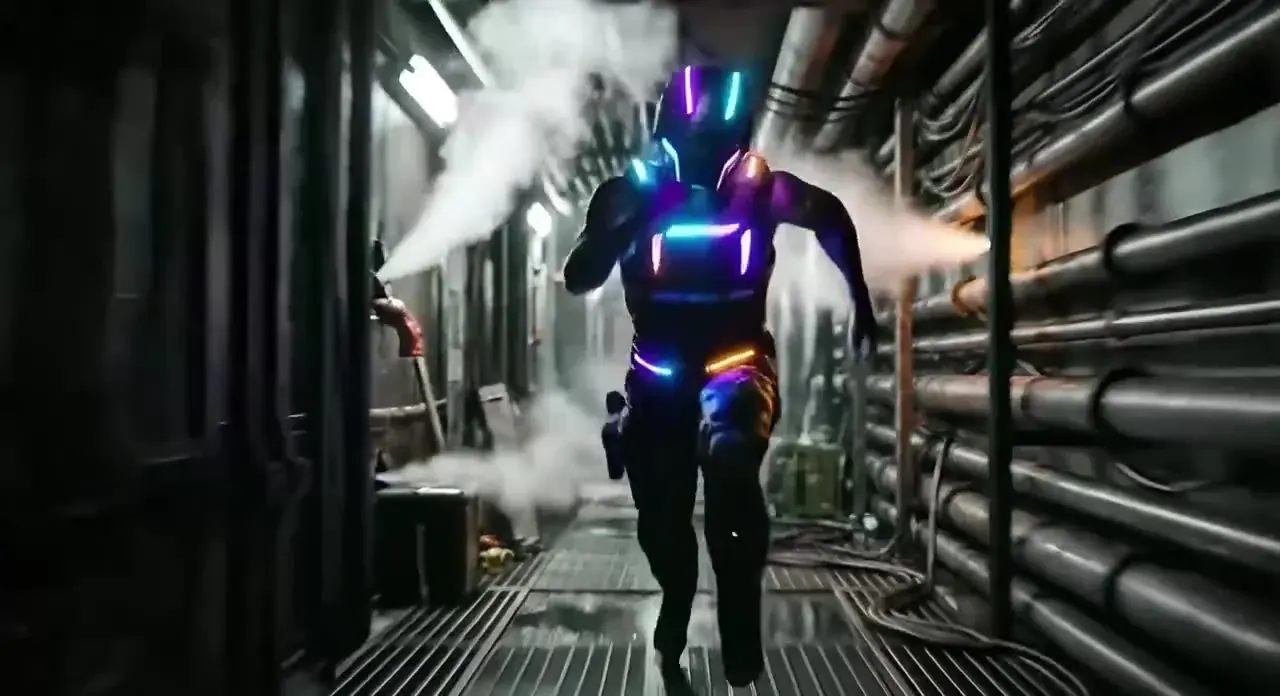
30 / 200 starter credits
6 per pack30 credits a clip, so the $2.99 starter pack makes 6 clips like this with 20 credits left over. No watermark; commercial use included.
Use Kling 4.0 the day it opens
Kling 4.0 isn’t free — or available — anywhere yet. Leave your email and we’ll send one message the day its API opens here.
No spam · one email when 4.0 goes live
Kling AI free tier vs other free plans
| Service | Free allowance | Resolution | Watermark | Commercial use | Kling 3.0 | Source |
|---|---|---|---|---|---|---|
| PictureToVideoThis site | No free tierStarter pack $2.99 · 200 credits · valid 365 days | Up to 4K | No | Yes, within our content policy | Yes — 4 five-second clips per starter pack | |
| Kling AI (official) | 66 credits a dayResets daily, no rollover | 720p | Yes | No (per Kling) | Mostly on paid plans (user reports) | |
| Hailuo AI | 200 credits, onceOn sign-up | Not stated | Not verified | Not verified | No — MiniMax models | |
| PixVerse | ≈50 credits + 30–60 a dayDaily top-up | Not stated | No visible mark (per review) | Not verified | No — PixVerse models | |
| Runway | 125 credits, onceOne-time | Not stated | Not verified | Not verified | Offered on paid plans; free access not verified |
Yes No Partly Not verified — we only list what a source states· Checked 2026-10-03
How to stretch Kling AI free credits
- 01Step 1/3
A koi fish swims through an ink painting that comes alive
+ Push in+ Orbit+ TrackingStart from a strong frame
Image to video animates the still you upload, so the still does most of the work: sharp, well lit, with some empty space around the subject.
- 02Step 2/3Studio8s1080p16:9Sound on152 cr
One action, one camera move
“She turns and smiles, slow push-in” beats a paragraph of instructions. Simple prompts drift less and rarely need a rerun.
- 03Step 3/3Ready · 00:08Download MP4
Upgrade only the winner
When the Draft looks right, re-render the same frame and prompt with Kling 3.0, 4K or audio.
When paying makes sense
| Kling free plan (official) | Starter pack · $2.99 | Pro · $29.90/mo | |
|---|---|---|---|
| Credits | 66 a day | 200 | 2,200 a month |
| Valid for | Resets daily | 365 days | Until renewal |
| Models | Older Kling models (user reports) | Every live model — Kling, Veo, Wan, Hailuo, Grok | Every live model — Kling, Veo, Wan, Hailuo, Grok |
| Renders | Daily allowance | No daily limit | No daily limit |
| Resolution | 720p | Up to 4K | Up to 4K |
| Watermark | Yes | No | No |
| Commercial use | No | Yes | Yes |
| 5s Kling 3.0 clips | Mostly paid | 4 | 44 |
Starter pack rules
- $2.99 buys 200 credits, valid 365 days — a one-time purchase with no subscription.
- A Draft (Kling 2.5 Turbo) · 1080p · 5s clip is 30 credits, so the pack covers about 6 of them. Every other model runs on the same credits, with the price shown before you render.
- Renders are clean, with no watermark, and can be used commercially within our content policy.
- No sexual, suggestive or violent prompts or uploads — prompts are screened before any credits are charged. Only upload photos you own or have permission to use; no public figures.
01Is Kling AI free to use?
02Is Kling 4.0 free?
03Is Kling 3.0 free anywhere?
04Do Kling AI free videos have a watermark?
05Can I use Kling AI free videos commercially?
06How long do Kling AI free credits last?
07Why is there no free trial on PictureToVideo?
08Is PictureToVideo part of the Kling AI free plan?
09Is there an unlimited free Kling AI?
Related tools & models


Your first clips, from $2.99
Upload a still, describe the motion and render about 6 five-second Draft clips with the $2.99 starter pack. No subscription.