Tool · Keyframes · Kling via API · Independent
Start and End Frame AI Video: Direct Every Beat
Start and end frame AI video lets you upload the first and last frame of a shot and have the model animate everything in between. It works today on Kling 3.0 (Studio) and Kling 2.5 Turbo (Draft) — first and last frame AI video in one render, up to 15 seconds on Kling 3.0. Kling 4.0 was announced with up to 10 keyframes per shot; that unlocks here the day its API opens, and you can plan all ten beats on the timeline now.
- Kling 3.0 · 2.5 Turbo
- 2 frames today
- 10 keyframes · Kling 4.0 soon
- From 6 cr/s
Negative prompt
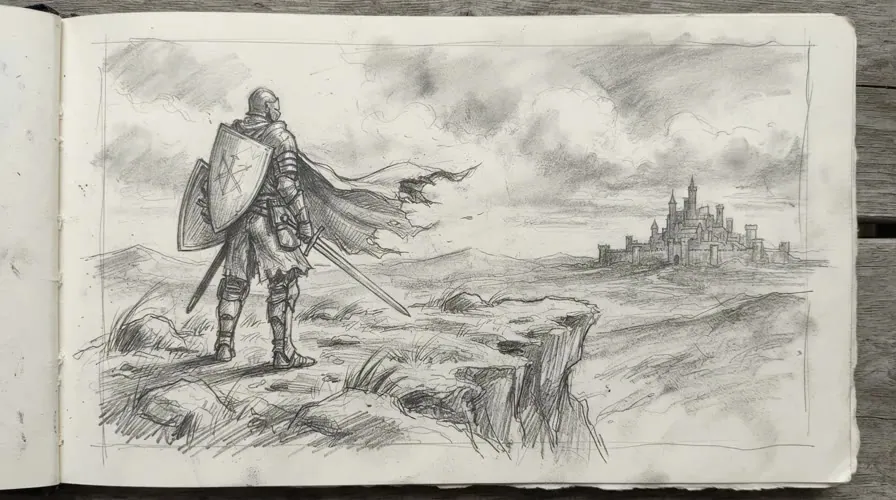
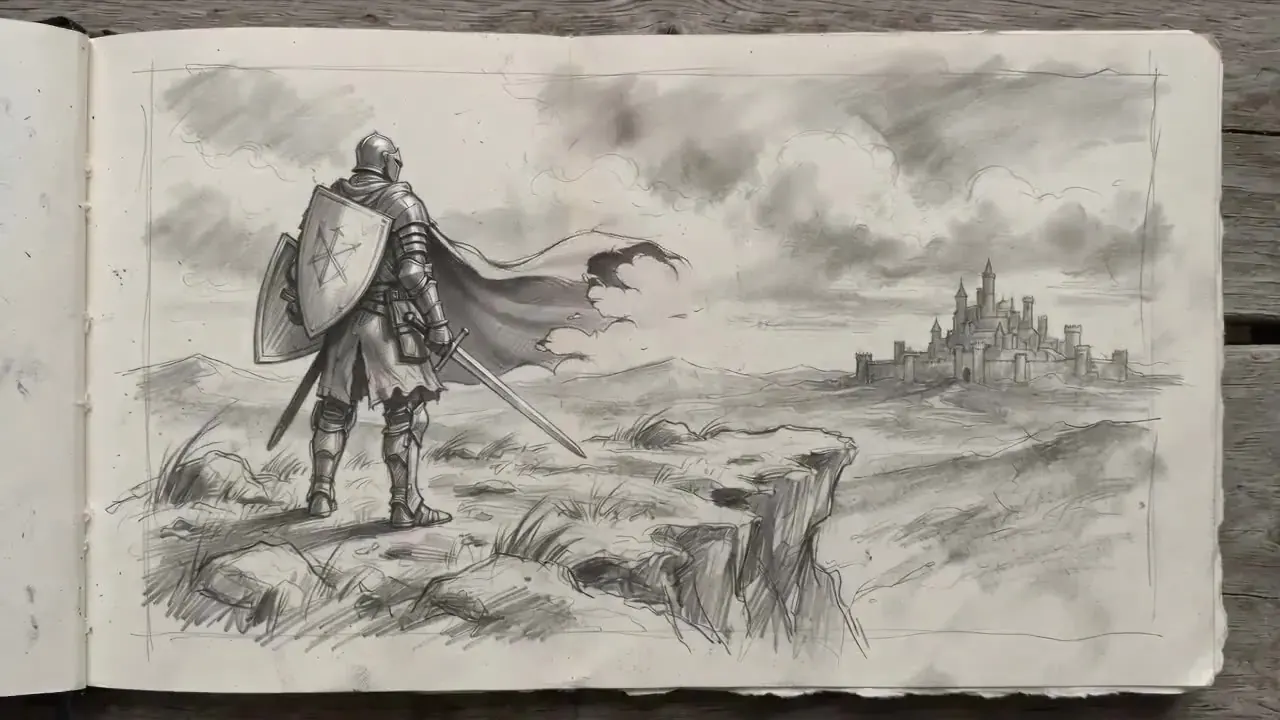
The 10-slot keyframe AI video timeline
Kling 3.0 animates one continuous shot between a start and an end frame. Slots 3–10 unlock with Kling 4.0.
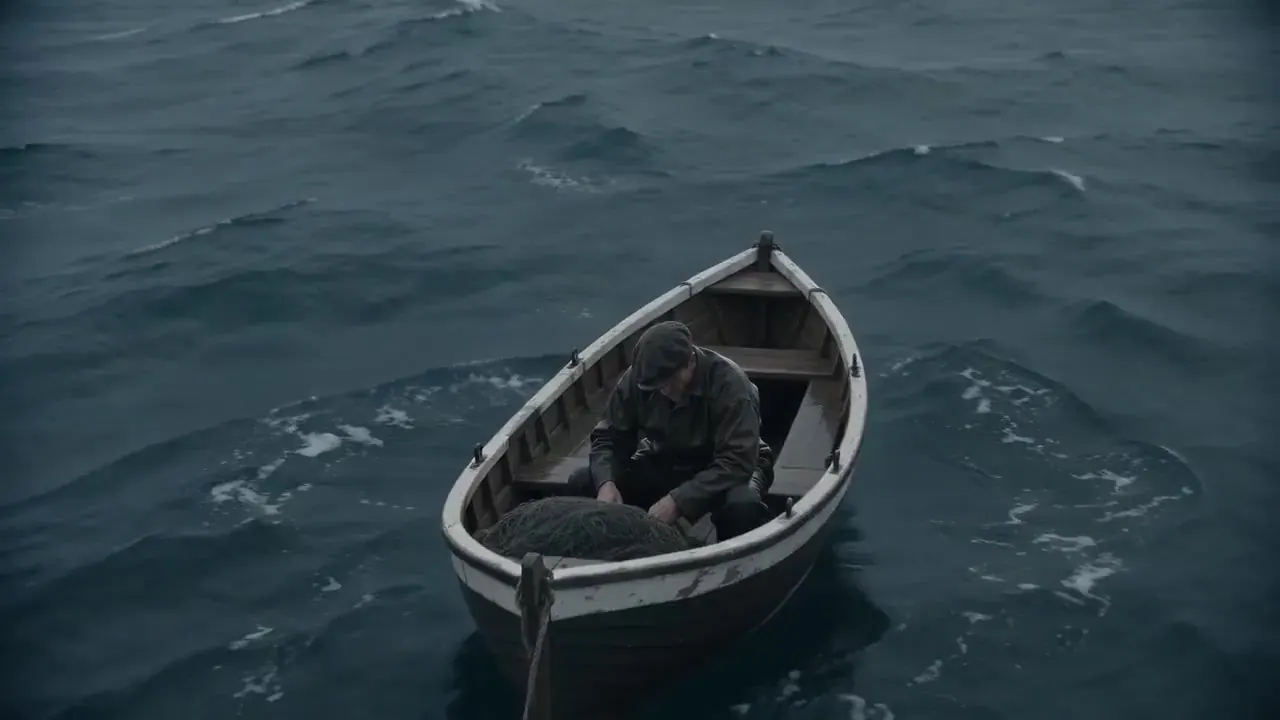 KF 01 · 00:00.0
“The camera drifts down from overhead to the bow as he keeps working the net, grey waves rolling past”
Keyframe 01 of 2
Estimate
50credits
00:05 · 2 keyframes · ≈ $0.68
- Start
- End
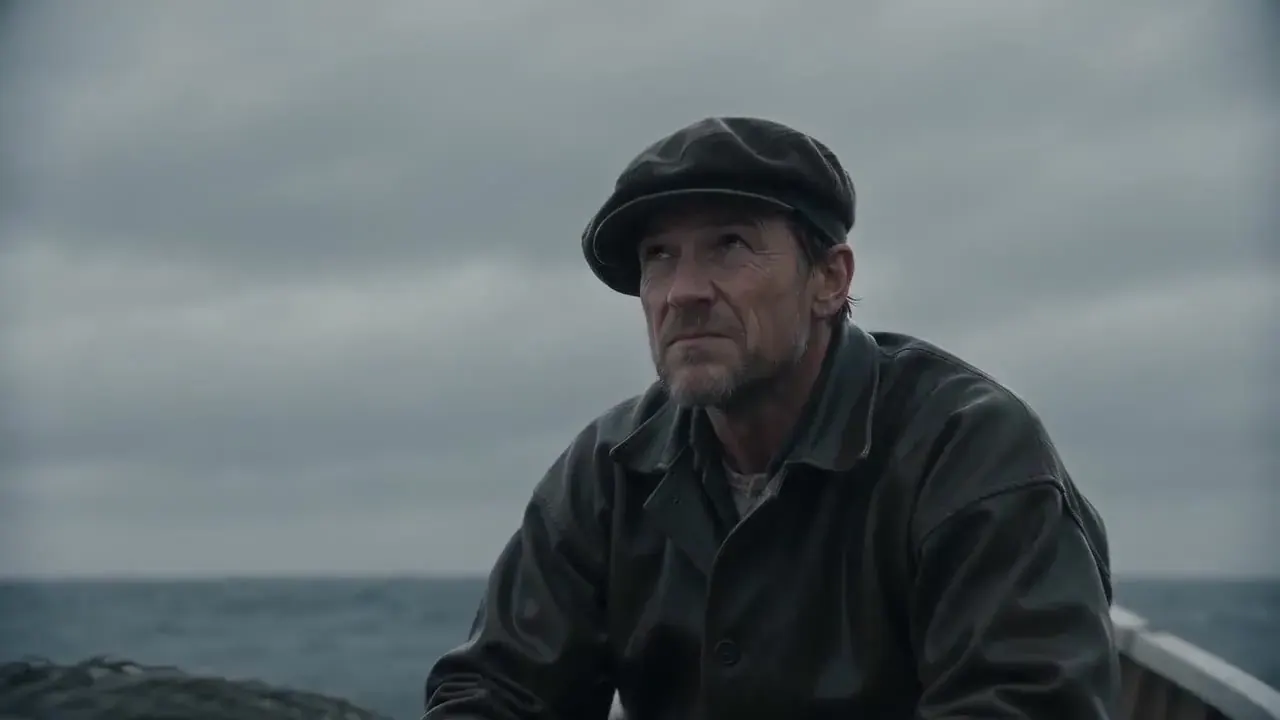 KF 03
KF 03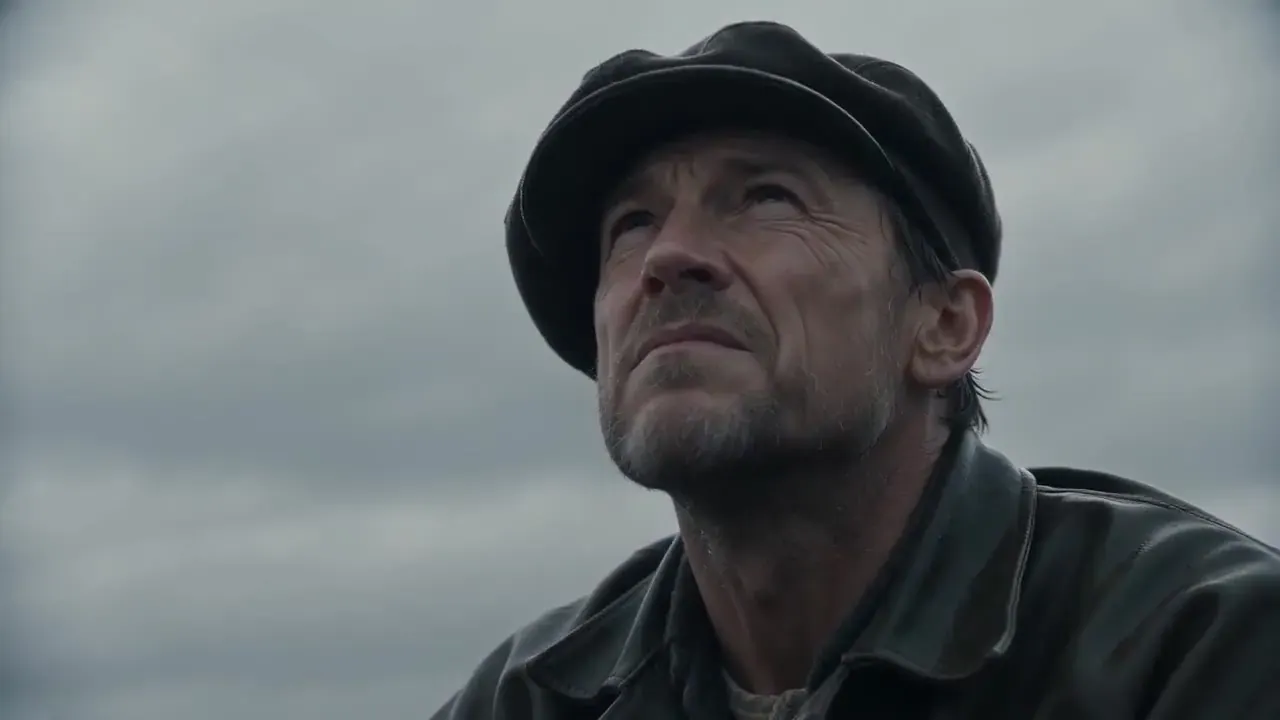 KF 04
KF 04- KF 05
- KF 06
- KF 07
- KF 08
- KF 09
- KF 10
Drag ⠿ to reorder · drop images on a slot · arrow keys work too
How first and last frame AI video works
Frames pin the look, prompts drive the motion
Each keyframe fixes composition, subject and light at one point in time. The text prompt describes what happens on the way to the next frame: a turn, a camera move, a change in the weather.
More frames, less drift
With only a start and an end, the model picks its own path, and long shots can wander. Extra keyframes work like waypoints. They keep a character on model and the camera on course across a longer take.
Spacing sets the pace
Frames close together produce quick changes; frames far apart give slow, smooth moves. Kling 4.0 was announced with up to 10 keyframes in a single shot of up to 30 seconds, enough to choreograph a whole scene.
Where things stand
Two-frame shots run today on Kling 3.0 (Studio) and Kling 2.5 Turbo (Draft). As of October 15, 2026 the Kling 4.0 API has not opened, so ten-frame shots on this page are planning-only until launch day. We switch them on the day the API goes live.
Which models do start and end frame AI video?
| Kling 3.0 | Kling 2.5 Turbo | Kling 4.0 | |
|---|---|---|---|
| Frames per shot | 2 (start + end) | 2 (start + end) | Up to 10 (announced) |
| Shot length | 3–15s | 5 / 10s | Up to 30s (announced) |
| Resolution | 720p · 1080p | 720p · 1080p | 720p–4K (announced) |
| Native audio | Optional | — | Stereo (announced) |
| From | 10 cr/s | 6 cr/s | 18 cr/s (provisional) |
| Best for | Long, controlled moves | Cheap tests | Whole choreographed scenes |
Kling start and end frame in 3 steps
- 01Step 1/3
A koi fish swims through an ink painting that comes alive
+ Push in+ Orbit+ TrackingUpload a start frame
This is the first picture on screen. JPG, PNG or WebP; keep the subject clear and leave some room for movement.
- 02Step 2/3Studio8s1080p16:9Sound on152 cr
Add the end frame
Same subject, same lighting, a new position or angle. The closer the two frames are in look, the cleaner the path between them.
- 03Step 3/3Ready · 00:08Download MP4
Describe the move and render
Say how to get there, for example “the kite lifts off and the camera tilts up”. Pick a tier and a length; Studio (Kling 3.0) costs 10 credits per second at 720p.
Keyframe chaining (beta)
| Chain on Kling 3.0 | Native Kling 4.0 | |
|---|---|---|
| Available | Today, as a beta workflow | When the 4.0 API opens |
| Keyframes | Up to 10, as 9 linked segments | Up to 10 in one shot (announced) |
| Length | 3–15s per segment | Up to 30s per shot (announced) |
| Motion | Each segment plans its own path | One continuous path |
| Cost | Sum of segments · 10 cr/s at 720p | 18 cr/s at 720p (provisional) |
| Best for | Storyboards, product turns, simple paths | Long, choreographed takes |
Tips for cleaner start and end frame AI video
Lock the look
Make every keyframe from the same character sheet, outfit and lighting setup. A change of wardrobe or time of day between frames reads as a glitch.
Move one thing at a time
Between two frames, change either the subject’s pose or the camera angle, not both, and never the whole scene at once.
Keep the horizon steady
A level horizon and the same lens length across frames make the camera path believable instead of floaty.
Space beats evenly
Uneven spacing makes speed jump. If one beat needs more time, give it a longer segment rather than crowding the others.
Write the in-between
Describe the journey, not the destination: “she turns and walks to the window” works better than “a woman by a window”.
Sketch first
Rough thumbnails are enough to plan the beats. Turn them into finished frames with an image model, then drop them on the timeline.
What keyframe AI video costs
| Model | Resolution | Credits / sec | With audio | Typical clip |
|---|---|---|---|---|
| Kling 3.0 | 720p | 10 | 14 | 5s · 50 cr ≈ $0.68 |
| Kling 3.0 | 1080p | 13 | 19 | 5s · 65 cr ≈ $0.88 |
| Kling 3.0 | 4K | 47 | — | 5s · 235 cr ≈ $3.19 |
| Kling 2.5 Turbo | 720p | 6 | — | 5s · 30 cr ≈ $0.41 |
| Kling 2.5 Turbo | 1080p | 6 | — | 5s · 30 cr ≈ $0.41 |
| Kling 4.0launch price | 720p | 18 | 27 | 5s · 90 cr ≈ $1.22 |
| Kling 4.0launch price | 1080p | 24 | 35 | 5s · 120 cr ≈ $1.63 |
| Kling 4.0launch price | 4K | 87 | — | 5s · 435 cr ≈ $5.91 |
Example: a 5-second start/end shot on Kling 3.0 at 720p costs 50 credits (≈ $0.68 on the Pro plan). Chaining four keyframes as three 5-second segments costs 150 credits.
Keyframe AI video FAQ
Still curious? Email support@picturetovideo.org — a human replies within a day.
01What is start and end frame AI video?
02Which models support first and last frame AI video here?
03Can I use 10 keyframes right now?
04How is chaining different from real Kling 4.0 keyframes?
05Do my start and end frames need the same size?
06Can I use start and end frames for an AI video transition?
07How different can the first and last frame be?
08How much will Kling 4.0 keyframes cost?
09Is this keyframe tool part of Kling AI?
Related tools & models



Direct the shot beat by beat
Make a start and end frame AI video today. All ten keyframes unlock the day the Kling 4.0 API opens.