Tool · Animate old photos · Kling 3.0 via API · Independent
Animate Old Photos with AI
Animate old photos with a few seconds of gentle motion: a slow blink, a soft smile, a slight turn of the head, a breeze in the trees. Upload a scan you have the right to use, pick a gentle motion preset, and Kling 3.0 brings the old photo to life in a 5-second clip. It animates what is already in the picture. It doesn’t repair damage or add color.
- Kling 3.0 · 720p · 5s default
- Gentle motion presets
- 50 credits per clip
- Keeps black-and-white
Negative prompt
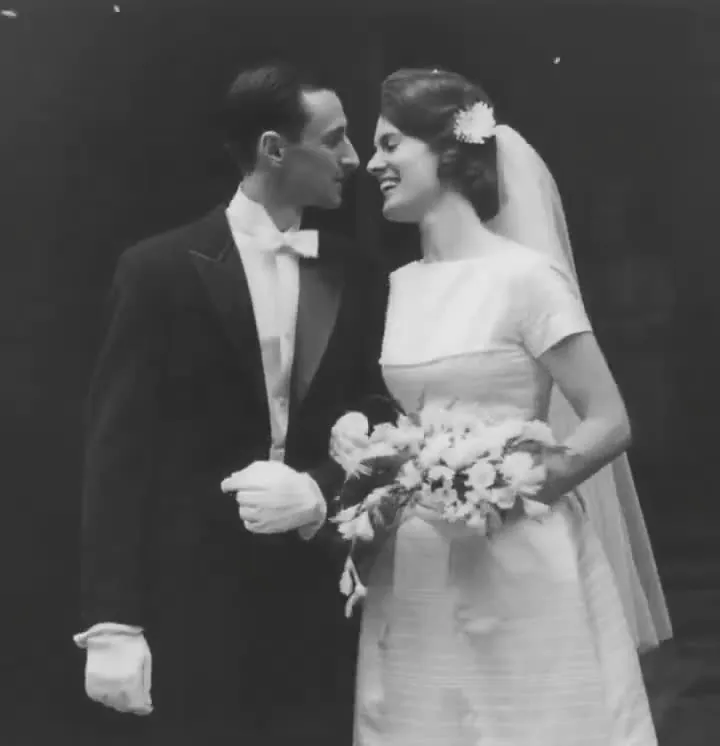
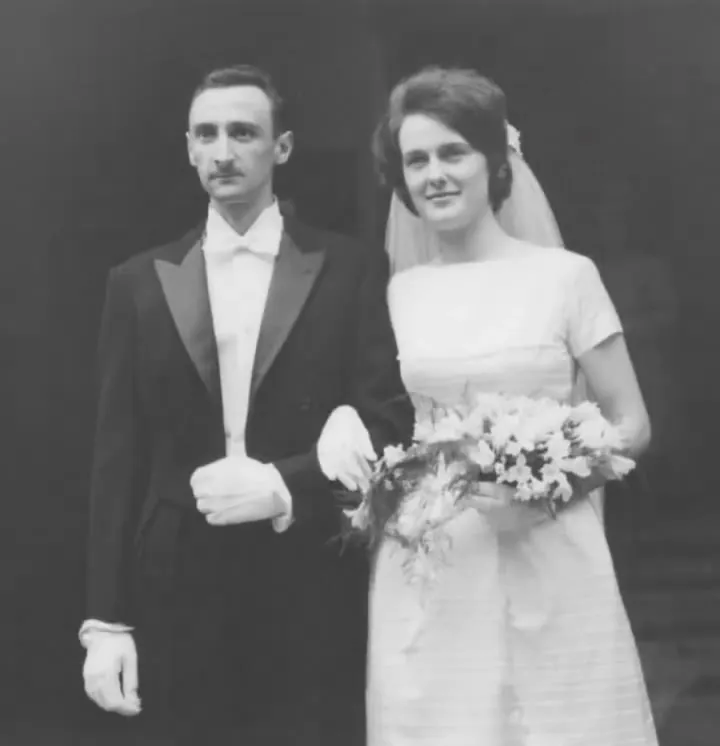
Check your scan before you animate old photos
Old photo pre-check
Read in your browser · nothing uploads here
- Not checked yet: JPG, PNG or WebP, 10 MB or smaller
- Not checked yet: Short side 720px or more
- Not checked yet: Tone detected
- Not checked yet: Enough contrast to read faces
- Not checked yet: Exposure looks balanced
- Not checked yet: No white border or album edge
Before you animate old photos · 0/5 confirmed
Add a scan to begin
The tone you scan is the tone you get back.
Gentle presets to animate old photos
Prompt preview
The person in the photo blinks slowly once and a soft, closed-mouth smile slowly forms, static camera, very subtle, natural motion, keep the original black-and-white look, no added color, original film grain and texture preserved, faces and features unchanged
Negative prompt
exaggerated expression, talking, open mouth, fast movement, morphing face, changed identity, extra people, added color, modern objects
Presets shape the motion only. They don’t remove scratches, sharpen blur or add color.
Old photo in, gentle motion out
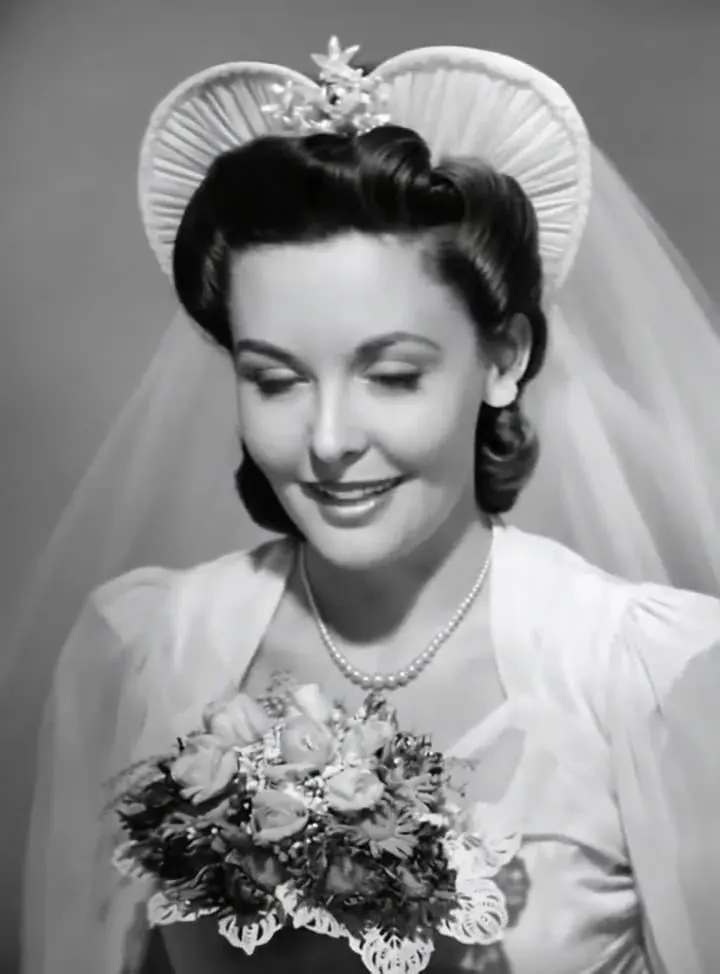
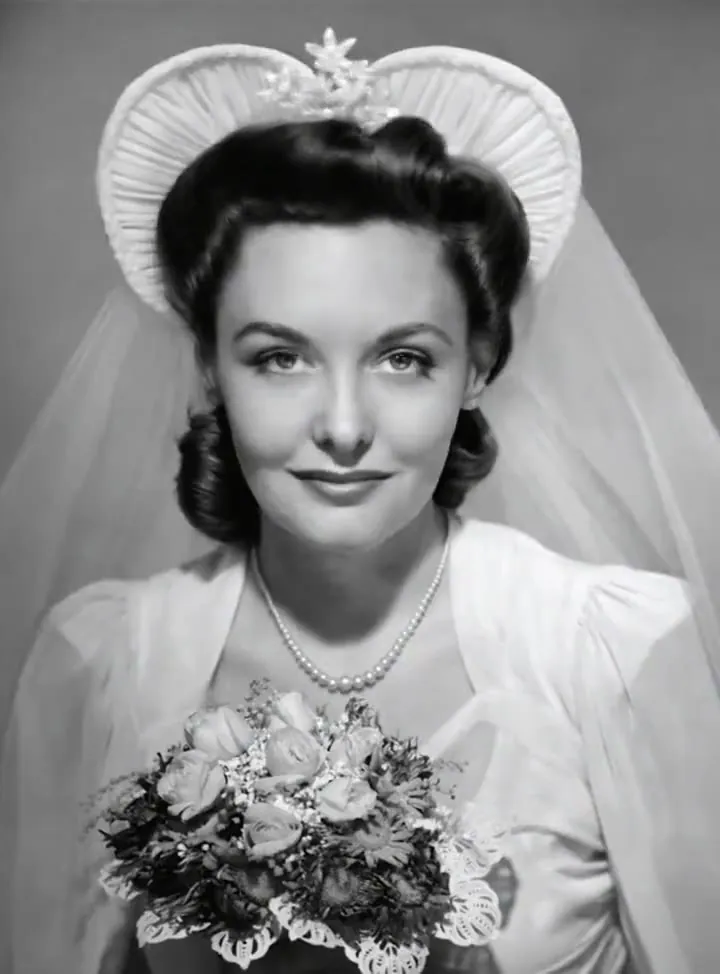
Wedding portrait · soft smile
“The bride tilts her head slightly and her soft smile widens, static camera, very subtle natural motion, keep the original black-and-white look, no added color, original film grain preserved”
Recipe · Kling 3.0
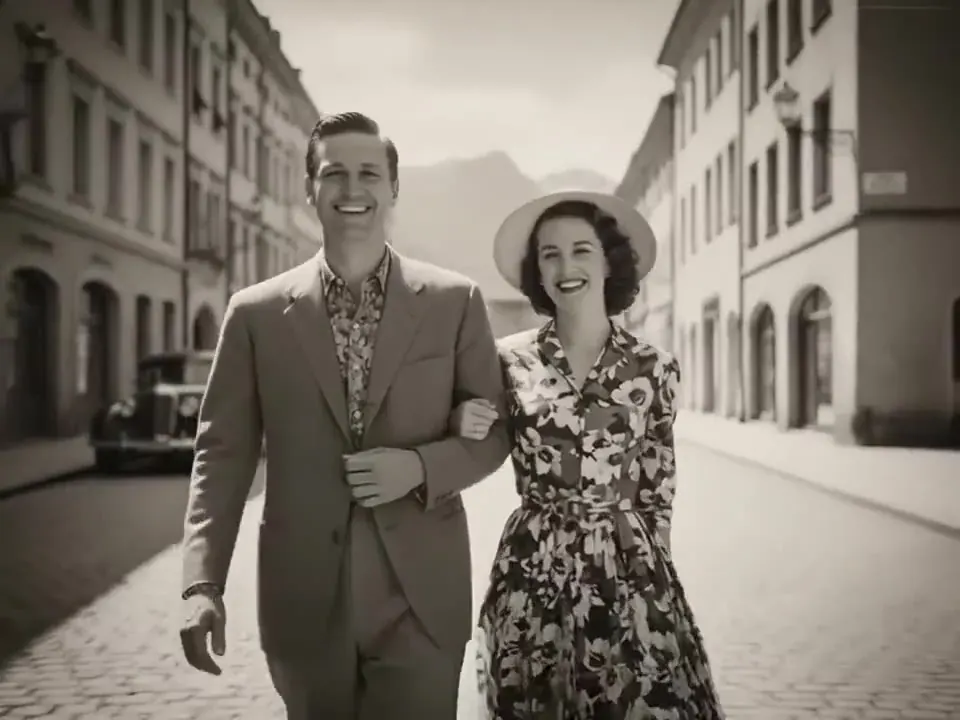
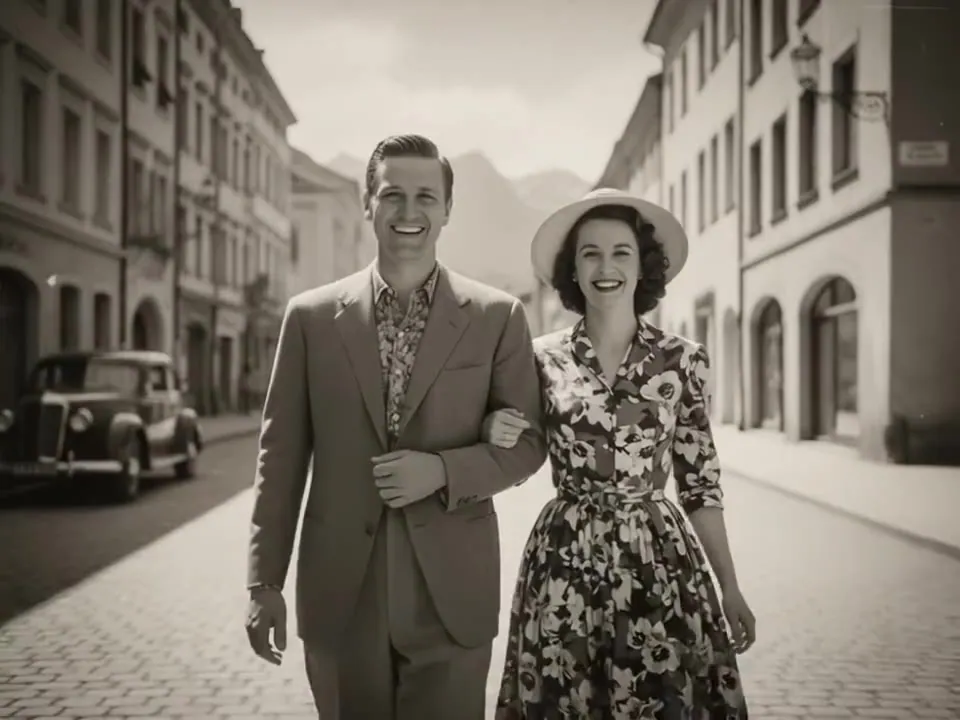
Old town street · couple
“The couple walk slowly toward the camera arm in arm, smiling, camera gently dollies back, natural motion, keep the original sepia tones, no added color”
Recipe · Kling 3.0
Bring old photos to life in three steps
- 01Step 1/3
A koi fish swims through an ink painting that comes alive
+ Push in+ Orbit+ TrackingScan or photograph the print
To animate old photos well, start from a flatbed scan at 600 dpi. A phone works too: shoot straight on, in soft daylight, with no glare on the print.
- 02Step 2/3Studio8s1080p16:9Sound on152 cr
Check it and pick a preset
Run the pre-check, crop off borders, then choose a blink, a smile or a breeze. The prompt is written for you.
- 03Step 3/3Ready · 00:08Download MP4
Render, review, share
A minute or two later you get a 5-second MP4. If a face drifts, try Subtle strength or a different preset before sharing.
Which model to animate old photos?
| Kling 3.0 | Kling 2.5 Turbo | Wan 2.5 | Hailuo 02 | |
|---|---|---|---|---|
| Best for | Portraits, faces, keepsakes | Quick drafts | A second take on motion | Street and group scenes |
| Length | 3–15s | 5 or 10s | 5 or 10s | 6 or 10s |
| Resolution | 720p · 1080p · 4K | 720p · 1080p | 720p · 1080p | 768p · 1080p |
| Cheapest clip | 50 cr · 5s 720p | 30 cr · 5s 720p | 45 cr · 5s 720p | 24 cr · 6s 768p |
What animation can and can’t do
It fills in what it can’t see
When a closed mouth smiles or a head turns, the model has to invent teeth, an ear or the side of a face. Small motions keep that guesswork tiny, which is why every preset here is subtle by design.
It doesn’t restore or colorize
Scratches, creases and blur stay in the video, and a black-and-white photo stays black-and-white. If you want a repaired or colorized version, do that first in a dedicated tool and animate the result.
Groups are harder than portraits
Several small faces give the model less detail each. For wedding and family groups, use Breeze or Breathing rather than Smile, or crop to one or two people for a closer portrait.
Short clips feel most natural
5 seconds is plenty for a blink and a smile. Longer clips give faces more time to drift. If you want a longer moment, extend a clip you already like instead of rendering a long one from scratch.
Animating photos of loved ones who have passed
Ask the family first
Before sharing an animated photo of someone who has died, check with the people closest to them. Some find it comforting; others would rather remember the still picture.
Keep the motion small
A blink and a soft smile feel like a memory. Big expressions or turns can make a familiar face look like a stranger. Use Subtle strength and a still camera.
Don’t put words in their mouth
Avoid making someone who has passed appear to speak or say things they never said. If a family wants a spoken tribute, use a real recording of their voice and agree on it together.
Label it when you share
Mention that the clip is AI-animated from a still photo. It is an interpretation, not a recovered recording, and saying so keeps family history honest for the next generation.
Rights and safety rules
- Only upload photos you have the right to use: your own, your family’s, or ones the owner gave you permission for.
- Archive and museum photos often carry licenses. Check the terms before you animate old photos from a collection and share them.
- Photos showing children who are minors today need the parent’s or guardian’s permission.
- No public figures or historical people animated to mislead, and no fake “found footage” of real events.
- No sexual, violent, hateful or harassing content. Prompts are screened before rendering, the video models apply their own safety filters, and uploads must follow our content policy.
- Renders carry no watermark, and you stay responsible for the rights to what you upload.
Animate old photos FAQ
Still curious? Email support@picturetovideo.org — a human replies within a day.
01Can AI animate black-and-white photos without adding color?
02Will animating an old photo fix scratches or blur?
03What resolution should I scan at to animate old photos?
04Can I animate a group or wedding photo with several people?
05Which old photos animate best?
06Is it okay to animate photos of relatives who have died?
07How much does it cost to animate old photos?
08Can I make the person in an old photo speak?
Related tools & models
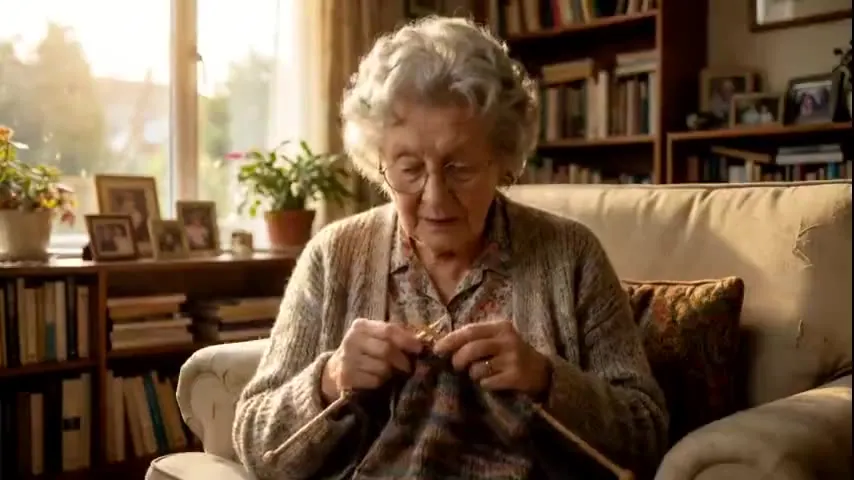
Give an old photo a gentle moment
Animate old photos in three steps: check your scan, pick a preset and render a short clip. Only photos you have the right to use.