Text to video AI · Independent · via API
Text to Video AI with Kling, Veo 3 & Wan
Text to video AI turns a written prompt into a cinematic clip with motion, light and sound. Describe a scene, pick a camera move, then choose the text to video AI model that suits the job: Kling 3.0 for multi-shot stories and 4K, Veo 3.1 for dialogue with native sound, Wan 2.5 for lively motion at a low price, or Hailuo 02 for physics-heavy action. Kling 4.0 joins the day its API opens — until then nothing here is rendered with 4.0.
- Kling 3.0 · Veo 3.1 · Wan 2.5 · Hailuo 02
- 3–15s per shot
- Up to 4K
- Native audio on Kling & Veo
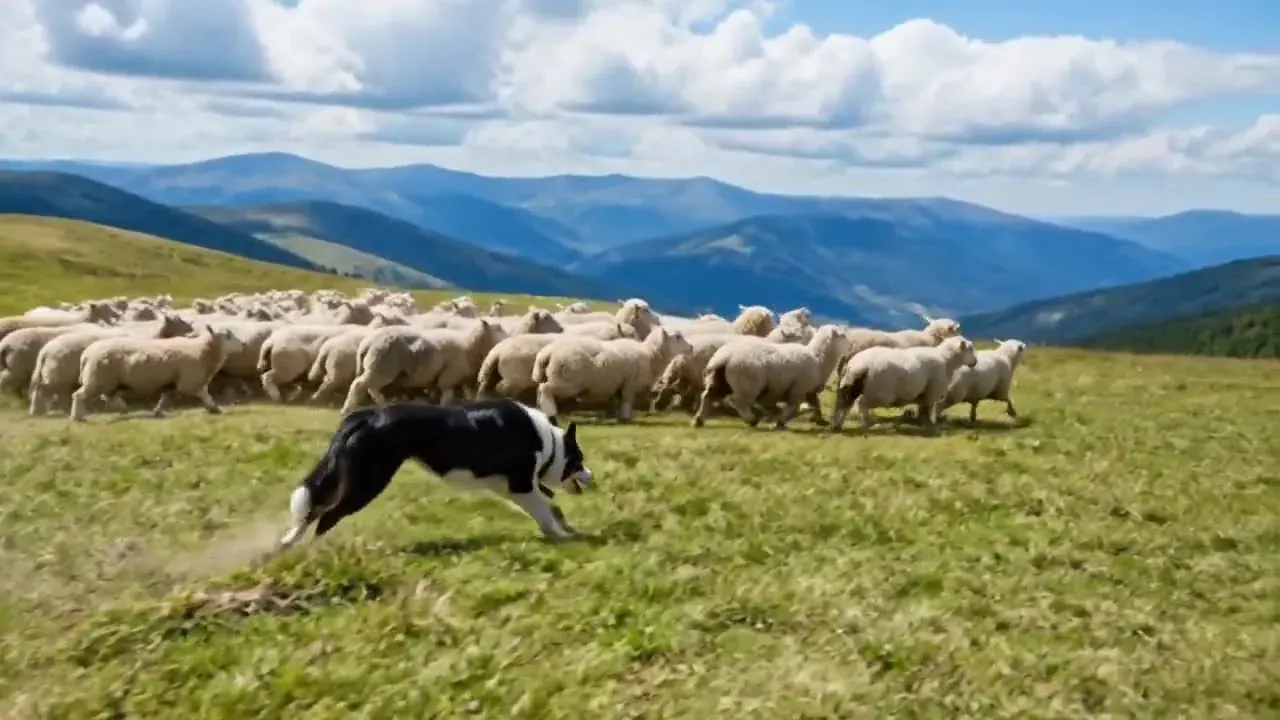
RecipeA black-and-white border collie races across a mountain pasture, herding a flock of sheep, smooth side tracking shot, bright sun under drifting clouds, shot on 35mm film.
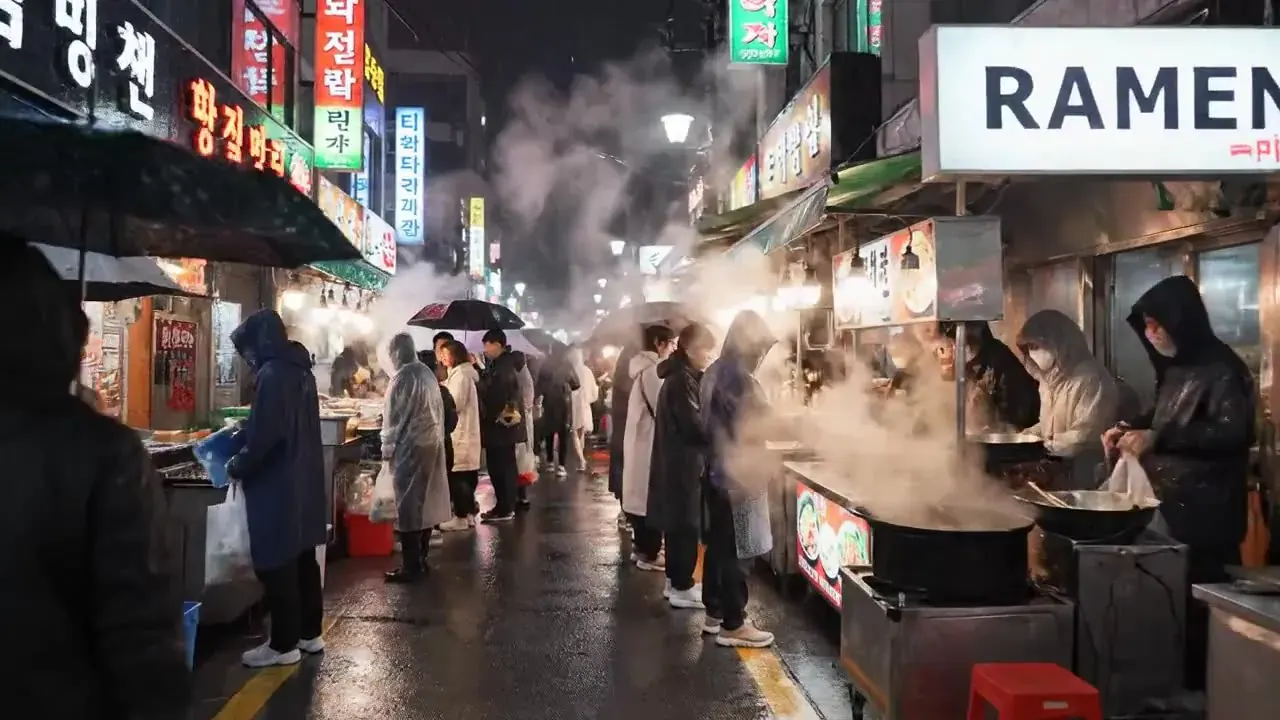
RecipeA rainy night-market street fills with steam as vendors stir giant pots and shoppers in rain ponchos drift past, slow push-in, neon signs on wet pavement. A vendor calls: “Hot noodles!” Sound: rain and bubbling broth.
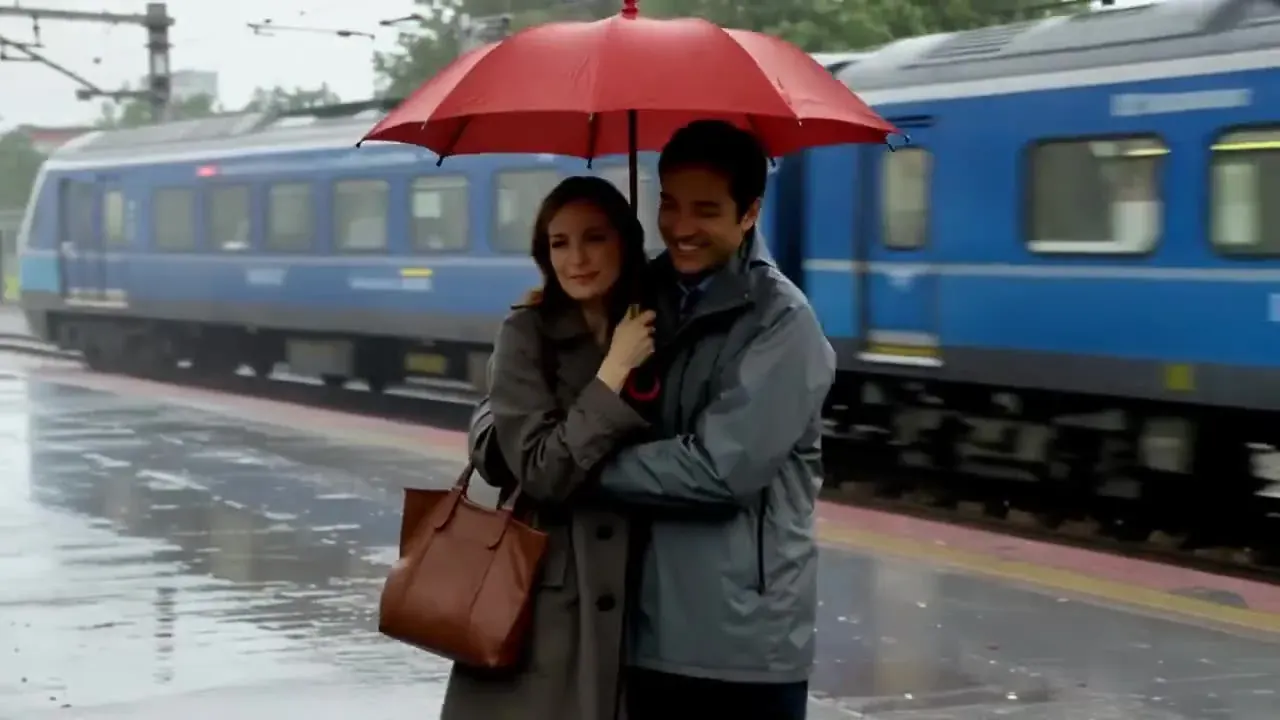
RecipeA woman with a red umbrella meets a friend on a rainy train platform and holds the umbrella over them both as a blue train glides past, slow push-in, soft overcast light, documentary realism.
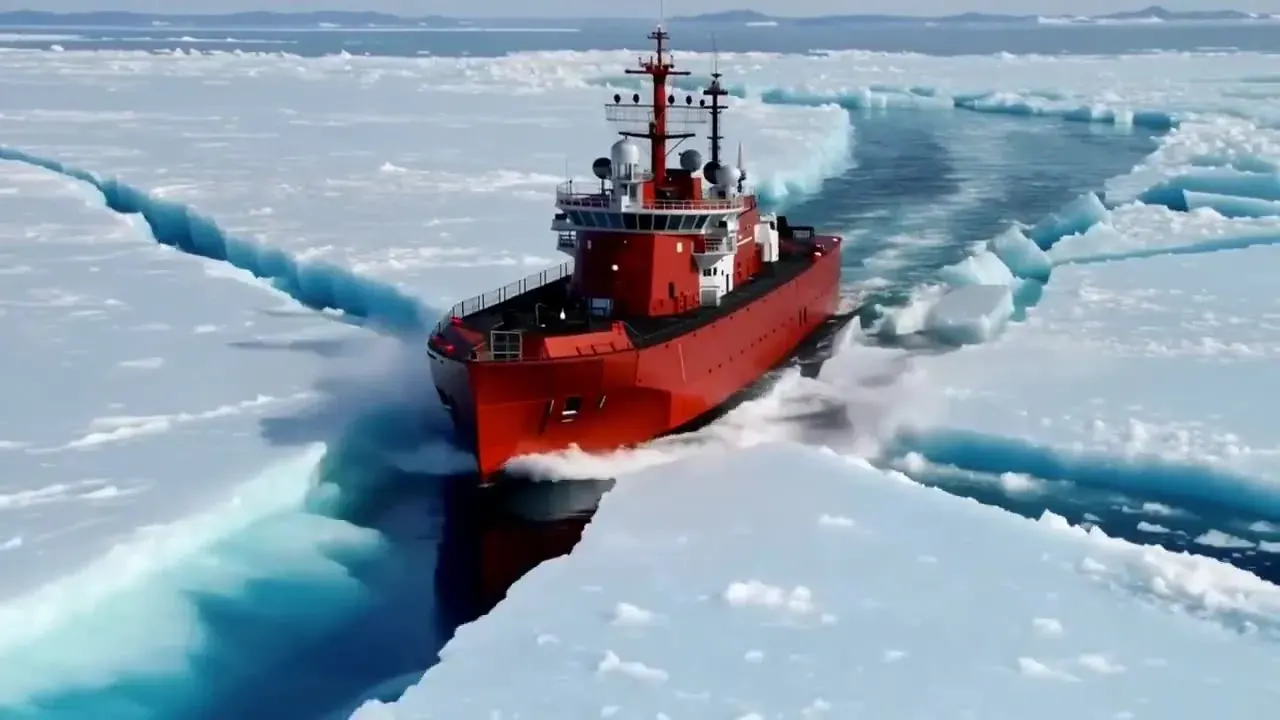
RecipeA red icebreaker ship smashes through thick sea ice, slabs cracking and tipping aside, aerial drone shot gliding overhead, bright polar sunlight.
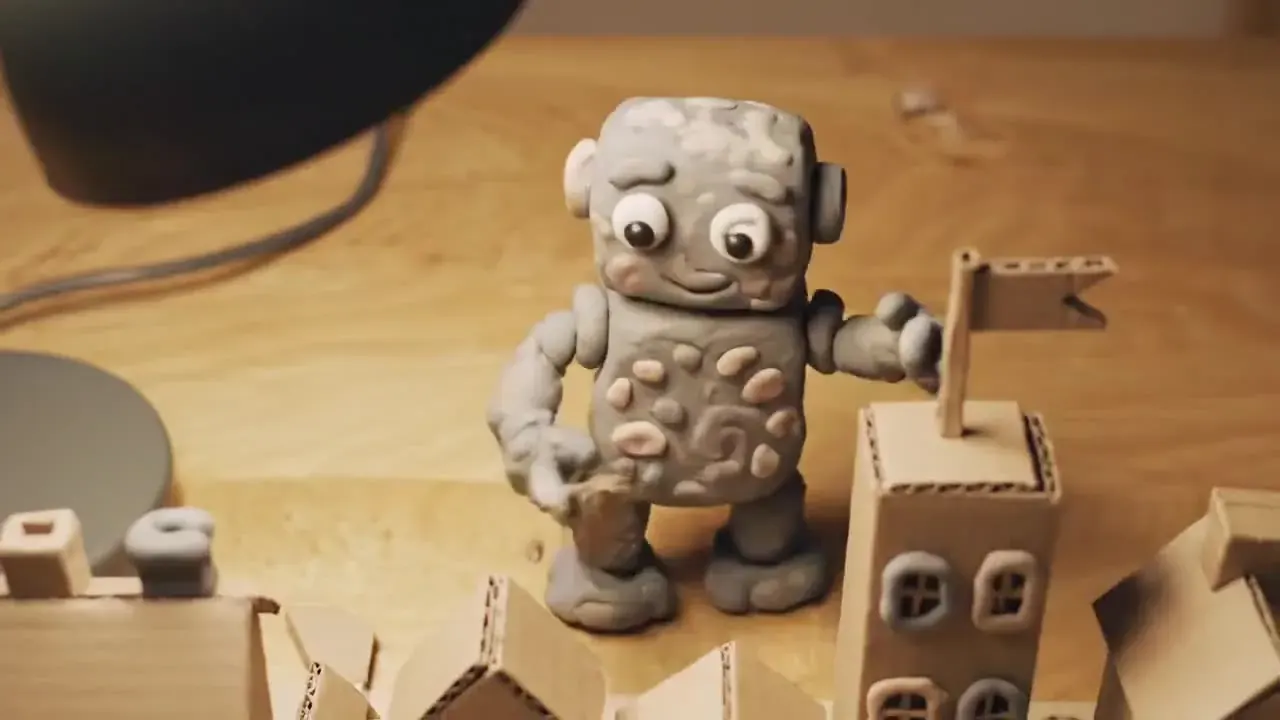
RecipeA small grey clay robot builds a tiny cardboard town on a wooden desk, then waves, slow push-in, warm desk-lamp light, handmade stop-motion clay style.

RecipeA crystal glass apple on a rustic wooden board is sliced by a chef’s knife, shards scattering in slow motion, static macro, warm tungsten lamps with soft bokeh.
Stills are illustrations, not model renders · each card shows a prompt recipe and the model we’d pick for it
Negative prompt
Build a text to video AI prompt in 7 clicks
Kling 3.0 — multi-shot stories, the longest single shots and 4K finals, with optional native audio.
- Sub
- Act
- Cam
- Lig
- Sty
A black-and-white border collie races across a mountain pasture, herding a flock of sheep01·02, smooth side tracking shot03, golden-hour backlight with long shadows04, shot on 35mm film, fine grain, anamorphic lens05.
Clean structure: one subject, one action, one camera move. That is the shape text to video AI models follow most reliably.
Which text to video AI for which job?
Text to video AI models side by side
| Kling 3.0 | Veo 3.1 Fast | Veo 3.1 | Wan 2.5 | Hailuo 02 | Kling 4.0 | |
|---|---|---|---|---|---|---|
| Best for | Stories, 4K, multi-shot | Dialogue drafts | Hero dialogue takes | Stylised motion, budget | Physics & action | Waitlist — 30s shots |
| Shot length | 3–15s | 8s | 8s | 5 / 10s | 6 / 10s | Up to 30s (announced) |
| Resolution | 720p · 1080p · 4K | 720p · 1080p · 4K | 720p · 1080p | 720p · 1080p | 768p · 1080p | 720p–4K (announced) |
| Native audio | Optional | Always on | Always on | — | — | Stereo (announced) |
| Aspect ratios | 16:9 · 9:16 · 1:1 | 16:9 · 9:16 | 16:9 · 9:16 | 16:9 · 9:16 · 1:1 | 16:9 | + 21:9 (announced) |
| From | 10 cr/s | 21 cr/s | 56 cr/s | 9 cr/s | 4 cr/s | Launch price TBC |
Camera language cheat sheet
| Move | Write this | What you get | Give it |
|---|---|---|---|
| Push-in | “slow push-in on her face” | Tension and focus — the frame tightens on one detail | 5–8s |
| Pull-out | “slow pull-out to reveal the empty stadium” | A reveal: the context arrives at the end | 5–10s |
| Tracking | “smooth side tracking shot alongside the runner” | Energy and travel; the subject stays the same size | 5–10s |
| Orbit | “slow 180° orbit around the statue” | Hero shots for products and portraits | 8s + |
| Crane up | “crane up from the street to the skyline” | Openings, endings and establishing shots | 8s + |
| Handheld | “handheld follow, slight natural sway” | Documentary and vlog realism | Any |
| Drone | “aerial drone shot gliding over the coastline” | Scale and landscape; needs open sky | 5–10s |
| Locked-off | “static locked-off camera” | Lets the action carry the shot; best for dialogue | Any |
Multi-shot prompts on Kling 3.0
| Shot | What to write | Why it works |
|---|---|---|
| 1 · Wide | Wide shot: an old lighthouse keeper in a yellow raincoat climbs a spiral staircase with a lantern. | Establishes the place, the person and the costume |
| 2 · Close-up | Close-up: the lighthouse keeper in the yellow raincoat turns a brass valve; the lamp flares. | Repeating “yellow raincoat” keeps him consistent |
| 3 · Reveal | Exterior: the beam sweeps across a stormy sea, crane up to the clouds. | Ends on a camera move instead of a new character |
Text to video prompts by use case
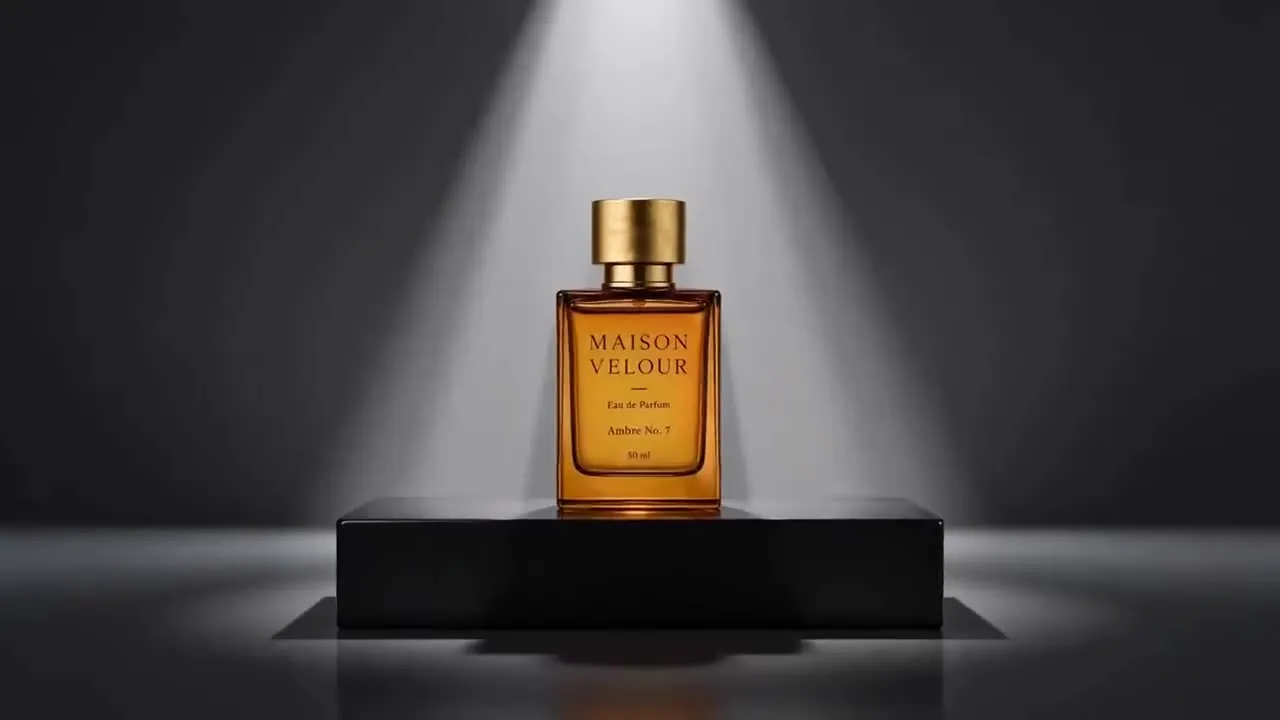
A luxury amber perfume bottle with a gold cap stands on a black plinth. A single soft spotlight falls from above. Slow push-in. Dark grey studio. Commercial macro look.
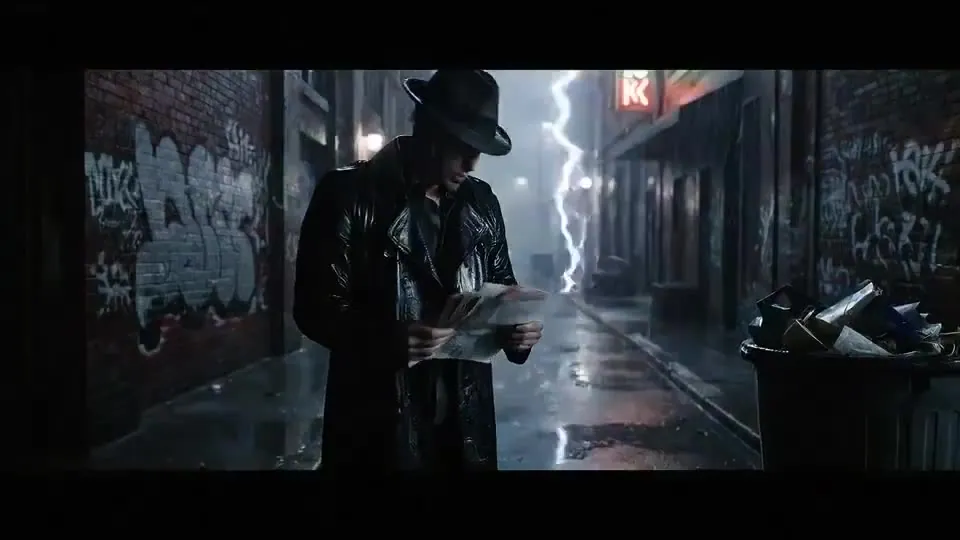
A detective in a fedora and trench coat searches the bins in a rain-soaked graffiti alley at night. Slow push-in to his wet face as he says: “We’re out of time.” Cold rim light. Film noir.
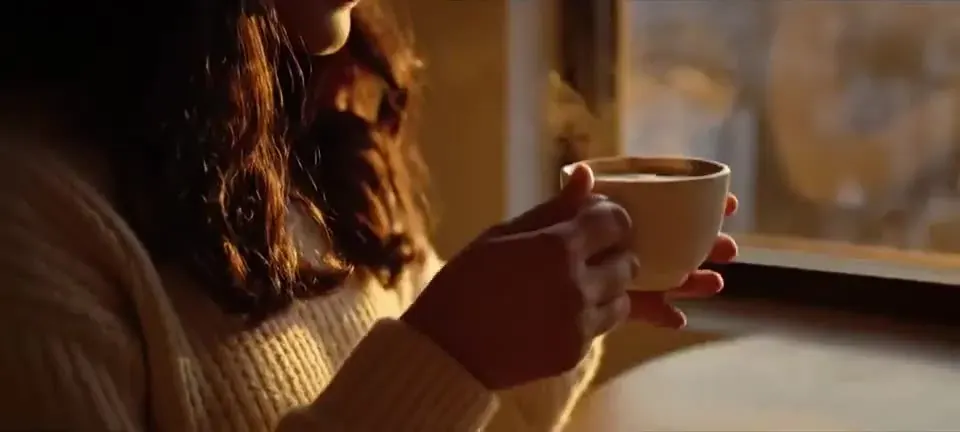
A woman cradles a steaming ceramic mug at a high window. Steam curls upward. Slow pan from her smile to the city skyline. Golden sunrise light. Warm editorial look.

A little fairy with shimmering wings sits on a mossy rock by a forest pool at night. A glowing blue butterfly lifts from her hands. Slow push-in. Soft bioluminescent light. Whimsical 3D animated film.
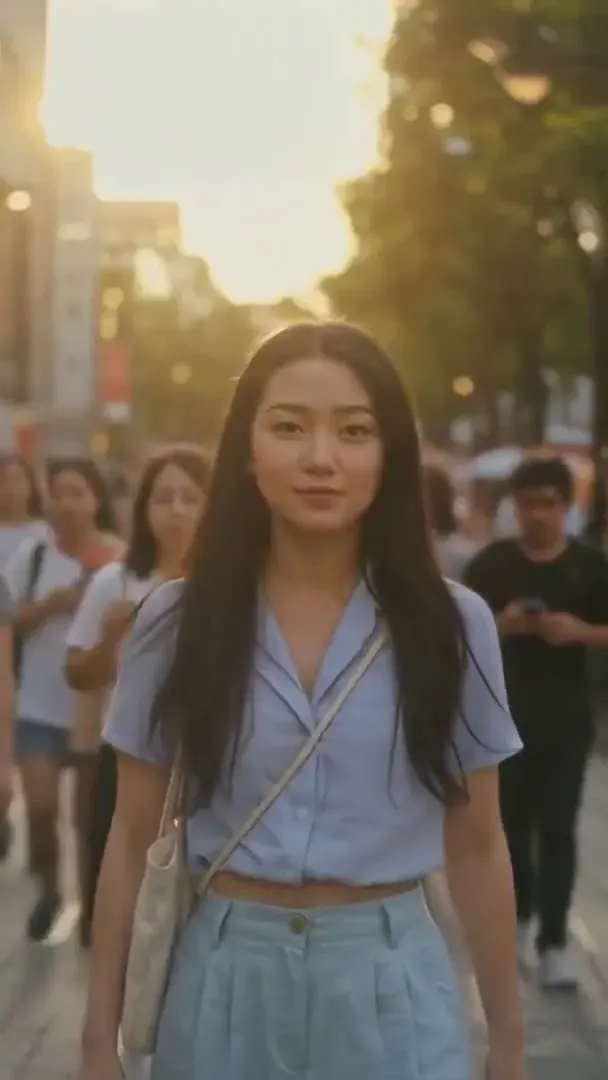
A young woman walks toward the camera through a busy street at golden hour, then extreme close-ups of her eyes and face. Handheld vlog camera. Warm sunset backlight. Sound: street chatter.
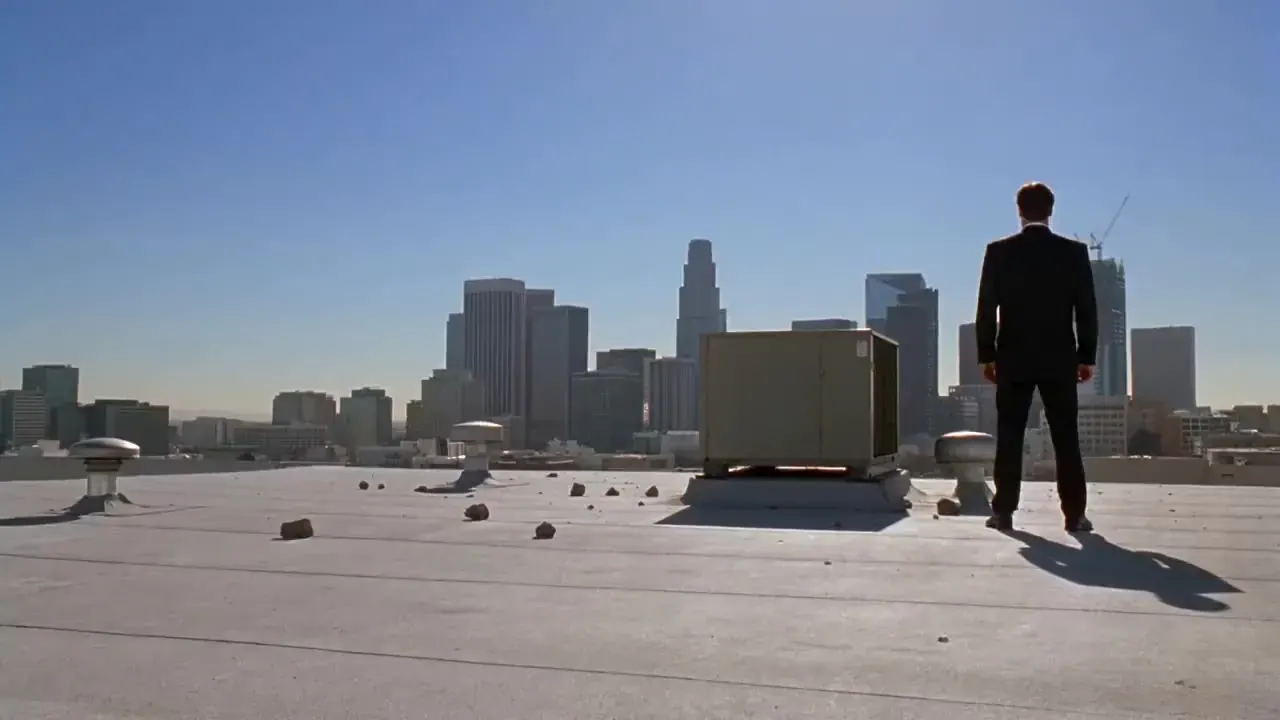
A man in a black suit stands on a sunny rooftop, city skyline behind. Close-up on his stare, then he knocks a rival flat. Wide static shot. Hard midday sun. Music-video color grade.
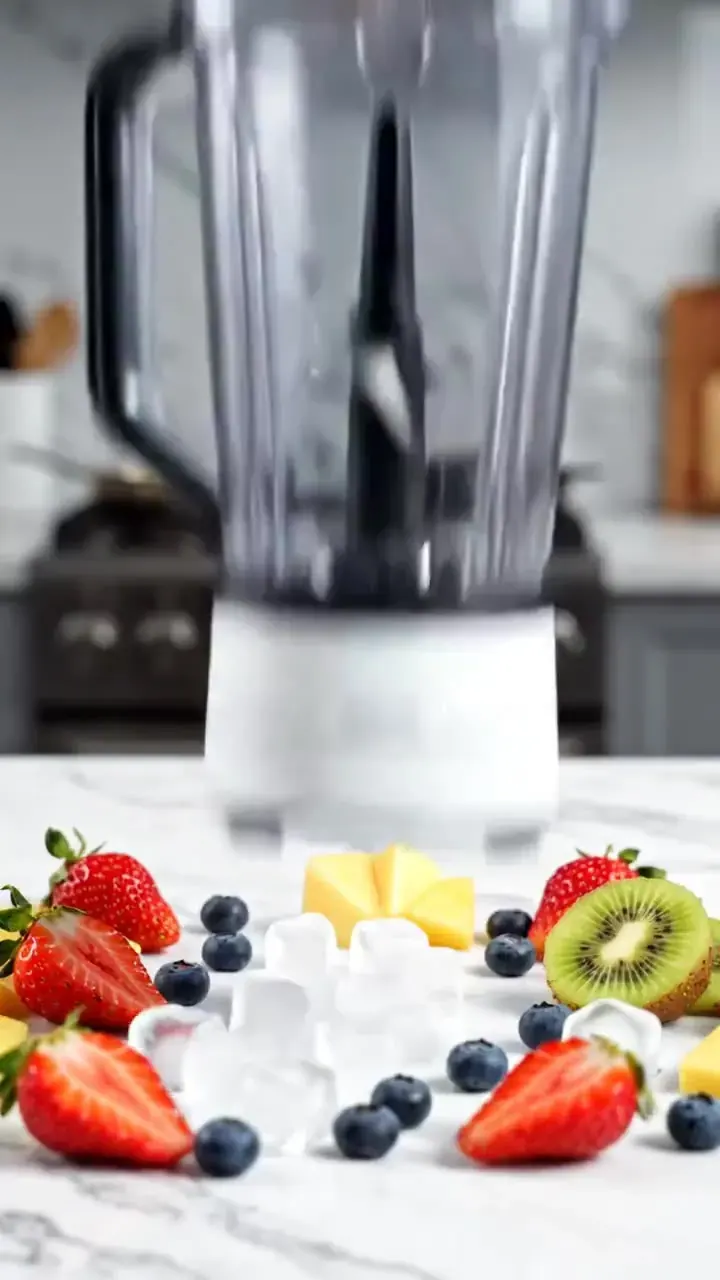
Strawberries, blueberries and ice drop into a glass blender. The blades spin and blitz it into a berry smoothie that splashes up the walls. Static front shot. Bright kitchen light. Appliance commercial.
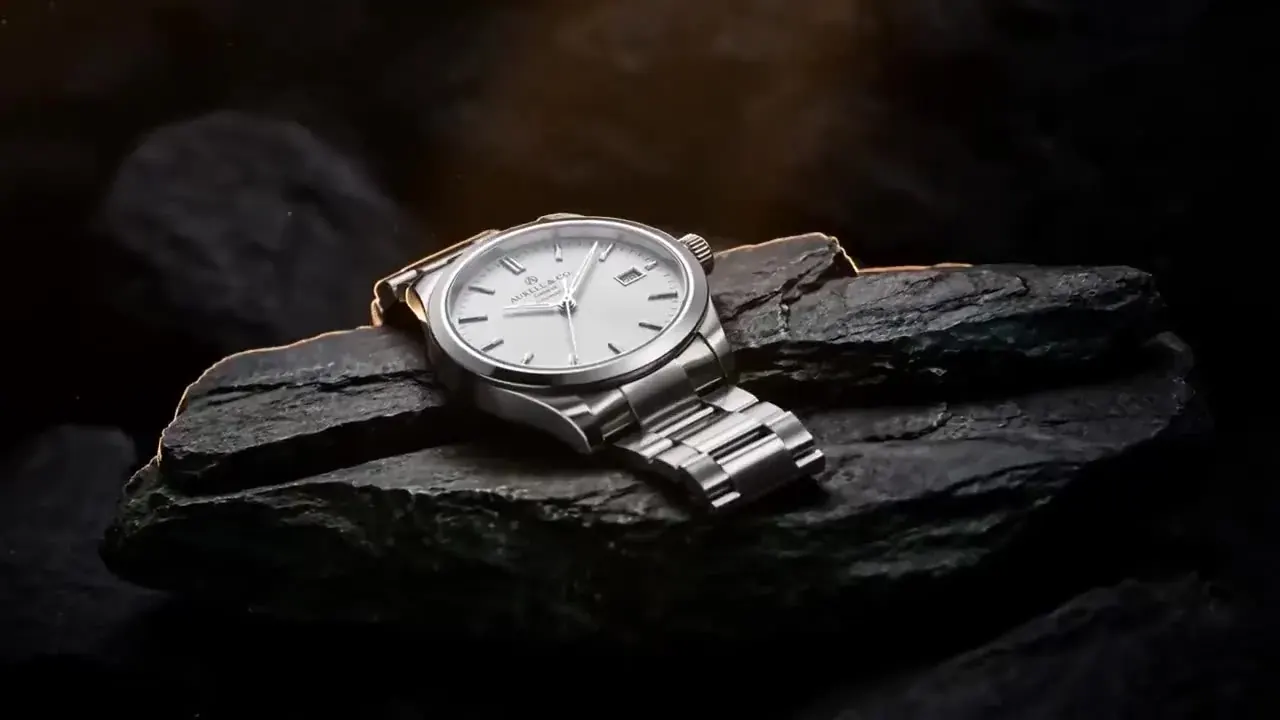
A steel wristwatch with a white dial rests on a slab of dark slate. A warm rim light glints along the bracelet. Slow push-in. Minimal dark studio. Premium product film.
What text to video AI costs
| Model | Resolution | Credits / sec | With audio | Typical clip |
|---|---|---|---|---|
| Kling 3.0 | 720p | 10 | 14 | 5s · 50 cr ≈ $0.68 |
| Kling 3.0 | 1080p | 13 | 19 | 5s · 65 cr ≈ $0.88 |
| Kling 3.0 | 4K | 47 | — | 5s · 235 cr ≈ $3.19 |
| Veo 3.1 Fast | 720p | — | 21 | 8s · 168 cr ≈ $2.28 |
| Veo 3.1 Fast | 1080p | — | 21 | 8s · 168 cr ≈ $2.28 |
| Veo 3.1 Fast | 4K | — | 49 | 8s · 392 cr ≈ $5.33 |
| Wan 2.5 | 720p | 9 | — | 5s · 45 cr ≈ $0.61 |
| Wan 2.5 | 1080p | 14 | — | 5s · 70 cr ≈ $0.95 |
| Hailuo 02 | 768p | 4 | — | 6s · 24 cr ≈ $0.33 |
| Hailuo 02 | 1080p | 7 | — | 6s · 42 cr ≈ $0.57 |
Examples: a 5-second Kling 3.0 clip at 720p is 50 credits (≈ $0.68 on the Pro plan); 8 seconds of Veo 3.1 Fast with sound is 168 credits; a 6-second Hailuo 02 clip is 24. The cheapest text render on the site is Grok Imagine at 480p — 2 credits per second.
Prompt habits every model rewards
Aim for 20 to 60 words
One to three sentences is the sweet spot. Put the subject first so there is never doubt about what the shot is about, then the action, then camera, light and style. The prompt box takes 2,500 characters, but you will rarely need a tenth of that.
Write the sound on purpose
Veo 3.1 renders sound with every clip — put any spoken line in quotes and keep it short. Kling 3.0 and 2.6 add ambience and voices with their audio switch. Name what you want to hear, such as rain on a tin roof, instead of hoping the model guesses.
Match the model to the length
Shot lengths differ: Kling 3.0 renders 3–15s, Veo 3.1 8s, Wan 2.5 5 / 10s and Hailuo 02 6 / 10s. For a longer scene, render the first shot and continue it with the video extender instead of cramming a story into one take.
Choose the frame before you write
Pick 16:9 for YouTube, 9:16 for Reels, TikTok and Shorts, or 1:1 for feeds. Kling and Wan offer all three, Veo offers 16:9 · 9:16, and Hailuo 02 is 16:9 only. A tall frame loves vertical motion such as a crane up.
Draft cheap, finish sharp
Test the motion on Grok Imagine at 480p or on Hailuo 02, change one variable per retry, then re-render the winner on Kling 3.0 at 1080p or 4K, or on Veo 3.1 when the dialogue has to be right.
Kling 4.0 is announced, not live
Kling 4.0 was announced for October 2026 with 30-second shots and prompts of up to 8,000 tokens, but its API is not open yet. Everything on this page runs on Kling 3.0, Veo, Wan and Hailuo today; we add 4.0 the day it ships.
Prompt responsibly
- Describe fictional people, or people who agreed to appear. No public figures or lookalikes.
- No sexual, suggestive, violent or hateful prompts — every prompt is screened, and the video models apply their own safety filters.
- Leave out brands, logos and characters you don’t own; models can reproduce them too faithfully.
- Paid renders come without a watermark and are cleared for commercial use.
Text to video AI FAQ
Still curious? Email support@picturetovideo.org — a human replies within a day.
01What is text to video AI, and how is it different from image to video?
02Is there a free text to video AI on this site?
03Can I switch models without rewriting my prompt?
04Can text to video AI generate dialogue and sound effects?
05How much does one text to video AI clip cost?
06Why does text to video AI ignore part of my prompt?
07Can I make Kling 4.0 text-to-video clips yet?
08Do I need a Kling or Google account for this text to video AI tool?
Related tools & models
Write it. Watch it.
Prompt to video in minutes: type a scene, pick the text to video AI model for the job and render. Starter pack from $2.99, no subscription.