AI dog dance · Kling Motion Control via API
AI Dog Dance Video Generator
This AI dog dance video generator turns one photo of your dog into a short, bouncy dance clip. Dogs come in every shape — a dachshund and a retriever can’t share a routine — so we keep the 4 dog-friendly templates and rank them for your dog’s build and pose. Pick a dance, add the photo, and Kling Motion Control copies the moves into your AI dog dance.
- 4 dog-friendly dances
- 8–10s
- Ranked by build
- From 64 credits
Negative prompt
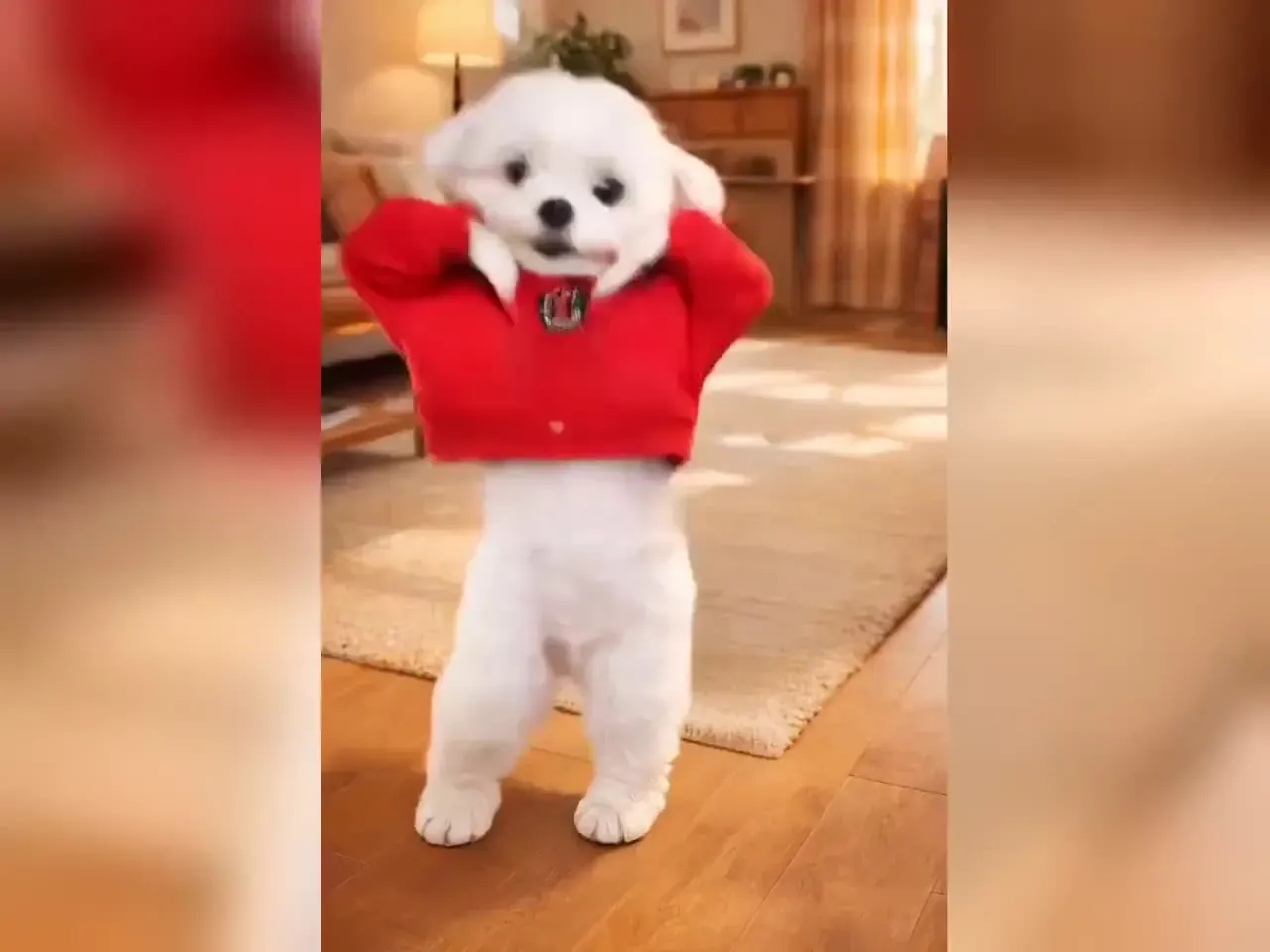
Dog dance AI templates, ranked for your dog
What is your dog’s build?
How is your dog posed?
- Best match
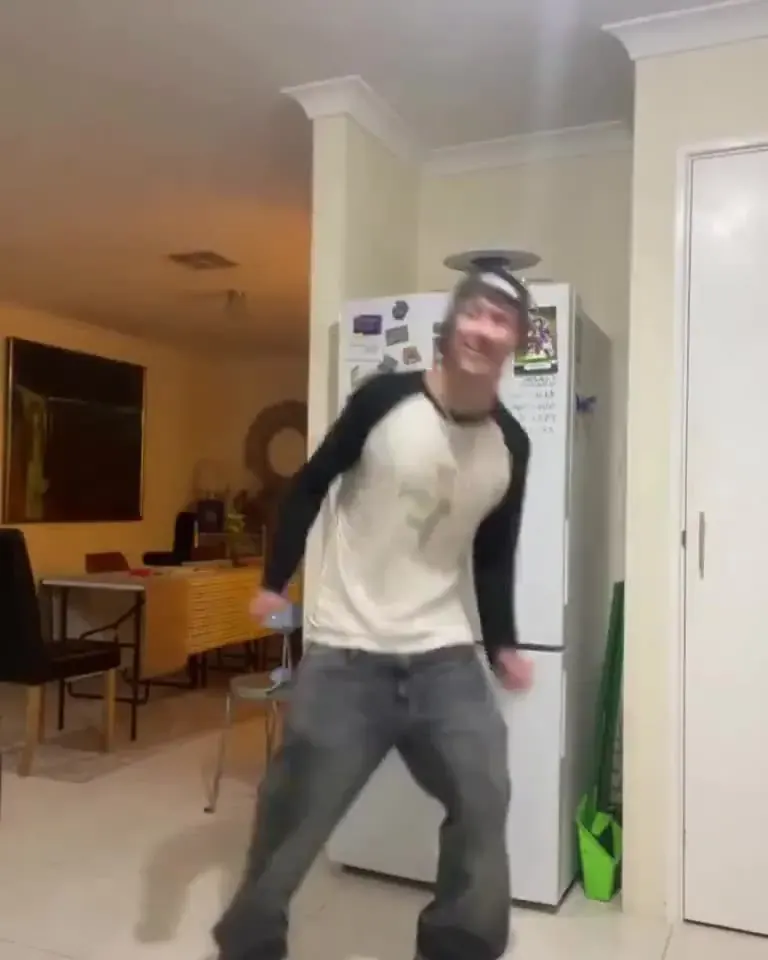
Hip-hop groove
10sChest bounces and head bobs — on a dog it becomes the happy “are we going out?” bounce.
- Pace
- Medium
- Moves
- Medium
- Motion 2.6
- 80 cr
- Good fit
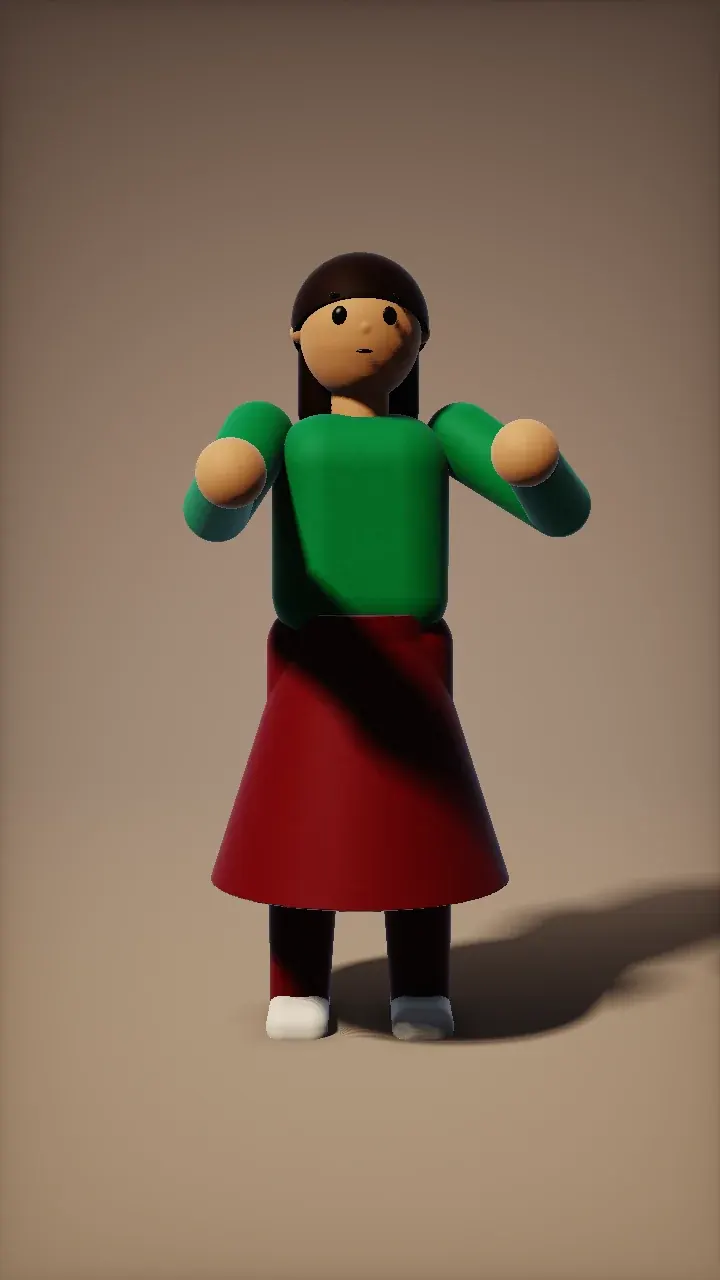
Salsa basic
8sThe forward-and-back step turns into a proud trot on the spot, front paws leading.
- Pace
- Medium
- Moves
- Large
- Motion 2.6
- 64 cr
- Good fit
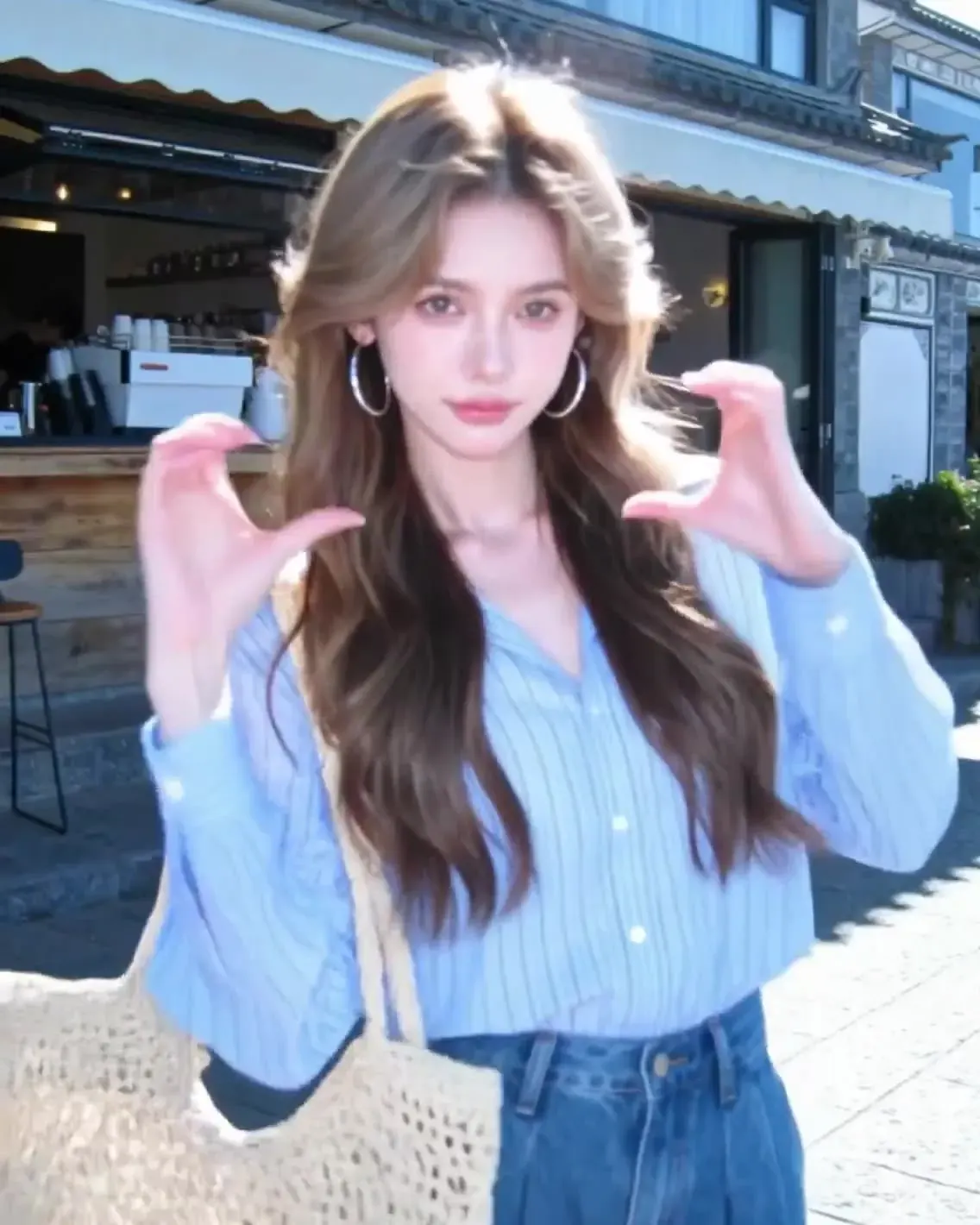
Wave & clap
9sOne raised paw and a nod — the “give paw” trick, set to a beat.
- Pace
- Slow
- Moves
- Small
- Motion 2.6
- 72 cr
- Not ideal
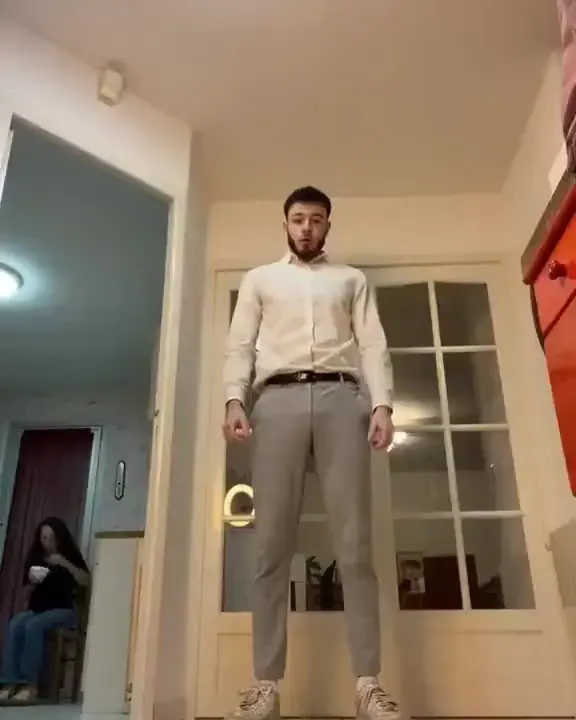
Robot pop
10sHead tilts and shoulder pops. Best on alert dogs with upright ears; floppy ears add a wobble.
- Pace
- Medium
- Moves
- Small
- Motion 2.6
- 80 cr
How to photograph your dog for an AI dog dance
Treat above the lens
Hold a treat or squeaky toy just above the camera. Ears go up, the head points straight at you and most dogs sit on cue — the alert, upright pose that dances best.
Shoot at chest height
Kneel so the lens is level with your dog’s chest. From standing height the head looms large and the legs shrink, leaving the model short of leg for every step.
Freeze the wag
Wagging tails and lolling tongues blur at normal shutter speeds, and a blur becomes a smear once it moves. Use burst or sports mode outdoors and keep the sharpest frame.
Unclip, then crop the hands
Leads, harness clips and the hand holding them all get animated. In a safe, enclosed garden or room, unclip for the photo; otherwise crop hands and straps out before uploading.
Which photos make the best dog dance AI clips
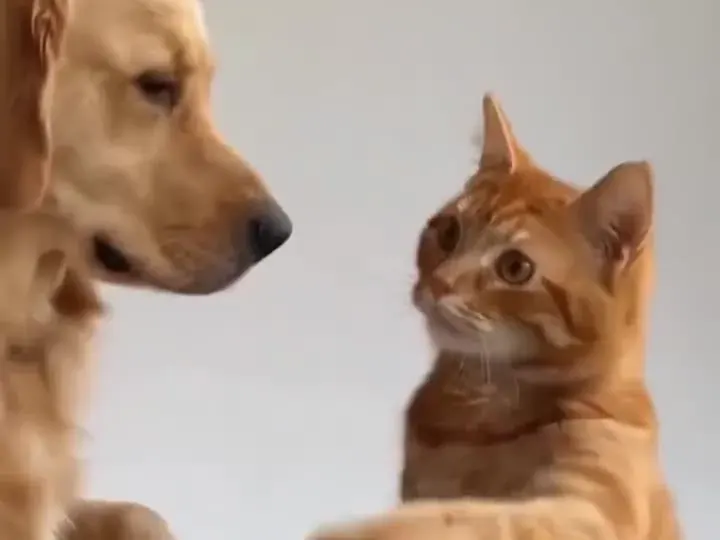
Sitting, eyes on the treat · best
Upright, ears forward, front paws visible. Paw lifts and head moves look natural straight away.
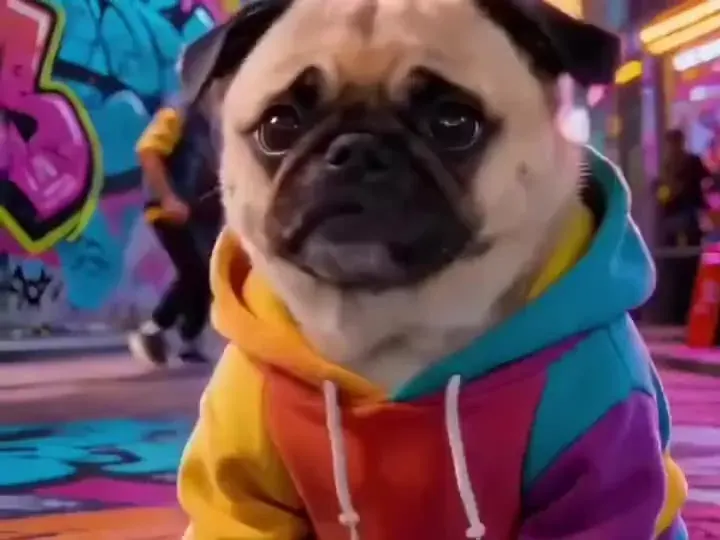
Short legs · bounce, don’t step
Short-legged breeds like this pug look best bouncing or lifting a paw. Keep the whole body, tail included, in frame.
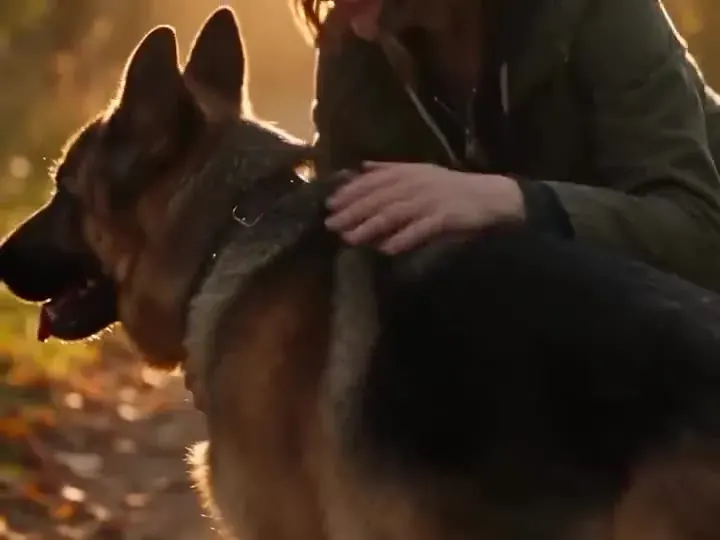
Lead and hand in frame · crop first
Anything attached to the dog gets pulled into the dance. Unclip in a safe place or crop the straps away.
Why dancing dog AI depends on build
Leg length sets the step size
Motion Control maps a human dancer’s skeleton onto your dog. Long legs can take a full step; short legs can only shuffle, so a stepping routine on a corgi becomes a blur of paws.
Long bodies need a wide frame
Dachshunds and corgis are longer than a portrait crop expects. If the tail or back paws are cut off, the model invents them mid-move — use a square or landscape frame for long dogs.
Ears and tails do half the dancing
Kling adds natural secondary motion, so floppy ears swing and tails wag on the beat. You don’t need big steps for a lively clip: a chest bounce with moving ears already reads as dancing.
Big energy, short clips
Even energetic dogs look best on calm, bouncy templates. Every dance runs 8–10 seconds; faster footwork routines such as Shuffle step drift away from a believable dog shape.
What an AI dog dance costs
| Dance | Length | Motion 2.6 · 720p | Motion 3.0 · 720p | Per $9.90 pack |
|---|---|---|---|---|
| Hip-hop groove | 10s | 80 cr ≈ $1.09 | 140 cr ≈ $1.90 | 8 dances |
| Robot pop | 10s | 80 cr ≈ $1.09 | 140 cr ≈ $1.90 | 8 dances |
| Salsa basic | 8s | 64 cr ≈ $0.87 | 112 cr ≈ $1.52 | 10 dances |
| Wave & clap | 9s | 72 cr ≈ $0.98 | 126 cr ≈ $1.71 | 9 dances |
AI Dog Dance Video Generator FAQ
Still curious? Email support@picturetovideo.org — a human replies within a day.
01Which breeds work best for an AI dog dance?
02Can my dog dance up on its hind legs?
03Why did the lead or my hand start dancing too?
04How much does an AI dog dance video cost?
05Can I add barking or a song?
06Does it work with puppies?
07Are the dogs on this page customers’ pets?
Related tools & models

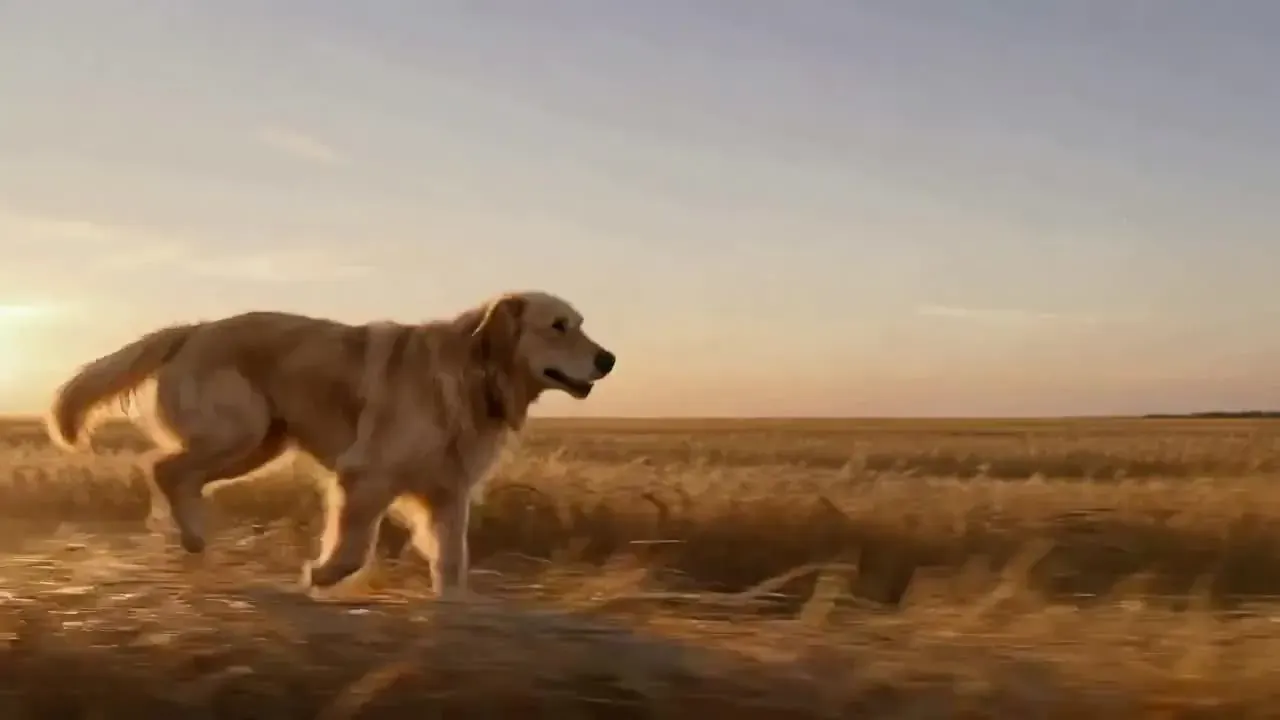
Let your dog bust a move
Two questions, one photo, one bouncy AI dog dance. Silent templates, so you choose the soundtrack.