Independent · Rollout in progress · Not affiliated with Kuaishou
Kling 4.0 AI Video Generator
Kling 4.0 is rolling out, with official release due in October. Upload a picture or write a prompt and create with Kling 3.0, Veo 3 and Wan 2.5 today — this Kling AI video generator switches to 4.0 the day we can call its API.


“A small white paper boat drifts across a rain puddle on the street, raindrops dimpling the water, it swirls toward an open drain, low angle, slow push-in”
- Live models
- 12
- Model families
- 5
- Shot length
- 3–30s
- Max resolution
- 4K
- Starting price
- 2 cr/s
What’s new in Kling 4.0

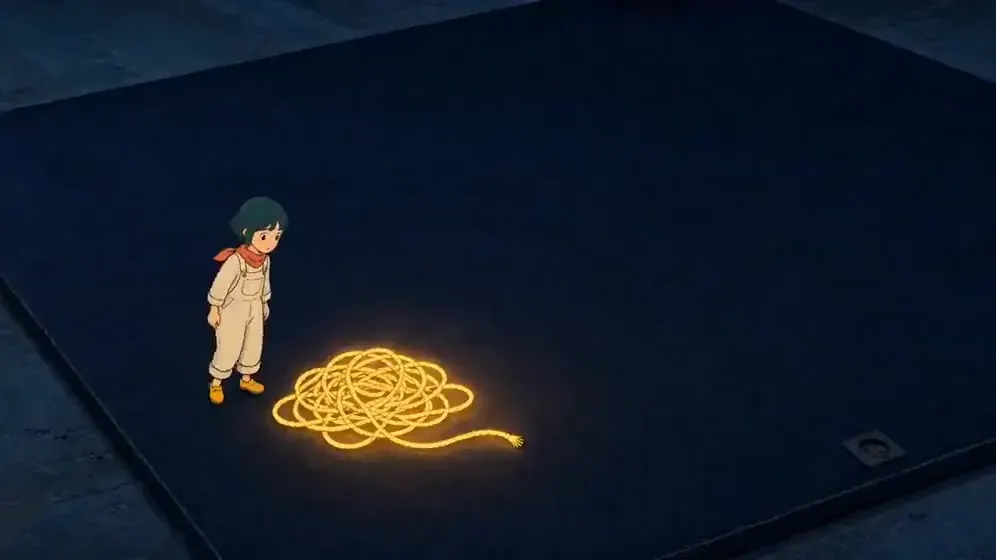
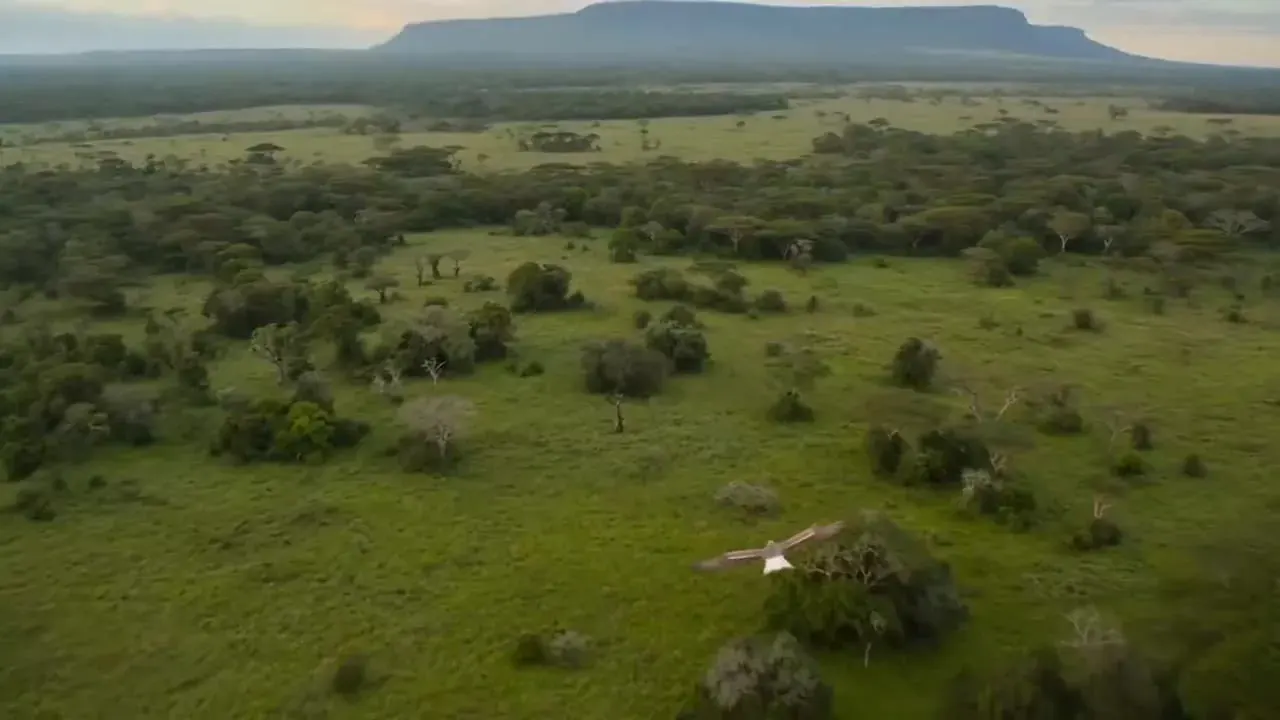
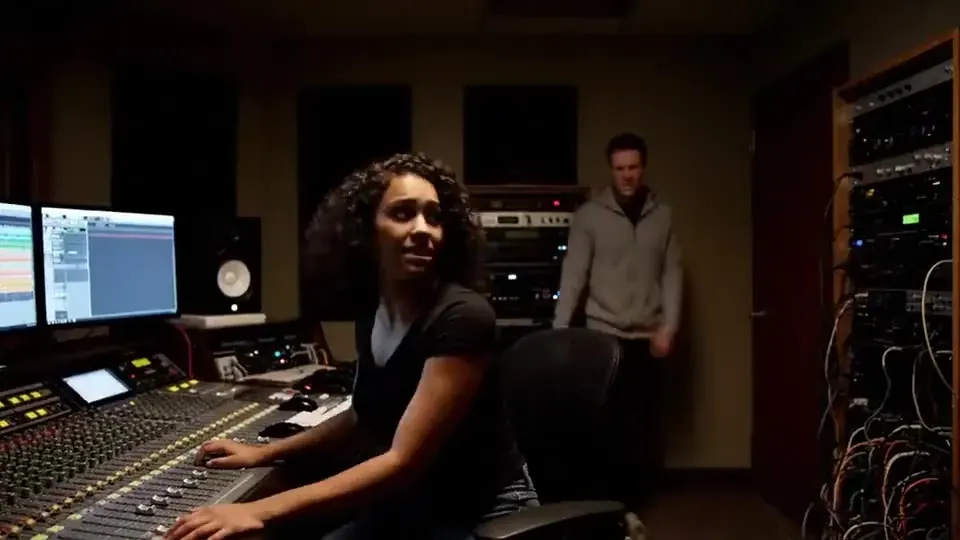


- 01
30-second native shots
One continuous take up to 30 seconds — twice Kling 3.0’s limit — so action can breathe without stitching.
Today: up to 15s per shot with 3.0Kling 4 vs Kling 3 - 02
Up to 10 keyframes
Pin the look of a shot at ten moments and let the model choreograph everything between them.
Today: first + last frameFirst & last frame AI video - 03
4K with richer highlights
Native 4K output with more headroom in skies, neon and skin tones. 10-bit HDR is listed as coming soon.
Today: native 4KKling 3.0 - 04
Stereo audio & lip sync
Dialogue, ambience and music generated with the picture, with mouths that match the words.
Today: native mono audio with Kling 2.6 and 3.0Kling 2.6 - 05
More languages & dialects
Characters can speak more languages and regional dialects, with on-screen text that stays legible.
Today: dialogue in five languagesText to video AI - 06
Omni references
Feed up to 15 reference images or clips to keep characters, products and wardrobe consistent across shots.
Today: two-photo scenes with Kling 3.0 OmniAI video effects
Not fully out yet.
Kling’s developer page says official release in October 2026. Only Kling 4.0 Flash is out, in a limited beta since September 28, and there is no Kling 4.0 API we can verify yet.
- (done)
- (done)
4.0 Flash limited beta
Since Sep 28, 2026
A small group of paying members, in Kling’s own app.
Kling blog - (in progress)
Official release
October 2026
Kling’s developer page: “official release in October”. No exact day.
Kling release note - (not yet)
API access
Not yet
No official 4.0 API yet, and Kling’s API price list has no Kling 4.0 rows. Third-party “Kling 4.0 API” pages are unverified.
Kling API pricing
Kling 4.0 vs 3.0, spec by spec
Official 4.0 specs next to Kling 3.0 — the model you can run today. Same-prompt video tests are added the day the 4.0 API opens; we don’t show 4.0 footage before then.
| Spec | Kling 4 | Kling 3.0 |
|---|---|---|
| Max shot length | 30s | 15s |
| Keyframes | Up to 10 | First + last |
| Reference inputs | Up to 15 | Up to 4 |
| Resolution | Up to 4K | Up to 4K |
| Audio | Stereo + lip sync | Native mono |
| Aspect ratios | 16:9 · 9:16 · 1:1 · 21:9 | 16:9 · 9:16 · 1:1 |
| On PictureToVideo | Waitlist | Live now |
4.0 Flash
Kling 4.0 Flash: the fast tier, in limited beta
Flash is the quick, 720p member of the 4.0 family. Since September 28, 2026 it has been in a limited beta inside Kling’s own app, reported as open to Ultra annual members. There is no Flash API we can call yet, so it stays greyed out in our generator — Kling 3.0 Turbo is the fastest Kling you can run here today.
- Limited beta
- Since Sep 28, 2026
- Kling app and website, reported as Ultra annual members.
- Clip length
- 3–20 seconds
- Full 4.0 goes to 30 s; the 3.0 family stops at 15 s.
- Resolution
- 720p, 8-bit SDR
- No 1080p or 4K tier announced; 10-bit HDR is listed for full 4.0 only.
- Inputs
- Text · image
- An image is used as the first frame.
- API
- Not callable yet
- Kling’s official API is due with the October release; third-party “4.0 API” pages are unverified.
- Price
- Not published
- Any Flash rate on this site is a labelled, provisional estimate.
Sources: Kling developer release note, Kling blog “Kling 4.0 vs 3.0”, TechTimes (Sep 30, 2026) and WaveSpeed (Oct 1, 2026). Release and API status checked October 5, 2026.
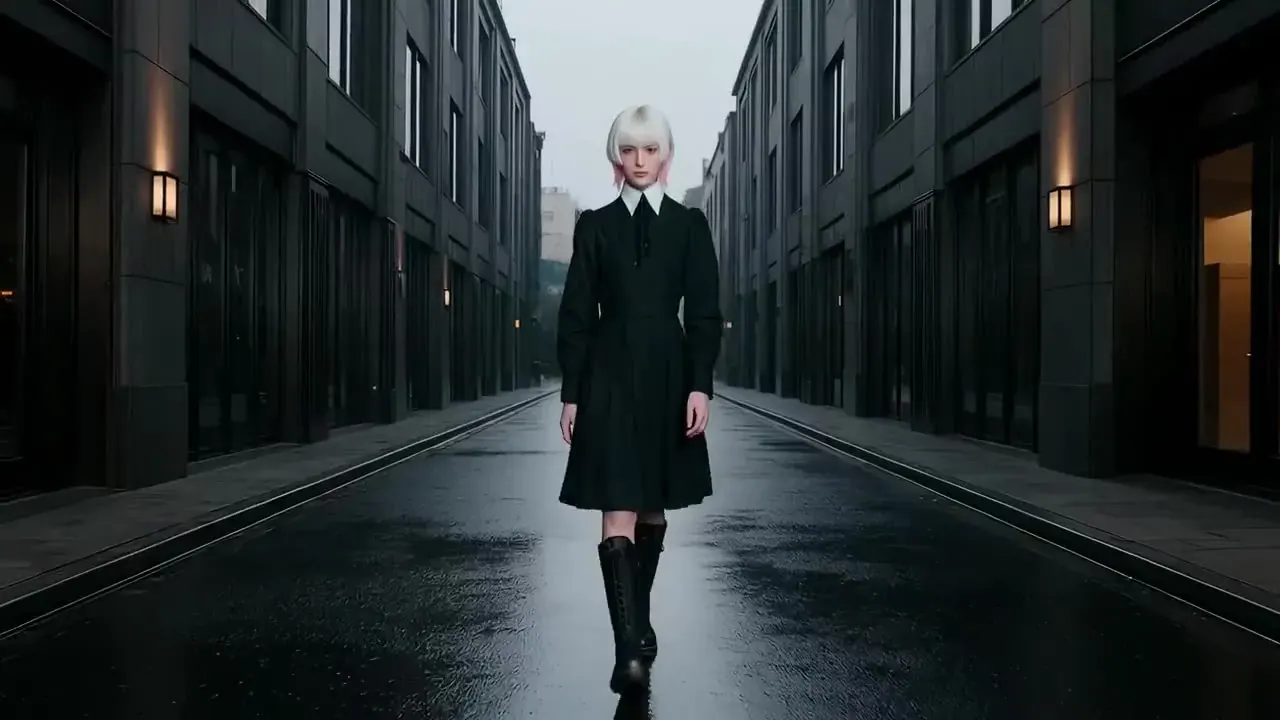
- Kling app · limited beta Limited beta
- Kling app · other plans Not yet
- Official Kling API October (announced)
- Third-party API sites Unverified
- PictureToVideo Waitlist
Be first to render with Kling 4.0
We can’t call a 4.0 API yet. Leave your email and we’ll send you one message the day it goes live here.
No spam · one email when 4.0 goes live
One picture in, a moving shot out

Start and end frame AI video
Pin a first and a last frame and let the model fill in the motion.
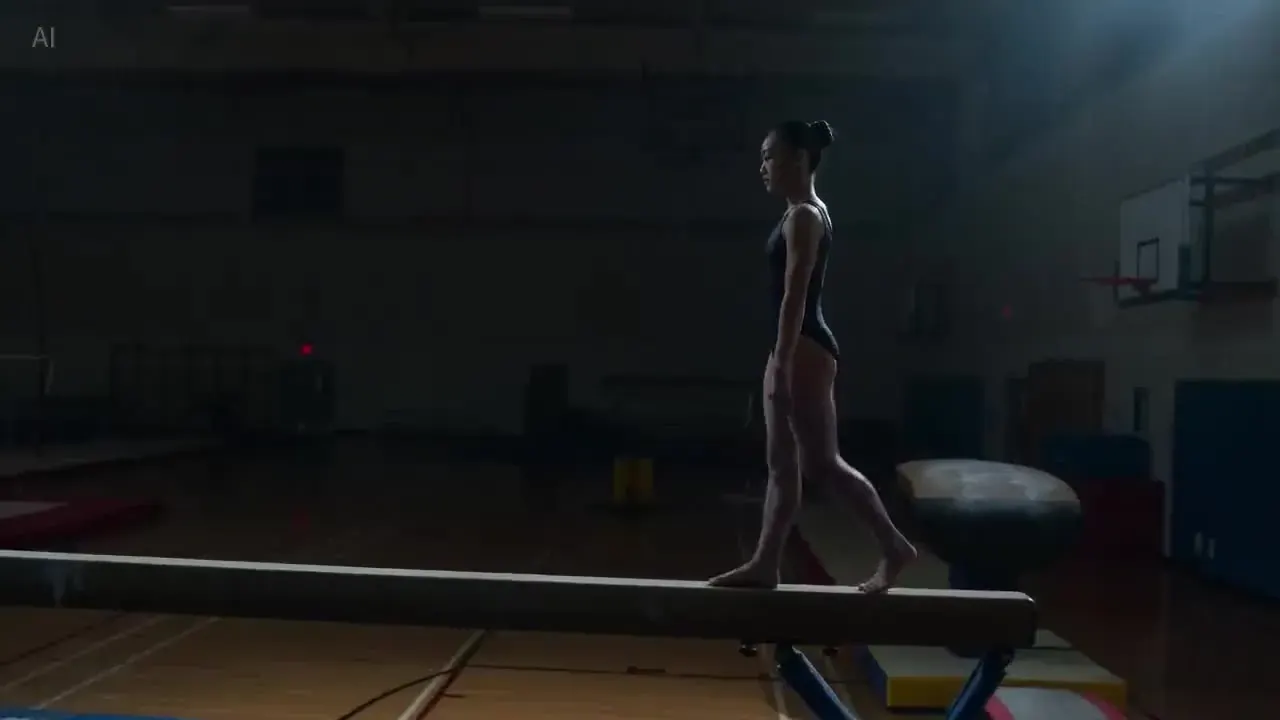
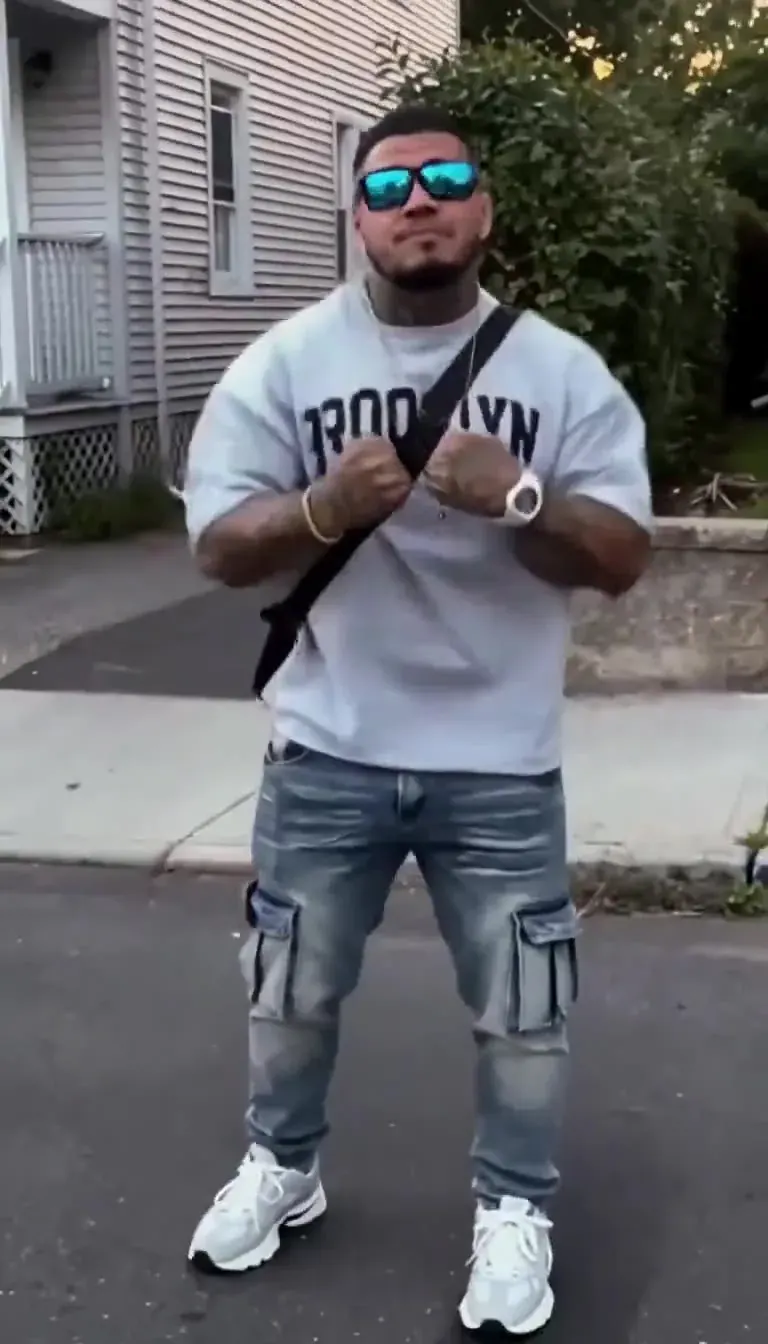

Kling, Veo, Wan and more — one studio

Kling 4.0
30s shots, 10 keyframes, stereo audio, Omni references.
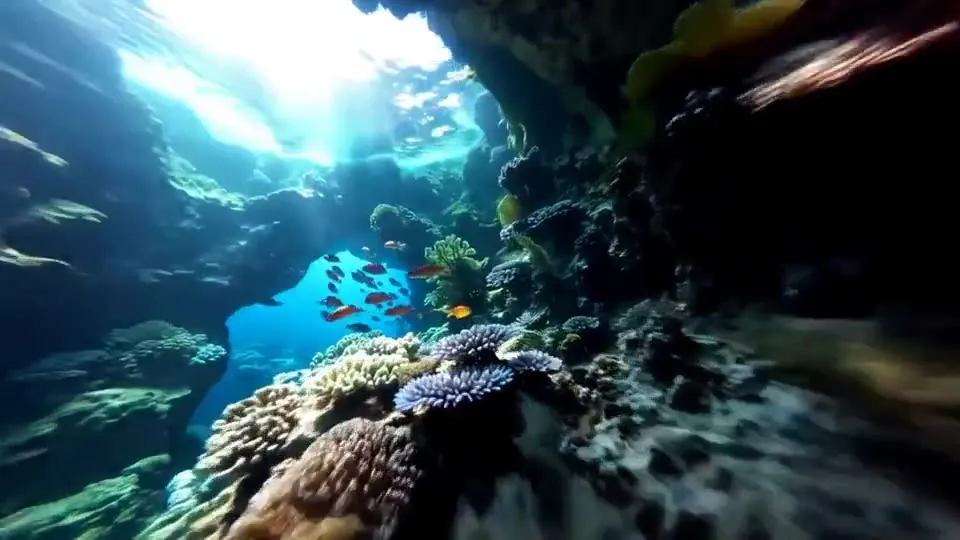
Kling 3.0
Multi-shot storytelling, native audio, up to 4K.
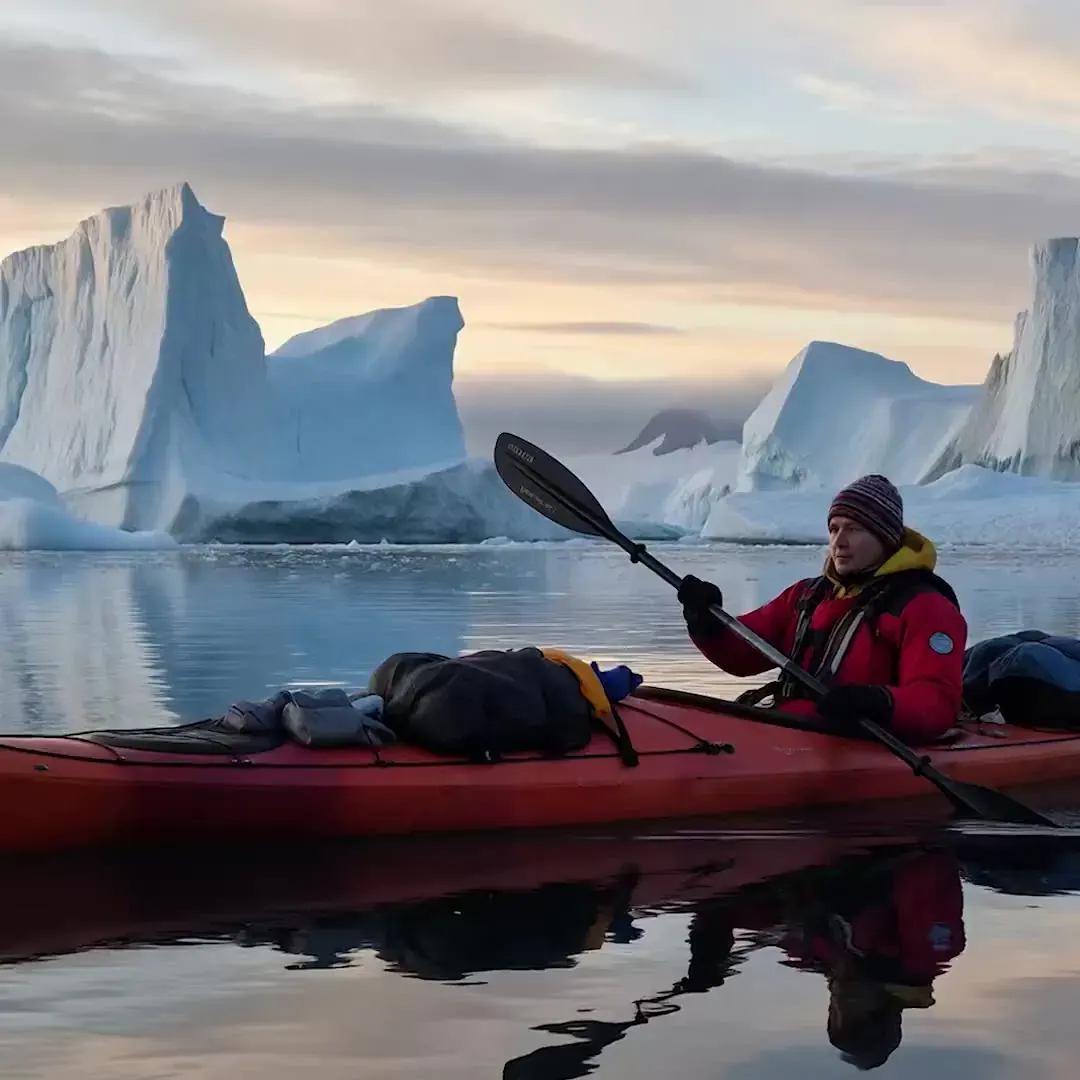
Veo 3
Google’s cinematic model with native dialogue and sound.
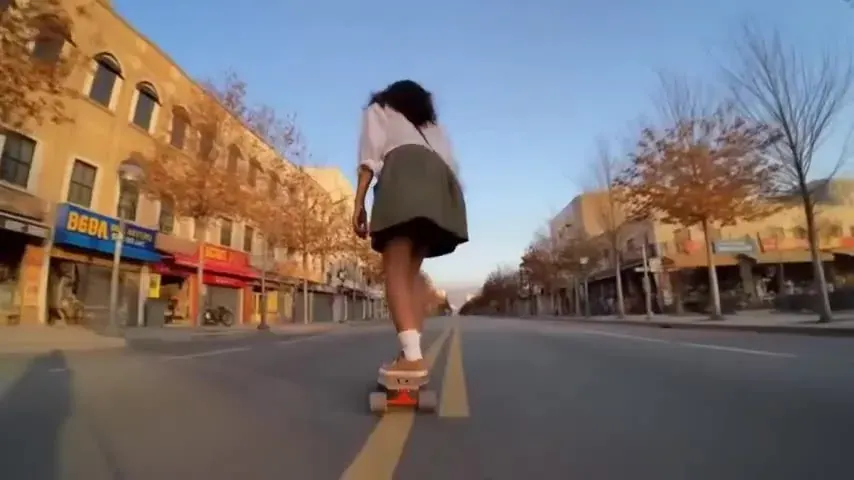
Wan 2.5
720p drafts and native square output.
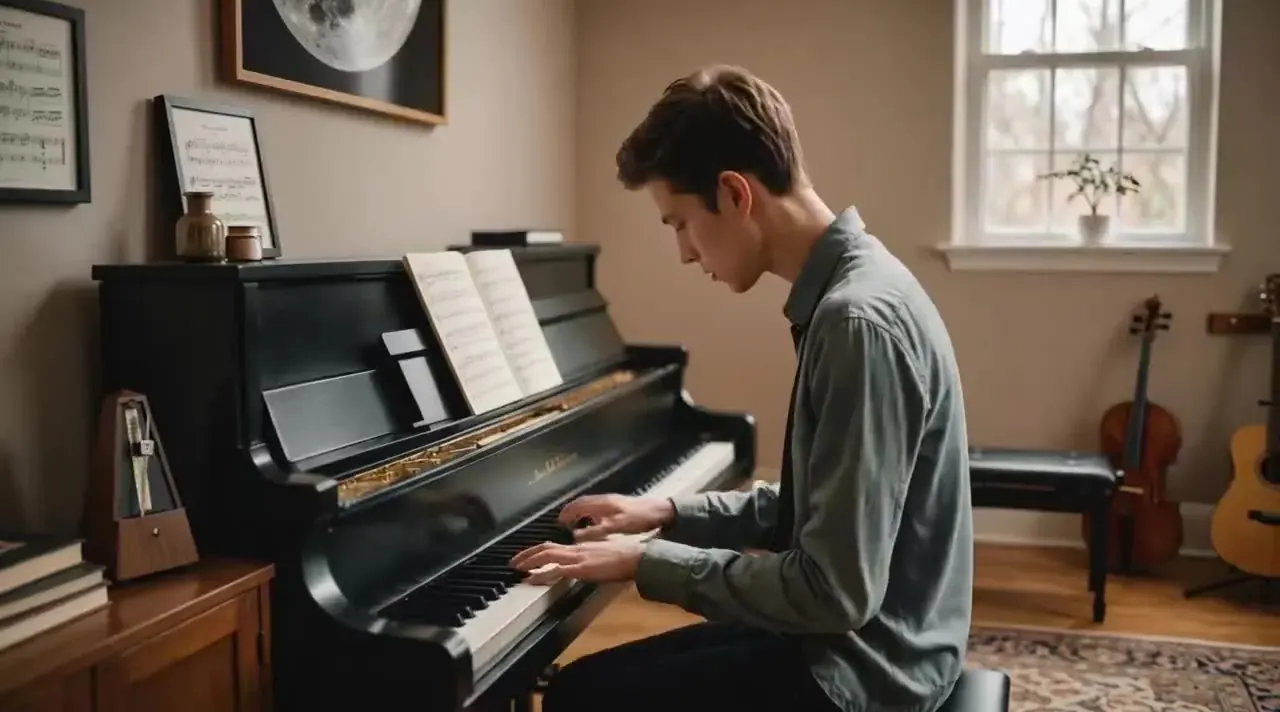
Kling 2.6
First Kling with native audio; powers Motion Control.
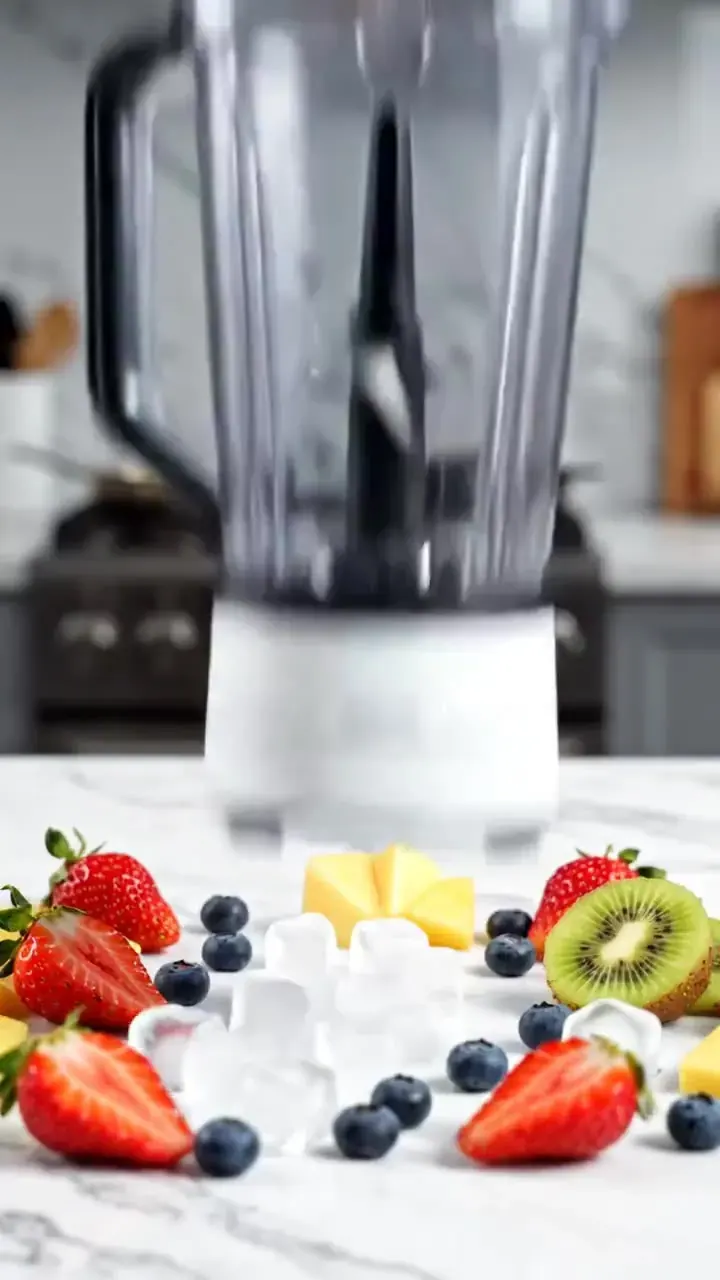
Hailuo 02
Physics-heavy action and sports at a budget rate.

Grok Imagine
Quick 480p and 720p clips with sound built in.
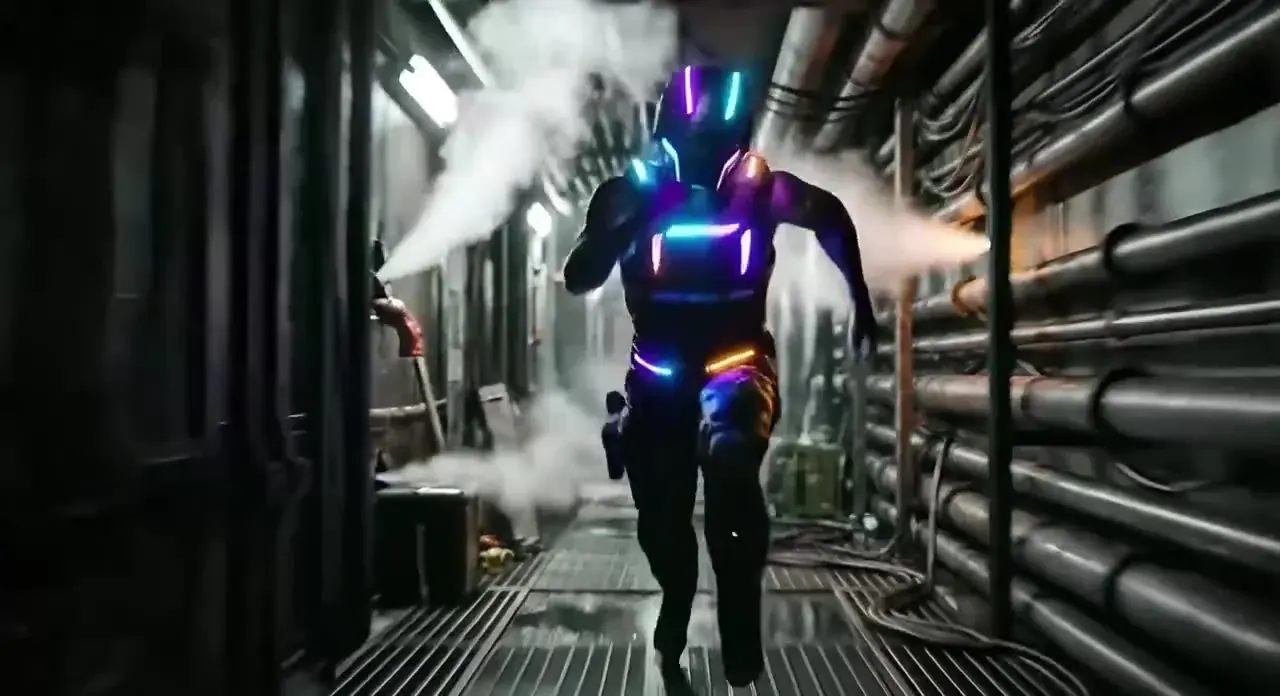
Kling 2.5 Turbo
Fast, low-cost renders — our Draft tier.
From picture to finished shot in three steps
- 01Step 1/3
A koi fish swims through an ink painting that comes alive
+ Push in+ Orbit+ TrackingUpload or write
Drop in a photo to animate, or describe the shot. Add camera moves with one tap.
- 02Step 2/3Studio8s1080p16:9Sound on152 cr
Pick model & settings
Kling 3.0, Veo 3, Wan 2.5, Hailuo 02 or Grok Imagine — then length, resolution and audio. The price updates live.
- 03Step 3/3Ready · 00:08Download MP4
Render & download
Keep browsing while it renders. Download the MP4, extend it, or try another model.
Pay for seconds, not seats
- 5s · 1080p · Kling 2.5 Turbo30 cr
- 5s · 720p · Kling 3.050 cr
- 8s · 1080p + audio · Veo 3.1 Fast168 cr
- 10s · Motion Control 2.680 cr
01Is PictureToVideo the official Kling website?
02Kling 4.0 release: when can I use it?
03What is Kling 4.0 Flash, and can I use it?
04Is Kling 4.0 free? How much does it cost?
05Can I use the videos commercially?
06How long can the videos be?
07Can I get a refund?

Your next shot is one picture away
Starter pack from $2.99. No Kling account, no subscription required.