AI video extender · Independent · via API
AI Video Extender: Make Your AI Videos Longer
This AI video extender continues a video from its last frame, so a 5-second shot can run 20, 30 or 60 seconds. Drop in your video, describe what happens next and render the next segment with Kling 3.0, Veo 3.1, Wan 2.5, Hailuo 02 or any of the 9 image-to-video models here. The AI video extender captures the last frame in your browser and shows total length and credits before you spend anything.
- From the last frame
- Up to 5 extensions per plan
- From 2 cr/s
- Kling · Veo · Wan · Hailuo
Negative prompt



00:05total
Extend video with AI: build your chain
- Total length
- 00:15
- New footage
- +10s
- Credits
- 100
≈ $1.36 on the Pro plan · your original clip costs nothing
Seam 1 · at 00:05
Frame-matched
Segment B is rendered from A’s last frame, so the cut lands on an identical picture. Frames shown are an illustration — add your clip to see its real last frame.
Your clip
00:00 → 00:05
Clip length50cr
50cr
How the AI video extender works
- 01Step 1/3
A koi fish swims through an ink painting that comes alive
+ Push in+ Orbit+ TrackingGrab the last frame
Drop your clip into the extender and its final frame is captured right in your browser. Nothing uploads until you choose to render.
- 02Step 2/3Studio8s1080p16:9Sound on152 cr
Describe what happens next
Write the continuation, not a new scene: same subject, same light, with the action moving forward from where it stopped.
- 03Step 3/3Ready · 00:08Download MP4
Render and join
The new segment starts on that exact frame. Place it straight after your clip on any editor timeline and the cut becomes a clean join.
AI video extend: models compared
| Kling 3.0 | Veo 3.1 Fast | Wan 2.5 | Hailuo 02 | Kling 2.5 Turbo | |
|---|---|---|---|---|---|
| Segment length | 3–15s | 8s | 5 / 10s | 6 / 10s | 5 / 10s |
| Resolution | 720p · 1080p · 4K | 720p · 1080p · 4K | 720p · 1080p | 768p · 1080p | 720p · 1080p |
| Audio | Optional | Always on | — | — | — |
| From | 10 cr/s | 21 cr/s | 9 cr/s | 4 cr/s | 6 cr/s |
| Extensions to reach 30s | 2 (+25s) | 4 (+32s) | 3 (+25s) | 3 (+26s) | 3 (+25s) |
| Credits to reach 30s | 250 cr ≈ $3.40 | 672 cr ≈ $9.13 | 225 cr ≈ $3.06 | 104 cr ≈ $1.41 | 150 cr ≈ $2.04 |
| Best for | Hero shots, matching Kling footage | Cinematic takes with sound | Stylised motion, low cost | Action that keeps moving | Cheap tests |
Make AI video extender seams invisible
Cut on calm motion
End the source clip on a moment without whip pans or fast turns. A frame full of motion blur is a poor starting picture, and the next segment inherits the smear.
Keep one model and resolution
Switching from Kling 3.0 at 1080p to Wan 2.5 at 720p mid-chain changes grain, colour and sharpness — and crossing model families changes how things move. The AI video extender warns you whenever a seam crosses models or resolutions.
Repeat the anchors
Mention the subject, wardrobe, location and time of day in every extension prompt. Each segment only sees one frame, so the words carry the continuity.
Prefer short steps
Shorter extensions drift less. Five seconds per segment balances cost and consistency; go longer only for slow, simple motion such as a drifting landscape or a steady drone shot.
What people extend
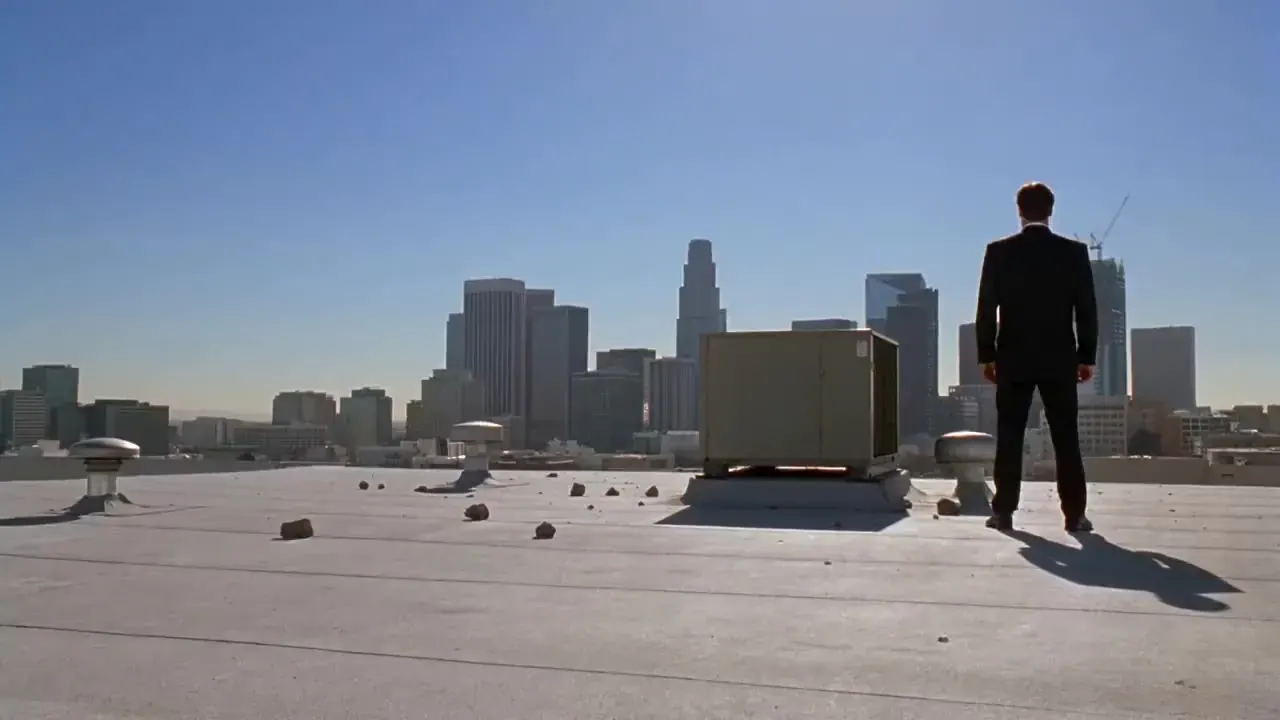
Music video takes
Turn a 5-second loop into a full verse by chaining three or four extensions on the same model.

Product reveals
Start on the hero angle, then extend into a slow orbit and finish on an end-card pose.
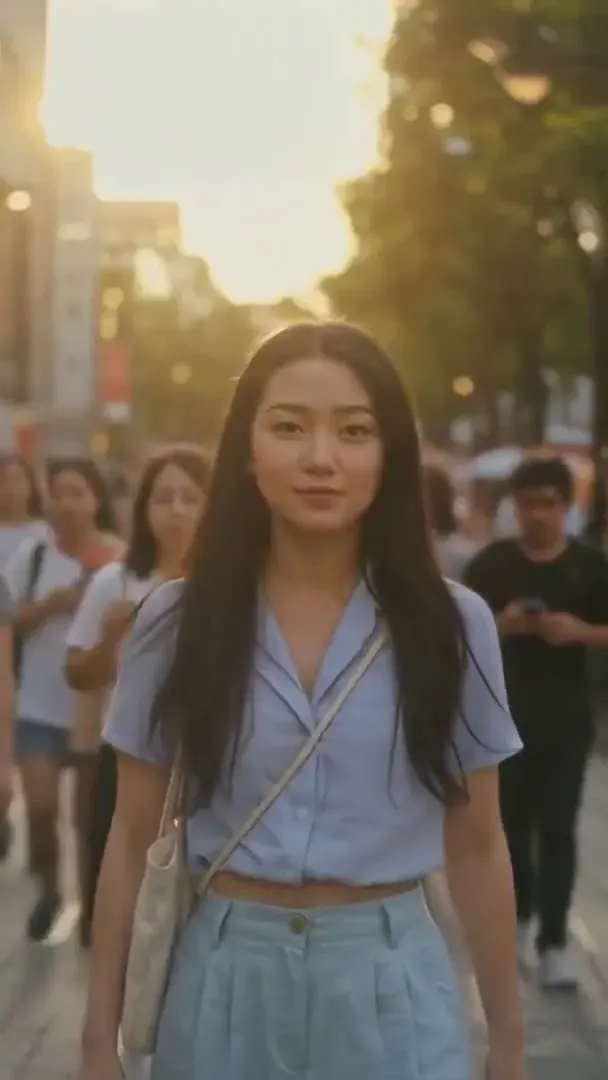
Travel shots
Keep a drone or walking shot going past the 15-second limit of a single Kling 3.0 render.

Drama beats
Hold on a character for one more line, then give the new segment a voice with native audio.
What the AI video extender costs
| Model | Resolution | Credits / sec | With audio | Typical clip |
|---|---|---|---|---|
| Kling 3.0 | 720p | 10 | 14 | 5s · 50 cr ≈ $0.68 |
| Kling 3.0 | 1080p | 13 | 19 | 5s · 65 cr ≈ $0.88 |
| Kling 3.0 | 4K | 47 | — | 5s · 235 cr ≈ $3.19 |
| Veo 3.1 Fast | 720p | — | 21 | 8s · 168 cr ≈ $2.28 |
| Veo 3.1 Fast | 1080p | — | 21 | 8s · 168 cr ≈ $2.28 |
| Veo 3.1 Fast | 4K | — | 49 | 8s · 392 cr ≈ $5.33 |
| Wan 2.5 | 720p | 9 | — | 5s · 45 cr ≈ $0.61 |
| Wan 2.5 | 1080p | 14 | — | 5s · 70 cr ≈ $0.95 |
| Hailuo 02 | 768p | 4 | — | 6s · 24 cr ≈ $0.33 |
| Hailuo 02 | 1080p | 7 | — | 6s · 42 cr ≈ $0.57 |
| Kling 2.5 Turbo | 720p | 6 | — | 5s · 30 cr ≈ $0.41 |
| Kling 2.5 Turbo | 1080p | 6 | — | 5s · 30 cr ≈ $0.41 |
Example: turning a 5-second clip into 20 seconds with 1 Kling 3.0 extensions at 720p costs 150 credits (≈ $2.04 on the Pro plan).
Extend responsibly
- Only extend videos you made or have the right to use, including clips from other tools.
- Extending footage of real people needs their consent. No public figures and no deceptive edits.
- No sexual, suggestive or violent content. Prompts are screened before rendering, and the video models apply their own safety filters.
- Clips from the AI video extender carry no watermark.
AI video extender FAQ
Still curious? Email support@picturetovideo.org — a human replies within a day.
01What does an AI video extender actually do?
02How long can I make a video with the AI video extender?
03Will the extended video look seamless?
04Which models can I use to extend video with AI?
05Can I extend a Kling video with Veo or Wan?
06How much does it cost to extend a video?
07Can I extend a video for free?
08Can I extend videos I didn’t make here?
09Does the AI video extender keep the original sound?
Related tools & models


Keep the shot rolling
Drop your video into the AI video extender, grab its last frame and render what happens next. Starter pack from $2.99, no subscription.