Compare · Motion & dance · Independent · Not affiliated with Viggle
A Viggle AI alternative for photo dance videos
Looking for a Viggle AI alternative? Viggle is a motion app best known for putting the character from a photo into the moves of a video, with meme templates, live character swaps and a free plan of five watermarked videos a day. We don’t offer Viggle and aren’t affiliated with it. What PictureToVideo offers is a different route to a similar result: Kling Motion Control with 10 original, family-friendly dance templates — one photo in, a dance clip out, priced per second. Below is an honest Viggle AI alternative comparison, including the things Viggle does that we don’t.
- Kling Motion Control 2.6 · 3.0
- 10 original templates
- From 8 credits/s
- Checked Oct 5, 2026
Negative prompt
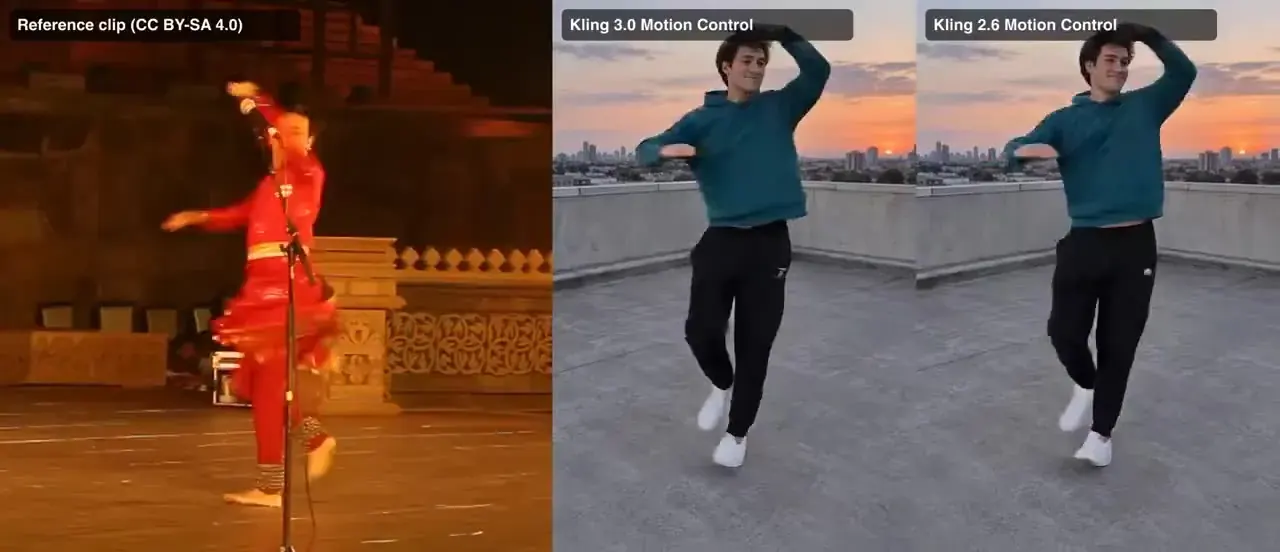
Viggle vs Kling Motion Control, side by side
| PictureToVideo (Kling Motion Control) | Viggle | |
|---|---|---|
| What it is | Kling Motion Control 2.6 and 3.0 via API, with our own templates | A motion app with Meme Maker, character swaps, Real-Time Swap and an API |
| Where the moves come from | 10 original templates; your own clip is not supported yet | A video you upload, or Viggle’s templates |
| Clip length | Templates run 8–10 s | Uploads up to 1 min on Free, 10 min on paid plans |
| Resolution | 720p · 1080p | Not stated on the pricing page |
| Free tier | None — every render is paid per second | 5 videos a day, watermarked, 7-day storage |
| Paid | Packs from $2.99 (200 credits), no subscription needed | Pro $9.99/month ($7.99 billed yearly), Live $19.99, Max $79.99 |
| Billing unit | Credits per generated second, shown before you render | Monthly plan credits; usage varies by feature and model |
| Watermark | None on paid renders | On Free; none on paid plans |
| Other video tools | Image and text to video on Kling 3.0, Veo 3.1, Wan 2.5, Hailuo 02 and Grok Imagine | Lists Seedance, Kling, Veo, Wan and image models on its plans |
Use this Viggle AI alternative in three steps
Pick a template
Choose a routine in the generator at the top of this page — hip-hop, ballet, salsa, robot pop and more, each performed by a fictional dancer.
Add one clear photo
A full-body shot of one person, pet or cartoon character works best: good light, arms and legs visible, a simple background.
Choose 2.6 or 3.0, then render
Motion Control 2.6 is the budget choice at 8 credits per second; 3.0 (14) holds faces and hands better. The clip is as long as the template.
Viggle or a Viggle AI alternative: which tool for which job
Your own choreography
If you need to copy a dance you filmed yourself, Viggle accepts uploaded motion clips. We don’t yet — every render here uses one of our templates.
Live character swaps
Viggle offers Real-Time Swap sessions on its plans. We have nothing similar — every clip here is rendered, not streamed.
What our templates are — and aren’t
Original and fictional
Every routine is performed by a fictional dancer in everyday clothes. No celebrity choreography, no trending creator’s video, so you never copy someone else’s performance by accident.
Silent on purpose
Templates carry no music and your clip comes back silent. Add a licensed track in your editor and trim it to the beat — that keeps your post free of music claims.
Family-friendly only
Hip-hop, ballet, salsa, folk and kids’ moves. No twerking, suggestive or mocking motion, and no plans to add it — that is a line, not a missing feature.
A smaller library
As a Viggle AI alternative we are smaller: Viggle has a far bigger template catalogue and community. We have 10 routines today and add more when they are ready, not to chase volume.
What a dance clip costs on this Viggle AI alternative
| Model | Resolution | Credits / sec | With audio | Typical clip |
|---|---|---|---|---|
| Motion Control 2.6 | 720p | 8 | — | 10s · 80 cr ≈ $1.09 |
| Motion Control 2.6 | 1080p | 13 | — | 10s · 130 cr ≈ $1.77 |
| Motion Control 3.0 | 720p | 14 | — | 10s · 140 cr ≈ $1.90 |
| Motion Control 3.0 | 1080p | 19 | — | 10s · 190 cr ≈ $2.58 |
Example: a 10-second Motion Control 2.6 clip at 720p costs 80 credits (≈ $1.09 on the Pro plan). The 200-credit pack ($2.99) covers 2 of them.
How we compare as a Viggle AI alternative
- We don’t provide Viggle and aren’t affiliated with it. PictureToVideo runs Kling models through their API; “Viggle” is used only to describe the comparison.
- Viggle facts come from viggle.ai and its pricing page, checked Oct 5, 2026. Plans and limits change — check there before you buy.
- No affiliate links and no paid placement. We earn money when you render here, so read the picks with that in mind.
- Animate yourself or people who clearly agreed to it. No public figures; photos of children only from a parent or guardian.
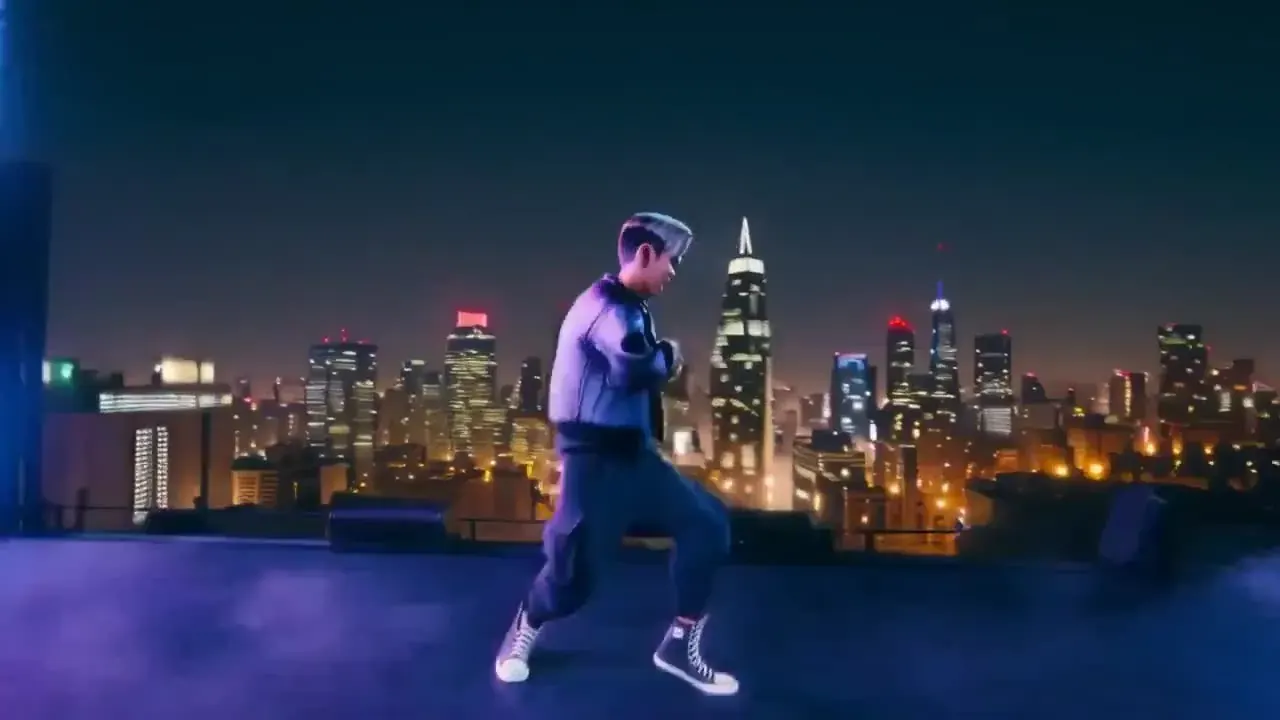
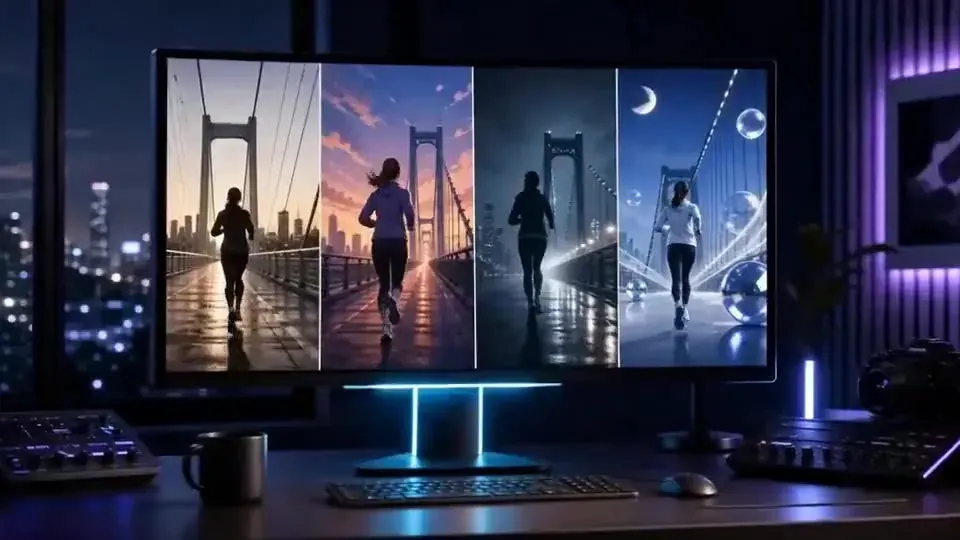
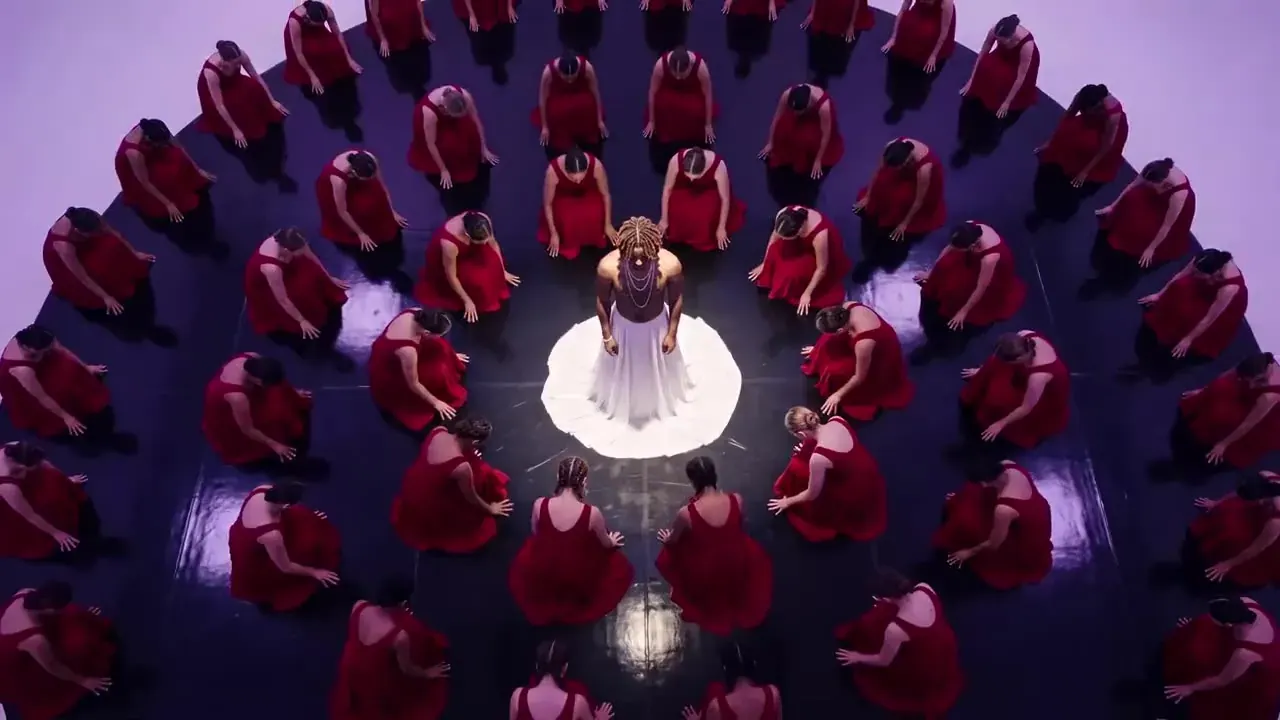
- The images on this page are illustrations, not renders from Viggle or from our generator.
Viggle AI alternative FAQ
Still curious? Email support@picturetovideo.org — a human replies within a day.
01What is the best Viggle AI alternative?
02Is there a free Viggle AI alternative?
03Can I upload my own dance video to this Viggle alternative?
04What is the difference between Viggle and Kling Motion Control?
05Can my pet or a cartoon character dance with this Viggle AI alternative?
06Do Viggle AI alternative dance videos have music?
07Can I animate a photo of someone else?
08Is PictureToVideo part of Viggle or Kling?
Related tools & models




Your photo, a new dance
Try the Viggle AI alternative: pick a template, add one clear photo and render in minutes. Credits are charged per second and refunded if a render fails.