Picture to video · Trend templates · Independent studio
Image to Video AI
Our image to video AI turns any picture into a short video. Start from this week’s trends — the hotel lobby rap, a rain dance, a dancing cat — with a photo or two and one tap, or write your own shot and pick a quality tier, with the price shown before you render.
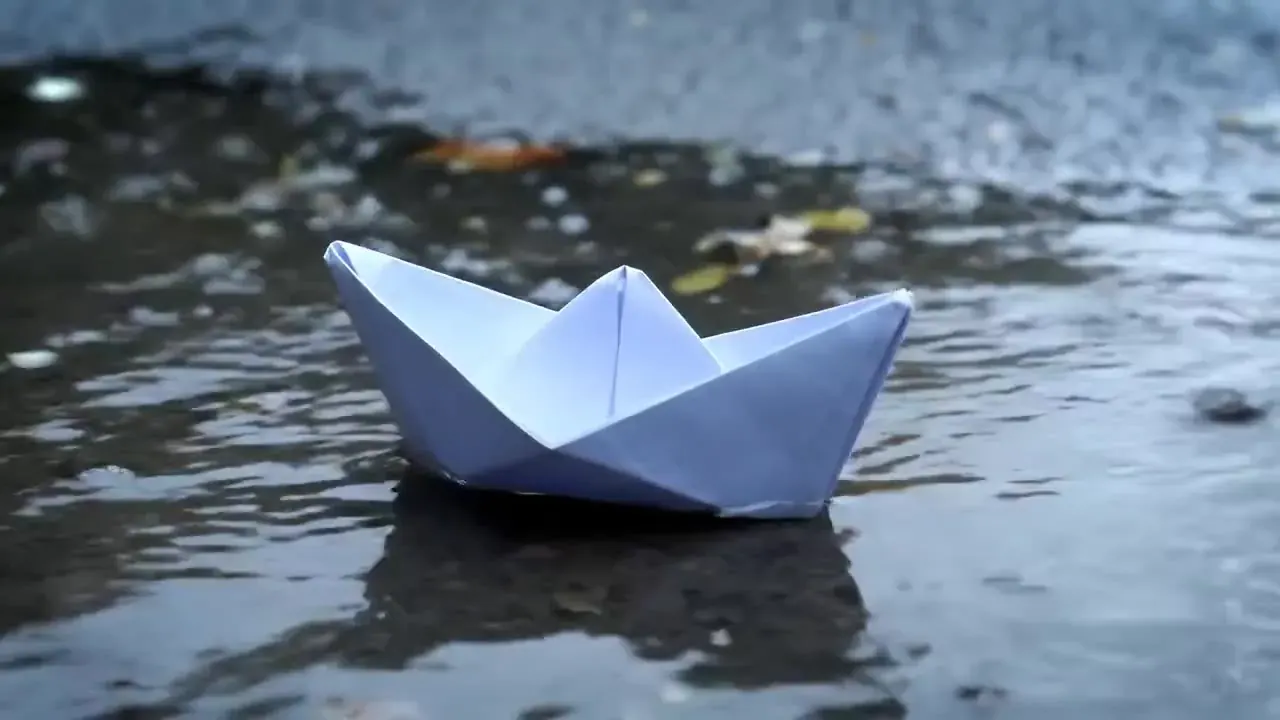
“A small white paper boat drifts across a rain-soaked street puddle toward an open storm drain, raindrops dimpling the water, overcast daylight, low angle, slow push-in”
- Live effects
- 8
- Quality tiers
- 14
- Shot length
- 3–30s
- Max resolution
- 4K
- Starting price
- 3 cr/s
This week’s AI video trends
 TrendingLiveIllustrationTwo people
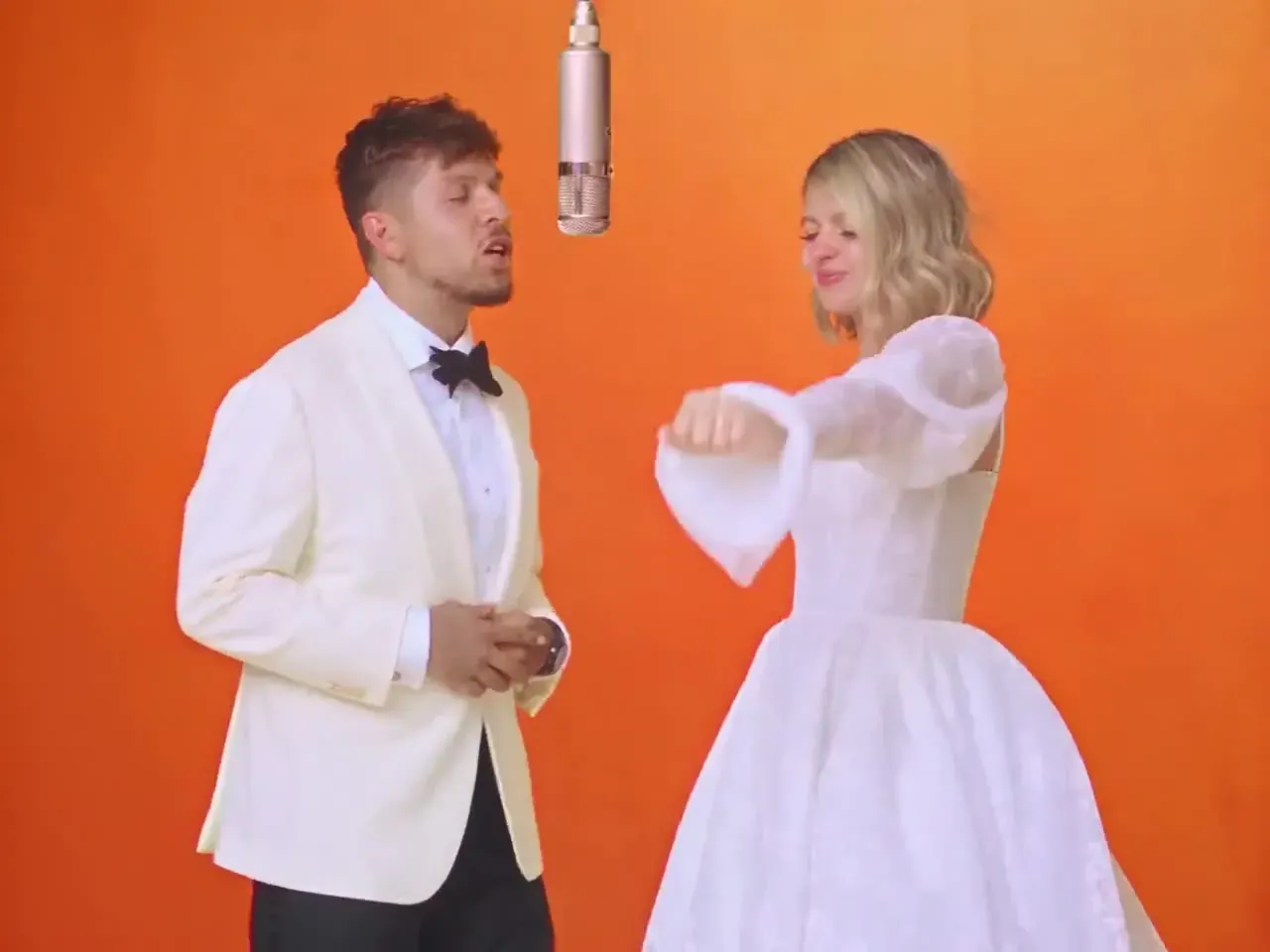
Hotel Lobby AI Video
You and a friend rapping on orange booth seating in a retro hotel lobby — the AI rap duo trend, with a model-made beat instead of the original song.
You bring · 2 photosOpen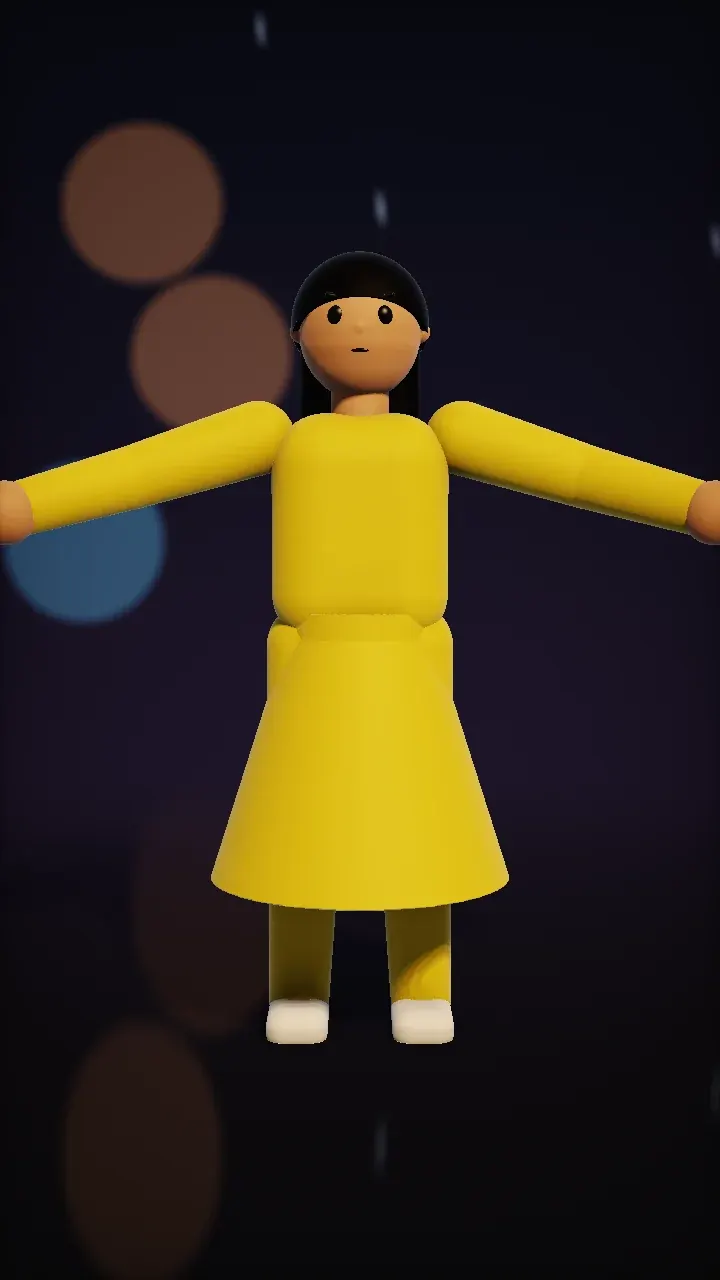 NewLiveIllustrationDance
Rain dance template
The raindance AI trend as an original routine: open arms and slow twirls in the rain at night. One full-body photo, no song attached.
You bring · 1 full-body photoOpen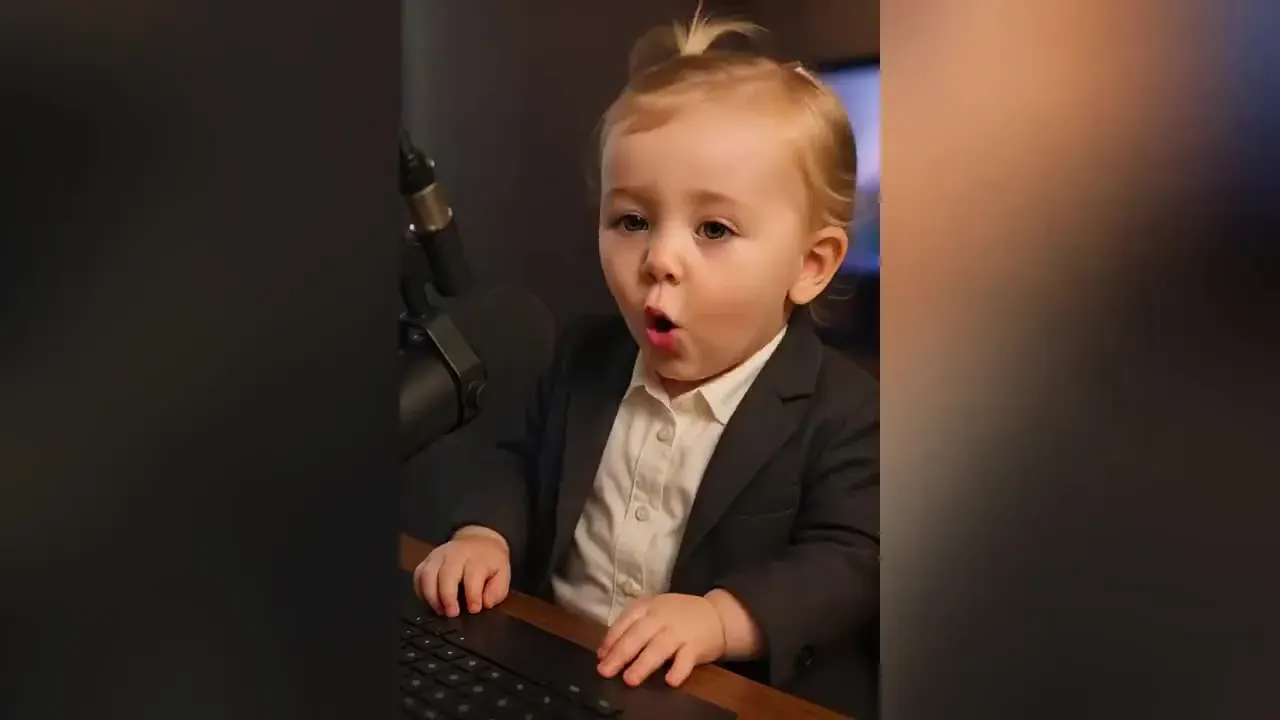 LiveIllustrationFamily
AI Baby Video
Laughing, babbling baby clips from a single photo, for family chats and baby announcements.
You bring · 1 photoOpen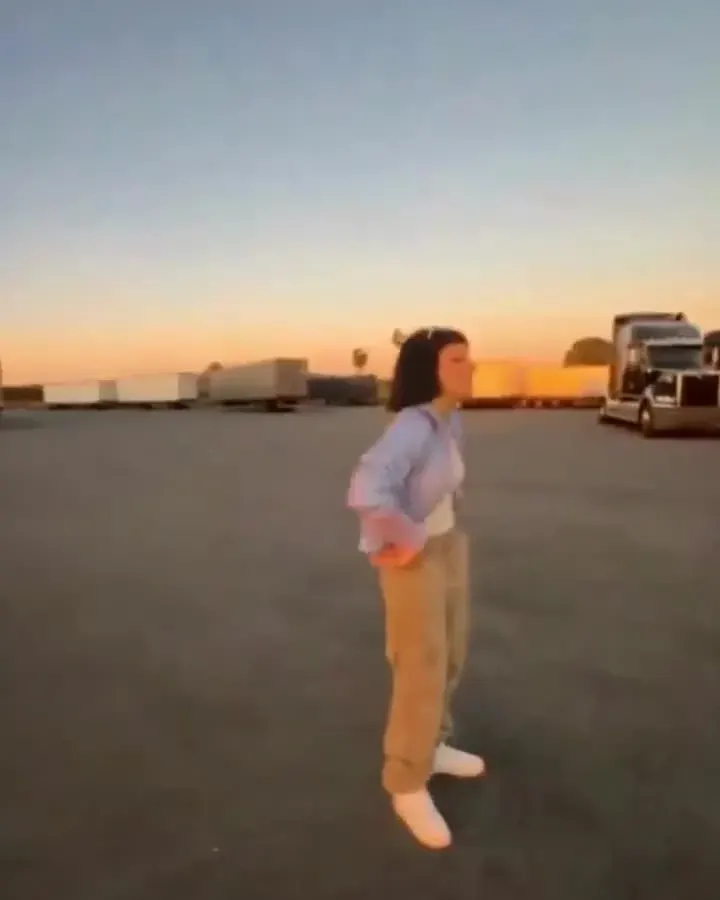 LiveIllustrationDance
Gas station dance template
Made for the gas station dance trend: side steps, a hip pop and big arm loops. An original routine — no copied choreography, no music.
You bring · 1 full-body photoOpen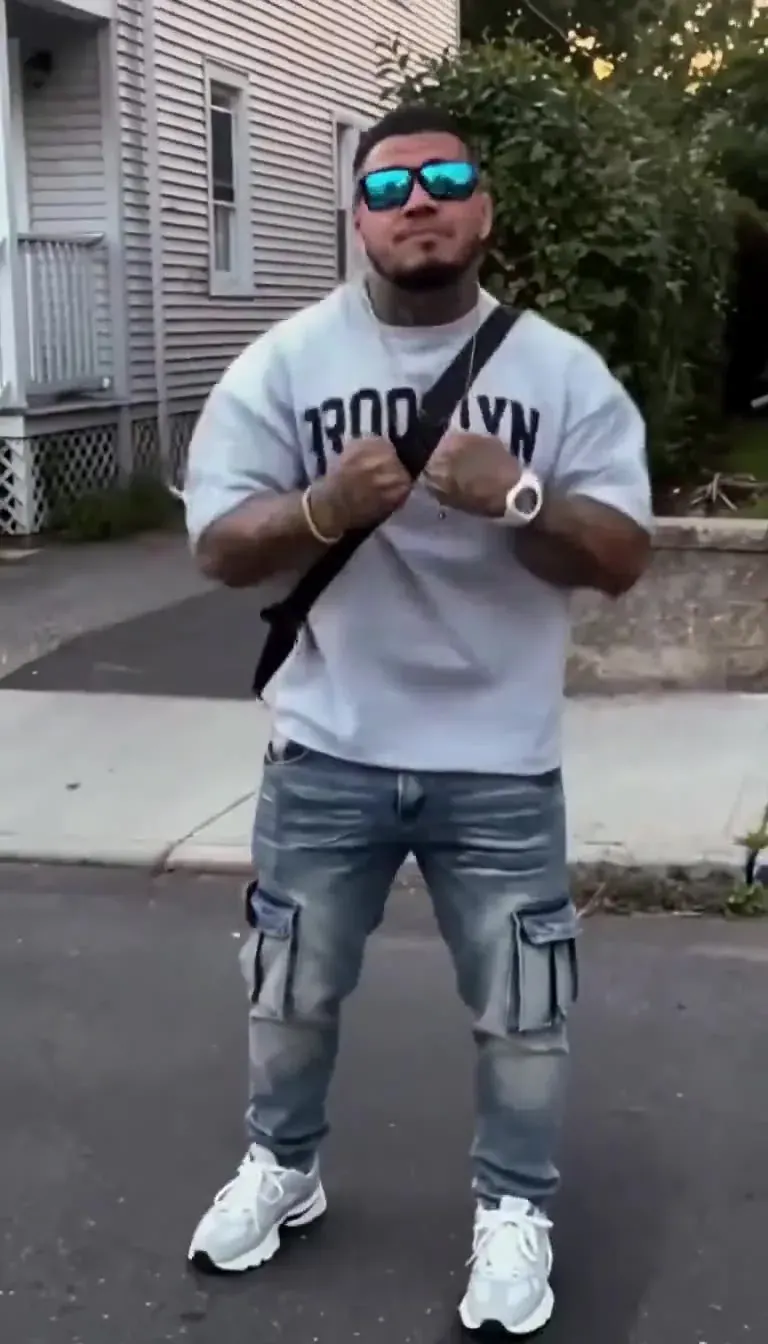 LiveIllustrationDance
AI Motion Control
Make a photo copy the moves of a reference clip — the engine behind every dance template.
You bring · 1 photo + templateOpen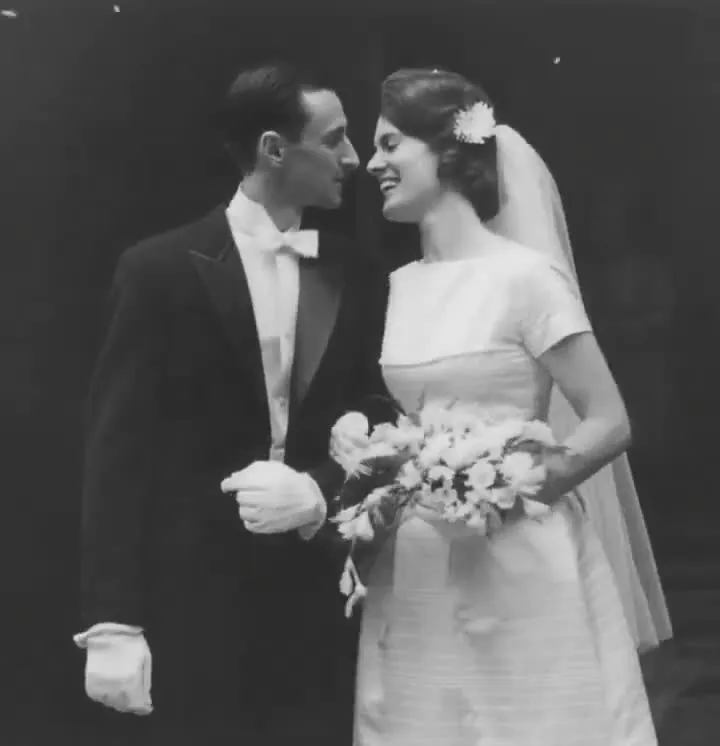 LiveIllustrationOne photo
Animate Old Photos
Gentle, respectful motion for family photos — a blink, a smile, a slow camera push.
You bring · 1 photoOpen
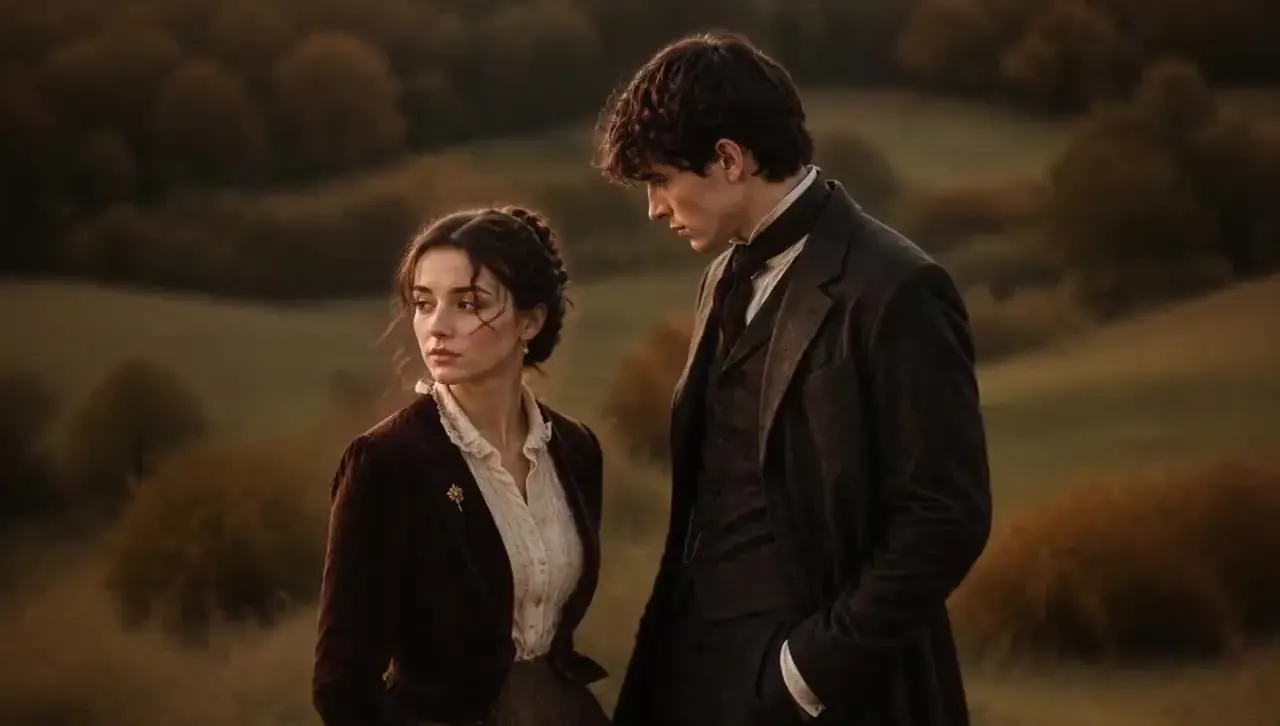
Pick a tier, not a model
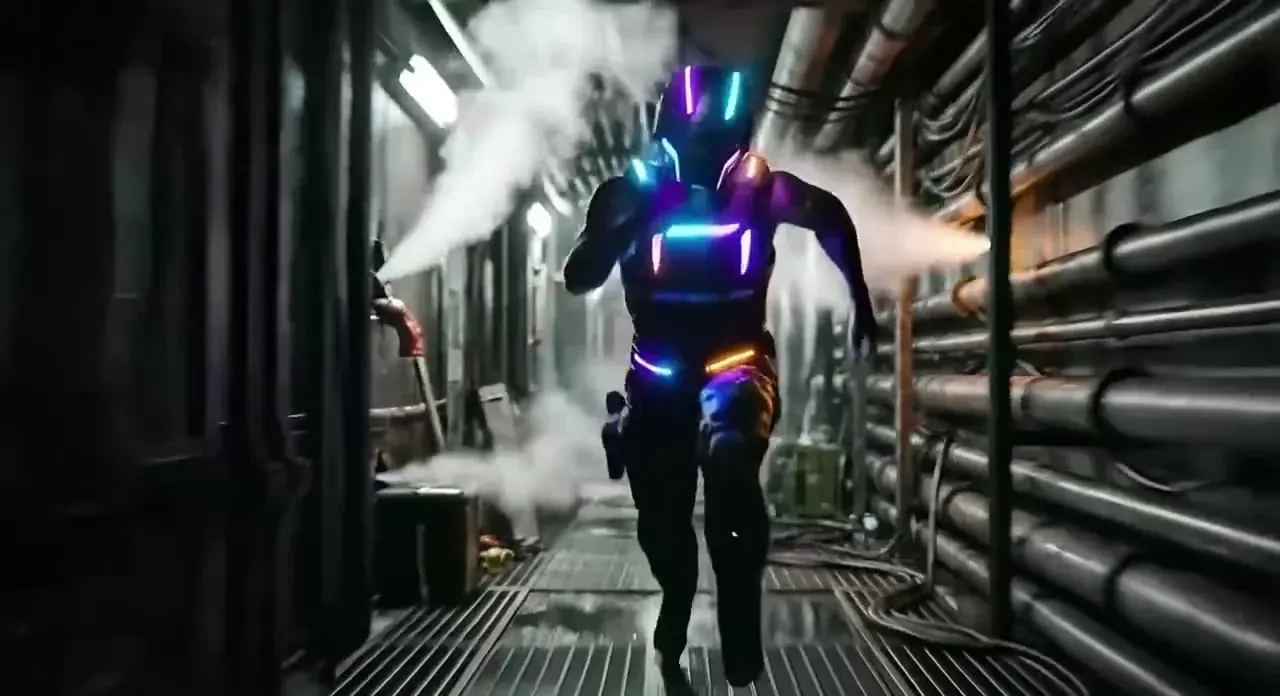
Draft
Quick, low-cost first takes — the tier the starter pack buys most of.
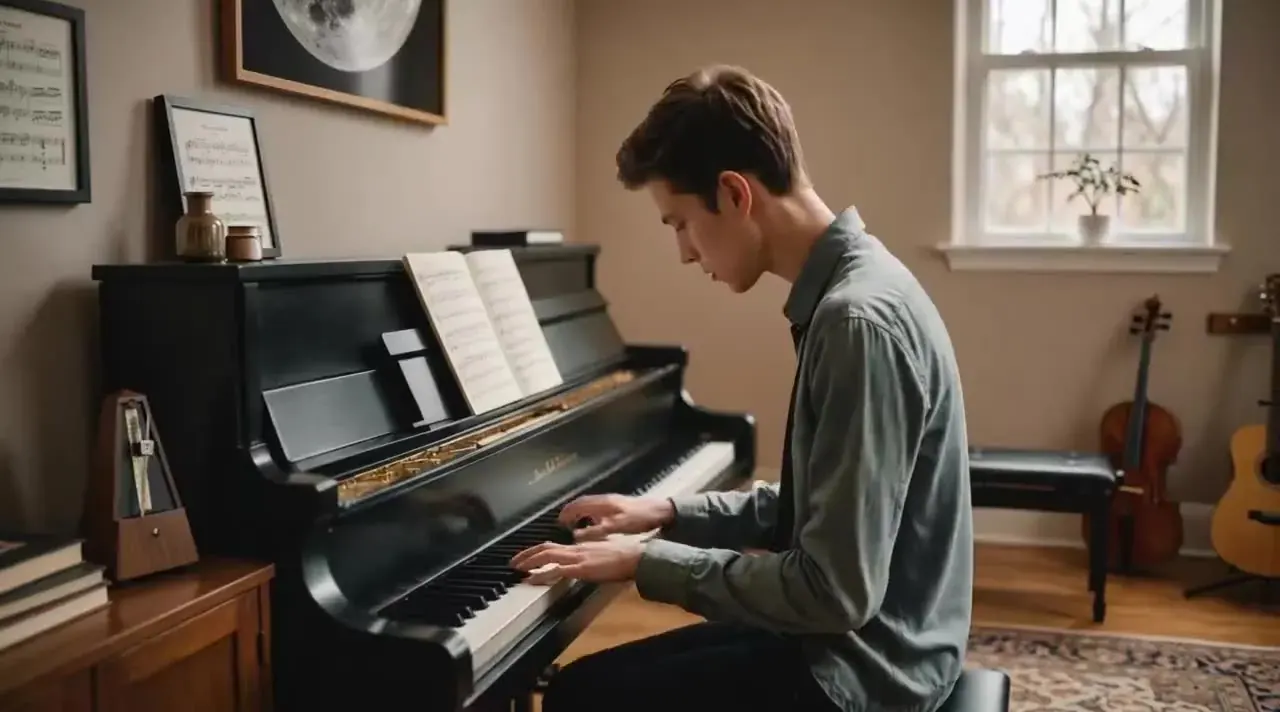
Standard
Balanced quality at 1080p, with native sound when you want it.
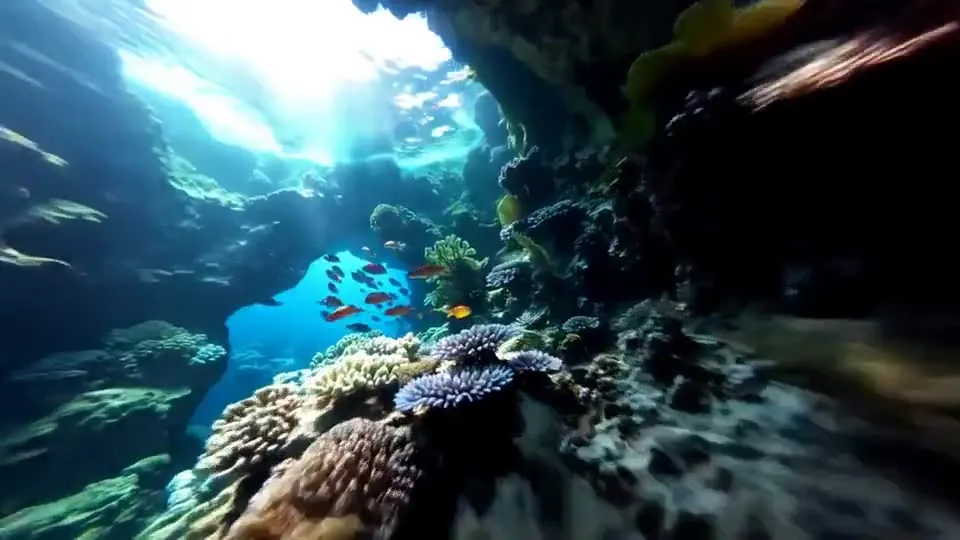
Studio
The all-rounder: multi-shot storytelling, native sound, up to 4K.
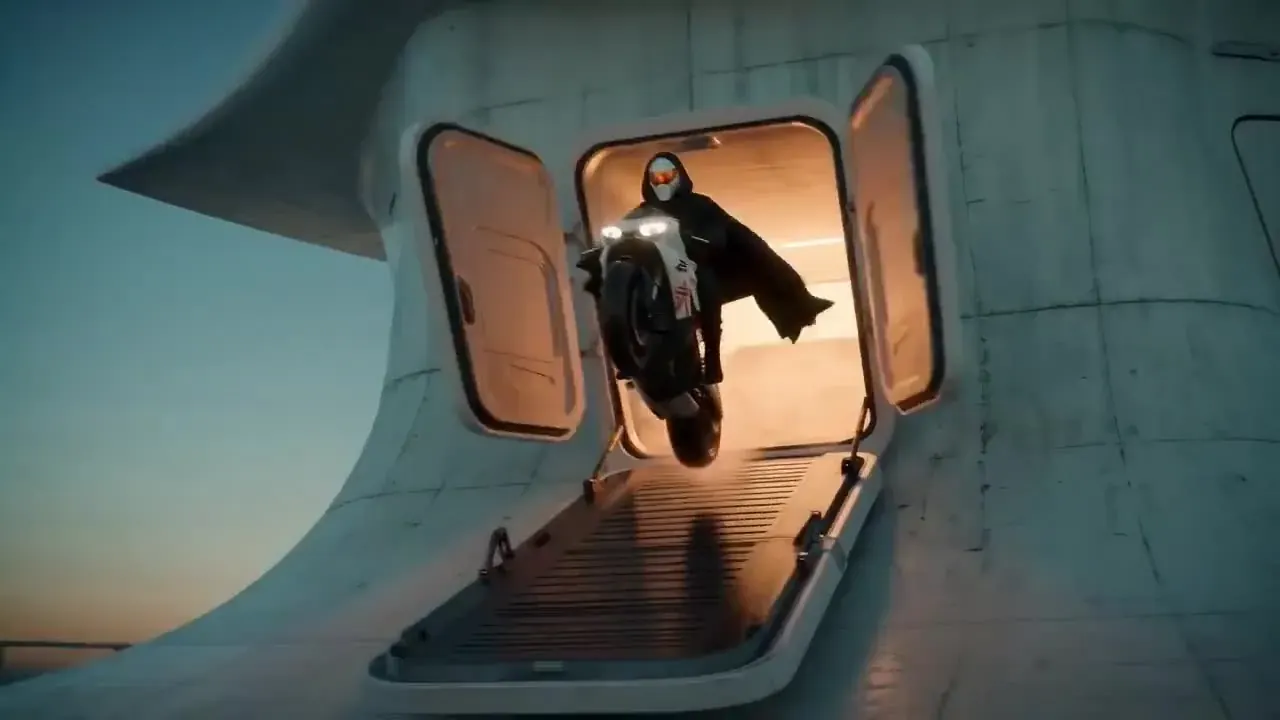
Studio Fast
The Studio look rendered faster, with sound built in.
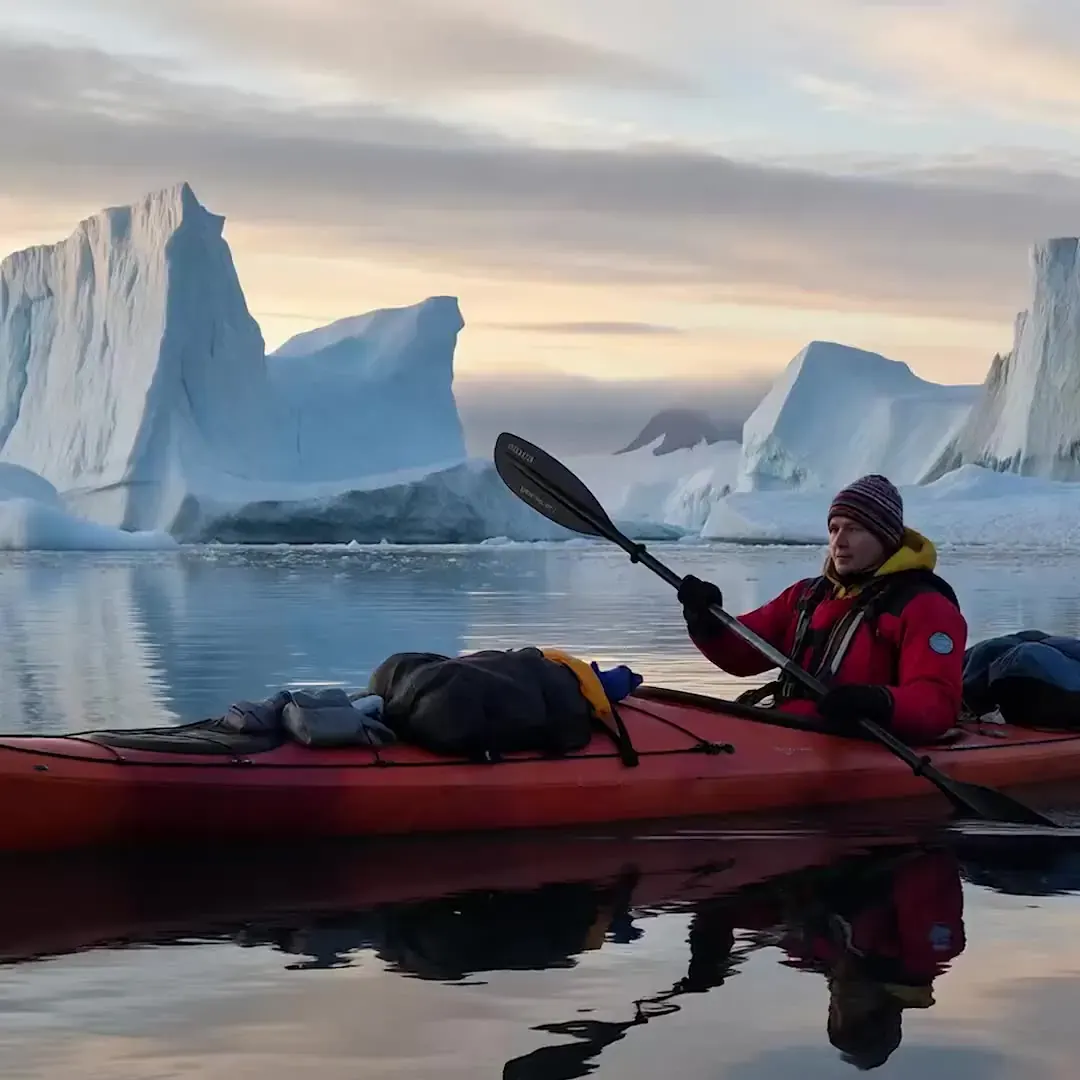
Cinema Fast
Cinematic motion with native dialogue and sound, at speed.
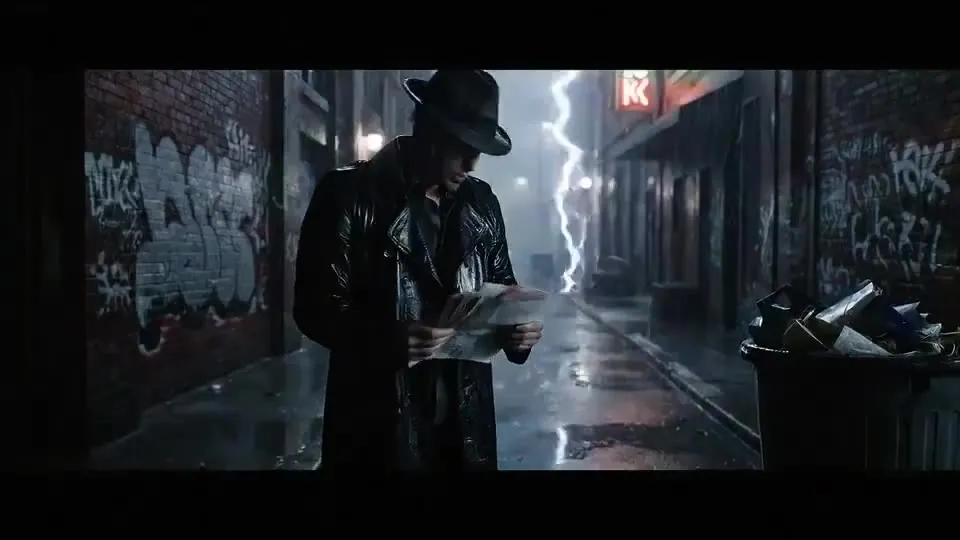
Cinema
Our top cinematic tier for hero shots with dialogue.
Motion
Copy a reference dance or action onto your own photo.
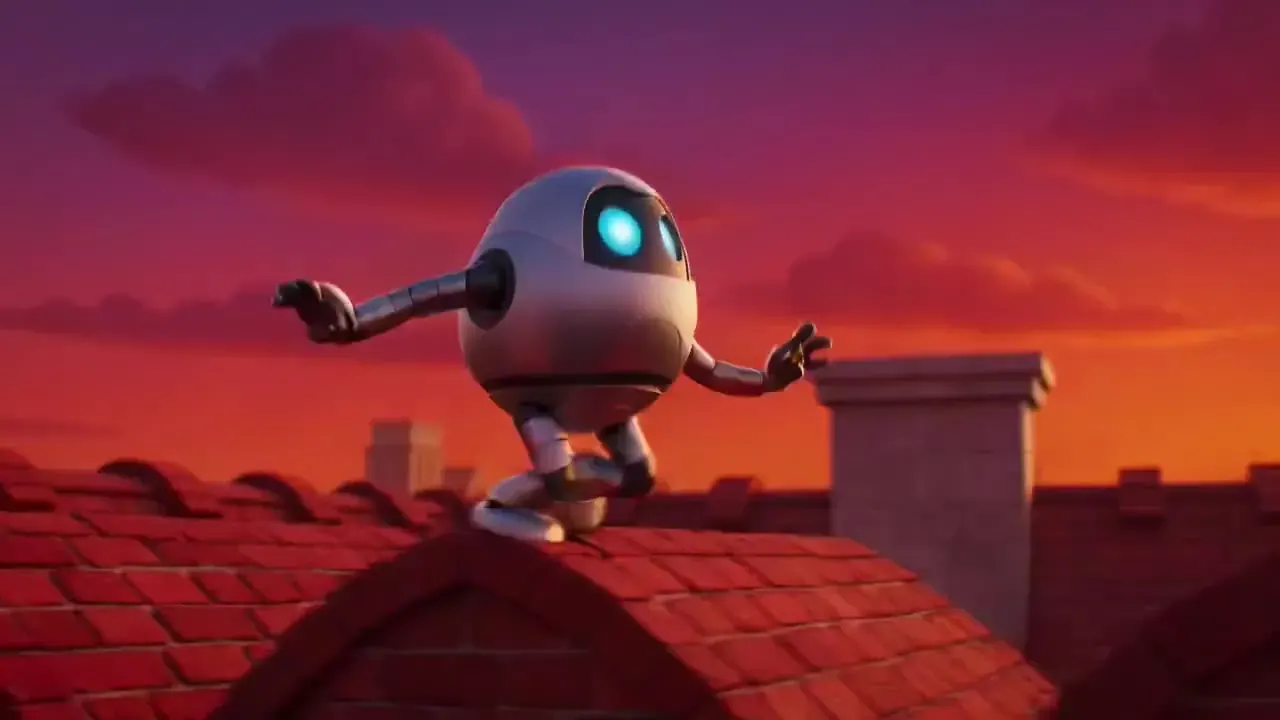
Quick
The cheapest clips with sound, for volume and quick tests.
Image to video AI in three steps
- 01Step 1/3
A koi fish swims through an ink painting that comes alive
+ Push in+ Orbit+ TrackingPick a trend or upload
Choose a trend template and add your photos, or give the image to video AI any picture and describe the motion. Add camera moves with one tap.
- 02Step 2/3Studio8s1080p16:9Sound on192 cr
Pick a tier & settings
Draft, Standard, Studio or Cinema — then length, resolution and sound. The price updates live.
- 03Step 3/3Ready · 00:08Download MP4
Render & download
Keep browsing while it renders. Download the MP4, extend it, or try another tier.
Pay for seconds, not seats
- 5s · Draft40 cr
- 5s · 720p · Studio65 cr
- 8s · 1080p + sound · Cinema Fast120 cr
- 10s · Motion100 cr
Image to video AI FAQ
Still curious? Email support@picturetovideo.org — a human replies within a day.
01What is image to video AI?
02How much does it cost to start?
03Which tier should I use?
04How does the hotel lobby video work?
05Is PictureToVideo an official model vendor site?
06Can I use the videos commercially?
07Can I get a refund?
Your next video is one picture away
Starter pack from $2.99. No subscription required.