Model · Google Veo 3.1 · Via API · Independent

Veo 3 AI Video Generator

Veo 3 is Google’s video model that generates picture and sound together. Here you run its current version, Veo 3.1, through the API: 8-second clips from a prompt or a photo, in 16:9 or 9:16, with dialogue, effects and ambience in every clip. Draft on Fast, finish on Standard. PictureToVideo is independent and not affiliated with Google.

  • Fast · Standard tiers
  • 8s
  • 720p · 1080p · 4K
  • Native audio
  • From 21 cr/s
0/2500
Negative prompt
21 cr/s × 8s≈ $2.28Starter pack from $2.99
Veo 3 AI video generator illustration: two explorers studying an old treasure map in sunlit jungle temple ruins
Google Veo ▸ Released Oct 2025 ▸ 8s ▸ 720p/1080p/4K ▸ Audio always on ▸ Illustration
One clip Live here
Est. wait
1m 33s
Credits
168
Settings
Veo 3.1 Fast · 8s · 1080p · audio · ≈ $2.28 on Pro
Status
Via API · independent · not affiliated with Google
01Tier picker

Veo 3.1 Fast vs Standard

Same 8-second length, same aspect ratios, same native sound — very different prices. Set the clip you need and see both tiers side by side, with live credits, estimated waits and how many clips a Pro month buys. Then load the one that fits.
Clip length

8s — every Veo clip is 8 seconds on both tiers.

Resolution
Resolution
Sound

Native audio, always on. Dialogue, effects and ambience in the same pass, included in the price — there is no silent option.

What is the shot for?
Shot purpose

Veo 3.1 Fast

Cinematic motion with native sound, at speed

Pick

168 cr

Per second
21 cr
≈ on Pro
$2.28
Est. wait
1m 33s
Per Pro month
13 clips

Veo 3.1

The top cinematic tier for hero shots with dialogue

448 cr

Per second
56 cr
≈ on Pro
$6.09
Est. wait
2m 21s
Per Pro month
4 clips

For 8s at 1080p with audio, Standard costs 448 credits and Fast 168, so Standard is 2.7× the price.

Feed clips are watched small and fast. Fast keeps the same 8-second length, aspect ratios and native sound as Standard for a fraction of the credits.

Waits are estimates from the same formula as your task tray, not lab timings. “Per Pro month” = 2,200 credits ÷ this clip.

02Tech specs

Veo 3 specs on this site

Maker
Google
Veo comes from Google DeepMind. We reach it through an API provider; Google does not run, review or endorse this site.
Version here
Veo 3.1
Veo 3 launched in May 2025. The 3.1 update (Oct 2025) is the version API providers sell today, in Fast and Standard tiers.
Clip length
8 seconds
One fixed length per request. Longer scenes are built from several clips cut together.
Resolution
720p · 1080p · 4K
Fast offers 720p · 1080p · 4K; Standard renders 720p · 1080p here.
Audio
Always on
Speech, sound effects and ambience generated with the picture in every clip. There is no silent option.
Aspect & modes
16:9 · 9:16
Text to video in landscape or vertical. Image to video follows the shape of your photo.
Credits here
21 cr/s
Fast at 720p–1080p, sound included. Standard: 56. Fast 4K: 49.
Free tier
None
Every model here is paid per second; Veo needs credits from a pack or plan.

Model facts: Google’s Veo documentation and our API provider’s Veo model pages, checked October 15, 2026. Credits: our live price list.

03Other models with sound

Veo 3 vs Kling 3.0

Every model in this table can render native audio, and all four run on the same credit balance here. Google positions Veo around sound-first realism; Kling’s edge is take length and shot control. Prices are for one 8-second 1080p clip with audio.
Veo 3.1 FastVeo 3.1Kling 3.0Kling 3.0 Turbo
MakerGoogleGoogleKuaishouKuaishou
Clip length8s8s3–15s3–15s
Resolution720p · 1080p · 4K720p · 1080p720p · 1080p · 4K720p · 1080p
Native audioAlways onAlways onOptionalAlways on
Aspect ratios16:9 · 9:1616:9 · 9:1616:9 · 9:16 · 1:116:9 · 9:16 · 1:1
Multi-shot promptOne shotOne shotUp to 6 shots—
8s · 1080p · audio168 cr448 cr152 cr128 cr
Reach for it whenSound-first drafts, socialClose-ups and dialogueTakes over 8s, multi-shotQuick clips with sound
04Image to video

Veo 3 image to video

Switch the generator to Image and the model animates your photo, with native sound — same 8-second length and same credits as text to video.

How Veo image to video works

Upload a photo you have the rights to, then describe the motion, camera and sound. The model starts from your photo and keeps its framing, in 16:9 or 9:16.

Same price as text to video

Image to video costs the same per second on both tiers: 21 credits on Fast and 56 on Standard, sound included.

Write what changes

The photo already shows the subject and setting. Spend the prompt on movement, camera and sound: “she turns and laughs, waves crash behind her, slow push-in”.

Crop before you upload

Veo renders 16:9 or 9:16 only, so a square or 4:5 photo gets reframed. Crop it to the shape you want first, so faces and products stay in the shot.
05Prompt recipes

Veo 3 prompt recipes

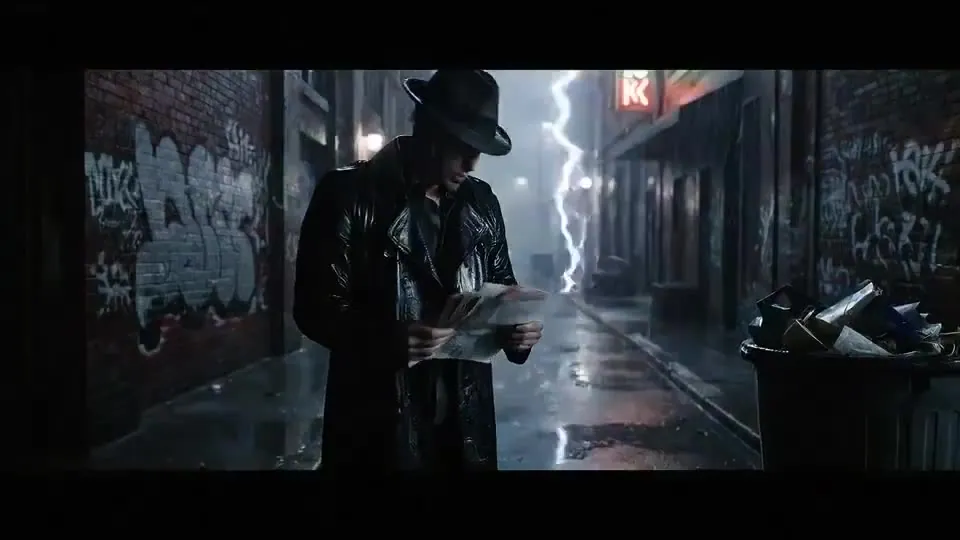
Each card shows a prompt written for Veo’s sound, plus the settings. The stills are illustrations, not Veo renders — tap “Use this prompt” and render your own.
Veo 3 dialogue recipe illustration: a detective in a fedora and trench coat in a rain-soaked alley at night
DialogueIllustration

A detective in a fedora and trench coat searches a rain-soaked graffiti alley at night, then looks into the camera and says: “He was here an hour ago.” Rain drums on his hat, distant siren, slow push-in
Recipe · Veo Standard · 8s · 1080p
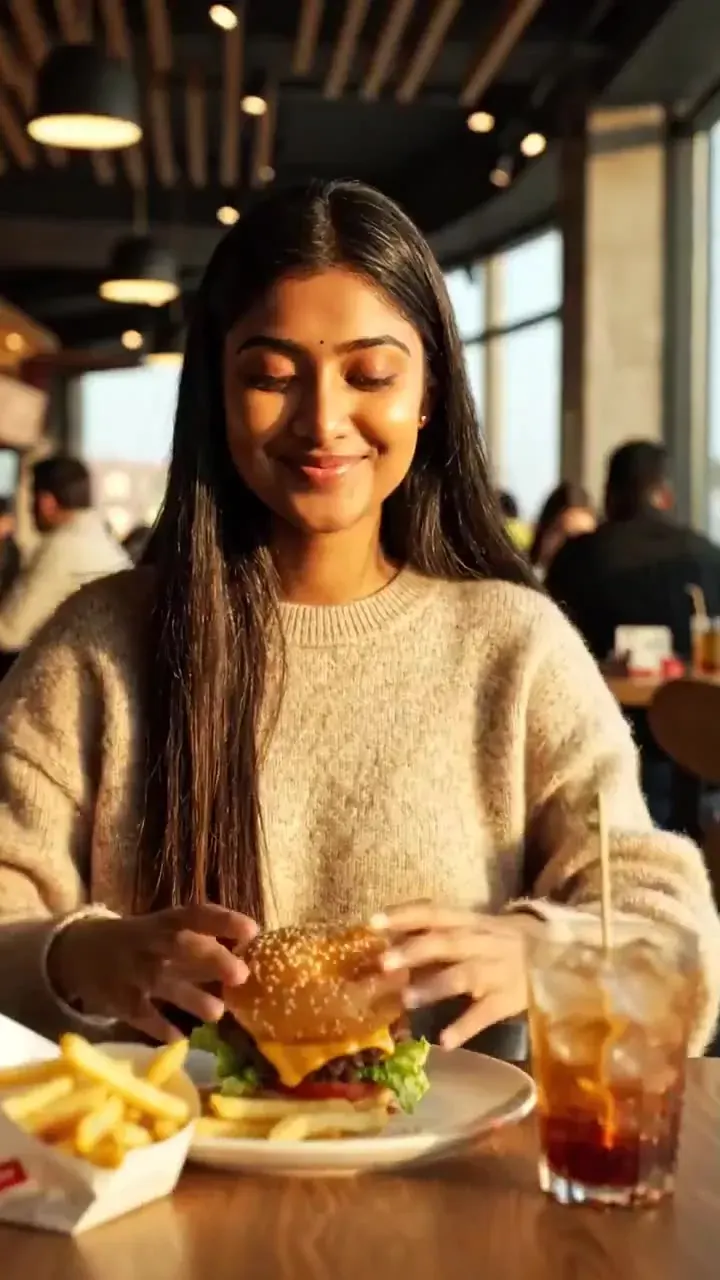
Veo 3 sound-effects recipe illustration: a young woman biting into a cheeseburger at a sunlit restaurant table
Sound effectsIllustration

A young woman in a cream sweater lifts a cheeseburger and takes a big bite at a sunlit restaurant table, the bun crunches, ice clinks in her drink, diners chatter, vertical close-up

Recipe · Veo Fast · 8s · 1080p
Veo 3 travel recipe illustration: a kayaker in a red jacket paddling between towering icebergs at dawn
TravelIllustration

A kayaker in a red jacket paddles a sea kayak between towering icebergs at dawn, the paddle dips and drips, ice creaks in the distance, calm water laps the hull, slow tracking shot
Recipe · Veo Fast · 8s · 1080p
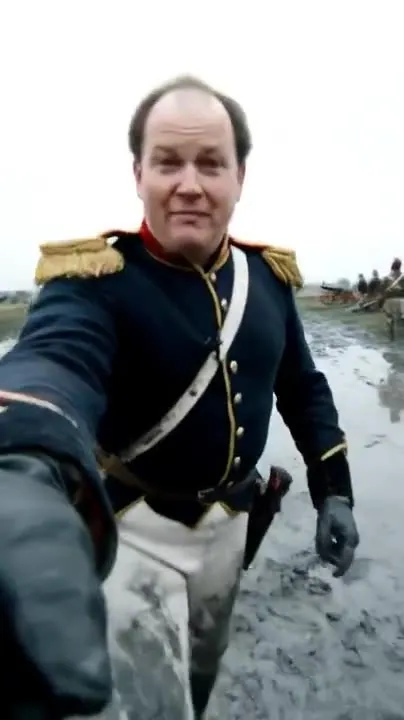
Veo 3 vertical recipe illustration: a soldier in a 19th-century uniform talking to camera on a muddy battlefield
Talking to cameraIllustration

A soldier in a 19th-century blue uniform with gold epaulettes talks to the camera on a muddy battlefield: “Day three — and the cannons still haven’t stopped.” Cannon fire booms behind him, handheld selfie framing
Recipe · Veo Fast · 8s · 1080p
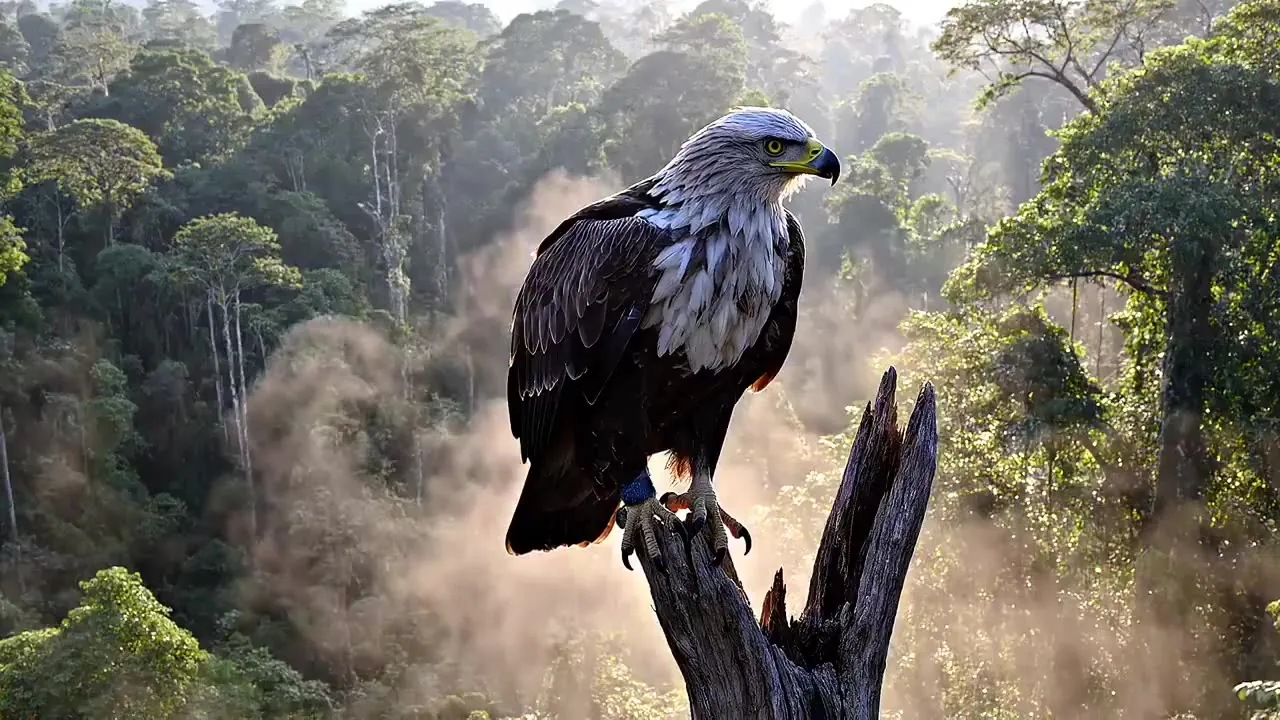
Veo 3 ambience recipe illustration: an eagle perched on a dead tree above a misty rainforest
AmbienceIllustration

An eagle perched on a dead snag above a misty rainforest spreads its wings and lifts off toward the camera, heavy wingbeats, birdsong and dripping leaves, slow push-in
Recipe · Veo Fast · 8s · 4k
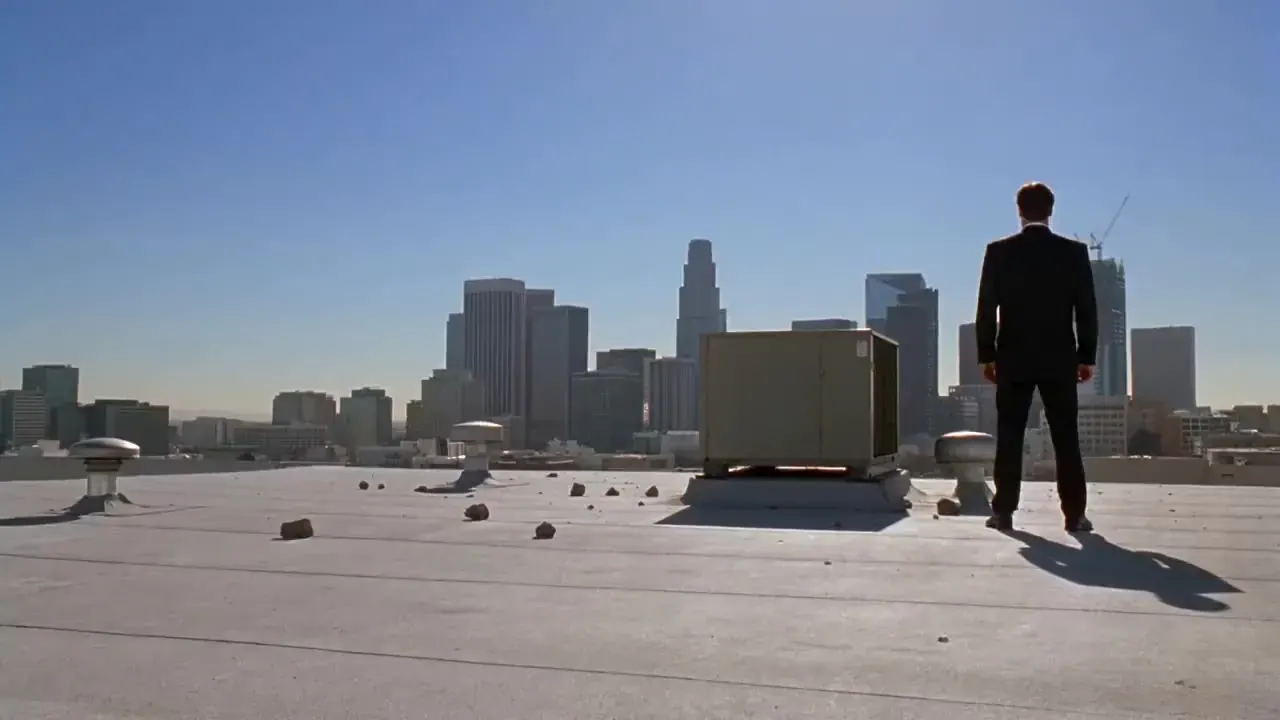
Veo 3 action recipe illustration: a man in a black suit facing off on a sunny city rooftop
ActionIllustration

A man in a black suit on a sunny city rooftop blocks a punch and throws his attacker to the ground, a heavy thud, fabric whooshes, distant traffic and wind, slow push-in

Recipe · Veo Standard · 8s · 1080p
06Good fit · poor fit

When the Veo 3 video generator earns its price

Good fit

Spoken lines in one pass

A character who needs to say a short line on camera, with room tone and effects already mixed underneath.

Good fit

Sound-led social clips

Sizzle, splash, crowd, engine: short vertical clips where the sound is half the hook. Fast keeps them affordable.

Good fit

Atmosphere shots

Rain, forests, city nights and seaside ambience — establishing shots that feel finished without a separate sound edit.

Poor fit

Takes over 8 seconds

Every Veo request stops at 8 seconds. Kling 3.0 renders up to 15 seconds in one take and plans up to six shots in a prompt.

Poor fit

Square 1:1 posts

Veo renders 16:9 or 9:16 only. For native square output, use Kling 3.0 or Wan 2.5 instead of cropping.

Poor fit

Cheap silent drafts

A silent 5-second Kling 2.5 Turbo draft costs 30 credits; every Veo clip is 8 seconds with sound, so the cheapest Veo Fast clip costs 168.

07Prompt tips

Prompting for picture and sound

Put dialogue in quotes

Name the speaker, then the line: The old man says: “Not today.” Short lines land best — an 8-second clip holds one or two sentences, not a monologue.

Describe the soundscape

Veo listens to sound words. Add two or three: rain on a tin roof, distant traffic, a kettle starting to whistle. Leave them out and you get generic ambience.

One shot per prompt

Veo renders a single continuous shot. Write one subject, one action and one camera move; plan cuts as separate clips and assemble them in your editor.

Draft on Fast, finish on Standard

Lock framing and timing on Fast at 21 credits per second with audio, then re-run the keeper on Standard at 56. The prompt carries over — only the tier changes.

08Cost per second

What Veo 3 costs here

Charged per generated second, with sound included in the rate. Failed renders are refunded automatically, and the generator always shows the exact total before you click Generate.
ModelResolutionCredits / secWith audioShortest clipLongest clip
Veo 3.1 Fast720p21Included8s · 168 cr8s · 168 cr ≈ $2.28
Veo 3.1 Fast1080p21Included8s · 168 cr8s · 168 cr ≈ $2.28
Veo 3.1 Fast4K49Included8s · 392 cr8s · 392 cr ≈ $5.33
Veo 3.1720p56Included8s · 448 cr8s · 448 cr ≈ $6.09
Veo 3.11080p56Included8s · 448 cr8s · 448 cr ≈ $6.09
Kling 3.0720p10143s · 30 cr42 cr with audio15s · 150 cr ≈ $2.04210 cr with audio ≈ $2.85
Kling 3.01080p13193s · 39 cr57 cr with audio15s · 195 cr ≈ $2.65285 cr with audio ≈ $3.87
Kling 3.04K47—3s · 141 cr15s · 705 cr ≈ $9.58

Example: the generator’s default Veo setup — 8 seconds, 1080p, with sound — is 168 credits on Fast (≈ $2.28 on Pro) and 448 on Standard (≈ $6.09). Kling 3.0 is listed for reference.
09Independent

An independent site, not Google

  • PictureToVideo calls the model through an API provider. We are independent and not affiliated with, sponsored or endorsed by Google.
  • We use no Google logos, screenshots or promotional footage. The stills on this page are illustrations, labelled as such.
  • In the generator, Veo 3.1 Fast is the Cinema Fast tier and Veo 3.1 the Cinema tier; this page names the model behind each.
  • Nothing here is labelled Veo 4. We add a model only when its API can actually be called.
  • Google’s safety filters and our own content policy both apply: no sexual content, no real people without consent.
  • Specs and prices are rechecked when a provider changes them; the date sits under the spec table.
FAQ

Veo 3 FAQ

Still curious? Email support@picturetovideo.org — a human replies within a day.

01What is the difference between Veo 3 and Veo 3.1?
Veo 3, unveiled by Google in May 2025, was the first Veo to generate sound with the picture. The 3.1 update followed in October 2025 with richer audio, stronger prompt adherence and more control from reference images and frames, and it is the version API providers sell now. When people search for Veo 3 or veo3 today, that 3.1 release is what they can actually run.
02Should I pick the Fast or the Standard tier?
Start on Fast. It costs 21 credits per second against 56 for Standard, sound included, and it renders the same length and aspect ratios. Move to Standard for the final take of a close-up or a spoken line. Only Fast offers 4K here. The tier picker above compares both for your exact settings.
03Can I use Veo 3 for free?
Not on PictureToVideo: there is no free tier, and Veo’s API price is among the highest we pay. The cheapest Veo clip here — 8 seconds with sound, Fast at 720p — costs 168 credits; the $2.99 starter pack is 200 credits. Google sometimes offers Veo through its own apps and plans; check Google’s current terms for that.
04How do I make a Veo 3 character speak?
Sound is always on, so just write who speaks and the exact words in quotes, for example: The barista says: “Your order’s ready.” Keep it to one or two short sentences for an 8-second clip, describe the voice if it matters, and add background sounds so the line sits in a real space.
05Is there a Veo 4?
There is no Veo 4 we can call through an API, so nothing on this site is labelled Veo 4 — the newest Veo here is Veo 3.1. If Google ships a newer Veo with public API access, we will add it with its own price per second and say so on this page rather than relabel an older model.
06Can Veo 3 do image to video?
Yes. Switch the generator to image to video, upload a photo you have the rights to and describe the motion and sound. It starts from your photo and keeps its framing in 16:9 or 9:16. Photos of real people need their consent, and our content rules apply to every upload.
07Does Veo image to video cost more than text to video?
No. Veo image to video is billed per second exactly like text to video: 21 credits per second on Fast and 56 on Standard, sound included. An 8-second 1080p Fast clip from a photo, with audio, is 168 credits.
08Is this Google’s official Veo 3 website?
No. PictureToVideo is an independent studio that calls Veo 3.1 through an API provider. We are not affiliated with or endorsed by Google, and you don’t need a Google account here. You pay in PictureToVideo credits, and the same balance works for Kling, Wan, Hailuo and Grok models.
Keep exploring

Related tools & models

Picture and sound in one render

Run Veo Fast or Standard from the same generator as every other model. Starter pack from $2.99, no subscription.