Free tool · No sign-up · Runs in your browser
AI Video Prompt Generator, free
This AI video prompt generator turns a few choices — subject, action, setting, camera, light, style and mood — into a ready-to-paste AI video prompt, written the way each model reads best: camera terms for Kling, dialogue and sound cues for Veo, scene-first wording for Wan, bracket camera commands for Hailuo. It is free, needs no account and runs entirely in your browser. Copy the prompt into any tool, grab a trending prompt, or render it here with credits.
- Free · no sign-up
- 4 model dialects
- 4 trending prompts
- Copy or render
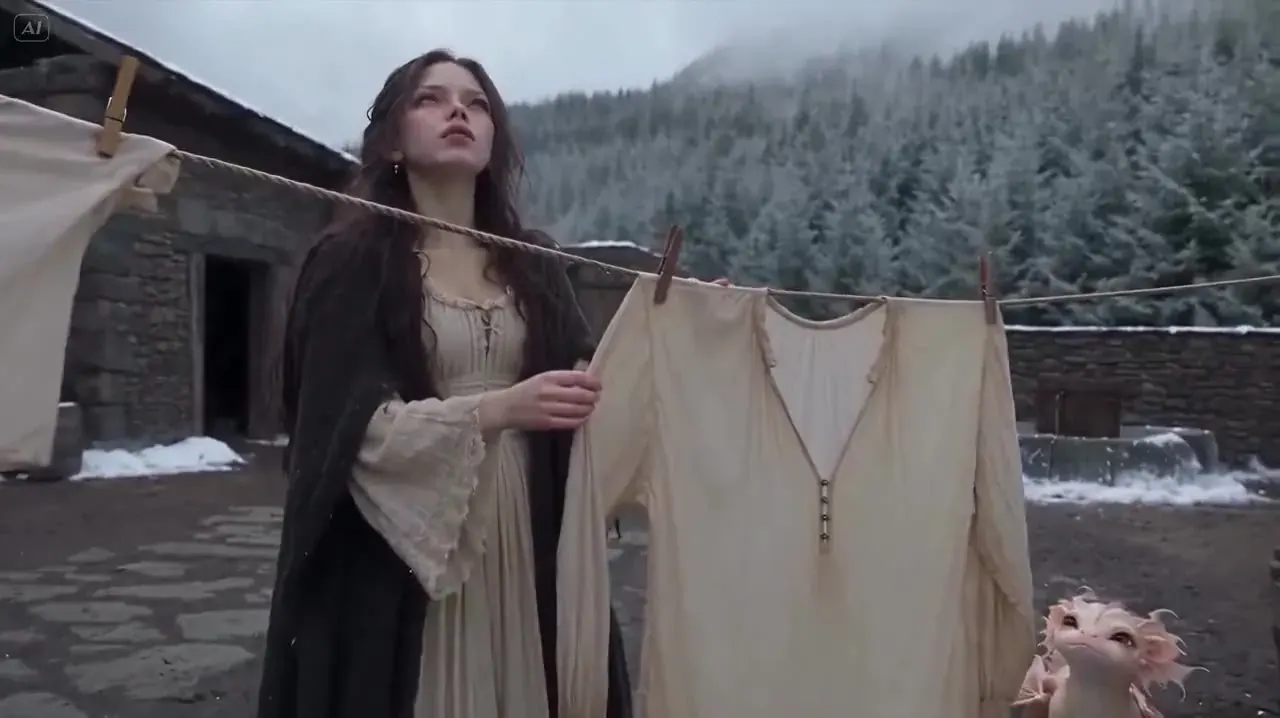
No account, no API calls — the AI video prompt generator builds every prompt in your browser. Start building or grab a trending prompt.
Build with the AI video prompt generator
Shot on 35mm film, fine grain: a woman in a yellow raincoat tilts her umbrella back and looks up at the rain on a rainy harbor quay at blue hour. Camera: slow push-in. Lighting: cool blue-hour light with warm lamps. Mood: calm.
8s · 16:9 · no sound
blurry, distorted faces, extra fingers, flicker, warped text, watermark
Kling reads film language literally: name one camera move (“slow push-in”, “side tracking shot”) instead of “cinematic”.
Private: the AI video prompt generator runs in your browser. Nothing is sent anywhere unless you press Generate below.
Trending AI video prompts
- Trending · two people
Hotel lobby rap duo
Music video. Two friends sit side by side on a curved orange leather booth in a warm retro hotel lobby with wood-panelled walls and globe lamps. They rap to the camera in turns, trading lines, nodding and gesturing on the beat, then lean in together for the hook. Handheld medium shot drifting between them, warm tungsten light, shallow depth of field. Audio: a laid-back 92 BPM boom-bap beat, two voices rapping in English, clean lyrics.
Kling 3.0 · 10s · 9:16 · sound
A text prompt invents two people. To put you and a friend in the booth, use the hotel lobby template with two photos.
- Trending · dance
Rain dance at night
A young woman in a yellow raincoat dances alone in the rain on a city street at night, arms open, spinning slowly as raindrops sparkle in the streetlights, puddles reflecting neon, joyful and free. Slow orbit around her, shallow depth of field, music-video look.
Kling 3.0 · 5s · 9:16
No song included — add music you have the rights to. For the exact routine on your own photo, use the Rain dance template.
- Trending · dance
Gas station dance
A confident young man in a cap and denim jacket dances on a gas station forecourt at night under bright canopy lights: side steps, a hip pop and big arm loops, fuel pumps and a parked car behind him, playful energy. Static wide shot at chest height, crisp fluorescent light, vertical music-video look.
Kling 3.0 · 5s · 9:16
Text to video improvises the moves. For an original routine copied move by move onto your photo, use the gas station dance template.
- Evergreen · animation
Clay character says hi
Stop-motion claymation, handmade plasticine with visible fingerprints: a clay character in a teal sweater waves hello in a sunny little studio, slightly choppy stop-motion movement, warm soft light, static camera.
Kling 3.0 · 5s · 16:9
Works as text to video, or as a motion recipe for a clay-style picture you already have.
Render your prompt here
Negative prompt
How Kling, Veo, Wan and Hailuo read a video prompt
| Kling | Veo | Wan | Hailuo | |
|---|---|---|---|---|
| Model here | Kling 3.0 | Veo 3.1 Fast | Wan 2.5 | Hailuo 02 |
| Write it as | Style, subject + action + scene, then camera, light, mood | One cinematic sentence led by the shot | Subject and scene first, look after | Short scene sentence plus a camera command |
| Camera | Plain film terms: push-in, tracking, orbit | Shot type at the start of the sentence | Camera move at the end | [Push in], [Pan right], [Tracking shot]… |
| Sound | Optional native sound | Always on | Silent here | Silent here |
| Dialogue | Speaker says: “line” | Speaker says: “line” + “No subtitles.” | — | — |
| Negative prompt | Yes | Yes | Yes | No |
| Lengths | 3–15s | 8s | 5, 10s | 6, 10s |
| Aspect ratios | 16:9 · 9:16 · 1:1 | 16:9 · 9:16 | 16:9 · 9:16 · 1:1 | 16:9 |
| Up to | 4K | 4K | 1080p | 1080p |
What makes a good AI video prompt
One subject, one action
A clip of five to ten seconds has room for one clear thing happening. “She tilts her umbrella back and looks up” beats a paragraph of events — models drop or blend the extras.
Camera words beat adjectives
“Cinematic” and “epic” tell a model very little. Slow push-in, side tracking shot or static wide tell it exactly how the frame moves.
Light and style set the look
Golden hour, neon on wet streets, 35mm grain, hand-drawn anime — one light and one style are usually enough. Stacking five styles makes the result muddy.
Sound is part of the prompt
On models that render audio here (Kling 3.0 and Veo 3.1 Fast), describe the sound you want and put spoken lines in quotes. Keep dialogue to one short line per clip.
Length and shape are settings
Most tools ignore “10 seconds” or “vertical” written in the prompt. Set duration and aspect ratio in the tool — the AI video prompt generator lists them under the prompt for that reason.
Describe, don’t name
Real people, artists, songs and famous characters don’t belong in a prompt. Describe the look and the moment instead; it travels better between tools and keeps you clear of rights problems.
How to use the AI video prompt generator
- 01Step 1/3
A koi fish swims through an ink painting that comes alive
+ Push in+ Orbit+ TrackingDescribe the shot
Type a subject, an action and a setting — or tap the suggestions. Add a camera move, light, style and mood.
- 02Step 2/3Studio8s1080p16:9Sound on152 cr
Pick the model
Kling, Veo, Wan or Hailuo. The prompt rewrites itself in that model’s style, and the settings line shows the length and shape it can render.
- 03Step 3/3Ready · 00:08Download MP4
Copy it or render it
Copy the prompt into any video tool, or send it to the generator on this page with the model and settings already set.
Prompt ground rules
- No real people by name — no celebrities, politicians or influencers.
- No artist names, song titles or lyrics in trend prompts.
- No copyrighted characters from films, games, anime or comics.
- Nothing sexual, hateful or graphically violent; prompts rendered here are screened.
- Label AI videos as AI-made when you share them.
AI video prompt generator FAQ
Still curious? Email support@picturetovideo.org — a human replies within a day.
01Is this AI video prompt generator free?
02Which AI video tools do the prompts work in?
03What is a trending prompt?
04How do I write dialogue in Veo 3 prompts?
05Why aren’t length and aspect ratio in the prompt?
06What is a negative prompt?
07Can I use a celebrity or artist name in a prompt?
08Does the AI video prompt generator save my prompts?
Related tools & models
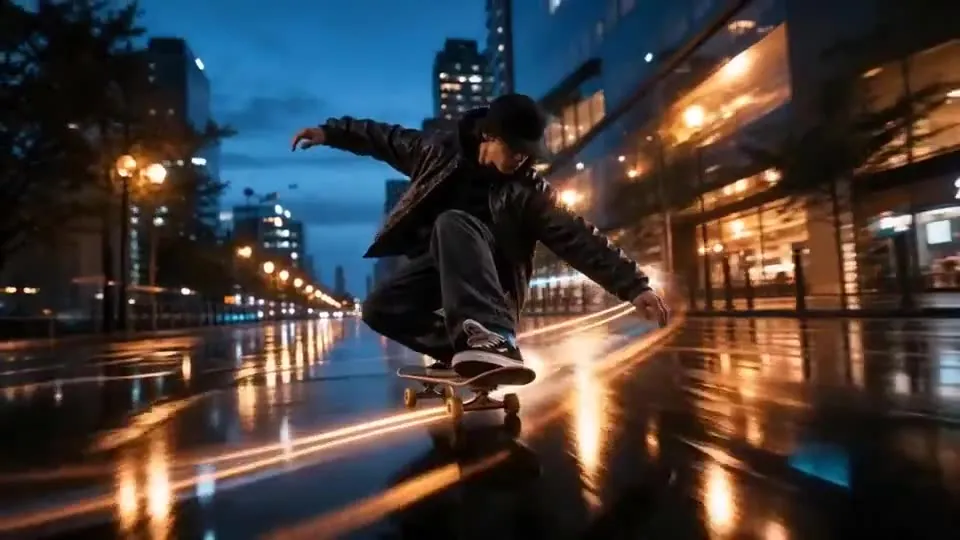
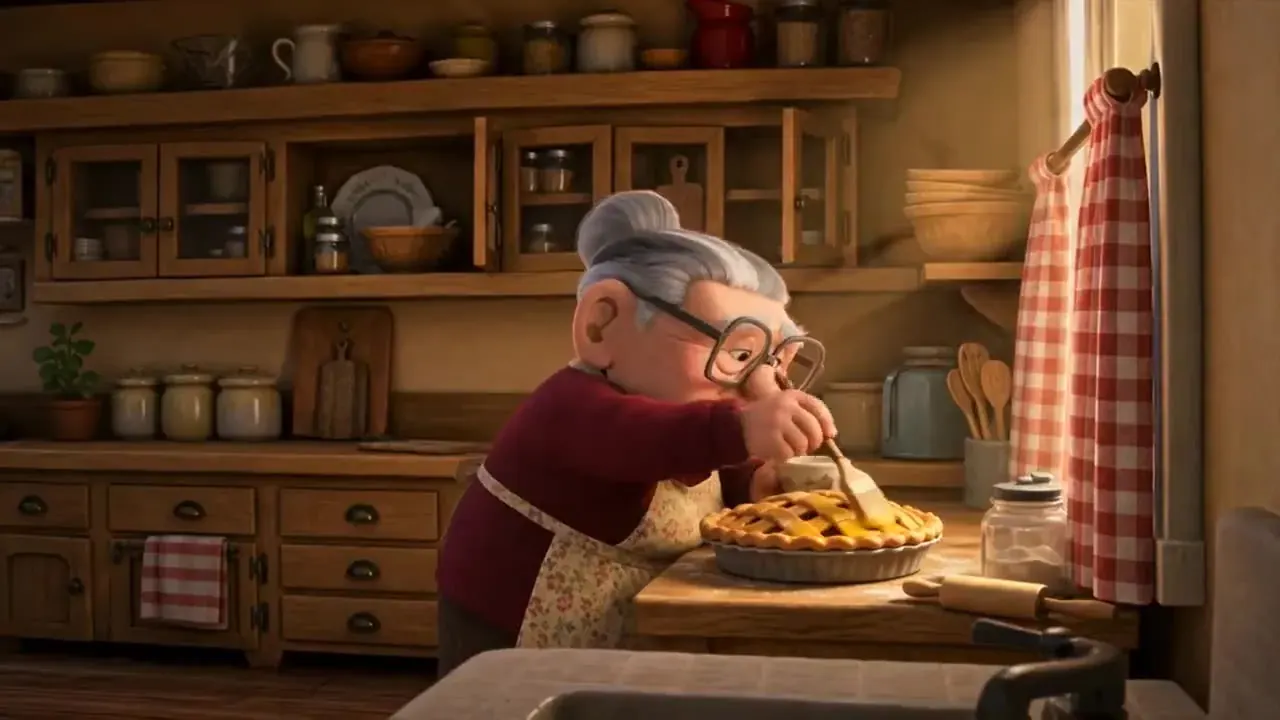
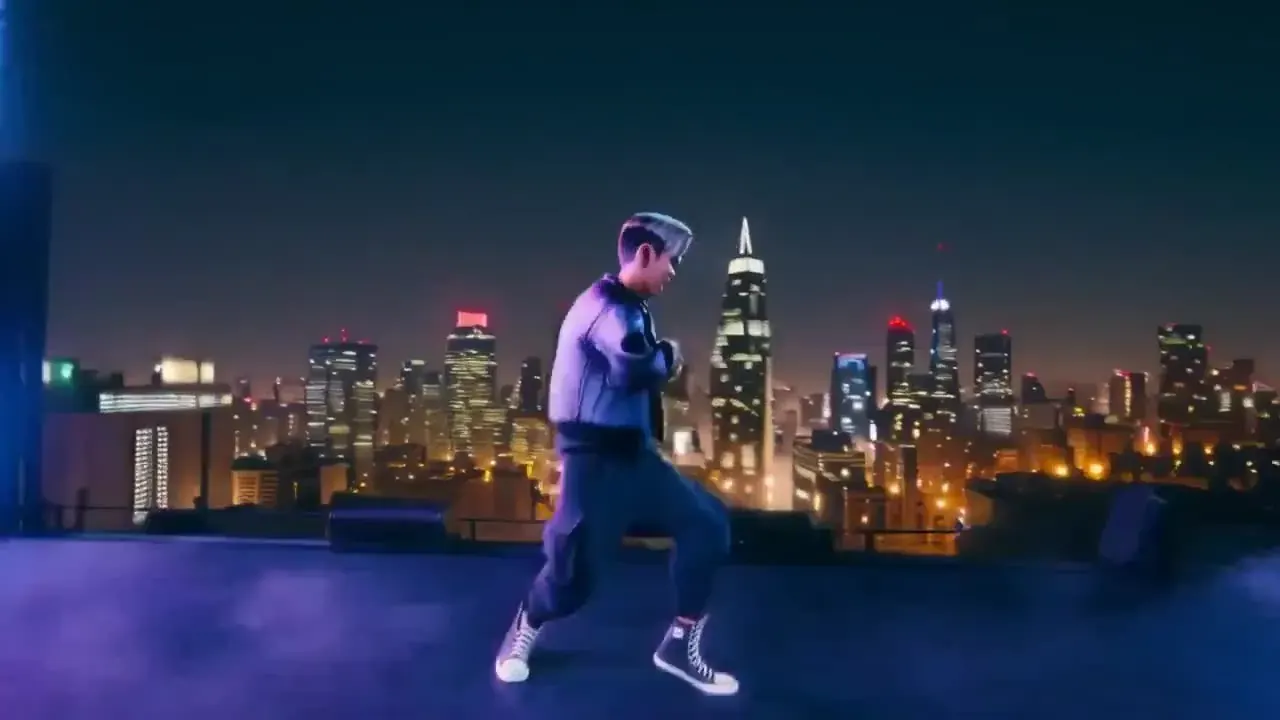
Write it, then render it
The AI video prompt generator writes prompts for any tool — and a video generator sits right here when you want to see the shot.